


Maintenance mode plugins all look identical in a feature list: templates, a countdown, an email box. What separates them is invisible on the page, and it is the HTTP status code your site returns while the splash screen is up. Get that wrong on an established site and search engines spend a week reading a placeholder where your content used to be. Here are six worth knowing about, what they really cost to renew, and which ones tell you what header they send.
Quick verdict
- Best overall: SeedProd. The free version does both modes, and it is one of only two here whose documentation states which status code each mode returns.
- Best free: SeedProd’s free version, which does both modes and documents its status codes. LightStart is the alternative if you want a plugin with no paid tier pulling at your sleeve.
- Already running Elementor: install nothing. Maintenance mode ships inside the free Elementor plugin, and Elementor publishes the response code for both modes.
- Skip all of them if: you need ten minutes to run updates. WordPress already handles that by itself, correctly.
- Our call: the mode matters more than the plugin. Coming soon should answer 200. Maintenance should answer 503 with a
Retry-After. Confirm it with one curl command before you walk away.
The part most roundups skip: which status code you send
There are two situations here, and they want opposite answers.
Coming soon is a domain with nothing indexed yet. You want that page crawled, so a normal 200 response is correct. Give it a real title and description, the way you would SEO-optimise any other post, and it can start earning impressions before launch.
Maintenance mode is a live site with rankings you would rather keep. Here the page must return 503 Service Unavailable. That code means “temporarily unavailable, try again”, which is exactly the truth, and crawlers respond by slowing down rather than reindexing what they find. Google’s guidance on pausing an online business says to use the retry-after header “with a best effort date or duration”, and warns that a full 503 is “an extreme measure that should only be taken for a very short period of time (a few days at most)”.
WordPress itself already gets this right. Every time core updates a plugin or theme it drops a .maintenance file, and the wp_maintenance() function sends Retry-After: 600 before dying with a 503 and the familiar “briefly unavailable for scheduled maintenance” message. Ten minutes, correctly signalled, no plugin involved. That is the behaviour a maintenance plugin exists to reproduce over a longer window.
Two ways people break this
The first is serving the splash screen at 200 for three days. Every URL now returns the same “we’ll be back soon” page with a 200 next to it, and as far as a crawler is concerned that is your content.
The second is reaching for a redirect plugin and 302-ing the whole site to /maintenance/. That is worse: it moves every request to a different URL, and that URL answers 200, so the maintenance page becomes the indexable thing. Redirect plugins are the right tool for moved content and the wrong tool for downtime. Serve the notice at the original address.
Verify it in one command
curl -sI https://example.com | head -n 5Read the first line. During maintenance you want HTTP/2 503, ideally with a retry-after under it. On a coming soon page you want 200. Run it logged out: nearly all of these plugins wave administrators straight through, so what you see in your own browser proves nothing about what a crawler gets.
Maintenance mode plugins compared
| Plugin | Free version | Paid price (USD) | Renews at | Documents a 503? |
|---|---|---|---|---|
| SeedProd | Yes, 700,000+ installs | Basic $79/year, 1 site | $79/year | Yes, for maintenance mode |
| Elementor | Yes, built into the free plugin | Pro from $49/year, 1 site | $49/year | Yes, 503 maintenance / 200 coming soon |
| LightStart | Yes, 400,000+ installs | No paid tier | n/a | Not documented |
| Under Construction Page | Yes, 600,000+ installs | PRO sold separately | Price not published at check date | Not documented |
| CMP | Yes, 200,000+ installs | Pro sold on vendor site | Price not published at check date | Not documented |
| Divi | No | $89/year, or $249 lifetime | $89/year | No native mode |
Of the entry prices we could confirm, Divi’s $89 a year is the highest and Elementor Pro’s $49 the lowest, though all three paid options do far more than put up a holding page. Nobody should buy a page builder purely for maintenance mode.
SeedProd
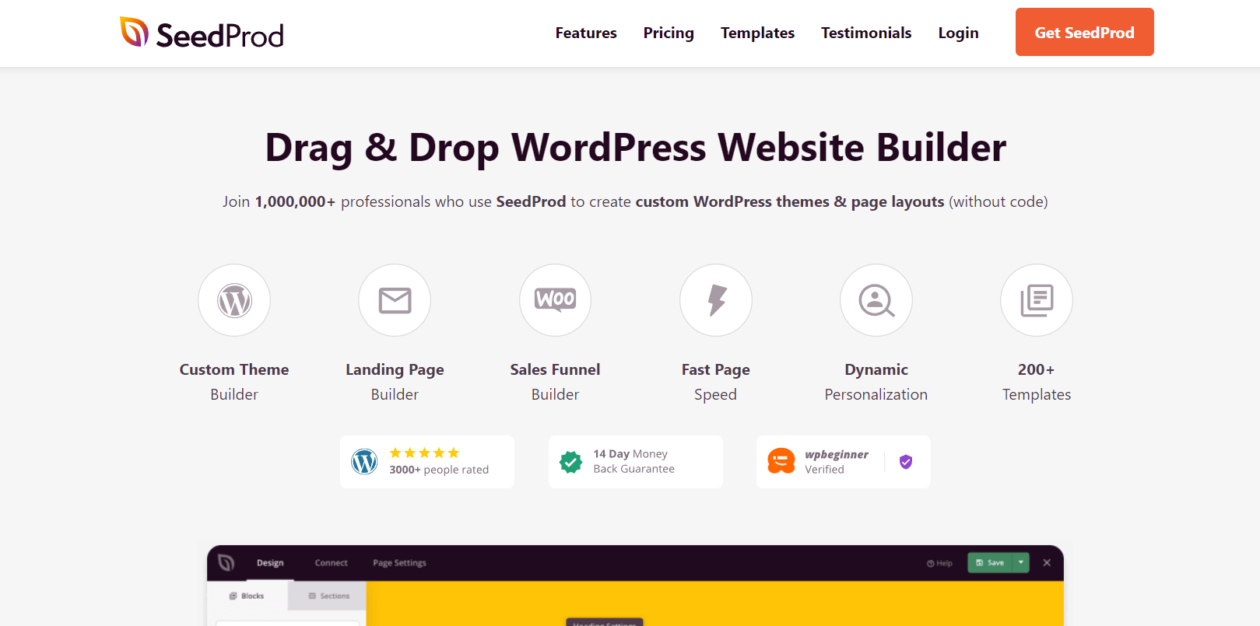
SeedProd is a landing page builder that happens to include both modes, and its documentation states plainly that maintenance mode “automatically returns a 503 status code to search engines”, while coming soon mode returns 200. Being told which is which, in writing, beats another fifty templates. The free plugin covers both modes and role-based bypass; paid tiers buy templates and the theme builder, which is the same territory as a dedicated landing page plugin.
- Key features: separate coming soon and maintenance modes, drag-and-drop editor, access control by role, subscriber capture, 700,000+ active installs.
- Price: free tier. Basic lists at $79/year for one site, Plus $199, Pro $399, Elite $599. The pricing page runs an introductory discount and states “all renewals are at full price”, so budget the numbers above.
- Best for: a designed pre-launch page with the SEO behaviour spelled out.
- Skip it if: you only want a holding page. The free tier is plenty; the paid tiers are priced for the builder.
Elementor’s built-in maintenance mode
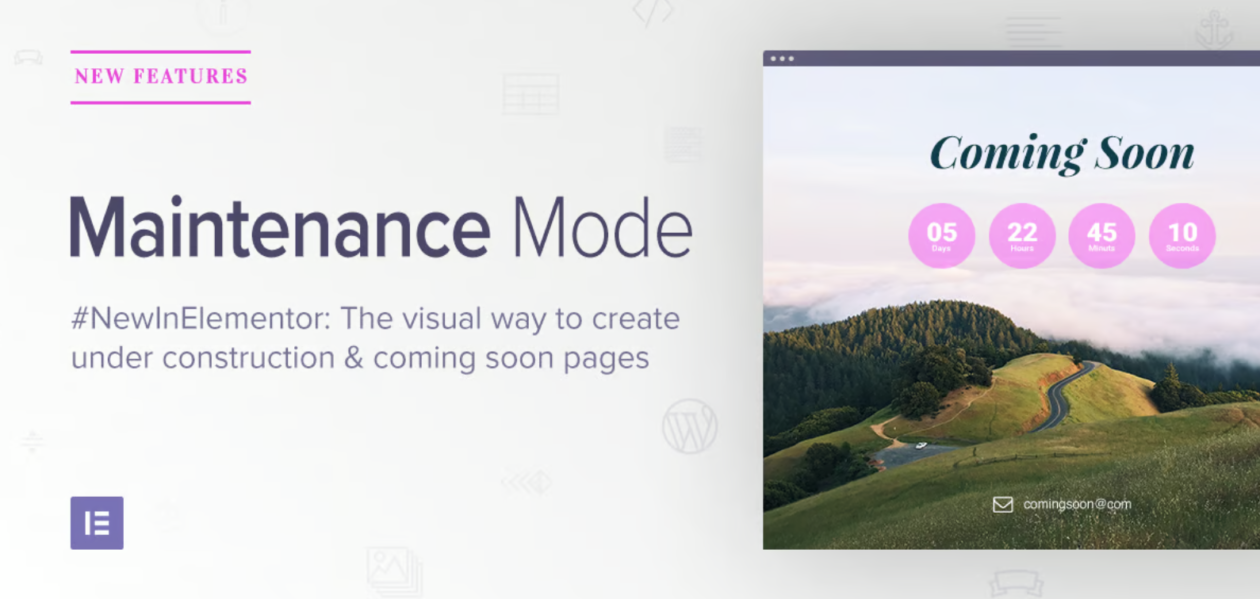
Worth correcting a claim that circulates in a lot of roundups, including the earlier version of this one: you do not need to buy anything. Maintenance mode lives in the free Elementor plugin, under Elementor then Tools then Maintenance Mode. Elementor documents the distinction better than most, saying maintenance mode sends “the temporary maintenance response (HTTP 503)” while coming soon mode returns “a response of HTTP200”. Pick a saved template, choose which roles still see the live site, switch it on.
- Key features: both modes with published response codes, any saved template as the holding page, role-based access, a whitelist by IP or logged-in user.
- Price: free. Elementor Pro starts at $49/year for one site plus tax, and buys widgets and the theme builder, which the maintenance feature does not need.
- Best for: every site already running Elementor. Fewer plugins, same result.
- Skip it if: Elementor is not installed. Adding a page builder to show one holding page is a bad trade, though our roundup of visual page builders is there if you want one.
LightStart (formerly WP Maintenance Mode)
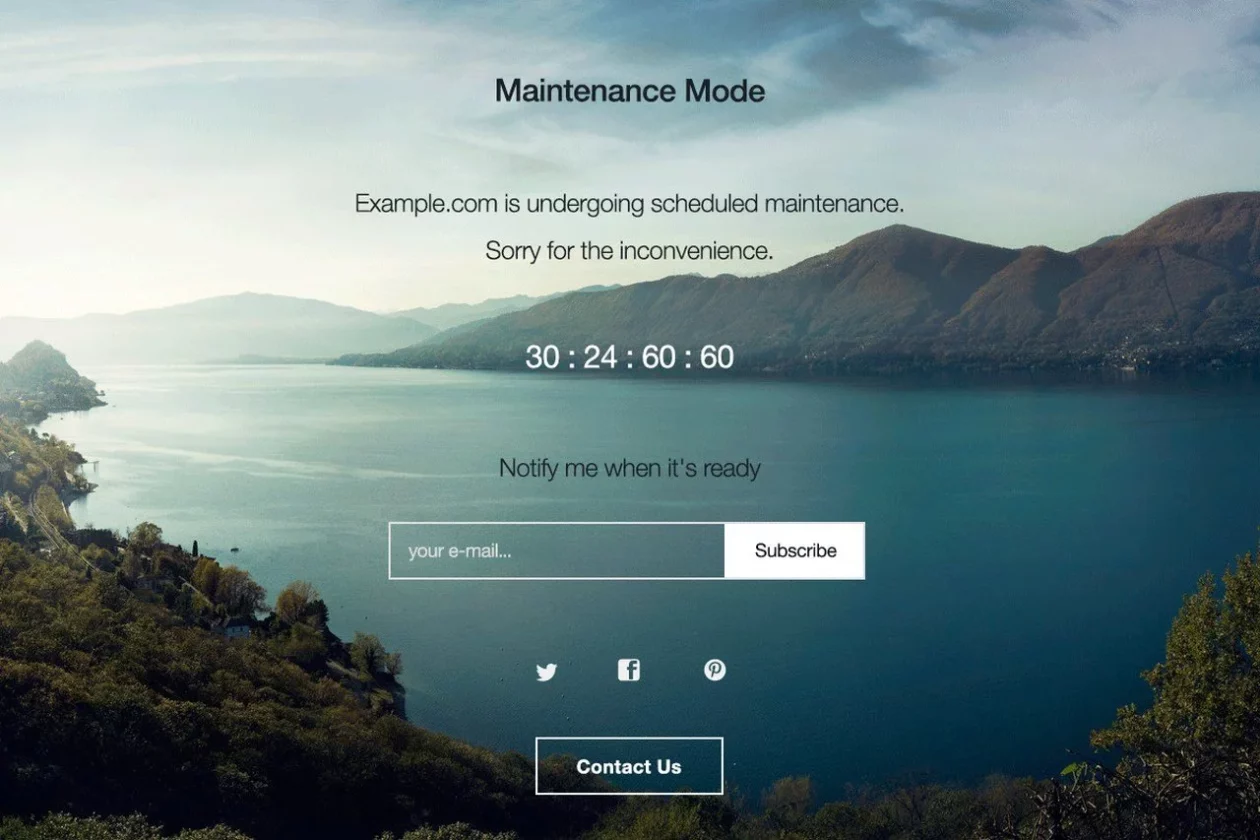
The plugin most people still call WP Maintenance Mode is now LightStart, maintained by Themeisle, with 400,000+ active installs. It is genuinely free, with no locked panels where the settings should be, which makes it the easy answer when a client asks why a holding page needs a subscription. The trade-off is what it does not tell you: the readme and Themeisle’s docs cover roles, URL exclusions and subscriber export, but say nothing about response codes. Run the curl check before trusting it with a live site.
- Key features: templates, countdown, subscriber list with CSV export, contact form, per-role access, URL exclusions, optional search-bot bypass.
- Price: free, with no paid tier.
- Best for: client sites where the answer to “what does this cost” needs to be nothing.
- Skip it if: the status code has to be documented rather than checked by hand.
Under Construction Page

WebFactory’s plugin is the template-heavy option, with 600,000+ active installs and a large bundled library. If the brief is “make it look designed, today”, this is the shortest path. It exposes custom page titles and meta descriptions, but says nothing about response codes in its listing, so treat it like LightStart and verify. A PRO tier is sold separately; the vendor’s pricing page was not reachable at the check date, so confirm that figure at checkout rather than trusting a roundup.
- Key features: large template library, drag-and-drop editing, custom SEO title and description, robots meta tag, analytics, opt-in forms that sync to the usual newsletter services.
- Price: free on WordPress.org. PRO is a separate purchase; check the current price at the vendor’s store.
- Best for: a pre-launch page that must look finished with no design time budgeted.
- Skip it if: you want the lightest plugin possible. A large template library is not free of weight, which matters if you are already working on site speed.
CMP – Coming Soon & Maintenance
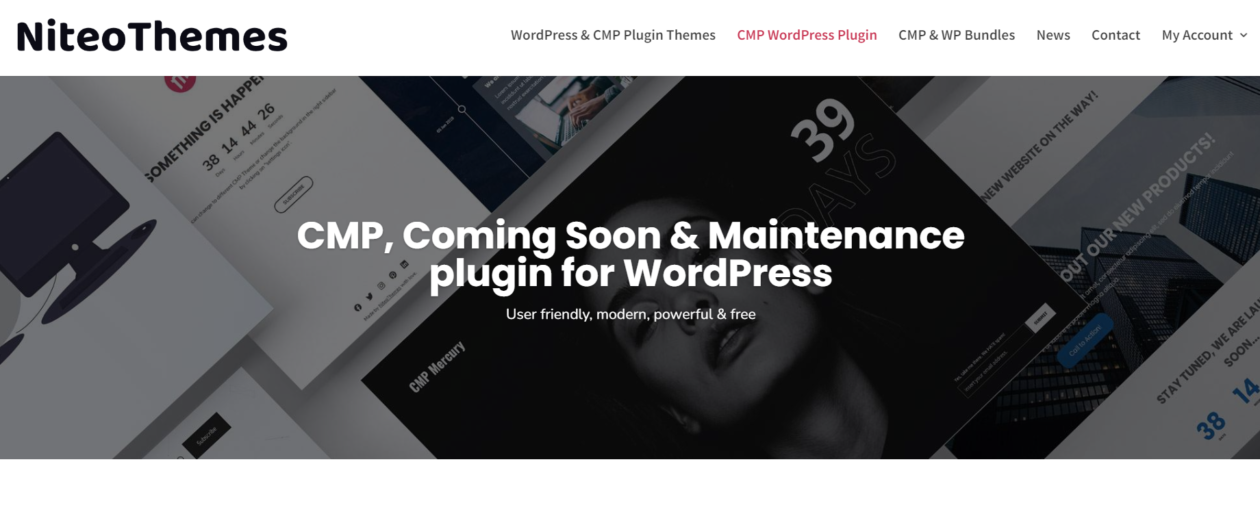
CMP by NiteoThemes sits at 200,000+ active installs, and it is the pick when the holding page needs a video or gradient background without a page builder behind it. The free version is unusually generous there. It is actively maintained, with an August 2026 release fixing security issues and raising compatibility to WordPress 7.1, though the support forum has been slow lately, which is worth weighing on a client’s site. The vendor’s own site was not reachable at the check date, so no Pro price is quoted here.
- Key features: prebuilt themes, video, gradient, pattern and slider backgrounds, custom typography, role-based bypass, analytics, subscription forms.
- Price: free on WordPress.org, with a Pro tier on the vendor’s site.
- Best for: a good-looking coming soon page with a video background and no builder on the site.
- Skip it if: you need quick support answers, or the response code stated in writing.
Divi
Included because roundups always include it, and because the honest note is useful: Divi is a theme and page builder, not a maintenance mode tool. It will design a good coming soon page from its free layout packs. What it will not do is flip your site into maintenance mode and send a 503. For that you still need one of the plugins above, or a snippet.
- Key features: visual builder, free coming soon layout packs, countdown and opt-in modules, unlimited sites on the membership.
- Price: $89/year or $249 one-time for lifetime access, USD. The lifetime option costs less than three years of the annual plan, which is the only sensible way to read it.
- Best for: people already paying for Divi who want the pre-launch page to match the finished site.
- Skip it if: maintenance mode is the reason you are shopping. It does not solve that problem.
IgniteUp: do not install this one
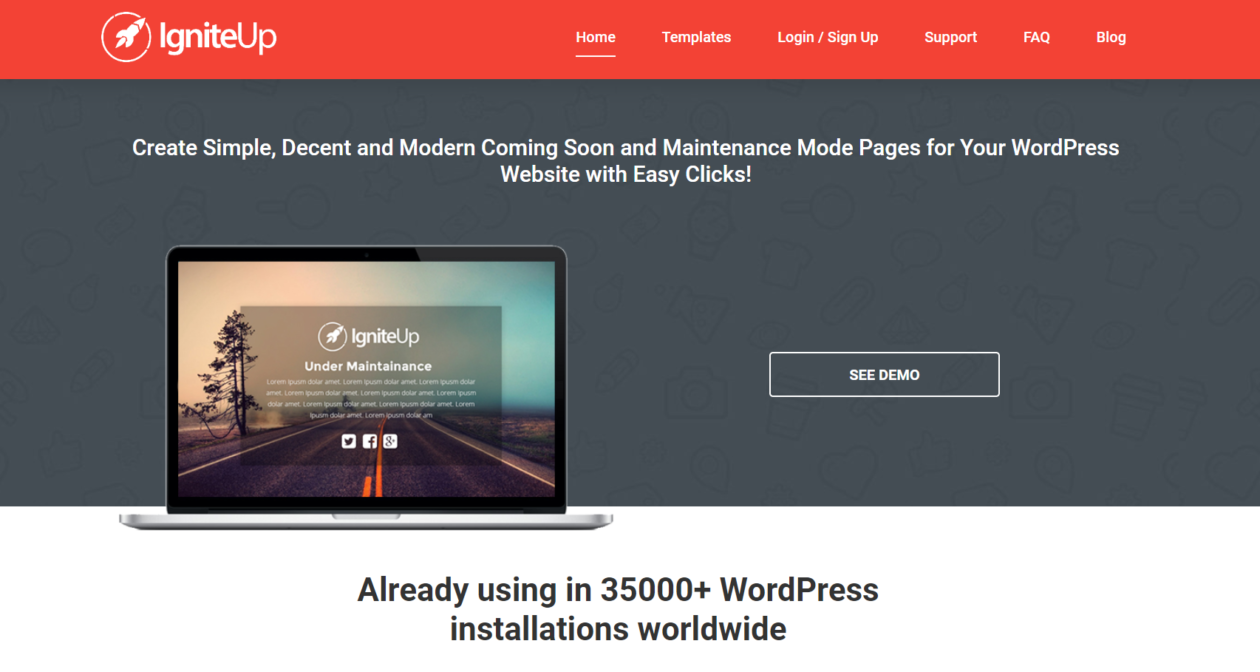
IgniteUp still turns up in maintenance mode roundups published this year. It should not. Its WordPress.org listing carries the notice that the plugin “has been closed as of March 9, 2022 and is not available for download”, with the reason given as a security issue. If it is on a site you inherited, remove it, replace it with something above, and scan with one of the WordPress security plugins we recommend. A plugin pulled for a security issue deserves a follow-up, not just a delete.
What most roundups get wrong
They rank these plugins by template count, which is the least consequential thing about a page nobody is meant to look at for long. Three things decide the outcome, and only one is a plugin choice.
- Which mode you pick. Coming soon on a live, ranking site is the expensive mistake: a 200 response telling crawlers your real content has been replaced by a splash screen.
- How long you leave it up. Google’s advice is a few days at most, and to limit functionality rather than take everything down for longer. Disable checkout, close comments, keep the pages live.
- Whether anyone checked the header. Three of the six options here never mention response codes in their documentation. That does not make them wrong; it means nobody has told you, and the fix is thirty seconds of curl rather than a different plugin.
One thing goes unsaid everywhere: Retry-After. Google asks for it, WordPress core sets it to 600 seconds, and none of these plugins put it in a settings screen. For a long planned window on a site that matters, set it at the server or with a code snippet plugin rather than hunting for an option that does not exist.
Which one to pick
- Running a core, plugin or theme update? Do nothing. WordPress handles it with a proper 503 and a ten-minute
Retry-After. - Elementor already installed? Use its built-in mode. Nothing new to install, response codes published.
- New domain, nothing indexed, want leads? SeedProd’s free version in coming soon mode, with a real title and description on the page.
- Client site, budget of zero? LightStart, then verify the header.
- Rebuilding a ranking site over several weeks? None of the above. Work on a staging copy, keep production up, and take a backup before you touch anything.
Frequently Asked Questions
Does maintenance mode hurt SEO?
Not over a short window, provided the page returns 503. Search engines treat 503 as a temporary outage and slow their crawling instead of reindexing. Serving the splash screen with a 200 for days is what causes damage, because the placeholder gets indexed in place of your real content.
How long can a site stay in maintenance mode?
Google’s guidance on pausing an online business calls a full 503 an extreme measure to use for a very short period, a few days at most. Beyond that, limit functionality instead: keep the pages live, switch off checkout or comments, and add a banner explaining what is unavailable.
What is the difference between coming soon and maintenance mode?
Coming soon is for a domain with nothing indexed yet, and it should answer 200 so search engines can index the page and start ranking it. Maintenance mode is for a live site you are working on, and it should answer 503 so crawlers know to come back later.
Does WordPress need a plugin for maintenance mode?
No. WordPress does it during every core, theme and plugin update by dropping a .maintenance file, and its wp_maintenance function sends a Retry-After header of 600 seconds with a 503. A plugin only earns its place when you need a designed page or a window longer than a few minutes.
How can you check what status code a maintenance page returns?
Run curl with the -sI flags against your homepage and read the first line. You want 503 during maintenance and 200 for a coming soon page. Do it logged out or in a private window, because most of these plugins let administrators through and you will simply see the live site.
Should visitors be redirected to a maintenance page instead?
No. A 302 to a maintenance URL moves every request somewhere else, and that URL answers 200, so the maintenance page becomes the thing search engines can index. Serve the notice at the original address with a 503 and leave the URL alone until the work is finished.
Which free maintenance mode plugin is worth using?
LightStart if you want a plain free plugin with no upsell, Under Construction Page if you want a large template library, or Elementor’s built-in mode if Elementor is already installed. All three cost nothing. Elementor is the only one of the three that publishes the status code it sends.
Can search engines still crawl my coming soon page?
Yes, and that is the point of coming soon mode. It returns 200, so the page can be indexed and start collecting impressions before launch. Give it a real title, a meta description and a line about what the site will be, rather than a bare logo on a background.
Our verdict
Install SeedProd’s free version. It handles both modes, it is one of only two here that documents the status code you are sending, and it costs nothing until you want the page builder. If Elementor is already on the site, use the mode built into the free plugin and install nothing at all.
Then do the part no plugin does for you: pick coming soon for a site with nothing to lose and maintenance for one with rankings to protect, keep the window to days rather than weeks, and run curl -sI from a logged-out session before you close the laptop. That check is worth more than every template gallery on this page combined, and it works with the rest of your on-site SEO setup instead of undoing it.


[…] layer for a site, which saves installing a separate tool for that job, though the dedicated WordPress maintenance mode plugins go further if that is your main need. The free version on the WordPress.org listing has over […]