Search for free WordPress plugins and you get the same twenty names, half of them abandoned and a few that hand you a dashboard you cannot use without a licence key. That is a wasted Saturday. This list is shorter and stricter: eleven plugins that are still actively maintained and run a real site on the free tier, with the one exception flagged where a free tier stops short. Each section points to the deeper roundup for its category.
Quick verdict
Best overall: Rank Math. The free tier covers the whole on-page SEO job, including schema and redirects, which is not true of most free SEO plugins.
Best genuinely free: WP Super Cache. There is no Pro version, so there is nothing to nag you about. UpdraftPlus is a close second, and it is the one we install first.
Skip it if: your managed host already runs caching, backups and a firewall at the server level. Stacking a second one of each generates more support tickets than it prevents. Check your host’s dashboard before you install anything here.
Our call: install four on day one, not eleven. UpdraftPlus, Wordfence, Rank Math and WP Super Cache cover the jobs every site has. Add image optimisation, forms, a builder or a store only when something actually needs them.
How we picked: three rules, and where one entry bends them
Most free plugin lists are just popularity contests. This one has a stated rule, and three names that used to be on it got cut by it.
- Still maintained. A recent release on the WordPress.org listing and a tested-up-to version that matches current WordPress. A plugin that has not shipped in a year is a security problem waiting for a date.
- A genuinely free tier. Not a fourteen-day trial, not a demo, not five submissions a month. Something you can leave running on a client site indefinitely without a card on file.
- No crippled core. Upsells for extras are fair. Paywalling the exact thing the plugin is named after is not. This rule is why one entry below comes with a warning rather than a recommendation.
The 11 best free WordPress plugins in 2026, compared
| Plugin | Job | What the free tier gives you | Paid upgrade? | Active installs |
|---|---|---|---|---|
| Rank Math | SEO | Titles, meta, sitemaps, schema, redirects, 404 monitor | Yes, PRO adds rank tracking and more sites | 4+ million |
| All in One SEO | SEO alternative | Titles, meta, sitemaps, basic schema | Yes, Pro adds local and WooCommerce SEO | 2+ million |
| Wordfence Security | Firewall and malware scan | Full firewall and scanner, rules 30 days behind Premium | Yes, Premium for real-time rules | 5+ million |
| UpdraftPlus | Backups | Scheduled backups and one-click restore to Drive, Dropbox, S3 | Yes, Premium adds incremental backups and migration | 3+ million |
| WP Super Cache | Page caching | Everything. There is no paid tier | No | 1+ million |
| Smush | Image optimisation | Unlimited lossless compression, resizing, lazy load; files over 5MB skipped | Yes, Pro adds AVIF and a CDN | 1+ million |
| Fluent Forms | Forms | Unlimited forms, entries stored on your own site, conditional logic | Yes, Pro adds payments and integrations | 700,000+ |
| WPForms Lite | Forms, popular pick | Unlimited forms, email delivery only; entries are not stored locally | Yes, Pro stores entries | 5+ million |
| Elementor | Visual design | Full visual editor and over 40 widgets | Yes, Pro adds theme builder and popups | 10+ million |
| Akismet | Comment spam | Free key for personal, non-commercial sites only | Yes, commercial sites need a paid plan | 5+ million |
| WooCommerce | Selling | Products, cart, checkout, tax, shipping, orders | Core is free; extensions are sold separately | 7+ million |
Elementor is the most installed plugin on this list at over 10 million active installs. Fluent Forms is the smallest at 700,000-plus, which is worth knowing before you build a client site on it, though it is far from obscure.
Rank Math: the free SEO tier that does not hold anything back
SEO plugins are where free tiers usually get mean. You get a title field and then a paywall in front of schema, redirects and internal link suggestions. Rank Math is the exception: the free version ships schema types, a redirect manager, a 404 monitor and multiple focus keywords, which is a paid feature almost everywhere else.
Key features: titles and meta with variables, XML sitemaps, schema markup, redirect manager, 404 monitor, breadcrumbs, Search Console integration, an import tool that reads Yoast and All in One SEO data so you can switch without losing anything.
Price: free on the WordPress.org listing, with 4+ million active installs. PRO exists for rank tracking and multi-site licences.
Best for: anyone starting a site now, and anyone currently rationing free SEO features. Our wider comparison of WordPress SEO plugins covers the paid tiers properly.
Skip it if: you have an established Yoast setup and a team trained on it. The migration works, but retraining people costs more than the features you gain.
All in One SEO: the calmer alternative
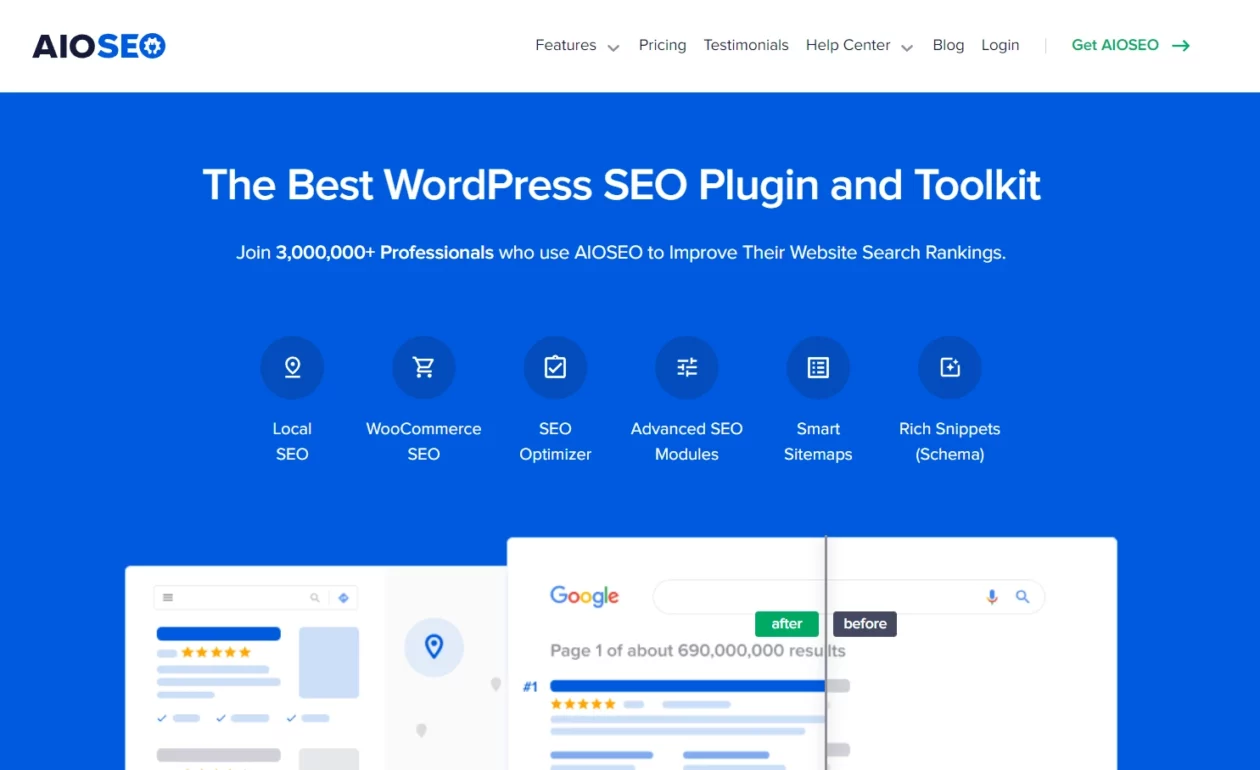
All in One SEO earns its place for a specific reason: its setup wizard asks fewer questions and its interface throws fewer scores at you. If Rank Math’s density of options makes a client freeze, this is the one to hand them.
Key features: setup wizard, titles and meta, XML and RSS sitemaps, basic schema, robots.txt editor, social meta for Open Graph and Twitter cards.
Price: free, with 2+ million active installs per its WordPress.org listing. Pro unlocks local SEO, WooCommerce SEO and the advanced schema builder.
Best for: sites handed over to a non-technical owner. Pair it with our guide to optimising blog posts in WordPress so they know what to do with the fields.
Skip it if: you want redirects and a 404 monitor without paying. That is where Rank Math’s free tier is more generous.
Wordfence Security: a real firewall, with one honest catch
Wordfence gives free users the actual firewall and the actual malware scanner, not a preview. The catch is timing, and the vendor states it plainly on its own listing: free users get firewall rules and malware signatures 30 days after Premium subscribers do.
That 30-day gap matters most in the fortnight after a popular plugin vulnerability goes public, which is exactly when opportunistic scanning spikes. Free Wordfence plus prompt updates is still a far better position than no firewall at all.
Key features: endpoint firewall, malware and file-integrity scanning against core, theme and plugin checksums, login rate limiting, two-factor authentication, live traffic view, country blocking on Premium.
Price: free, 5+ million active installs per the WordPress.org listing. Premium buys real-time rule delivery.
Best for: self-managed hosting with no server-level WAF. If you want the alternatives compared side by side, read our roundup of WordPress security plugins.
Skip it if: you already run Cloudflare’s WAF or a host-level firewall. Two firewalls inspecting the same request is a false-positive machine, and the one you can debug is the one to keep.
UpdraftPlus: install this one first
Every other plugin on this page can be undone by a backup. Nothing can undo a missing one. UpdraftPlus is the first thing we install on a new site, before a theme, because the free version already does the whole job: scheduled backups of files and database, sent off-site, restorable from the admin.
Two habits worth forming. Send backups to remote storage rather than the same server that might die, and restore one to a staging site once a quarter. A backup you have never restored is a hypothesis.
Key features: scheduled database and file backups, remote storage to Google Drive, Dropbox, Amazon S3 and more, one-click restore, selective restore of just the database or just uploads.
Price: free, 3+ million active installs per the WordPress.org listing. Premium adds incremental backups and site migration.
Best for: every site, without exception. Our WordPress backup plugin comparison covers the options if you want scheduled off-site copies with retention rules.
Skip it if: your host takes automated daily backups you have personally restored from. Untested host backups do not count.
WP Super Cache: free with no strings, because there is no Pro version

WP Super Cache is maintained by Automattic and has no paid tier, which makes it the only entry here with nothing to sell you. It serves cached pages as static HTML, so repeat visitors skip PHP and database work entirely.
It is not the most configurable cache plugin. That is the point. Expert mode with mod_rewrite, an expiry time and a preload schedule covers most brochure sites and blogs, and the settings screen will not tempt you into breaking something at midnight.
Key features: page caching in simple or expert mode, cache preloading, CDN URL rewriting, garbage collection, separate mobile cache, cache exclusions by page or user status.
Price: free, permanently. 1+ million active installs per the WordPress.org listing.
Best for: shared or unmanaged hosting on Apache. If you are on LiteSpeed or OpenLiteSpeed, use LiteSpeed Cache instead, since its page caching hooks into the server itself. We compare the field in our WordPress cache plugins guide.
Skip it if: you need CSS and JavaScript optimisation in the same plugin. WP Super Cache caches pages; it does not rewrite your assets.
Smush: image compression without an API key
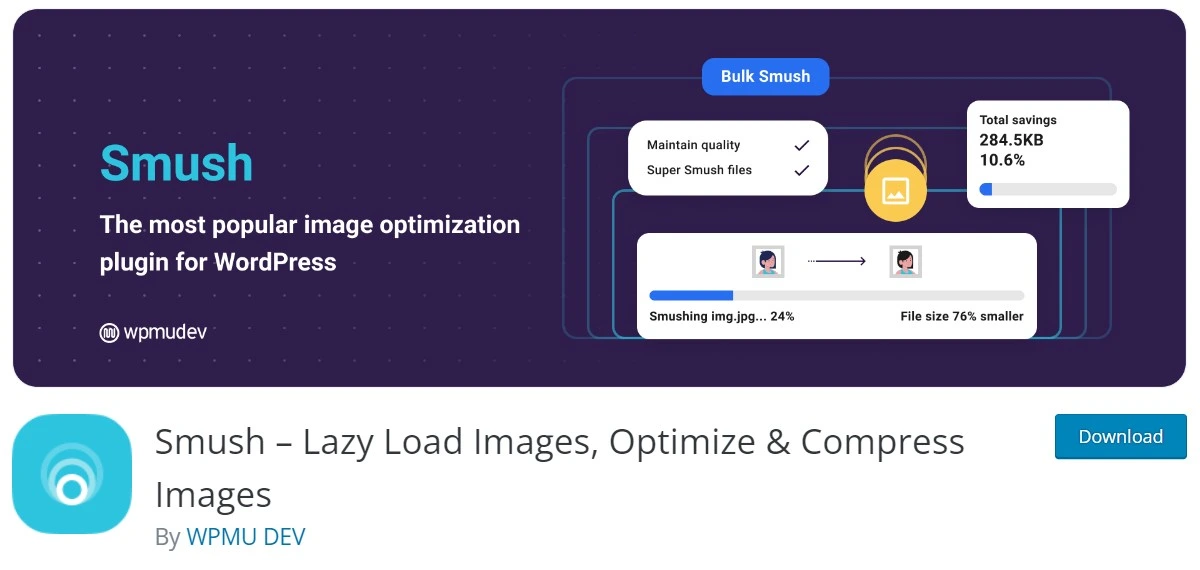
Unoptimised images are still one of the most common reasons a WordPress page feels slow, and they are the easiest thing on this list to fix. Smush compresses on upload, resizes oversized originals down to a sane maximum, and lazy-loads what is below the fold.
The free tier has one hard ceiling worth knowing: images over 5MB are skipped. In practice that only bites if someone is uploading straight off a camera, which is a habit worth breaking anyway. AVIF conversion and the CDN are Pro features.
Key features: bulk and on-upload compression, automatic resizing, lazy loading, incorrect-size detection, directory scanning for images outside the media library.
Price: free, 1+ million active installs per the WordPress.org listing. Pro adds AVIF, the CDN and higher size limits.
Best for: image-heavy blogs and portfolios where nobody is going to remember to compress before uploading. See the full field in our image optimisation plugin roundup.
Skip it if: you want unlimited WebP conversion with no file-size cap for free. EWWW Image Optimizer compresses locally on your own server using jpegtran and friends, with no key required, and it is the better free pick when your library is full of large files.
Fluent Forms: the free forms plugin that keeps your entries
Here is the question nobody asks until it matters: where do form submissions actually go? Fluent Forms answers it the way you would want. Entries are stored in your own database, viewable in the admin, exportable to CSV, and conditional logic works in the free version.
That combination is rare among free form plugins, and it is why this sits above the more famous option below.
Key features: drag-and-drop builder, unlimited forms and entries, conditional logic, multi-column layouts, entry management with filtering, CSV, Excel, ODS and JSON export, spam protection.
Price: free, 700,000+ active installs per the WordPress.org listing. Pro adds payments, CRM integrations and advanced fields.
Best for: contact, enquiry and application forms where losing a submission costs you money. Compare it against the rest in our WordPress form plugins roundup.
Skip it if: your team already knows another builder and your forms are three fields long. Familiarity beats features at that size.
WPForms Lite: hugely popular, with a catch you should read first
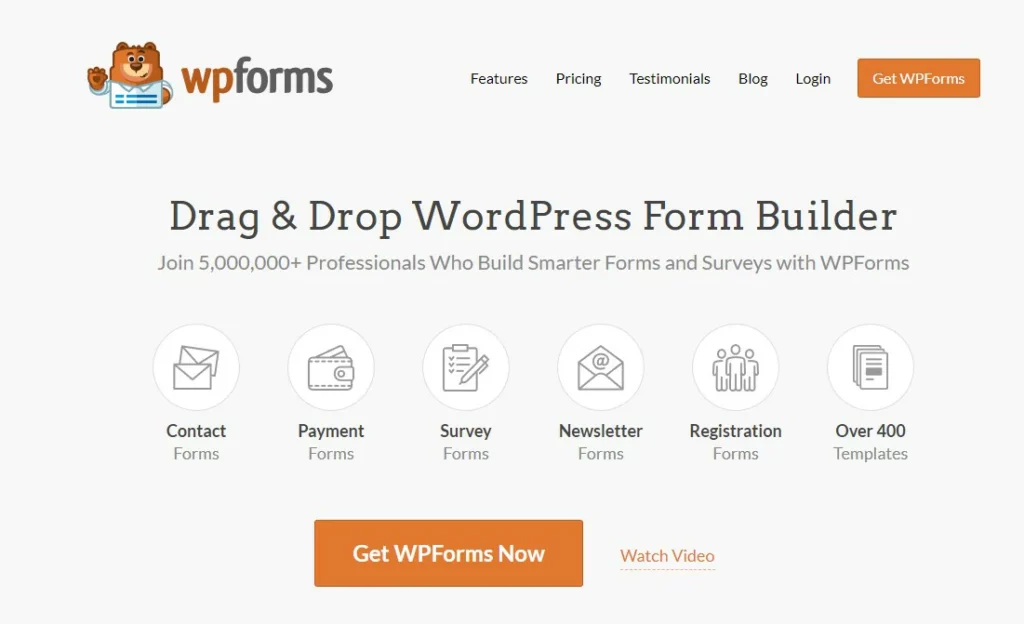
WPForms Lite is on more than five million sites and the builder genuinely is the friendliest one going. It is on this list because that many people use it, and because there is one thing about it worth knowing before you build a client’s enquiry form on it.
Lite does not save entries to your WordPress database. Submissions are emailed and that is the record. If the notification bounces, is filtered as spam, or the SMTP setup breaks, the enquiry is simply gone. The entries screen is a Pro feature. WPForms offers Lite Connect, which backs submissions up to WPForms servers rather than your own site, and restores them if you later buy a licence.
That is the crippled-core rule from the top of this page, applied honestly: a form plugin’s job is capturing what people send you. So this one gets a warning rather than a recommendation.
Key features: template-driven drag-and-drop builder, mobile-responsive forms, email notifications, reCAPTCHA and hCaptcha spam protection, Stripe, PayPal and Square payment fields.
Price: free, 5+ million active installs per the WordPress.org listing. Pro adds locally stored entries, file uploads and conditional logic.
Best for: a simple contact form on a site where email delivery is already reliable and configured through a proper SMTP service.
Skip it if: you need a record of submissions on your own site without paying. Use Fluent Forms.
Elementor: the free visual builder most people mean

Elementor is the most installed plugin on this list, past 10 million active installs, and the free version is a working page builder rather than a teaser. Over 40 widgets, live editing, responsive controls per breakpoint, and template kits you can import.
The honest trade-off: builders add markup and CSS that a block theme would not. On a content site that difference is measurable. Build a landing page with it, not your entire blog archive.
Key features: drag-and-drop editing on a live preview, 40-plus free widgets, responsive breakpoint controls, template library, revision history, global fonts and colours.
Price: free, 10+ million active installs per the WordPress.org listing. Pro adds the theme builder, popups, form widget and WooCommerce widgets.
Best for: landing pages and one-off layouts you want to change without a developer. Weigh it against the field in our visual page builders comparison.
Skip it if: your theme already does full site editing well. Adding a builder on top of a block theme means maintaining two layout systems that disagree with each other.
Disclosure: the link below is an affiliate link. If you buy through it we may earn a commission, at no extra cost to you. It does not change what we recommend.
Akismet: free only if your site is not a business
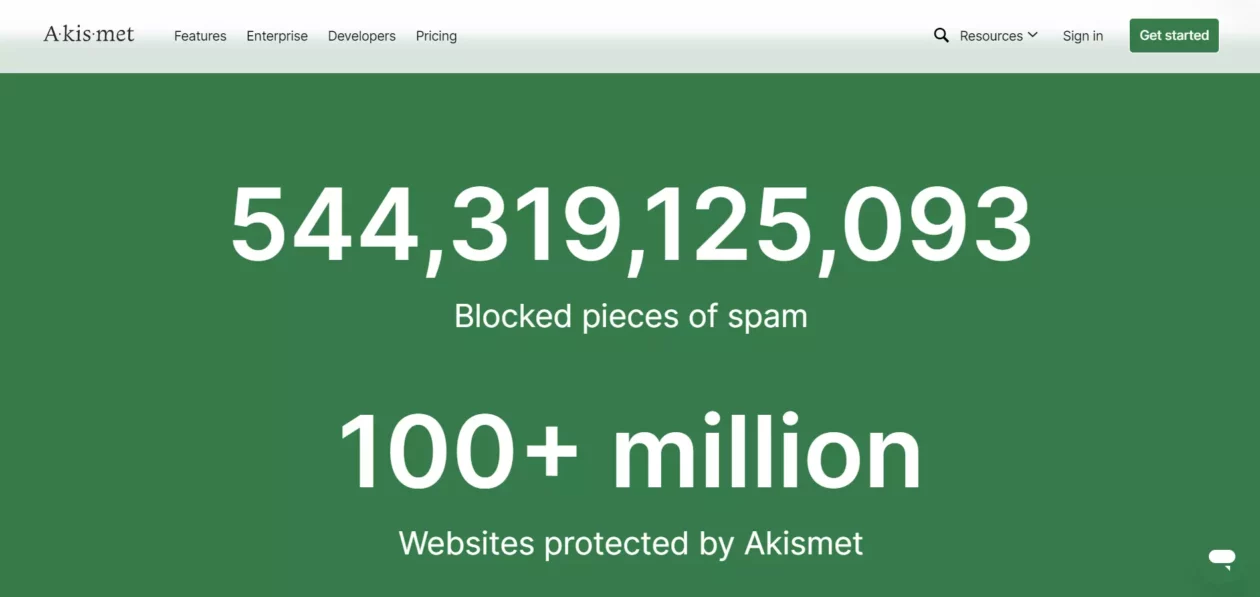
Akismet checks every comment against a shared network of spam signatures, which is why it works better than any rule you could write yourself. It is bundled with WordPress, and most people activate it without reading the licensing.
Read the licensing. The free key covers personal, non-commercial sites. If your site carries ads, affiliate links or products, you need a paid plan. Akismet’s pricing page geo-switches currency, so check what your own checkout quotes rather than trusting a figure in any roundup.
Key features: automatic comment and contact-form spam filtering, a spam queue you can audit, per-comment history showing what was caught and why, discard mode for the worst offenders.
Price: free key for personal sites, 5+ million active installs per the WordPress.org listing. Commercial sites need a paid plan; see Akismet’s pricing page.
Best for: personal blogs with comments open. For commercial sites that want a free route, our WordPress comments plugin guide covers moderation tools that do not carry a licence condition.
Skip it if: you have comments switched off. Deactivate it rather than leaving it running on every request for nothing.
WooCommerce: a complete store, free, with the bill arriving later

WooCommerce really is free, and it really is a whole store: products with variations, cart, checkout, tax rules, shipping zones, coupons, order management and reporting. Nothing about the core is time-limited.
The cost shows up in extensions. Subscriptions, bookings, most payment gateways beyond the basics, and the better shipping integrations are separate purchases with annual renewals. Price the extensions you need before you commit, not after you have migrated a catalogue.
Key features: product catalogue with variations, cart and checkout, tax and shipping configuration, coupons, order and customer management, REST API, an extension marketplace.
Price: core is free, 7+ million active installs per the WordPress.org listing. Extensions are sold individually.
Best for: anyone who wants to own their store data rather than rent it. Start with our WooCommerce plugins roundup before you start buying extensions at random.
Skip it if: you sell fewer than a dozen items and do not want to manage hosting, PCI questions or plugin updates. A hosted cart is cheaper than your time at that scale.
What most free plugin roundups get wrong
They never remove anything. A list written years ago gets a fresh year in the title and another republish, so plugins that were renamed, sold or quietly abandoned keep collecting installs from readers who trusted the date. Three names that were on this page before did not survive the rules at the top, and the reasons are more useful than the entries were.
iThemes Security: renamed twice, and the paid tier no longer sold on its own
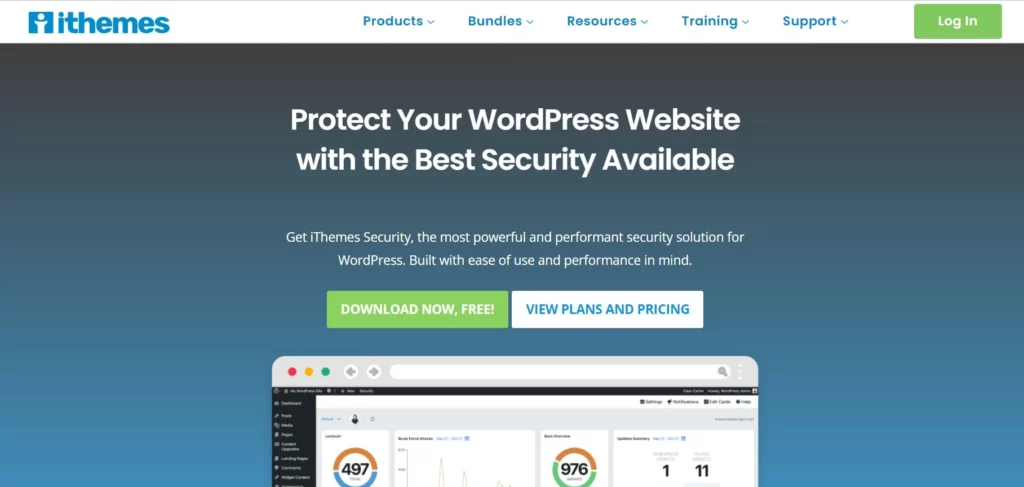
The plugin in that screenshot no longer exists under that name. iThemes Security became Solid Security when iThemes rebranded to SolidWP in 2023, then became Kadence Security in 2026 when Liquid Web consolidated its WordPress brands into the Kadence range. The free plugin is still there under the same better-wp-security slug and is still maintained, so nobody has been abandoned.
What changed is the paid path. The Pro tier is no longer sold as a standalone product; it comes as part of the Kadence bundle. That is a fair business decision and a bad recommendation to leave sitting in a list under a dead brand name, which is why Wordfence takes the security slot here.
Jetpack: not abandoned, just the wrong shape for most sites

Jetpack is actively developed by Automattic and has 3+ million active installs, so it passes the maintenance rule easily. It fails a different test. Per its own listing, a WordPress.com account connection is required for it to function at all, and the parts people install it for, real backups, real scanning, real search, sit behind paid plans.
You end up with a large plugin, an external account dependency and modules you never enabled, in exchange for features you could get from three focused free plugins. If you want one specific Jetpack module, install that module’s standalone plugin instead. Automattic publishes several.
Weglot: a free tier too small to launch on
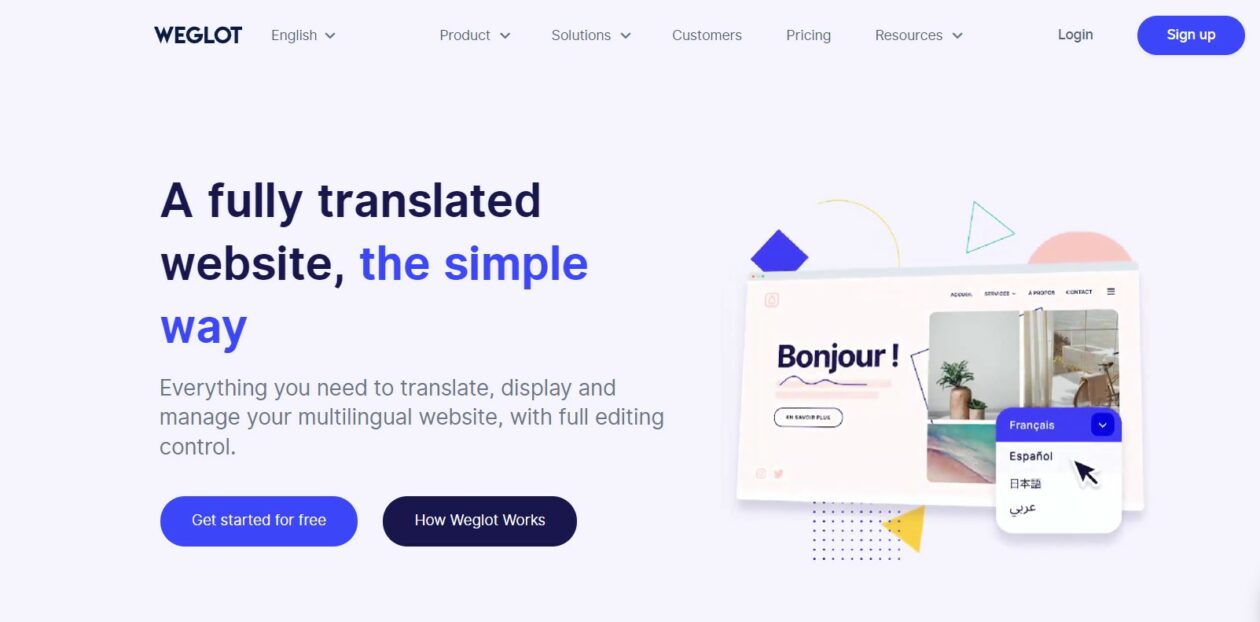
Weglot is a good product and a bad fit for a free-plugins list. Its pricing page puts the free plan at 2,000 words and one translated language. A modest ten-page brochure site will exhaust that before the About page is finished, so the free tier is an evaluation, not a plan you can run on.
The pricing page also quotes both euro and dollar figures and states that the dollar amount is an estimate settled at the exchange rate on your subscription date, so treat any single converted number you see quoted elsewhere with suspicion. If you need multilingual on a real budget, look at a self-hosted translation plugin instead and accept the extra setup.
Which of these should you install, and in what order
- Brand new site, nothing installed: UpdraftPlus, then Wordfence, then Rank Math. Backups before anything can go wrong, a firewall before you are indexed, SEO before you publish.
- Site is live and feels slow: Smush first, because images are usually the bulk of the payload, then WP Super Cache. Measure before and after with PageSpeed Insights rather than by feel.
- You need people to contact you: Fluent Forms, and configure a real SMTP service. A form plugin cannot fix email that never arrives.
- You need pages that look designed: Elementor for the landing pages only. Keep posts and archives on your theme’s templates.
- You are selling something: WooCommerce, and price the extensions you will need on day one before you build the catalogue.
- On managed hosting: check what your host already runs. Many include caching and backups at the server level, which makes two of these redundant and one of them a conflict.
Frequently Asked Questions
Are free WordPress plugins safe to use?
Plugins in the WordPress.org directory are reviewed before listing and pulled when a serious issue is found, so the bigger risk is abandonment rather than malice. Check the last-updated date and the tested-up-to version before installing, and remove anything that has not shipped a release in a year.
How many plugins is too many?
There is no magic number. Twenty light plugins can outperform five heavy ones. Judge each by what it adds to the front end: extra scripts, database queries, cron jobs, admin bloat. If a plugin only does one small thing on one page, a code snippet is usually the better answer.
What happened to iThemes Security?
It was renamed twice. iThemes Security became Solid Security in 2023, then Kadence Security in 2026 after Liquid Web folded SolidWP into the Kadence range. The free plugin is still on WordPress.org under the better-wp-security slug, but the paid tier is now sold only inside the Kadence bundle.
Do I need to pay for an SEO plugin?
For most sites, no. The free tiers of Rank Math and All in One SEO both handle titles, meta descriptions, sitemaps and schema. You start paying when you want keyword rank tracking, several sites on one licence, or the advanced WooCommerce and local SEO modules.
Is Jetpack worth installing?
Only if you want specific modules and accept the trade. Jetpack requires a WordPress.com account connection to function, bundles a lot you may never enable, and keeps backups, scanning and search behind paid plans. Three focused free plugins usually give a leaner result than one bundle.
Which free plugin should I install first on a new site?
A backup plugin. UpdraftPlus takes ten minutes to point at Google Drive or Dropbox, and it is the only thing on this list that can undo a mistake made by any of the others. Set it running before you install a theme.
Does WPForms Lite save form entries?
Not to your own database. Lite emails each submission and the entries screen is a Pro feature, so a bounced or filtered notification means the enquiry is gone. Lite Connect can back submissions up to WPForms servers instead. For entries kept on your own site free, use Fluent Forms.
Can I use Akismet for free on a business site?
No. The free Akismet key covers personal, non-commercial sites, so anything carrying ads, affiliate links or products needs a paid plan. If you would rather not pay, close comments on pages that do not need them and add a challenge to the pages that do.
Our call
Install four and stop: UpdraftPlus for backups, Wordfence for the firewall, Rank Math for SEO, and WP Super Cache unless your host already caches. That is the free stack we put on a new build, and it has no licence conditions, no trial clock and nothing that stops working in thirty days.
Add Smush the first time someone uploads a 4MB photo. Add Fluent Forms the first time you need an enquiry form, and Elementor only for the pages that need designing. Everything else on this page is a response to a problem you have not got yet, and an unused plugin is still code that runs, updates and occasionally breaks.
The rule that matters more than any list: check the last-updated date yourself before you install. It takes eight seconds on the WordPress.org listing, and it is the difference between a free plugin and an unmaintained one.