

Most WordPress landing page plugins are sold on template counts, which is the least useful number on the page. What actually decides the bill is whether you buy a plugin that lives inside your install or a hosted builder that charges monthly and caps your traffic. That gap is roughly three to one at the entry tier. Below: nine tools, current prices with renewals, and a straight answer on which side of that line you belong on.
Quick verdict
- Best overall: SeedProd. It builds landing pages and nothing else, the licence is the cheapest verified plugin price in the table at $79 a year, and it does not ask you to adopt a whole theme framework.
- Best free: Elementor’s free version. Over ten million active installs, no page limit, and enough layout control for a normal opt-in or sales page without paying anything.
- Best if you run several sites: Divi at $89 a year for unlimited sites, or $249 once for a lifetime licence.
- Skip it if: you are buying a hosted builder purely to design pages. Unbounce, Leadpages and Landingi are priced for split testing and paid traffic. With no ad spend behind them you are renting features you will not open.
- Our call: start on Elementor free, move to SeedProd or Divi when free stops being enough, and only cross over to a hosted builder once ad spend makes A/B testing pay for itself.
WordPress landing page plugins compared
Every figure below is the price the vendor lists for a single site or the entry tier, in US dollars. Where a vendor sells at an introductory discount and renews higher, both numbers are shown, because the renewal is the one you actually live with.
| Tool | Type | Entry price (USD) | Renewal | Free version |
|---|---|---|---|---|
| Elementor | WordPress plugin | Free core; Pro price not quoted here | Not quoted | Yes |
| SeedProd | WordPress plugin | Basic $79/yr, 1 site (intro discount shown on site) | $79/yr full price | Yes |
| Beaver Builder | WordPress plugin | Starter $89/yr, 1 site | Standard price | Yes (Lite) |
| Divi | Theme plus builder | $89/yr unlimited sites, or $249 lifetime | $89/yr | No |
| Thrive Suite (includes Architect) | Plugin bundle | $299/yr intro, 5 sites, or $149/quarter | $599/yr | No |
| OptimizePress | WordPress plugin | Launch $129/yr, 1 site | $129/yr | No |
| Unbounce | Hosted plus WP connector | Starter $22/mo billed annually, 500 visitors/mo | Same | No, 14-day trial |
| Leadpages | Hosted plus WP connector | Grow $50/mo, 20% off annual billing | Same | No, 7-day trial |
| Landingi | Hosted plus WP connector | Build $24/mo billed annually, 2,000 visits/mo | Same | No, 14-day trial |
One gap worth naming: Elementor’s pricing page loads its plan figures in the browser and adjusts them by region, so nothing is quoted here rather than risk quoting a stale number. The tiers themselves are visible: Essential covers one site, Advanced three, Expert twenty-five. Check the amount at checkout.
SeedProd
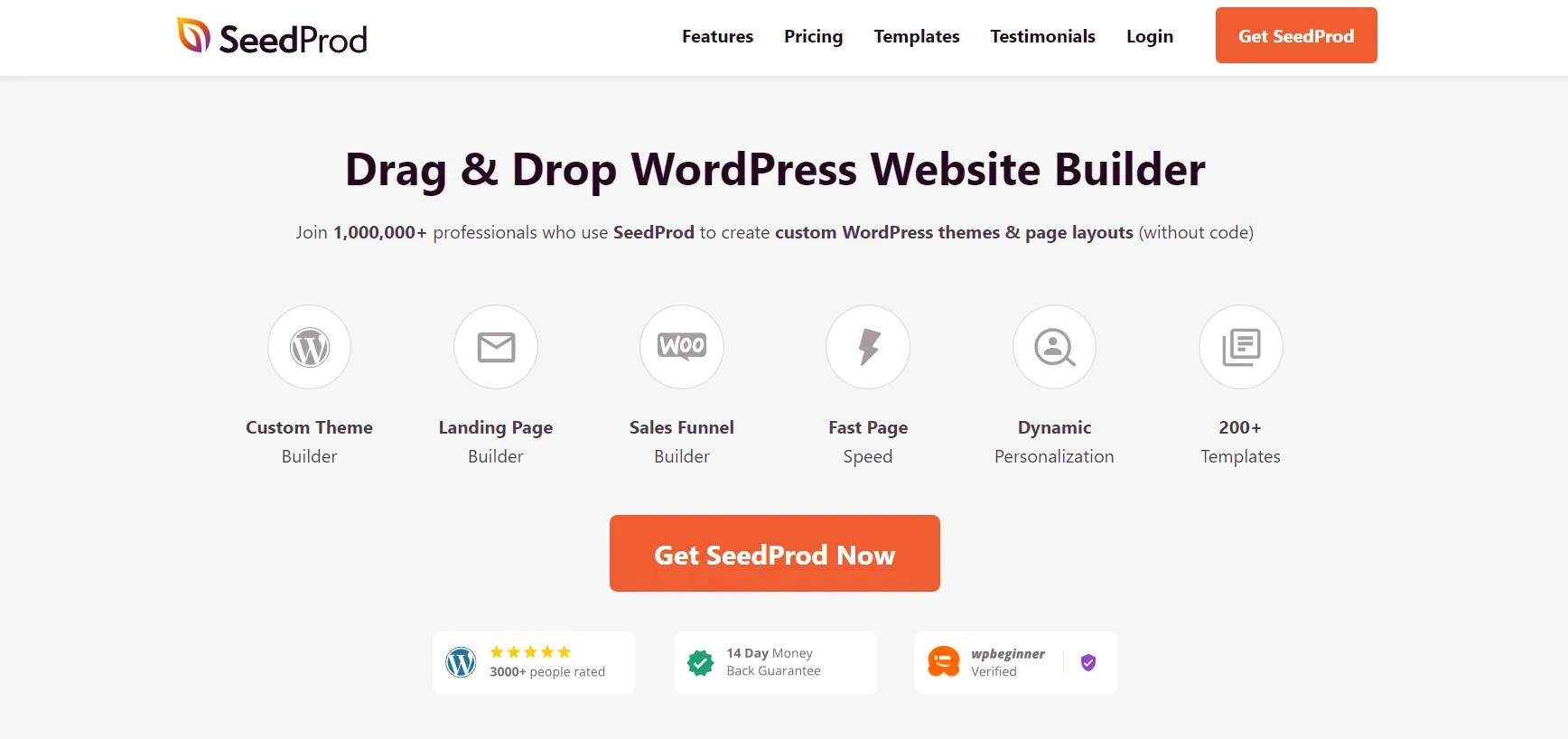
SeedProd is the one tool here that was built for landing pages first and grew outward, rather than a general page builder that added a landing page template pack. That focus shows in the workflow: you pick a page type, pick a template, and you are editing, without any decision about theme templates or global styles.
It also doubles as the coming-soon and maintenance layer for a site, which saves installing a separate tool for that job, though the dedicated WordPress maintenance mode plugins go further if that is your main need. The free version on the WordPress.org listing has over 700,000 active installs, so it is well past the point where you are betting on an unknown.
Key features: landing page, coming soon, maintenance and 404 modes; template library organised by page purpose; WooCommerce blocks; email service integrations; block-level design controls.
Price: Basic is $79 a year for one site on SeedProd’s pricing page, rising to $199 (Plus, 3 sites), $399 (Pro, 5 sites) and $599 (Elite, 100 sites). The page shows an introductory discount and states plainly that all renewals are at full price, so budget the full number.
Best for: a single site where landing pages are the job and you do not want a builder colonising the rest of the theme.
Skip it if: you need the builder to handle your whole site design, or you want built-in A/B testing without wiring up a third-party tool.
Elementor
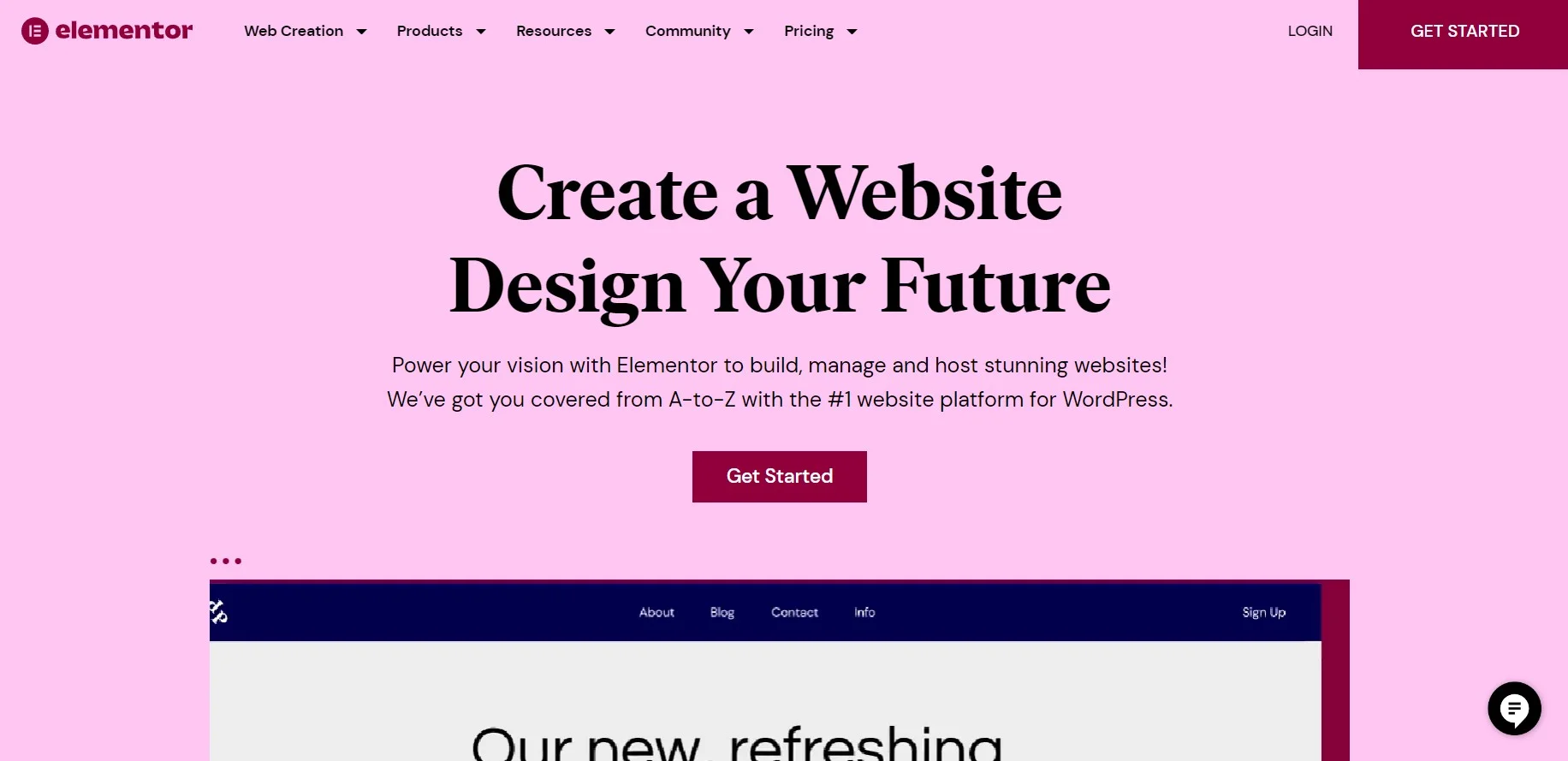
Elementor is the default answer for a reason: its WordPress.org listing reports over ten million active installs, which means every freelancer, template shop and support forum already speaks it. If you inherit a client site, this is the builder you are most likely to find.
For landing pages specifically, the free version is genuinely sufficient: a canvas page template, a section-and-column layout, and enough typography and spacing control to make something that does not look like a template. Popups, the theme builder and form widgets sit behind Elementor Pro. The trade is size: Elementor ships a lot of CSS and JavaScript, and it will show up in your page weight. If it does, the fixes in our guide to speeding up a WordPress website apply directly.
Key features: free drag-and-drop editor with no page limit; large third-party widget ecosystem; theme builder, popup builder and form widget on Pro; the largest installed base on WordPress.org of any builder here, so help is easy to find.
Price: the core plugin is free. Pro plans are listed on Elementor’s pricing page, which renders its figures client-side and varies them by region. Confirm the amount at checkout rather than trusting a number in any roundup, including this one.
Best for: anyone starting from zero, and anyone who will hand the site to someone else later.
Skip it if: page weight is your primary constraint, or you want a builder whose price you can confirm before you reach the payment screen.
Divi
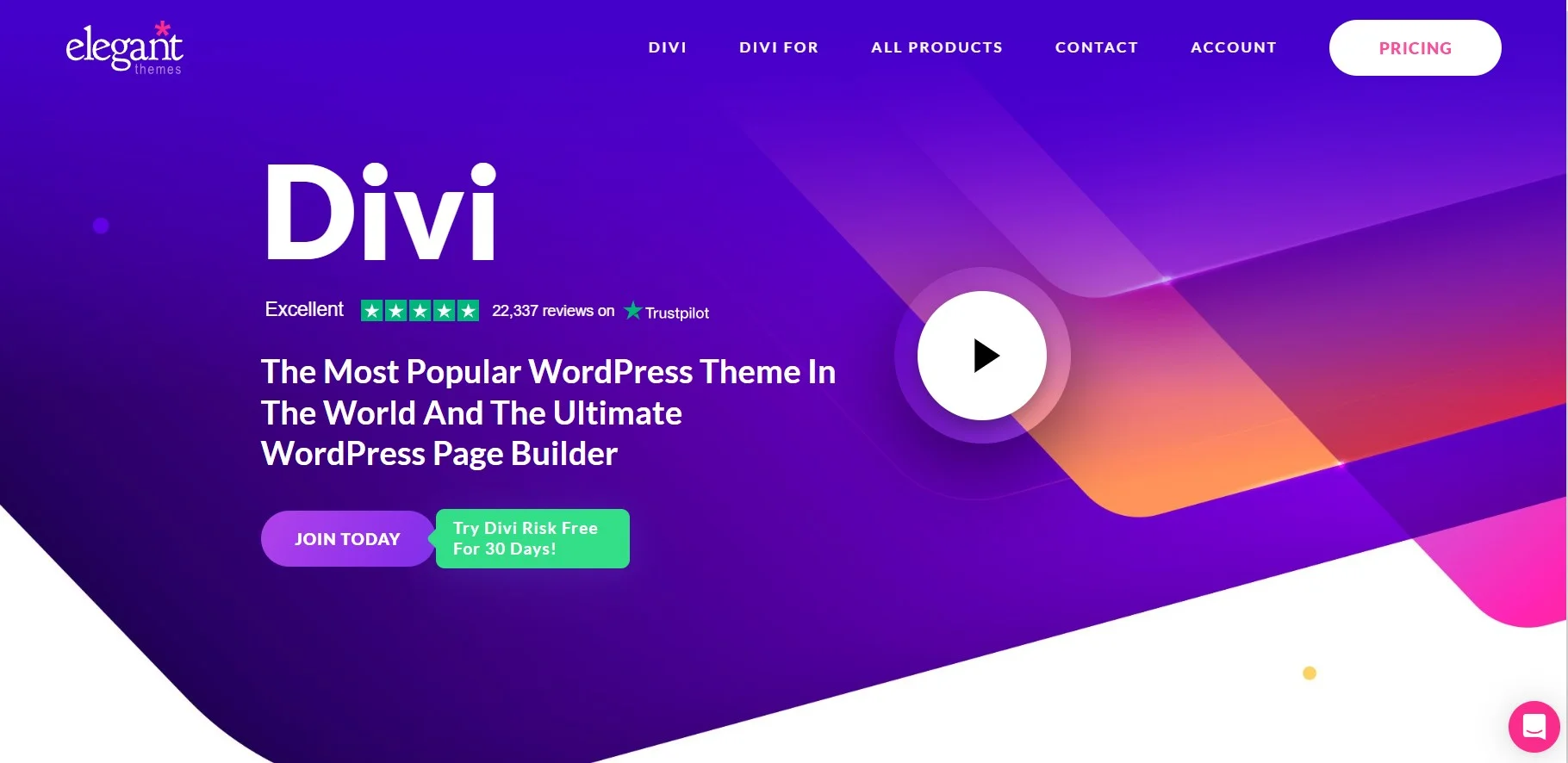
Divi has the outlier licence in this comparison. Elegant Themes charges $89 a year and puts no cap on the number of sites, which is unusual at that price. Most of its competitors charge per site and step you up a tier at three. If you build sites for other people, that changes the arithmetic completely.
The lifetime licence at $249 is worth doing the sum on: against the $89 yearly plan it pays for itself inside three years, and both cover unlimited sites. The catch is lock-in. Divi’s layouts are built from its own shortcodes, so pages do not survive a move to another builder intact; you rebuild. That is a real cost if you are unsure you will stay.
Key features: unlimited site usage on every plan; hundreds of pre-built layout packs; visual front-end editing; available as a theme or as a builder plugin on top of another theme.
Price: $89 a year or $249 lifetime, per the Elegant Themes membership page. Divi Pro, which adds Divi AI, Cloud and team seats, is $277 for the first year. No free version.
Best for: freelancers and small agencies running many sites on one licence, where per-site pricing stops making sense fast.
Skip it if: you only have one site, in which case you are paying the same $89 as Beaver Builder’s single-site tier for a much heavier commitment.
Beaver Builder
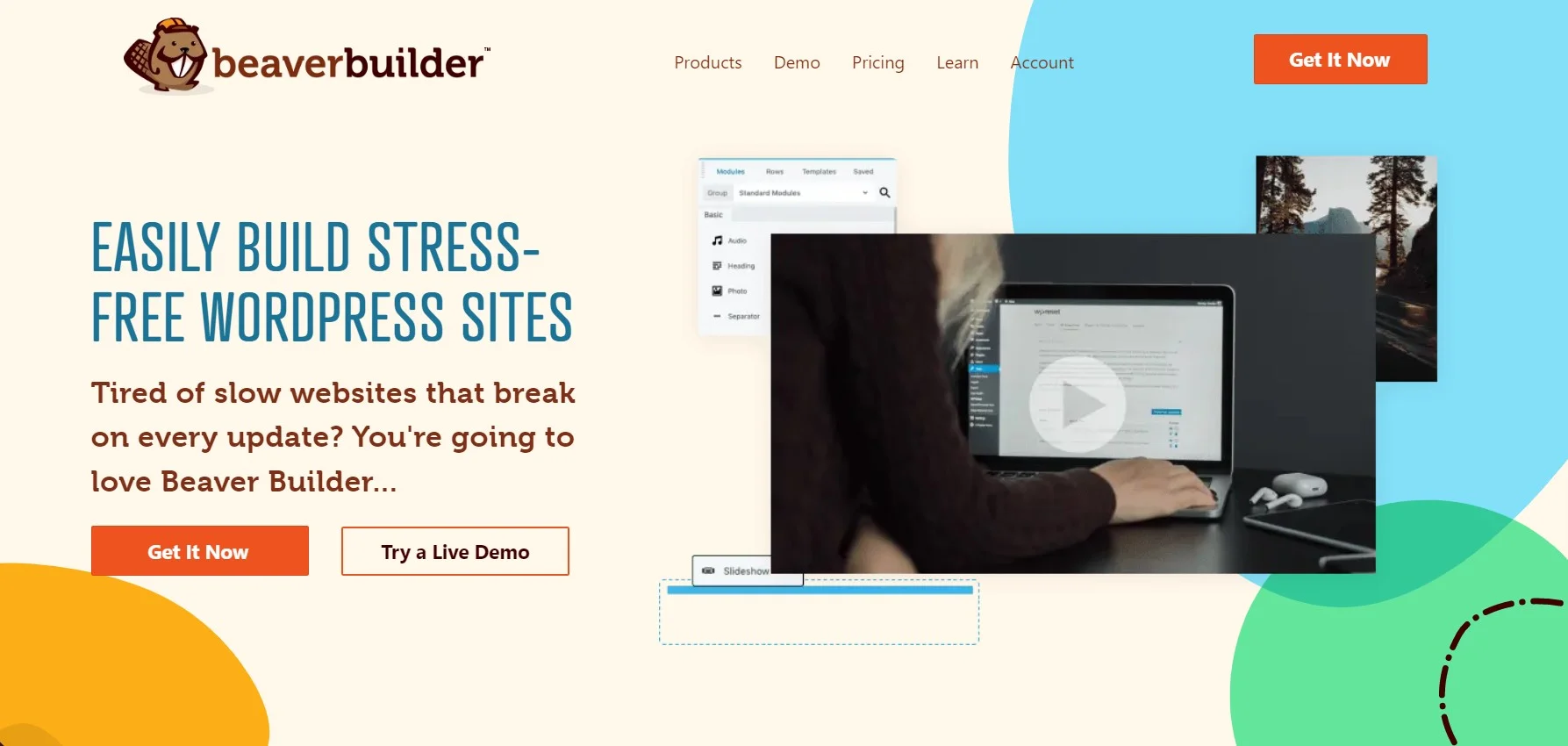
Beaver Builder’s selling point is the exit. Deactivate it and your text and images stay in the post content as readable markup instead of collapsing into shortcode debris. Nobody markets a page builder on how gracefully it leaves, which is exactly why it matters. You will change builders eventually.
It is a smaller ecosystem than Elementor: the free Lite version on WordPress.org sits around 100,000 active installs, so there are fewer add-ons and fewer tutorials. What you get instead is a builder that has been maintained steadily for a decade and does not reinvent its interface every other release. For a broader look at where it sits, see our roundup of visual page builders for WordPress.
Key features: clean uninstall that preserves content; well-documented modules for developers; WooCommerce and WPML support; multisite support on higher tiers.
Price: Starter is $89 a year for one site on the Beaver Builder pricing page, then $179 (Plus, 3 sites), $299 (Professional, 50 sites) and $546 (Unlimited). Annual only, no monthly option, and staging sites do not count against the limit.
Best for: client sites you will hand over, where a clean exit path is worth more than a big widget library.
Skip it if: you want a large third-party add-on market, or you need monthly billing.
OptimizePress

OptimizePress is built around the funnel rather than the page. Its template library leans hard into sales pages, webinar registrations, order bumps and thank-you pages, and its opt-in elements assume you are feeding an email list rather than a contact form. If you sell an information product, that bias is useful.
The honest counterpoint is that its price sits above SeedProd and Beaver Builder for one site while its ecosystem is smaller than either. You are paying for the funnel templates specifically. Pair it with whatever email tool you already pay for; it does not try to be the list manager as well.
Key features: conversion-focused template library covering sales, webinar and opt-in pages; a wide set of opt-in form styles; countdown timers, testimonial and order-box elements; live front-end editing.
Price: Launch is $129 a year for one site, Scale $199 for five, Elevate $249 for twenty-five, all listed on the OptimizePress pricing page. Renewals are shown at the same rate as the first year, which is rarer than it should be. No free version.
Best for: course and info-product sellers who want funnel templates rather than a general builder.
Skip it if: you are building ordinary marketing pages, where cheaper tools cover the same ground.
Thrive Architect
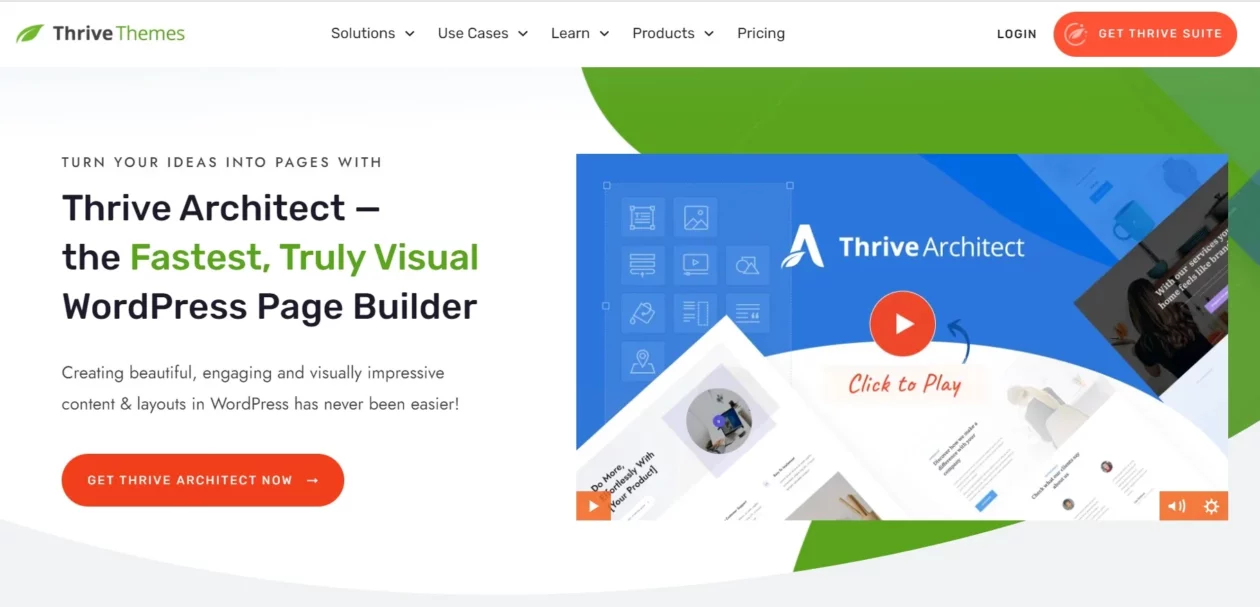
Start with the thing most roundups still get wrong: you cannot buy Thrive Architect on its own any more. Thrive’s pricing page sells one product, Thrive Suite, and Architect is one of the eight plugins inside it. Any list quoting a one-off Architect licence is working from old notes.
Judged as a bundle it is coherent: Architect for the page, Leads for the opt-in forms, Ultimatum for scarcity, Apprentice for courses, Quiz Builder for segmentation. If you would otherwise buy a builder plus separate popup plugins and a course plugin, the maths can work. Judged as a landing page builder alone, it is the priciest entry tier of any plugin with a published price here.
Key features: click-to-edit front-end builder; conversion elements including countdown timers, testimonials and CTA blocks built in; eight further Thrive plugins bundled; five-site licence.
Price: $299 a year at the introductory rate, renewing at $599; the page states outright that renewals are at full price. Quarterly billing is $149. Five sites on every tier. No free version.
Best for: a business that will actually deploy four or five of the bundled plugins, rather than only the builder.
Skip it if: you want a landing page builder and nothing else. At $599 on renewal you are paying more than seven times SeedProd’s $79 for the one plugin you came for.
Unbounce

Unbounce is not a WordPress plugin. It is a hosted platform with a WordPress connector, and the distinction matters more than the feature list. Your page is built and served on Unbounce; the plugin’s job is to make it appear at a path on your own domain rather than a vendor subdomain.
What you are buying is the testing layer: A/B tests, dynamic text replacement that swaps headline copy to match the ad keyword, and traffic routing. Worth knowing before you commit: the connector plugin on WordPress.org lists around 10,000 active installs and its tested-up-to version trails current WordPress by several releases. Check it against your install before you build a campaign on it.
Key features: A/B testing on all tiers; dynamic text replacement; traffic routing between variants; hosted delivery independent of your own hosting; WordPress connector for serving on your domain.
Price: Starter is $29 a month, or $22 a month billed annually, per Unbounce’s pricing page. That is $264 for the year. Build is $99 a month ($74 annually), Experiment $149 ($112) and Optimize $249 ($187). Starter is capped at 500 visitors a month. No free plan; 14-day trial.
Best for: teams running paid acquisition, where a lift in conversion rate is worth more than the subscription costs.
Skip it if: you are on organic traffic. Starter’s 500-visitor cap will not survive a decent month, and the next tier up is $888 a year.
Leadpages
Leadpages has restructured into two lines: a cheap publishing tier for people who just need pages online, and the Leadpages plans proper, which add the conversion tooling. The line that matters for this comparison is the second one, and its pitch is that A/B testing starts on the entry plan rather than being held back for a $149-a-month tier.
Like Unbounce, it is hosted with a WordPress connector. The Leadpages plugin on WordPress.org shows over 10,000 active installs and was updated within the last month. If your goal is simply to get more sign-ups from existing traffic, the tactics in our guide to increasing conversion rate will move the needle before any subscription does.
Key features: A/B testing from the entry Leadpages plan; unlimited traffic on all plans; heatmaps and lead enrichment on higher tiers; actively maintained WordPress connector.
Price: Grow is $50 a month, Optimize $100 and Scale $200, per the Leadpages pricing page, with 20% off annual billing, so Grow works out at $40 a month, or $480 for the year. No free plan; 7-day trial.
Best for: marketers who want split testing without traffic caps and do not want to argue with a WordPress builder.
Skip it if: your budget is annual rather than monthly. $480 a year buys six years of a SeedProd licence.
Landingi
Landingi‘s entry plan lands close to Unbounce’s, $288 a year against $264, and it is honest about what that buys: 2,000 visits a month and ten landing pages. That is a campaign, not a website. Used as intended, for one offer on one page over a fixed run, it is priced sensibly.
The jump to the next tier is steep, from $24 to $119 a month, which is where the model shows its teeth. Its WordPress connector is also the least-used of the three hosted tools here, at around 2,000 active installs, so expect thinner community answers if something breaks. Note too that Landingi bills in several currencies; the figures here are the USD ones its pricing page served.
Key features: entry plan at $288 a year, below Leadpages and within $24 of Unbounce; 10 landing pages and one custom domain on the entry plan; A/B testing and smart sections on higher tiers; WordPress connector for publishing on your domain.
Price: Build starts at $24 a month billed annually ($288 for the year) per Landingi’s pricing page, which caps it at 2,000 visits a month across 10 pages. Optimize is $119 a month for 30,000 visits, Scale from $229. Annual billing is described as two months free. No free plan; 14-day trial.
Best for: a single campaign with a defined end date, where you want hosted infrastructure without a $50-a-month floor.
Skip it if: you expect traffic to grow. Build’s 2,000 visits go quickly, and the only way up is Optimize at $119 a month, a five-fold jump for the same builder.
What most landing page roundups get wrong
They keep recommending dead software. Qards, by Designmodo, appears in landing page lists to this day. Its WordPress.org listing carries a plain notice: closed as of 23 April 2019, permanently, at the author’s request. Designmodo’s own product page no longer lists it. It has been gone for seven years and it is still being sold to readers as a current option.
They quote prices that stopped being true years ago. Thrive Architect is no longer sold as a standalone plugin at all, yet the standalone price is still widely repeated. Prices move in one direction, and a roundup that has not been repriced is worse than no roundup, because it sets a budget you cannot actually buy at.
They treat hosted platforms and plugins as the same category. Unbounce, Leadpages and Landingi are not WordPress plugins. They are subscription platforms with a connector. That difference decides where your page is served from, whether it is in your site backups, whether it survives you cancelling the subscription, and whether you can edit it at 2am without a login to a third party. It deserves more than a row in a table.
They repeat vendor speed claims as findings. Every builder in this category describes its own output as lightweight. None of those claims are measurements, including the ones we have not repeated here. If page weight is the thing you care about, measure your own build with field data and decide from that.
They forget the block editor exists. A simple opt-in page with a headline, an image, three bullets and a form does not need a builder at all. Core blocks plus a handful of Gutenberg block plugins and a form from any of the WordPress form plugins will do it, for nothing, with no extra CSS on the page.
Hosted builder or WordPress plugin: a short decision path
The whole choice comes down to whether you are buying design or buying experiments. Four questions settle it.
- Are you spending money on ads? If no, buy a plugin. Every hosted tool here is priced around split testing, and split testing needs volume to mean anything. The cheapest hosted plan in this table, Unbounce Starter at $264 a year, is more than three times SeedProd’s $79.
- How many sites? One site: SeedProd at $79 or Beaver Builder at $89. Several sites: Divi at $89 a year for unlimited sites, the cheapest unlimited-site licence among the prices verified here.
- Will someone else maintain this? Then favour Elementor for the sheer number of people who can pick it up, or Beaver Builder if a clean removal path matters more than a big ecosystem.
- Is it one campaign or an ongoing programme? One campaign with an end date: Landingi at $24 a month billed annually, cancelled when the campaign ends. Ongoing: Leadpages at $480 a year for uncapped traffic with testing on the entry plan.
Frequently Asked Questions
Do I need a landing page plugin if I already use the block editor?
Not always. Core WordPress blocks and a decent block theme handle a simple opt-in page perfectly well. You need a builder when you want split tests, a template library, or section-level design control without writing CSS. Start with core blocks and add a builder only when core genuinely blocks you.
Is a hosted builder worth more than three times the price of a plugin?
Only if you are running paid traffic. Unbounce Starter is $264 a year billed annually against SeedProd Basic at $79. What you are buying is A/B testing and hosted delivery, not better page design. With no ad spend behind it, the plugin wins on every measure that matters.
Will a landing page builder slow my site down?
It can. Every builder loads its own CSS and JavaScript on the pages that use it, and some load it site-wide. Keep the builder off pages that do not need it, and judge the result with your own field data rather than a vendor’s description of its own output.
Can I switch builders later without losing my pages?
Partly. Text and images usually survive because they live in post content, but layout markup and shortcodes generally do not. Beaver Builder is the exception that markets a clean exit. Assume you will rebuild each landing page after a switch, and keep the copy in a separate document.
Does Thrive Architect still sell as a standalone plugin?
No. Thrive’s pricing page lists only Thrive Suite, which bundles Architect with eight other plugins across five sites. It is $299 a year at the introductory rate and renews at $599. Any roundup still quoting a one-off Architect licence is working from outdated information.
Which free landing page plugin should I start with?
Elementor’s free version. It is the most widely installed builder on WordPress.org, with over ten million active installs, imposes no page limit, and covers an ordinary opt-in or sales page. SeedProd’s free version is the lighter alternative if landing pages are the only thing you build.
Do hosted builders hurt SEO because the pages sit on their platform?
They can, if you publish on the vendor’s own subdomain. All three hosted tools here ship a WordPress connector so pages serve from a path on your domain instead. Use it. A landing page on someone else’s domain builds their authority rather than yours.
Is Divi’s lifetime licence better value than the yearly plan?
If you will still be using Divi in three years, yes. Lifetime is $249 against $89 a year, so it pays for itself in under three years, and both cover unlimited sites. Elegant Themes has offered lifetime for a long time, but no vendor guarantees it permanently.
Our call
Install Elementor’s free version today and build the page. It costs nothing, it will not be the wrong answer, and it tells you within an afternoon whether you actually need anything more.
When free runs out, buy SeedProd at $79 a year if you have one site, or Divi at $89 a year if you have several. The unlimited-site licence makes that the obvious pick past two or three installs. Beaver Builder at $89 is worth the same money if you expect to hand the site over and want it to come apart cleanly.
Cross over to a hosted builder only when you can point at an ad budget. At that point Leadpages at $480 a year is the sensible default, because testing is included on the entry plan and traffic is uncapped. Unbounce is the stronger testing platform once you outgrow Starter’s 500-visitor cap, and Landingi is the right shape for one fixed-length campaign you intend to cancel.
And if you are only building one opt-in page: use core blocks, spend the $79 on something else, and come back when the page is earning enough to justify a builder.

[…] page and a temporary site-wide redirect in the same tool, which is a fair reason to look at landing page plugins generally. Skip it if: you came to this page looking for redirects. It is the wrong […]