

WordPress maintenance services sell you a monthly invoice in exchange for never thinking about updates again. For some sites that is money well spent; for others it is a subscription to work you could do in an hour a month. This page puts the published prices side by side, names the providers who refuse to publish one at all, and does the arithmetic on where handling it yourself actually comes out cheaper.
Quick verdict
Best overall: WP Buffs Maintain at $89 a month, or $1,068 a year. One site, weekly updates, four backups a day and a 24/7 emergency line, with your hosting left alone. You are buying labour, not a bundled server, which is the right way round if your host is already decent.
Cheapest plan that does the actual job: ClickWP’s ClickProtect at $25 a month, or $300 a year, the lowest dollar price in the table below. Nightly backups, software updates, security monitoring and unlimited email support. Hands-on work is billed separately as support passes, so treat it as a floor rather than a retainer.
Best for agencies: GoWP at $39 per site per month, white-labelled, or $99 with unlimited content edits. The $99 tier is the one that changes an agency’s week, because client copy tweaks stop landing on a developer’s desk.
Skip it if: you run one brochure site on managed hosting that already takes daily off-server backups. You would be paying $300 to $1,200 a year for roughly an hour of work a month, and a free dashboard plus good WordPress backup plugins covers the mechanical part.
Our call: pay for maintenance when downtime costs you money or when a white screen would ruin your day rather than your afternoon. Otherwise spend the same budget on better hosting and keep the difference.
What a maintenance plan actually buys you
Strip the marketing off and every plan on this page is some mix of five things.
Updates. Core, themes and plugins, usually batched weekly, ideally applied to a staging copy first with a visual check before they go live. This is the part a plugin can automate and the part that occasionally breaks a site, which is why the staging step matters more than the frequency.
Backups. The number of daily copies is the headline; where they are stored is the thing to ask about. A backup sitting on the same server as the site is not a backup, it is a second copy of the same fire.
Security. Malware scanning, a firewall, login hardening. Providers vary enormously on whether cleanup after an infection is included or quoted separately, and that single line item is worth more than the rest of the feature list. If you are handling this yourself, the same ground is covered by WordPress security plugins and brute force protection plugins.
Monitoring. Uptime pings and an alert when the site stops responding. Cheap to provide, genuinely useful, and the reason a lot of plans look busier than they are.
Human hours. Someone who reads your email and fixes the thing. This is the only expensive ingredient, and it is the one that separates a $25 plan from a $435 one. Everything else is software.
WordPress maintenance services compared
| Service | Cheapest published plan | Top published tier | Hosting included? | Currency shown |
|---|---|---|---|---|
| ClickWP | $25/mo ClickProtect | $40/mo Foundations | No, optional add-on | USD |
| GoWP | $39/mo maintenance | $99/mo with unlimited content edits | No | USD |
| SkyrocketWP | $79/mo Basic | $249/mo Saturn 5, Falcon Heavy on quote | Yes, Kinsta | USD |
| WP Buffs | $89/mo Maintain | $359/mo Custom | No | USD |
| wpXPRESS | $97/mo Stability Essentials | $247/mo Premier | Yes, on the two upper tiers | USD |
| AccessWP | $99/mo Standard | $299/mo Ecommerce | No | USD |
| SiteCare | $435/mo Gold | $2,190/mo Diamond | Yes, CoreSpeed | USD |
| Newt Labs | £79/mo Maintenance, ex VAT | £179/mo Performance, hosted tiers from £149 | No on care-only tiers | GBP |
| Codeable | No plan, $80–$120/hr plus a 17.5% fee | Priced per project | No | USD |
| WP Tech Support | Quote only, 3-month minimum term | Quote only | Not stated | Not published |
ClickWP
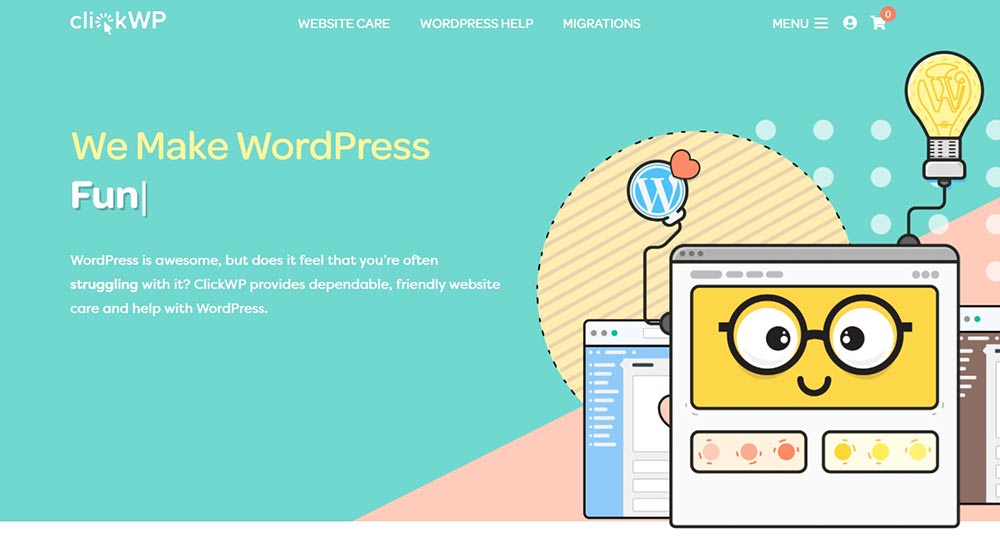
ClickWP is the price floor here, and unusually for a cheap plan it is not a stripped one. ClickProtect lists nightly backups, software updates, security monitoring and unlimited email support for $25 a month.
The catch is in what unlimited email support means. Answering questions is included; doing the work is sold as separate support passes. Foundations at $40 is the same feature list at a higher price, so read both pages carefully before assuming the upgrade buys you more maintenance.
Key features: nightly backups, software updates, security monitoring, unlimited email support, optional hosting sold as a separate add-on.
Price: $25 a month for ClickProtect, which is $300 a year. Foundations is $40 a month.
Best for: a single site owner who wants the mechanical work handled and is happy to ask before anything gets touched.
Skip it if: you want someone to fix things without being asked. That is a retainer, and this is not one.
GoWP
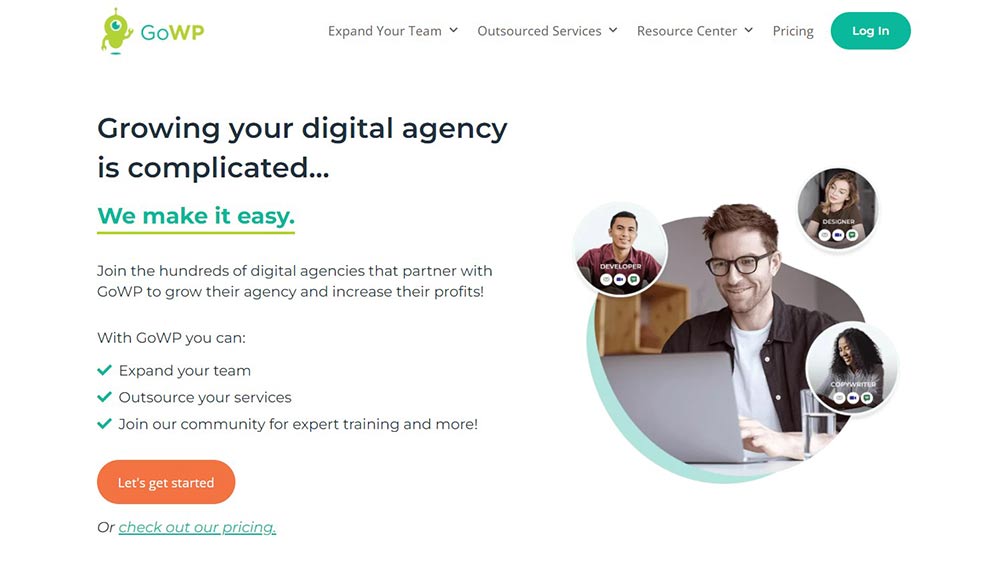
GoWP is built for agencies reselling care under their own brand, which is a different product from everything else on this page even though the feature lists look similar. The pitch is that your client never learns GoWP exists.
Two monthly products are sold directly: maintenance on its own at $39 a site, and maintenance with unlimited content edits at $99. If you run an agency, the second number is the interesting one, because content edits are the requests that interrupt developers all day and are hardest to bill for.
Key features: white-label maintenance, unlimited content edits on the upper plan, a help desk you can badge as your own.
Price: $39 a month per site, or $468 a year. The content edits plan is $99 a month, or $1,188 a year.
Best for: agencies and freelancers with a handful of client sites and a care plan to sell.
Skip it if: you own one site. You are paying for a reseller layer you will never use.
SkyrocketWP
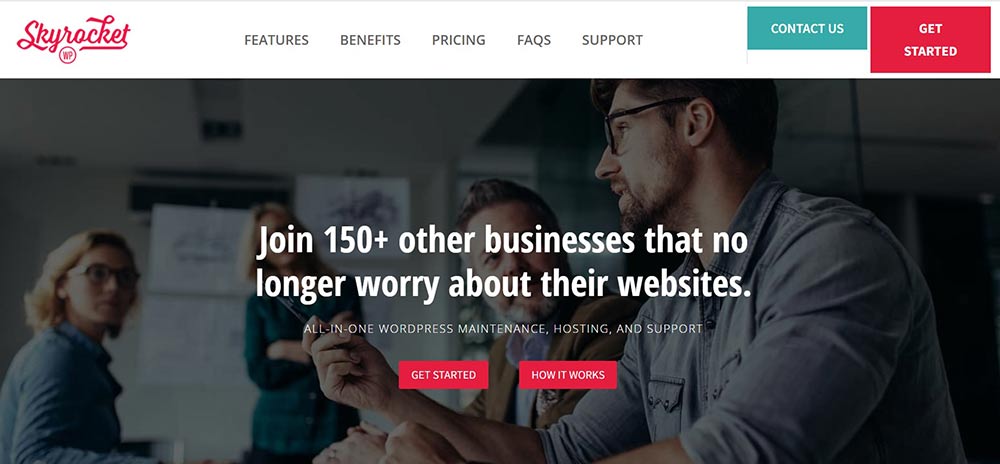
SkyrocketWP bundles Kinsta hosting into every tier, which makes the sticker price look higher than it is and the comparison harder than it should be. If you are currently paying separately for managed hosting, subtract that before you judge the number.
Read the tiers closely, though. Basic at $79 covers hosting, security, daily backups and SSL. Weekly core, theme and plugin updates start at Delta 4, which is $159. So the entry plan is really managed hosting with monitoring attached, and the maintenance you came for begins at twice the price. That is a fair deal, just not the one the first price implies.
Key features: Kinsta hosting, daily backups, uptime and performance monitoring, weekly updates from Delta 4 upwards, site edits on Saturn 5.
Price: $79 a month Basic, $159 Delta 4, $249 Saturn 5. Falcon Heavy is quoted rather than listed.
Best for: owners who want hosting and care on one invoice and would rather not pick a host at all.
Skip it if: you are happy with your current host. Moving is a real project, and our guide to WordPress migration plugins exists because it rarely goes cleanly.
WP Buffs
WP Buffs is the one we would sign up for if the site mattered and the host was already sorted. Maintain at $89 a month covers one site with weekly updates, uptime monitoring, four backups a day and 24/7 emergency support, and it deliberately leaves hosting where it is.
The ladder above it is honest about what each step adds. Protect at $179 brings unlimited website edits and security work. Perform at $239 adds speed and image optimisation, though if that is your only reason to upgrade, a WP Rocket licence and an afternoon with our guide to speeding up a WordPress site gets you most of the way for a fraction of $2,868 a year.
Key features: weekly updates, four daily backups, uptime monitoring, 24/7 emergency support, unlimited edits from Protect upwards.
Price: $89 a month Maintain, $179 Protect, $239 Perform, $359 Custom. Each plan covers one site.
Best for: a business site where an hour of downtime is a problem and hosting is already good.
Skip it if: you have several sites. Per-site pricing at this level adds up fast.
wpXPRESS
wpXPRESS names its tiers after what they include, which saves everyone time. Stability Essentials is $97 a month; the two plans above it are called Superior Hosting & Maintenance at $147 and Premier Hosting & Maintenance at $247, so hosting arrives at the middle tier rather than the bottom one.
That structure puts it in an awkward spot. At $97 you are paying more than WP Buffs Maintain for a care-only plan, and at $147 you are paying less than SkyrocketWP Delta 4 for care plus hosting. Which way that falls depends entirely on what your current host costs.
Key features: 24/7 support and maintenance, hosting bundled from the middle tier upwards, SEO work on the upper plans.
Price: $97, $147 and $247 a month. The entry plan works out at $1,164 a year.
Best for: owners who want maintenance and hosting from one supplier without SkyrocketWP’s jump to $159 for updates.
Skip it if: you only need care. There are cheaper care-only plans in the table above.
AccessWP
AccessWP leads with unlimited small jobs rather than unlimited edits, which is a more honest phrase for the same thing. Standard is $99 a month and covers those small jobs, daily backups with restores, and email support.
Worth noticing: core updates, plugin auto-updates and malware removal sit on Premium at $149, not on the entry plan. If updates are the reason you are shopping, Standard is not the plan you want, and $149 a month is $1,788 a year. The Ecommerce tier at $299 adds WooCommerce support and manual plugin updates, which is the right call for a store where an auto-update can take checkout down.
Key features: unlimited small jobs, daily backups and restore, updates and malware removal from Premium upwards, 30-day money-back guarantee.
Price: $99 Standard, $149 Premium, $299 Ecommerce, per month.
Best for: a WooCommerce store that needs plugin updates applied by hand.
Skip it if: you assumed the $99 plan updates WordPress. Read that feature list twice.
SiteCare

SiteCare is a different category wearing the same label. Gold is $435 a month and Diamond is $2,190, the most expensive plan published in dollars on this page by some distance. Annual billing brings Gold to $4,680 a year and Diamond to $23,880.
At that level you are not buying updates, you are buying an agency retainer with hosting, a rapid response team, technical SEO, accessibility monitoring and an SLA attached. Diamond lists a one-hour response target. If that sounds absurd for your site, it is, and the correct reaction is to look further up the table rather than to conclude maintenance is a racket.
Key features: CoreSpeed managed hosting, real-time backups on Diamond, technical SEO, accessibility monitoring, after-hours emergency support, one-hour SLA on the top tier.
Price: $435 a month Gold, $2,190 a month Diamond. Annual billing is published separately at $4,680 and $23,880 a year.
Best for: revenue-critical sites with a real budget and a compliance requirement.
Skip it if: your site earns less per month than the plan costs.
Newt Labs
Newt Labs is the UK option, and it prices in pounds excluding VAT, so do not try to rank it against the dollar plans above. Care-only tiers are £79, £119 and £179 a month. Annual billing drops those to £69, £99 and £149, which on the entry plan is £828 a year instead of £948.
Hosted equivalents are published separately at £149, £249 and £399 a month. The gap between care-only and hosted is wide enough that you should price your existing host honestly before taking the bundle. There is also a 30-day money-back window, which is a reasonable amount of time to find out whether the support actually answers.
Key features: UK-based developers, updates, backups, security monitoring, one-off fixes and development days sold separately, managed cloud hosting on the hosted tiers.
Price: £79 to £179 a month for care only, excluding VAT. Hosted tiers from £149 a month.
Best for: UK businesses that want same-timezone support and a VAT invoice.
Skip it if: you are outside the UK and would be paying a currency spread for no benefit.
Codeable
Codeable is not a maintenance plan and it is included here because it is the honest answer for a lot of people who think they need one. It matches you with vetted WordPress developers and charges per project rather than per month.
Rates run $80 to $120 an hour with a 17.5% platform fee on top, paid into escrow before work starts, and there is a 28-day bug-fixing warranty. Do the sums against a subscription: if you genuinely need help twice a year, two Codeable jobs cost less than twelve months of a $99 plan you barely use.
Key features: vetted developers, escrow payment, fixed estimate before work begins, 28-day bug-fixing warranty.
Price: $80 to $120 an hour plus a 17.5% fee. No recurring charge.
Best for: occasional real problems, custom work and one-off rescues.
Skip it if: you want someone watching the site continuously. Nobody is watching between projects.
WP Tech Support
WP Tech Support runs four care plans across offices in the UK, US, Philippines and India, which is how it staffs a genuine 24/7 support desk rather than an inbox that answers in the morning.
Prices are no longer published. The care plans page lists the four tiers and their features, then routes you to a quote form, and it states a minimum term of three months. That last detail is the one to weigh, because every other plan in this comparison is month to month. Earlier versions of this article quoted rates from $25 to $59 a month; those figures are gone from the vendor’s site and we have removed them rather than repeat numbers we cannot check.
Key features: four tiers, 24/7 uptime monitoring, daily security scans, daily backups, weekly core and plugin updates, white-label option.
Price: not published. Quote only, with a three-month minimum term.
Best for: owners who want overnight cover and are willing to have a sales conversation to get it.
Skip it if: you want to compare a number today, or you are unwilling to commit for a quarter.
What most roundups get wrong about maintenance plans
They compare care-only plans against hosting bundles. SkyrocketWP at $79 includes Kinsta. WP Buffs at $89 includes no server at all. Lined up in a table those look like neighbours, and they are not remotely the same purchase. Subtract what you already pay a host before you compare anything, and if you have not settled that question yet, start with how to choose hosting for WordPress instead.
They treat “unlimited edits” as unlimited. It means small tasks: swap this image, fix that heading, add a page. A redesign, a custom plugin, a checkout rebuild, none of that is included anywhere on this page, and every provider quotes it as development work. The word doing the load in that phrase is “edits”, not “unlimited”.
They never check which tier the updates are on. This is the trap that costs real money. SkyrocketWP’s entry plan does not include weekly updates; they start at $159. AccessWP’s $99 plan does not include core updates; they start at $149. Two of the ten services here put the headline feature one rung above the headline price.
They quote prices that stopped being true years ago. This article previously listed WP Tech Support rates that no longer appear anywhere on the vendor’s own site. Care plans reprice constantly, and roundups rarely revisit them. Any figure here, ours included, is worth confirming at checkout.
They ignore where backups live. Four backups a day stored on the same server is a worse deal than one nightly copy stored somewhere else. Ask for the storage location and the restore procedure. If nobody has tested a restore, you do not have backups, you have files.
When doing it yourself is cheaper
Here is the arithmetic nobody selling a care plan wants next to their pricing table.
ManageWP gives you a free tier covering unlimited sites with one-click updates, monthly cloud backups, security checks, performance checks and client reports. Its backup add-on is $2 per site per month, which is $24 a year. Add a decent security plugin on a free tier and you have replicated the mechanical half of a $300-a-year plan for the price of a sandwich.
What that does not buy is judgement or availability. Nobody tells you a plugin update broke the contact form; you find out when a customer emails. Nobody is awake at 2am. Nobody knows that this particular theme hates that particular update. On a low-traffic site those gaps cost you an occasional annoying evening. On a store, they cost orders.
Doing it yourself makes sense when all of the following are true: one or two sites, a host that already takes off-server daily backups, no ecommerce, and enough confidence to read an error log. Our walkthroughs on increasing the WordPress memory limit and picking WordPress cache plugins cover most of what breaks in practice, and a shortlist of solid WordPress hosting platforms removes a surprising number of problems before they start.
Pay someone when the site earns money, when you manage sites for clients who expect a throat to choke, or when you have noticed that “I’ll update it this weekend” has meant four months.
A short decision path
- One personal or brochure site, good host. Do it yourself. ManageWP free plus its $2 backup add-on, and put the saved budget into hosting.
- One business site, downtime costs money. WP Buffs Maintain at $89 a month. Keep your host.
- Budget is tight but the work still needs doing. ClickWP ClickProtect at $25 a month, and accept that hands-on fixes are billed separately.
- You want hosting and care on one invoice. SkyrocketWP Delta 4 at $159, or wpXPRESS at $147. Do not stop at SkyrocketWP’s $79 tier and expect updates.
- A WooCommerce store. AccessWP Ecommerce at $299 a month, for the manual plugin updates rather than the branding.
- An agency with client sites. GoWP at $39 a site, or $99 with content edits.
- You need help twice a year, not every week. Codeable, per job.
- You are in the UK and want same-timezone support. Newt Labs, from £79 a month excluding VAT.
Frequently Asked Questions
How much do WordPress maintenance services cost per month?
Published plans in this roundup run from $25 to $2,190 a month for a single site. Most single-site owners land between $40 and $100. Below that you are buying tooling rather than a service; above it, the plan usually bundles hosting, development hours or marketing work you may not need.
Is a WordPress maintenance plan worth it?
It is worth it when downtime costs you money, or when you could not fix a white screen yourself. For a brochure site on managed hosting that already takes off-server backups, usually not. Price the plan against an hour of your own time each month and decide from there.
Do maintenance plans include hosting?
Some do, most do not. SkyrocketWP and SiteCare bundle it, wpXPRESS adds it from the middle tier, and WP Buffs, GoWP and AccessWP leave hosting with you. Compare like for like, because a bundled plan is absorbing a cost the cheaper plan expects you to pay separately.
What does unlimited edits actually mean?
Small tasks, not projects. Swapping copy, adding a page, fixing a broken layout. A redesign, a custom plugin or a WooCommerce checkout rebuild falls outside every plan on this page and gets quoted as development work. Read the provider’s own definition before you assume your job is covered.
Can I just use a plugin instead of paying monthly?
Often, yes. ManageWP’s free tier handles updates and monitoring across unlimited sites, and its backup add-on costs $2 per site per month. That covers the mechanical work. What it does not cover is a human who answers at 2am when the checkout stops taking payments.
Why do some providers refuse to publish prices?
Because the price depends on your site. A WooCommerce store running forty plugins costs far more to maintain than a five-page brochure site, so one published number would either frighten off small clients or underprice large ones. Expect a discovery call before you get a figure.
How often should WordPress be updated?
Security releases should go on within days. Everything else can wait for a weekly window. Most plans here run weekly batches, ideally on a staging copy first. If a provider pushes updates straight to production with no rollback plan, that is the question to ask before signing.
What happens to my site if I cancel the plan?
You keep the site, but you lose the monitoring, the managed backups and the support queue. If the plan bundled hosting, you also need a migration. Ask where your backups are stored and how you export them before you sign up, not on the day you cancel.
Our call
Buy WP Buffs Maintain at $89 a month if the site is a business asset. It does the job it says it does, it leaves your hosting alone, and $1,068 a year is cheap next to one bad weekend spent restoring a site you cannot restore.
If you run client sites, GoWP at $39 each is the one that makes commercial sense, because you can resell it. If money is genuinely tight, ClickWP at $25 covers updates, nightly backups and monitoring, and you can pay for hands-on help when you actually need it.
And if you have one small site on a good host, do not buy anything. Install ManageWP, spend $24 a year on its backup add-on, put an hour in the calendar on the first of the month, and spend the rest on hosting that breaks less often. That is not the answer a roundup is supposed to give, but for a lot of readers it is the correct one.


Hi, it would be nice to see some UK services in the list like ThriveWP.com for example.
[…] plugins, and worth doing before renewal rather than after. If the whole thing feels like a chore, WordPress maintenance services will handle it. Not launched yet? Our guide to starting a blog covers the order to do things in. […]
[…] Best for: sites where downtime has a cost you could put on an invoice. Also good for handing a client an environment you did not have to assemble yourself, which is worth real money on retainer and maintenance work. […]