WordPress push notification plugins let you message people after they have left your site, without ever owning their email address. That is the appeal. The catch is that web push has become a two-tier channel: it works properly in Chrome, Edge and Firefox, and barely works on iPhone. This guide re-checks what each plugin actually costs, where the free tiers stop, and who should skip web push altogether.
Quick verdict
- Best overall: Webpushr. Free up to 10,000 subscribers with every feature unlocked, and the highest-rated plugin in this roundup on WordPress.org at 4.7 stars.
- Best free: Push Notifications for WP (Self Hosted). No subscriber cap, no third-party account, sends from your own server.
- Skip web push if: most of your traffic is iPhone, or you already have a healthy email list that people actually open.
- Our call: start on Webpushr’s free tier. If you cross 10,000 subscribers and dislike the invoice, move to a self-hosted plugin rather than upgrading.
The best WordPress push notification plugins in 2026
| Plugin | Free tier | First paid tier | The catch | Active installs |
|---|---|---|---|---|
| OneSignal | Max 10,000 subscribers per send | Growth from $19/mo plus $0.004 per web push subscriber | Metered, so the bill scales with your list | 60,000+ |
| Webpushr | Up to 10,000 subscribers, all features | Individual $29/mo, up to 50,000 subscribers | Flat monthly rate, no annual discount published | 10,000+ |
| PushEngage | 200 subscribers, 30 campaigns/mo | Business $14/mo, or $8/mo billed annually ($96/yr) | Annual rate is introductory; vendor states renewals are at full price | 9,000+ |
| Push Notifications for WP (Self Hosted) | Unlimited sends, no subscriber cap | Pro $5/mo or $50/yr | Only 5 reviews, so little community signal | 6,000+ |
| Perfecty Push | Everything, no cap, no paid tier | None | Last updated roughly a year ago | 4,000+ |
| PushAssist | 3,000 subscribers, unlimited sends | Starter $9/mo | Paid tiers publish no subscriber limits, and the plugin is gone from WordPress.org | Not listed |
Where web push actually works
Every plugin below rides the same browser plumbing, so the limits are the same whichever one you install. Web push needs two things before any plugin matters: your site must be served over HTTPS, and it must register a service worker. MDN is blunt about the first one: service workers are only available in secure contexts, meaning HTTPS, with localhost allowed for development. If your site is still on plain HTTP, no plugin can rescue it, and your choice of WordPress hosting is the thing to fix first.
Desktop and Android are the easy part. Chrome, Edge, Firefox and Opera all support the Push API on desktop and Android, and Safari on macOS supports it too. Caniuse records roughly 82% of tracked traffic at full support, with another 14% at partial, and lists Safari on iOS 16.4 and later in that partial column.
That partial column is the whole story. On iPhone and iPad, web push only reaches web apps the visitor has added to the Home Screen. Apple’s WebKit announcement says it plainly: a web app that has been added to the Home Screen can request permission to receive push notifications, and that request has to come from direct user interaction such as tapping a subscribe button. An ordinary Safari tab cannot subscribe. If your analytics show a mobile-heavy iPhone audience, price that in before you build a strategy on this channel.
Chrome adds a second squeeze. Its notification settings include a quieter option that, in Google’s words, blocks notification prompts from interrupting you, so a site can still ask but no pop-up prompt shows. Opt-in rates are not a constant you can plan around.
OneSignal
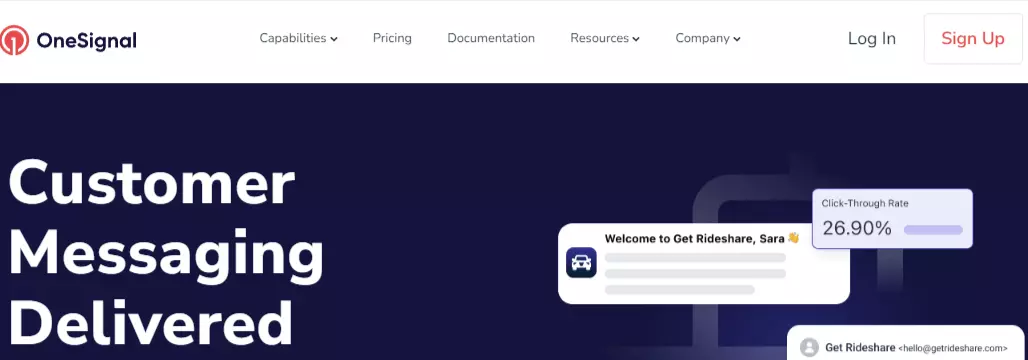
The default choice, and the one you will inherit on most client sites. The OneSignal plugin on WordPress.org shows 60,000 or more active installs at version 3.9.2, with 4.3 stars across 360 reviews. Worth noting: 50 of those 360 are one-star, which is a high floor for a plugin this widely used.
- Key features: segmentation by behaviour and attributes, automated sends on publish, A/B testing, delivery and click analytics, plus email and in-app messaging from the same account.
- Price: the free plan lists a maximum of 10,000 subscribers per send for web push. OneSignal’s pricing page puts Growth at $19 a month plus $0.004 per web push subscriber. At 50,000 subscribers that add-on works out to $200, so roughly $219 a month all in. Confirm the metering basis at checkout, because web push here is priced as usage rather than a flat tier.
- Best for: sites that also want email or mobile app push and would rather run one dashboard than three.
- Skip it if: you need a predictable monthly bill. Usage pricing is fine at 2,000 subscribers and unpleasant at 200,000.
Webpushr
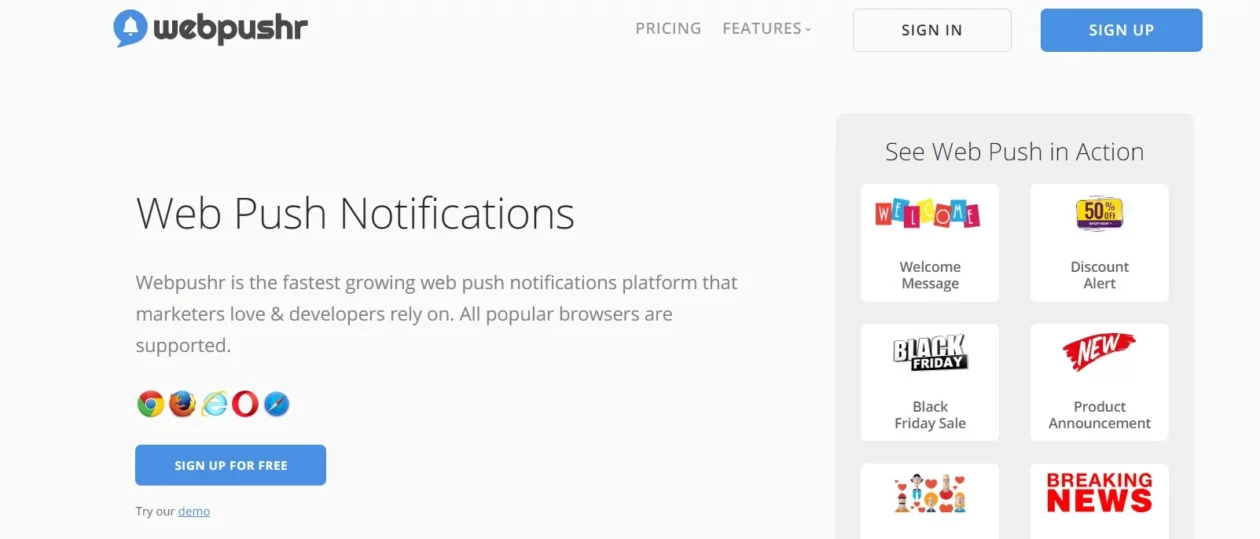
The quiet pick. Webpushr’s plugin listing shows 10,000 or more active installs at version 4.41.0 and 4.7 stars from 63 reviews, the best rating of any plugin in this roundup. The plugin’s own dashboard summarises total devices, subscribers, browser split and opt-in rate, which is more than most free tiers give you.
- Key features: several permission prompt styles, manual sends from a web panel, automatic sends on publish, and an in-plugin summary of subscribers and opt-in rate.
- Price: free up to 10,000 subscribers. Webpushr’s pricing page lists Individual at $29 a month for up to 50,000 subscribers, Startup at $49 for up to 100,000, and Growth at $99 for up to 150,000. Individual comes to $348 a year. The company states that all features are included on every tier, free one included, so subscriber count is the only thing you are buying.
- Best for: publishers and bloggers who want the full feature set without a card on file.
- Skip it if: you have crossed 10,000 subscribers and cannot make a case for $348 a year for a channel you send to twice a month. A self-hosted plugin costs nothing at that point.
PushEngage

The ecommerce-shaped option. Cart abandonment, browse abandonment and price drop campaigns are the reason to pick it, and they are genuinely useful if you run a store. The WordPress.org listing shows 9,000 or more installs at version 4.2.9 with 4.2 stars from 34 reviews.
- Key features: drip campaigns, cart and browse abandonment triggers, segmentation, A/B testing and goal tracking.
- Price: the free plan covers 200 subscribers and 30 campaigns a month, the smallest free tier of the hosted services in this roundup. PushEngage’s pricing page lists Business at $14 a month billed monthly, or $8 a month billed annually, which is $96 for the year and covers up to 50,000 subscribers. Read the footnote before you budget: the page states that this is special introductory pricing and all renewals are at full price. Year two is $14-a-month territory, so $168, unless they discount you again.
- Best for: WooCommerce stores that want abandonment pushes wired to real orders, and that are already working on conversion rate.
- Skip it if: you only want a notification when you publish a post. You will burn through 200 subscribers in a week and the free tier turns into a demo.
Push Notifications for WP (Self Hosted)
The one that surprises people. No SaaS account, no subscriber meter: subscriptions live in your own database and your server does the sending. Its WordPress.org listing shows 6,000 or more installs at version 1.51, updated within the last month, at 4.2 stars. The caveat is the sample size, which is five reviews.
- Key features: automatic sends on publish or update, per-category and per-author subscription options, scheduled sends, and stated compatibility with Polylang, BuddyPress, BuddyBoss and Gravity Forms.
- Price: free, with unlimited notifications and no subscriber cap. Pro is $5 a month or $50 a year, the cheapest paid upgrade in this table, and adds segmentation, category-based sends and iOS delivery.
- Best for: anyone who would rather not hand subscriber tokens to a third party, which also makes your GDPR paperwork shorter.
- Skip it if: you need drip sequences, A/B testing or revenue attribution. This is a sending tool, not a marketing platform.
One structural caveat applies to both self-hosted plugins here: sending happens from your server, so a big list becomes a long queue of outbound requests. On cheap shared hosting that is the part that hurts, and it is worth a look at how your site handles load before you point 20,000 subscribers at it.
Perfecty Push
Open source, self-hosted, and free with no paid tier at all. The listing shows 4,000 or more installs and 4.6 stars from 42 reviews, a much healthier sample than its self-hosted rival. It also supports importing subscribers from OneSignal, which is the escape hatch people usually want.
- Key features: subscription tokens stored in your own database, sends on publish, a basic dashboard, and no external API keys to manage.
- Price: free. There is no upgrade to sell you.
- Best for: developers who want push with nobody in the middle and no invoice attached to list growth.
- Skip it if: you need active maintenance. Version 1.6.5 was last updated around twelve months ago and the directory flags it as untested with the last three major WordPress releases. On a client site, that is a conversation you have to have.
PushAssist
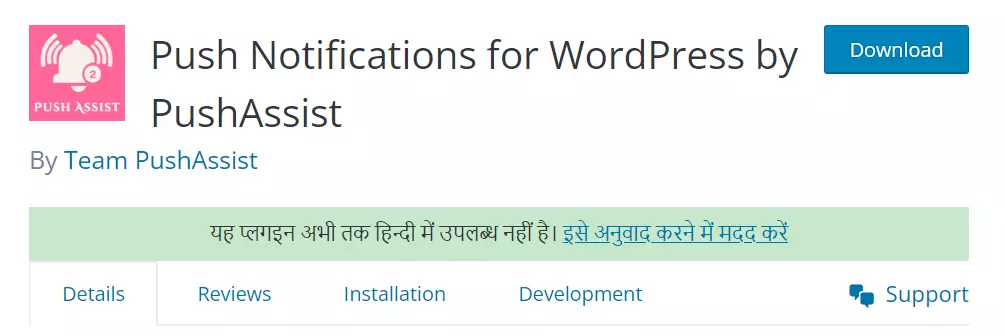
The screenshot above is the PushAssist plugin listing as it used to appear in the WordPress.org directory. A directory search for PushAssist in August 2026 returns no plugin. The hosted service is still running and the free tier is real, but on WordPress you would be dropping in a JavaScript snippet and maintaining it yourself.
- Key features: branding removed even on the free plan, five segments, unlimited sends on every tier, emoji and AMP support.
- Price: the free plan covers 3,000 subscribers with unlimited notifications. The pricing page lists Starter at $9 a month and Business at $25 a month, but the paid cards do not publish subscriber limits, so you cannot work out what you are actually buying without asking.
- Best for: a non-WordPress site where somebody already maintains the snippet.
- Skip it if: you want a plugin you can update from your dashboard, which is most people. This one is here as a warning, not a recommendation.
What most roundups get wrong
Four things, and they all cost readers money or time.
- They list products that are not WordPress plugins. VWO Engage still appears on these lists. It publishes no pricing, offers a 30-day trial rather than a free tier, and no plugin of its own in the plugin directory. Firebase Cloud Messaging turns up too, but FCM is a transport that other services use underneath, not a plugin you install and configure.
- They treat every subscriber cap as the same sentence. OneSignal’s free plan says a maximum of 10,000 subscribers per send. Webpushr’s says up to 10,000 subscribers. Those describe different limits and only one of them is a hard ceiling on list size.
- They quote intro pricing as if it renews. PushEngage’s $8 a month is an annual introductory rate, and the page says so. Compare year-two costs, not launch offers.
- They skip the iPhone problem entirely. If half your audience is on iOS and none of them will add your site to their Home Screen, your reachable list is half what the dashboard implies. That is the moment to put the effort into a newsletter plugin instead.
The setup details that actually break things
Almost every support ticket on these plugins comes down to the service worker file. The SDK needs a JavaScript file served from your own origin, and it is fussy about where. OneSignal’s setup documentation states that the OneSignalSDKWorker.js file must be publicly accessible and available on your origin, and cannot be hosted via a CDN or placed on a different origin with a redirect. The same page notes that web push does not work on HTTP or in incognito and private windows, which is where a lot of afternoons go to die.
The verification step takes thirty seconds: open the worker file’s URL directly in a browser. If you get anything other than the JavaScript file, fix that before debugging anything else. The two usual culprits are a caching plugin rewriting or minifying the request, and a CDN rule pulling the file onto a different hostname.
One more, if you build a custom opt-in bar rather than using the browser prompt: inject it carefully, because a bar that appears above the fold after paint is a textbook cause of layout shift. The same care applies to any popup plugin you use to explain the prompt before triggering it.
Which one should you pick?
- Blog or publisher, want it working this afternoon: Webpushr free. All features, 10,000 subscribers, no card.
- WooCommerce store chasing abandoned carts: PushEngage Business. Budget the renewal rate, not the $8 headline.
- Already on OneSignal for mobile push or email: stay. Just model the per-subscriber usage at the list size you expect in a year before you celebrate.
- Privacy-sensitive, or allergic to per-subscriber fees: Push Notifications for WP. Perfecty Push if you are comfortable running a plugin that has not shipped an update in about a year.
- Mostly iPhone traffic: none of them. Spend the same hour on email capture with a form plugin, or on live chat if you need something conversational.
Frequently Asked Questions
Do push notifications work on iPhone?
Only for web apps the visitor has added to the Home Screen. Safari on iOS has supported the Push API since version 16.4, but a normal browser tab cannot subscribe at all. If your audience is heavily iPhone, expect a much smaller reachable list than your desktop numbers suggest.
Is HTTPS required for WordPress push notifications?
Yes, without exception. Push depends on a service worker, and service workers only run in secure contexts, which means HTTPS in production. No plugin can work around it. If your site is still on plain HTTP, sort out the certificate before you install anything else.
Which push notification plugin has no subscriber cap?
The two self-hosted ones: Push Notifications for WP and Perfecty Push. Both keep subscription tokens in your own database and send from your own server, so nobody meters your list. You trade the cap for sending load on your hosting, which matters once the list gets large.
How many subscribers does the OneSignal free plan allow?
OneSignal lists a maximum of 10,000 subscribers per send for web push on the free plan. Above that you move to Growth, which starts at $19 a month and then adds $0.004 per web push subscriber, so the bill grows with your list rather than stepping between tiers.
Is the PushEngage free plan enough to start with?
Barely. It caps at 200 subscribers and 30 campaigns a month, the smallest free tier of the hosted services here. Treat it as a trial rather than a runway. If push turns into a real channel for you, budget for the Business plan at its renewal price.
Will a push notification plugin slow down my site?
A little. Each hosted service loads an SDK script and registers a service worker, so it is one more third-party request on every page. The scripts are usually loaded asynchronously, so the effect is modest. Measure your pages before and after rather than assuming either way.
Why does my service worker file return a 404?
Almost always because it is being served from a CDN, a subfolder or behind a redirect. OneSignal requires its worker file to sit on your own origin and be publicly reachable without redirection. Open the file URL directly in a browser; if it does not load, that is your bug.
Is a consent banner required for push notifications?
The browser permission prompt is itself a consent step, so a separate banner is usually unnecessary. Your privacy policy still needs to say what you collect and who processes it. Hosted services store subscriber tokens on their servers; self-hosted plugins keep them in your own database.
The bottom line
Install Webpushr. The free tier gives you every feature up to 10,000 subscribers, the plugin is the best-rated here at 4.7 stars, and there is no intro price waiting to reset. If you run a store, PushEngage earns its $14 a month for abandonment triggers alone, provided you budget the renewal rate rather than the annual headline. If you object on principle to a third party holding your subscriber tokens, Push Notifications for WP does the job for nothing.
Then set expectations. Web push is a decent second channel for a site that publishes often and a poor first channel for anyone whose readers are on iPhone. It costs almost nothing to test, so test it before you build anything around it, particularly if you are monetising a WordPress blog and counting on repeat visits.