


Most attempts to increase conversion rate start with a button color and end in an argument. The number that actually matters is plain: how many of the people who arrive do the thing the page was built for. On WordPress sites they usually get lost in three places, and none of them is the button. This guide fixes those first, then covers which CRO tools are worth paying for in 2026 and which ones quietly died.
Quick verdict
- Best first move: show total cost, shipping included, before the last checkout screen. Unexpected extra costs are the most-cited reason people abandon a cart in Baymard Institute research, and no headline test beats fixing that.
- Best free start: Crazy Egg’s free plan for heatmaps and on-site surveys, plus Mixpanel’s free tier for funnels. Neither needs a card, and between them you can find the leak before you spend anything.
- Best paid pick for a typical WordPress site: Crazy Egg Starter at $29/month billed annually, which is $348 a year, because heatmaps, session recordings and conversion tracking arrive on one bill.
- Skip A/B testing entirely if you get fewer than a few hundred conversions a month. At that volume a split test is a coin toss with extra steps, and you will act on noise.
- Our call: measure properly, then spend your first month on page speed and checkout friction. Buy a testing tool only when your traffic can support a test that finishes.
What conversion rate optimization actually means
Conversion rate optimization is the work of getting a larger share of your existing visitors to complete a specific action. Not more traffic. The same traffic, better used. That is why it appeals to anyone paying for ads and to anyone whose organic traffic has flattened out.
The arithmetic is not complicated:
Conversion rate = (conversions ÷ sessions) × 100
If 2,150 sessions produced 43 completed orders, that is 43 ÷ 2,150 = 0.02, so a 2.0% conversion rate. The hard part is not the division. It is deciding what counts as a conversion, and being consistent about it for long enough that the trend line means something.
Pick one primary action per page type and stick with it. A product page converts on add-to-cart or purchase. A service page converts on a submitted enquiry form. A blog post converts on a newsletter signup. Counting all three in one site-wide number gives you a figure that moves for reasons you cannot trace, which is worse than having no number.
Set up measurement before you change anything
Every hour spent optimizing against broken tracking is wasted twice: once doing the work, once undoing it. Get this right first. It takes an afternoon.
- Write down the one action per template. Product, service page, post, contact page. One line each, in a document you will still be able to find in six months.
- Fire a real event for each one. On WooCommerce, purchase and add-to-cart events are already available through most analytics integrations. For forms, trigger the event on the success state, not the submit click, or you will count failed submissions as wins.
- Decide how consent affects the count. If your consent banner blocks analytics until someone accepts, you are measuring a subset of visitors and your denominator is wrong. Either accept that and compare like with like over time, or move conversion counting server-side.
- Verify it. Open the site in a private window, complete the action for real, and confirm the event appears in your analytics realtime view within a couple of minutes with the right value attached. Then do it again on a phone on mobile data. If the event does not arrive both times, nothing else in this guide will help you.
- Leave it alone for two weeks. You need a baseline. Changing the site and the tracking in the same week means you will never know which one moved the number.
What breaks this, specifically
Three failures account for most of the broken conversion tracking on WordPress sites. A caching plugin serves a cached page with a stale form nonce, so real submissions fail silently while your event still fires on click. A script optimizer defers or combines the analytics snippet and it stops running on pages where a conflicting script throws an error. And ad blockers plus tracking protection remove the snippet for a meaningful slice of your audience, which is invisible in your dashboard because those sessions never register at all.
The fix for the first two is boring and reliable: exclude cart, checkout and account pages from caching, and exclude the analytics file from any combine or defer rule. The third one you live with, and it is another argument for counting orders in WooCommerce rather than trusting a front-end tag.
Best practices to increase conversion rate in 2026
These are ordered by how much they usually pay, not by how interesting they are to implement.
Show the total cost early
Baymard Institute keeps a running average of documented cart abandonment across studies, and in its cart abandonment research the figure sits at 70.22% drawn from 50 studies published between 2006 and 2025. More useful than the headline number is the reason list underneath it: extra costs that appear late, covering shipping, tax and fees, is the top cited reason at 40%, ahead of slow delivery at 20% and forced account creation at 18%.
So put shipping cost on the product page or in the cart, not on the final screen. If you offer free shipping above a threshold, say the threshold and say how far away the current basket is. And turn guest checkout on. The account can be created after payment, from the order confirmation, when the customer already has a reason to want one.
This is unglamorous and it is where the money is. It also costs nothing but an afternoon in your store settings and a look at the WooCommerce plugins you already have installed.
Get the page fast enough that people stay
Speed is not a conversion tactic on its own, but a page that takes six seconds to become useful has already lost a share of its mobile traffic before any of your copy gets read. Google publishes concrete targets in its Core Web Vitals documentation: Largest Contentful Paint at 2.5 seconds or less, Interaction to Next Paint at 200 milliseconds or less, and Cumulative Layout Shift at 0.1 or less, each assessed at the 75th percentile of page loads and measured separately for mobile and desktop. INP replaced First Input Delay as a stable Core Web Vital in 2024, so any advice you read that still talks about FID predates the current standard.
On a typical WordPress build the order of work is predictable. Fix the server first, because server response time sets the floor for everything downstream and no plugin can undo a slow host. Then compress the images, which is usually where the biggest byte savings sit. Then add caching. WP Rocket handles page caching and asset work in one plugin, while Perfmatters is the better fit when you mainly need to unload scripts that other plugins load on every page. Our fuller walkthrough of speed work on a WordPress site covers the sequence in detail.
Stop the page moving under people’s thumbs
Layout shift is the conversion killer nobody tracks. Someone reaches for Add to cart, a late-loading banner or web font pushes the button down 40 pixels, and their tap lands on a category link instead. They do not file a bug report. They leave, and your analytics records a bounce with no explanation attached.
The usual culprits are images without width and height attributes, ad slots with no reserved space, cookie bars injected above the fold, and fonts that swap after paint. Each has a fix, and we have written up the specifics in our guide to stopping layout shift in WordPress. Check the number on a real phone rather than a desktop emulator, because this is a problem that barely shows up on a fast laptop.
Cut the form down to what you will actually use
Every field is a small tax on the person filling it in, and most forms collect data nobody reads. Go through your enquiry form field by field and ask who opens that value and what they do with it. Company size, how did you hear about us, phone number when you only ever reply by email: if the answer is nothing, delete the field.
Then make the survivors easier. Correct autocomplete attributes let browsers fill name, email and address in one tap. Inline validation that flags a bad email as the person leaves the field beats an error page after submit. And if a field is genuinely optional, label it optional rather than marking six others required and hoping people infer the rest.
Make the button say what happens next
Submit, Continue and Learn more all describe your form, not the reader’s outcome. Get the quote, Start the 14-day trial and Book a call Thursday describe theirs. This is the cheapest change on the list and the one people skip because it feels too small to matter.
Two things worth checking while you are in there. Make sure the primary action is visible without scrolling on a 375-pixel-wide phone, which is still a common viewport. And make sure there is only one primary action per screen. A page with four equally weighted buttons has no call to action, it has a menu.
Use social proof a stranger could verify
A wall of anonymous five-star quotes reads as decoration. A named customer, a real photo, a company, and a specific outcome reads as evidence. If you cannot get the name, get the detail instead: what they were trying to do, what nearly stopped them, what changed. Vague praise persuades nobody who was not already convinced.
Product reviews on the page itself do more work than testimonials on a separate page that nobody visits, and a reviews and comments plugin will collect them without a third-party script. Leave the mediocre reviews up. A product with nothing but perfect scores reads as filtered, and the three-star review that says the sizing runs small is doing genuine work for you by stopping a return.
Fix site search, and read what people typed
People who use site search are further down the funnel than people browsing, which makes a bad search box expensive. WordPress core search is a blunt instrument: it does not handle typos, does not weight product titles above post bodies, and returns nothing useful for a partial match. Any of the dedicated search plugins will beat it.
The bigger prize is the log. A list of what visitors typed, especially the searches that returned zero results, is the most honest product and content roadmap you will ever get for free. If forty people a month search for something you do not sell, that is worth knowing. If they search for something you do sell under a different name, that is a fifteen-minute fix.
Follow up, without the fake countdown
Abandoned cart email is one of the few automations that reliably earns its keep, because it reaches people who already chose the product. One helpful message a few hours later, a second a day or two after, then stop. Three is annoying and five gets you marked as spam. A decent newsletter plugin or your store’s own follow-up feature will handle the sequence.
On urgency: a genuine deadline works, and a countdown timer on a sale that really ends Sunday is fine. A timer that resets every time the page loads is a lie your repeat visitors will notice, and the trust you lose is worth more than the conversions you borrow.
CRO tools worth paying for in 2026
Prices below are the ones each vendor publishes, in the currency it serves. Read the renewal column before the headline price, because two of these price the first year very differently from the second.
| Tool | What it does | Published price | Renewal | Free tier |
|---|---|---|---|---|
| Crazy Egg | Heatmaps, session recordings, A/B testing, on-site surveys | Starter $29/mo, Plus $99/mo, Pro $249/mo, Enterprise $599/mo, all billed annually | Same list price | Yes |
| OptinMonster | Popups, exit-intent campaigns, targeting rules | First year: Basic $7/mo, Plus $19/mo, Pro $29/mo, Growth $49/mo, billed annually | Basic $210/yr, Plus $570/yr, Pro $870/yr, Growth $1,470/yr | No |
| Kissmetrics | Person-level funnels, cohorts, A/B test measurement | Growth from $99/mo, with annual billing 20% below the monthly rate | Same list price | Yes, to 100k events/mo |
| Mixpanel | Product and funnel analytics, session replay | Growth starts at $0 and scales with event volume; Enterprise by quote | Usage based | Yes, to 1M events/mo |
| Hotjar | Heatmaps, recordings, on-page surveys | Not published: the Hotjar pricing URL redirects to Contentsquare, whose pricing page shows no plan prices | Not published | Free signup offered |
| Optimizely | Enterprise experimentation and personalization | Not published: every plan is quoted individually | Not published | No |
Two arithmetic notes on that table, because the monthly figures flatter some plans. Of the fixed-price plans listed, OptinMonster Basic is the cheapest way in at $84 for the first year, then $210 a year after that. The highest published figure in the table is Crazy Egg Enterprise at $599 a month billed annually, which is $7,188 a year.
Crazy Egg
Key features: heatmaps and scroll maps, session recordings, A/B testing from the Plus plan up, conversion funnels, error tracking and on-site surveys. Unlimited domains and unlimited team seats on every plan, which matters if you look after client sites.
Price: Starter $29/mo, Plus $99/mo, Pro $249/mo and Enterprise $599/mo, all billed annually, per the Crazy Egg pricing page. Plans are separated by tracked pageviews, from 5,000 a month on Starter to a million on Enterprise. There is a free plan with instant heatmaps, web analytics and surveys, and the vendor states it charges no overages: data collection pauses when you hit the limit and resumes on the 1st.
Best for: the freelancer or small agency who wants qualitative and quantitative in one subscription across several client sites, without buying a seat per person.
Skip it if: you only want heatmaps once, to settle a design argument. Take the free plan and stop there. Also note A/B testing does not appear until Plus, so a Starter plan is an observation tool, not a testing one.
OptinMonster
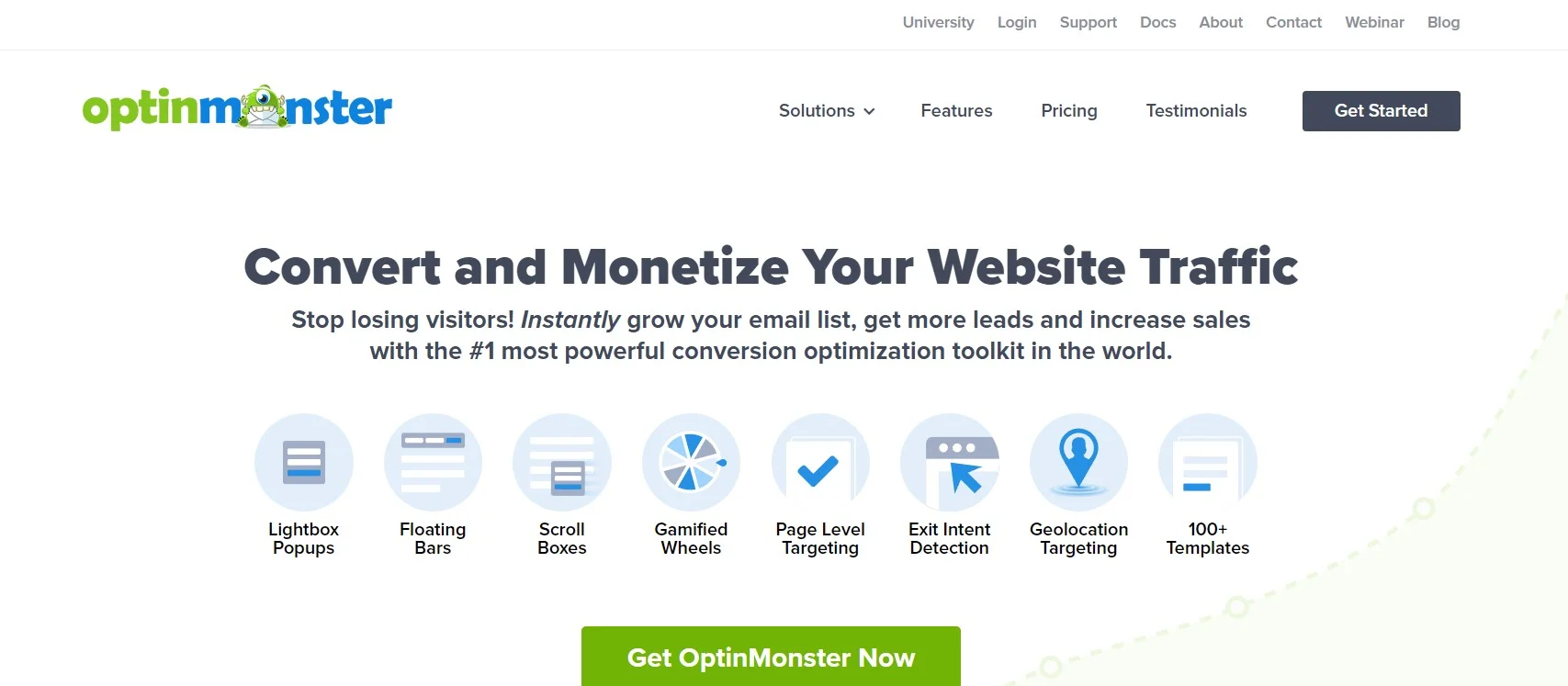
Key features: lightbox popups, floating bars, scroll boxes and spin-to-win wheels, with targeting by page, referrer, device, geolocation and new versus returning visitor. Exit-intent detection and revenue attribution start at the Pro plan. A/B testing starts at Plus.
Price: the OptinMonster pricing page advertises Basic at $7/mo, Plus at $19/mo, Pro at $29/mo and Growth at $49/mo, all billed annually, and states plainly that this is introductory pricing and all renewals are at full price. The full prices it lists are $210, $570, $870 and $1,470 a year. So Pro costs $348 for the first year and $870 for the second, which is a two-and-a-half times increase you should budget for now rather than discover next August.
Best for: lead capture on content sites, and cart-abandonment offers on stores where the exit-intent trigger genuinely pays for itself.
Skip it if: your traffic is small enough that a simple inline form at the end of a post does the same job for free, or if the renewal price outweighs a year of captured emails. Do that sum before you buy, not after.
Hotjar, now part of Contentsquare
Key features: heatmaps, session recordings and on-page survey widgets, split across separate products for observation, surveys and user interviews. The recordings remain the reason most people install it, and the survey widget is the fastest way to ask a leaving visitor what stopped them.
Price: not published in a form we can quote. Hotjar’s own pricing URL now issues a permanent redirect to the Contentsquare pricing page, which offers a free signup and a demo booking but lists no plan prices. Treat Hotjar as a quote-based purchase and confirm the figure in the app before you commit a client to it.
Best for: watching real people fail to use a page you designed, which is the single most humbling and most useful hour in this whole discipline.
Skip it if: you need a price you can put in a client proposal this week. Crazy Egg publishes its numbers and covers most of the same ground.
Kissmetrics
Key features: analytics built around people rather than pageviews, so a funnel follows one identified person across sessions and devices. Funnels, cohorts, paths, revenue reports and A/B test measurement, with autocapture tracking from a single snippet.
Price: the Kissmetrics pricing page lists a free workspace to 100,000 events a month, then a Growth plan from $99/mo, with annual billing at a flat 20% below the monthly rate and the price per event falling as volume rises. Above five million events a month it becomes a custom quote.
Best for: subscription and lead-gen businesses where one person converts weeks after first landing, and a last-click session report tells you nothing useful.
Skip it if: you run a straightforward store with a short path to purchase. Your existing store reports plus a heatmap tool will answer more of your questions for less money.
Mixpanel
Key features: event-based funnel and retention analysis, session replay, cohorts and feature flags. The funnel view is the part relevant here: it shows you which step of a multi-page checkout or signup people leave from, which is the question most conversion work starts with.
Price: the Mixpanel pricing page lists a free plan with unlimited seats, up to a million events a month and 10,000 session replays a month. The Growth plan starts at $0 and scales with your event volume, and Enterprise is quoted. Because it is usage-priced, model your own event volume before assuming it stays free.
Best for: anyone who needs a funnel report and does not want to pay for one. The free tier is generous enough to run a small site’s entire conversion measurement.
Skip it if: you want heatmaps and recordings as your main artifact. Mixpanel tells you where people drop; it is not built to show you why the button was missed.
Optimizely

Key features: server-side and client-side experimentation, feature flagging, personalization and a content platform, sold as parts of a wider digital experience suite rather than as a standalone testing tool.
Price: not published. The Optimizely pricing page states that every plan is individually packaged and asks you to describe your needs first. Expect an enterprise conversation with an annual commitment, not a card form.
Best for: organizations with a dedicated experimentation team, enough traffic to reach significance in days, and a budget that survives a procurement process.
Skip it if: you are a freelancer or a small business, which is almost everyone reading this. It is a fine product aimed at a customer you probably are not.
SurveyMonkey, and a note about currency
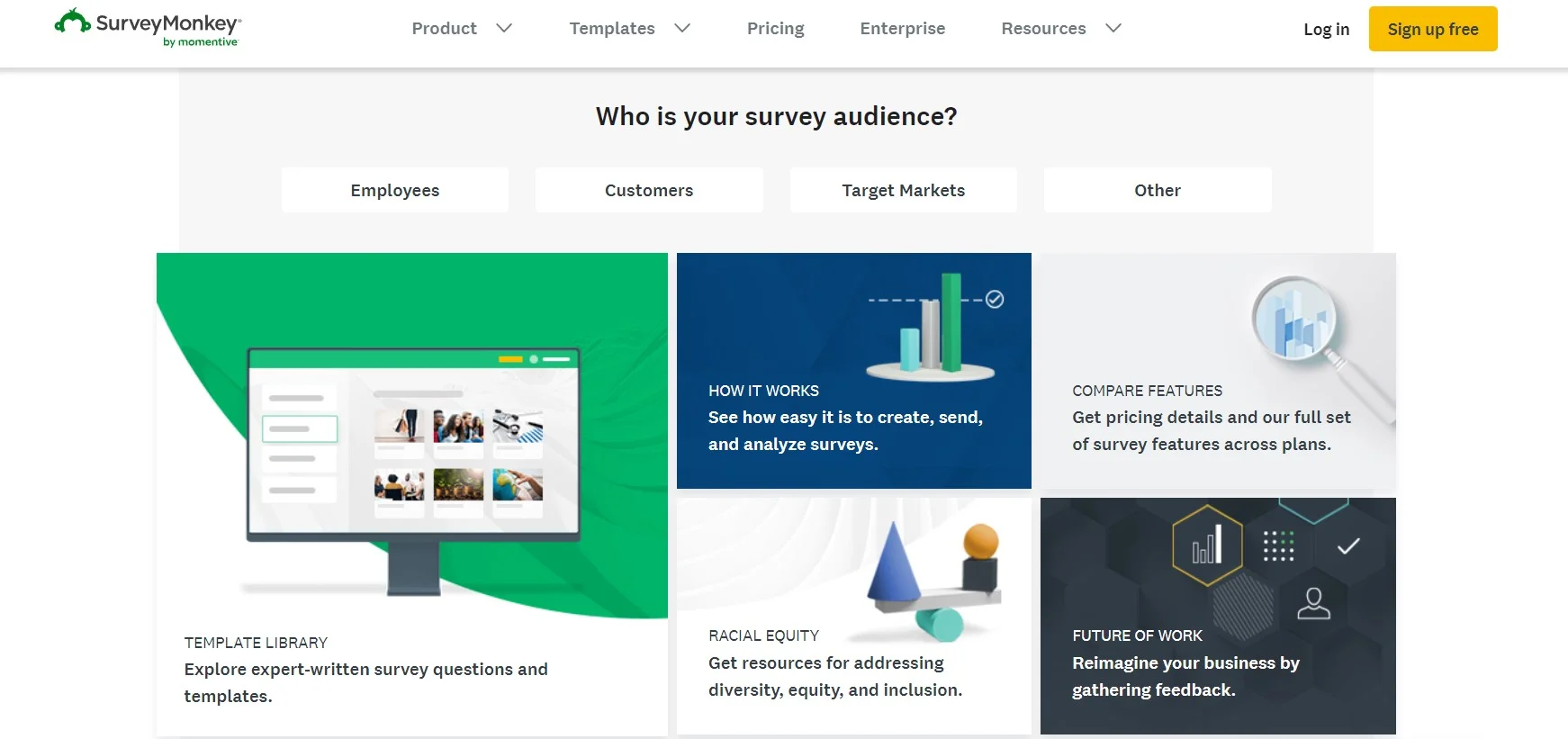
Key features: long-form survey building, question logic, templates and response analysis. Useful for post-purchase and churn surveys sent by email, where you want more than one question answered.
Price: the SurveyMonkey individual pricing page geo-switches currency. At the check date it served Indian rupees: a free Basic plan, Standard at Rs 899 a month billed monthly, Advantage at Rs 1,999 a month billed annually as Rs 23,988 a year, and Premier at Rs 4,999 a month billed annually as Rs 59,988 a year. Those figures are deliberately left out of the comparison table above, because ranking a rupee price against a dollar price would be meaningless. Check what your own region is served.
Best for: structured research you send to a list, rather than a one-question nudge on a live page.
Skip it if: you want to ask an exiting visitor a single question. That is an on-site micro-survey job, and Crazy Egg and Hotjar both include one.
The tools this advice used to name that no longer exist
CRO listicles get copied from each other for years, so a guide stamped 2026 can still be recommending a product that shut down three years ago. If you are working from an older guide, three names on it are now dead ends.
- Google Optimize. Gone. Google’s own Analytics Help notice confirms Optimize and Optimize 360 stopped being available on 30 September 2023, and any experiments still running that day ended. This is the big one, because free A/B testing for small sites effectively disappeared with it.
- Evergage. Acquired by Salesforce and folded into the Marketing Cloud, renamed Interaction Studio and then renamed again. Salesforce’s own release note on the rebrand records the change to Marketing Cloud Personalization. You cannot buy anything called Evergage.
- Sumo. The popup and list-building tool that everyone recommended is no longer served at its old domain, which now hosts an unrelated product. Treat any guide still listing it as unmaintained, and read the rest of that guide with suspicion.
What most CRO advice gets wrong
The standard article tells you to A/B test everything. For most WordPress sites that advice is not merely unhelpful, it actively produces wrong decisions.
Work the arithmetic. A site with 400 visitors a month converting at 2% produces eight conversions. Split that traffic in half and each variant gets four. If the new version produces six conversions next month against the old one’s four, that is a 50% lift on paper, and it is almost certainly random variation. You will ship the change, tell the client it worked, and never find out that reverting it would have produced the same graph. Small samples do not give you cautious answers. They give you confident wrong ones.
So here is the honest threshold. Until you are producing a few hundred conversions a month, do not run split tests. Run recordings instead, watch ten sessions where someone abandoned, fix what you saw, and move on. Qualitative evidence has no minimum sample size, and at low traffic it is the only evidence you can actually trust.
Two more things the roundups tend to skip. Your measured conversion rate is not your real one, because consent banners and tracking protection remove a slice of sessions from the denominator, so treat the number as a trend line and never as an absolute. And most of the tools above load a third-party script on every page, which costs you the very Core Web Vitals you were trying to protect. Installing four CRO tools to fix a conversion problem you caused with a slow page is a circle worth not walking around.
A short decision path
- Tracking not verified yet? Stop here and do that. Everything else is guesswork until an event lands.
- Under a few hundred conversions a month? Crazy Egg’s free plan or Mixpanel’s free tier, plus a month of speed and checkout work. No paid testing tool.
- Store with a healthy order count? Crazy Egg Plus at $99/mo billed annually, for recordings and A/B testing together, and fix the shipping-cost reveal before you test anything else.
- Content site building a list? OptinMonster Pro, with the $870 renewal written into next year’s budget on the day you buy it.
- Long sales cycle, conversions weeks after the first visit? Kissmetrics, because session-scoped analytics will mislead you.
Frequently Asked Questions
What is a good conversion rate for a WordPress site?
There is no credible universal benchmark, and any article quoting one is averaging incompatible businesses together. The only number worth chasing is your own baseline from last quarter. Measure one action per template, hold that definition steady, and judge yourself against your own trend rather than a borrowed industry average.
How is conversion rate calculated?
Divide conversions by sessions and multiply by 100. Forty-three orders from 2,150 sessions is 2.0 percent. The arithmetic is trivial. The discipline is choosing one action per page type and counting it the same way every month, so that the trend line actually means something six months later.
How much traffic do you need to run an A/B test?
Probably not, if you are under a few hundred conversions a month. At four conversions per variant a month, a variant showing six looks like a 50 percent lift and is almost certainly noise. Watch session recordings and fix what you see instead. Qualitative evidence has no minimum sample size.
What replaced Google Optimize?
Nothing free and equivalent. Google Optimize and Optimize 360 stopped being available on 30 September 2023, and experiments still running that day ended. Paid options include Crazy Egg from the Plus plan upwards, and Optimizely at enterprise level. Most small sites gain more from fixing friction than from replacing the tool.
Does site speed really affect conversion rate?
It sets the ceiling. A page that is not usable quickly loses mobile visitors before your copy is read. Google publishes targets of 2.5 seconds for Largest Contentful Paint, 200 milliseconds for Interaction to Next Paint and 0.1 for Cumulative Layout Shift, each at the 75th percentile.
Do popups hurt conversions?
They trade one conversion for another. A popup that interrupts a reader can cost you the sale while winning an email address, so measure both sides of that trade. Exit-intent triggers are the safer starting point, because they fire when the visit was ending anyway. Never stack two on one page.
How long should an A/B test run before you call it?
Long enough to cover whole weeks, never fewer than two, and never stopping early because the numbers look encouraging. Traffic behaves differently on a Tuesday than a Sunday. Stopping the moment a variant pulls ahead is the most common way to ship a change that does nothing at all.
Does a consent banner distort conversion data?
Yes, if analytics stays blocked until someone accepts. You then measure a subset of visitors, so the denominator is wrong and the rate is skewed. Compare like with like over time, or count completed orders in the store database rather than trusting a front-end tag to fire.
Our call
If you do one thing after reading this, verify that a real conversion fires a real event. Almost every conversion project we inherit is built on tracking nobody checked, and a wrong baseline makes every later decision wrong too.
After that, spend your first month on the two things that pay regardless of traffic volume: total cost shown early, and a page that loads fast enough to be read on a phone. Both are free. Both work at any scale. Neither requires a subscription.
For tools, the answer for most WordPress sites in 2026 is Crazy Egg. Starter is $29 a month billed annually, which is $348 a year, it covers unlimited domains and seats, and its free plan is genuinely usable while you decide. Move up to Plus at $99 a month when you actually have the conversion volume to test with. Take OptinMonster if list building is the point of your site, and put its $870 Pro renewal in next year’s budget the day you buy it. Leave Optimizely to the companies with an experimentation team.
And if your traffic is small, ignore the testing advice entirely. Watch ten recordings, fix the three obvious things, and come back to split testing when you have the volume to earn an answer.



[…] where the forms are the business. Cleaner submissions are also the boring half of any attempt to increase conversion rate, because you stop measuring […]
[…] Key features: unlimited forms in Premium with a styling tool, checkbox integrations for comments, registration, WooCommerce checkout and most form plugins, e-commerce data sync so Mailchimp can segment on purchases, and tidy admin notifications. Well-placed signup forms are one of the cheaper levers you have to increase your conversion rate. […]
[…] logic, repeaters, multi-step forms and a long integration list, which makes it competitive for lifting conversion rates on enquiry pages as well as pricing […]
[…] of this makes popups a bad idea. Used with restraint they remain one of the more reliable ways to increase your conversion rate. It means the plugin you want is the one that makes device rules quick to set, not the one with the […]
[…] Best for: WooCommerce stores that want abandonment pushes wired to real orders, and that are already working on conversion rate. […]
[…] Work out your realistic year-two revenue before you pick, and if you are still guessing, read up on improving your conversion rate first, because the answer decides the […]
[…] If your goal is simply to get more sign-ups from existing traffic, the tactics in our guide to increasing conversion rate will move the needle before any subscription […]