


Choosing a WordPress popup plugin is the easy part. Choosing one that will not quietly cost you mobile search traffic is harder, and most roundups skip it entirely. Google’s own documentation asks whether your pages avoid intrusive interstitials, and the plugin you pick decides how much work staying on the right side of that line takes. Five tools below, prices checked against each vendor’s pricing page, with the mobile rules folded into every verdict.
Quick verdict
- Best overall: Popup Maker Pro. Everything most sites need at $99 a year at renewal.
- Best free: Popup Maker’s free core. Unlimited popups, real triggers, no time limit.
- Already on Elementor? Use the popup builder in Advanced Solo rather than buying a second tool.
- Running client sites? Convert Pro, the only licence here that states unlimited sites.
- Skip it if: you want exit intent alone. OptinMonster gates it behind Pro at $870 a year at renewal, the most expensive route to one trigger in the table below.
- Our call: install Popup Maker free, run one popup for a month, then decide whether anything paid buys you something you missed.
WordPress popup plugins compared
| Plugin | Free version | First year | Renews at | Sites |
|---|---|---|---|---|
| Popup Maker Pro | Yes, full core | $59.40 | $99/yr | 1 |
| Elementor Pro (Advanced Solo) | No | $84 | $84/yr | 1 |
| Convert Pro | No | $89 | $99/yr | Unlimited |
| OptinMonster Basic | Connector plugin only | $84 | $210/yr | 1 |
| OptinMonster Pro (exit intent) | Connector plugin only | $348 | $870/yr | 1 |
| Thrive Leads (via Thrive Suite) | No | $299 | $599/yr | Not stated |
The mobile interstitial problem most popup roundups skip
Before you pick a tool, understand the rule that decides how you may use it. Google’s page experience documentation gives six questions to assess a page against, and one is whether your pages avoid intrusive interstitials. It is also blunt that there is no single page experience signal, so nobody can tell you a popup costs exactly N positions. It can still cost you.
Google’s guidance on interstitials and dialogs is more specific. An interstitial overlays the whole page, a dialog covers part of it, and overlays that obscure the main content make it harder for search engines to understand the page, which the documentation ties to poor search performance. The alternative it recommends is a banner using a small fraction of the screen.
Translated into settings you will actually toggle:
- Never fire on arrival on mobile. Someone landing from search should see the article. Use scroll depth, or a delay long enough that they have read something.
- On small screens use a bar, not a takeover. Every tool here serves a different format per device. Almost nobody bothers.
- Keep consent and age gates out of your marketing. Google treats legally required interstitials differently from promotional ones; bundling a newsletter offer into a consent screen throws that away.
- Do not redirect to a splash page. Overlay the content and leave the URL alone, or you pull the real page out of the results.
- Make the close control obvious and thumb-sized. Dismissibility is what the guidance keeps returning to.
None of this makes popups a bad idea. Used with restraint they remain one of the more reliable ways to increase your conversion rate. It means the plugin you want is the one that makes device rules quick to set, not the one with the most templates.
Popup Maker
Popup Maker is the default answer for most sites, and the only tool here with a free version that builds unlimited popups. The WordPress.org listing shows over 700,000 active installations and a 4.9 average from more than 4,500 reviews. It uses forms from whichever of the WordPress form plugins you already run, so your validation, spam protection and newsletter plugin connection come with them.
Key features
- Unlimited popups and impressions in the free version, no trial clock
- Click, time-on-page and scroll-depth triggers with cookie-based frequency capping
- Uses your existing form plugin instead of a competing form builder
- Pro adds exit intent, advanced targeting conditions, analytics, scheduling, video and WooCommerce rules
Price
Free core. Pro is listed at $59.40 for the first year on a 40 percent launch discount, then $99 a year for a single site. Pro+ is $149.40 for year one and $249 a year after.
Best for
Anyone who wants to know whether popups work on their site before paying a subscription, and any site not built in Elementor.
Skip it if
You want split testing and a hosted dashboard out of the box. Pro reports impressions and conversions, but is not built around a testing workflow.
Elementor Pro popups

Here is the detail nearly every roundup gets wrong: Elementor Pro‘s popup builder is not in the cheapest paid plan. Elementor’s plan comparison marks it as not included in Essential, which lists at $60 a year. The entry point for popups is Advanced Solo. The free Elementor plugin has no popup builder at all.
On the right plan it is the most pleasant of these to work in: same editor, same widgets, same responsive controls. Our step-by-step Elementor popup tutorial covers a first build, and several Elementor addons extend the trigger logic.
Key features
- Built in the standard Elementor editor, so any widget works inside a popup
- Modal, full-screen overlay, slide-in, fly-in and notification bar layouts
- Triggers for page load, scroll, click, inactivity and exit intent
- Display conditions by post type, category, tag, page and device
- Over 100 popup templates included
Price
Essential at $60 a year does not include popups. Advanced Solo is $84 a year for one site, Advanced $99 for three. Elementor renews at its regular rate rather than a hidden step-up, making $84 the cheapest paid renewal in the table, provided you were building in Elementor anyway.
Best for
Sites already on Elementor Pro at Advanced Solo or higher, where the popup builder is free in the only sense that matters: you have paid for it.
Skip it if
You are not using Elementor. Installing a page builder for one feature is a lot of code, and it resurfaces when you speed up a WordPress site later.
OptinMonster
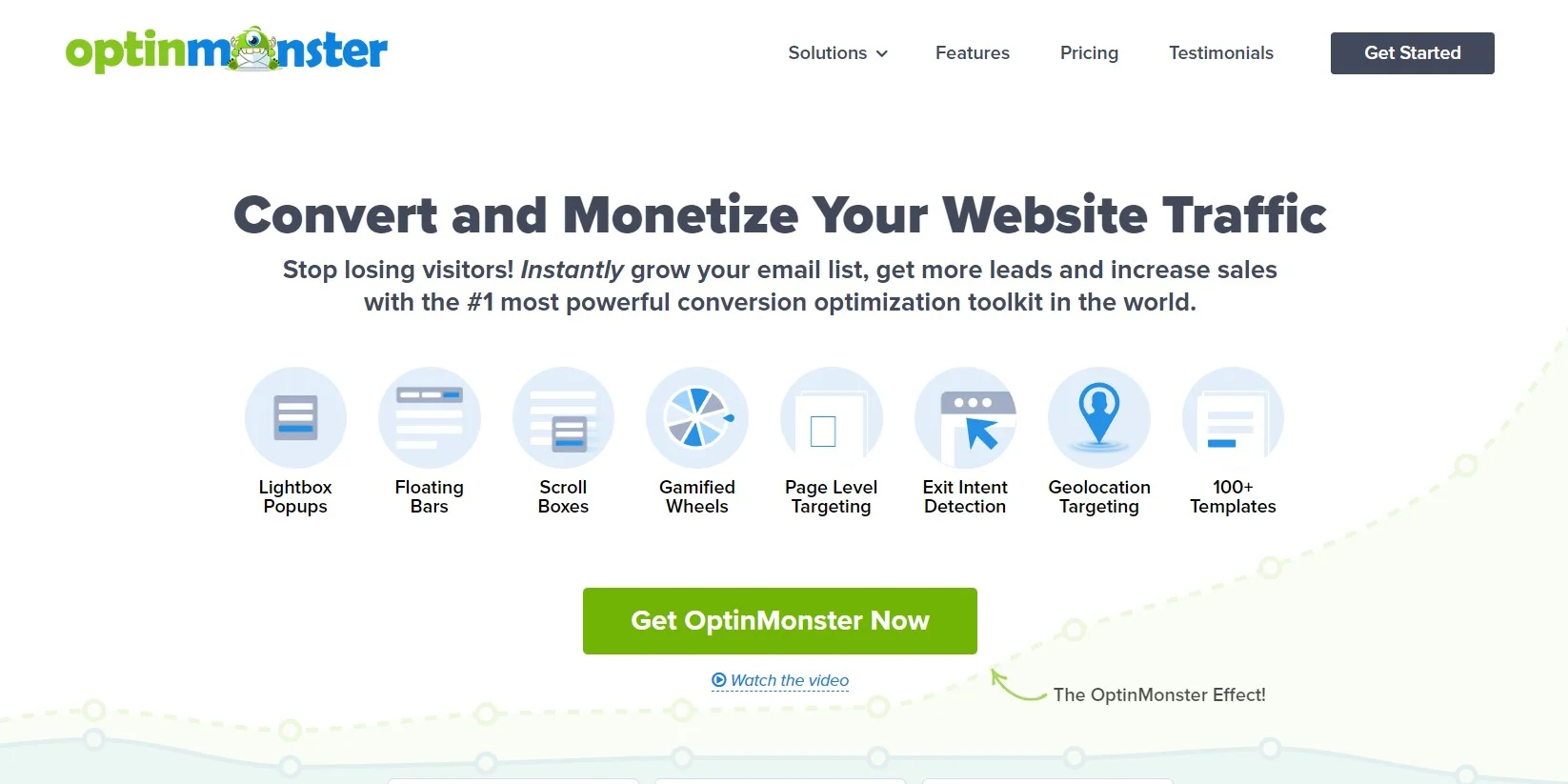
OptinMonster is a hosted service, not really a plugin. The WordPress.org plugin is a connector: campaigns live in OptinMonster’s app and the plugin puts them on your site. That listing shows over a million active installs and a 4.3 average from 815 reviews, 133 of them one star. Read a few before committing.
Key features
- Lightbox popups, floating bars, scroll boxes, inline forms and gamified wheels
- Page-level and device targeting, geolocation and onsite retargeting on higher tiers
- Exit intent detection plus time, scroll and inactivity triggers
- Split testing, with reporting held in the app rather than your database
- Over 100 templates and integrations with the major email and CRM platforms
Price
Read this part carefully. OptinMonster’s pricing page shows Basic at $7 a month billed annually, Plus at $19, Pro at $29 and Growth at $49, each noting that renewals are at full price. Basic is $84 for year one and $210 a year after, two and a half times what you first paid. Plus is $228 then $570, Pro $348 then $870, Growth $588 then $1,470.
Then check which tier holds the feature you came for. A/B testing starts at Plus. Exit intent, the thing OptinMonster is best known for, starts at Pro. If exit intent is why you are shopping, that is $870 a year at renewal, against $99 on Popup Maker Pro or Convert Pro and $84 on Elementor’s Advanced Solo.
Best for
Sites with enough traffic that a one percent lift pays four figures a year, and someone whose job is running the tests.
Skip it if
Your list is small, or nobody will log into a second dashboard weekly. Paying $870 a year for a trigger you can buy for $99 is the most common popup mistake we see on client sites.
Convert Pro
Convert Pro comes from Brainstorm Force, the team behind Astra, and it is aimed at people who build sites for other people. The licence covers unlimited sites, the only one in this table that states that, so the arithmetic changes completely past two or three client installs. It handles multistep popups properly, for the same reason multistep form plugins convert better.
Key features
- Unlimited site licence on both the annual and lifetime plans
- Drag-and-drop editor with multistep and on-click popups
- Exit intent, behavioural triggers and device detection
- Built-in A/B testing
- More than 30 email and marketing integrations
Price
$89 for the first year, normally $99, with renewals at full price. The lifetime licence is $349, normally $399. The annual path costs $89, $188, $287 and $386 across four years, so lifetime overtakes it partway through year four. No free version and no trial, only a 14 day refund window.
Best for
Freelancers and small agencies. One $99 renewal covering every client site is the cheapest way to standardise across a portfolio.
Skip it if
You run one site and want to try before buying. With no free tier you commit on a refund policy, and Popup Maker answers the same question for nothing.
Thrive Leads

Thrive Leads is the most opinionated tool here, and that is a compliment. It was built by people who care about list building rather than popups as a feature, and it shows in the testing engine: run several form types against each other and let it pick a winner. SmartLinks hides opt-ins from existing subscribers, so your best readers stop being nagged to join a list they are on.
Key features
- Lightbox, ribbon, in-content, post-footer, slide-in, screen filler, scroll mat, content lock and two-step opt-ins
- Automatic A/B testing that picks the winner for you, rather than a manual split you call yourself
- Conversion reporting by traffic source and by form
- SmartLinks to suppress opt-ins for existing subscribers
- Targeting by post, category, tag and visitor behaviour
Price
Thrive sells it through the suite. The Thrive Themes pricing page lists Thrive Suite at $299 a year, marked down from $599, noting that all annual renewals are at full price; quarterly is $149, which works out to $596 a year. The renewal doubles, and you buy nine plugins whether or not you want them. A standalone Thrive Leads licence is mentioned on the product page but carried no readable figure at the check date.
Best for
People already paying for Thrive Suite, and content sites where email is the business model and the testing will get used.
Skip it if
Popups are all you want. A whole suite at $599 a year for one plugin is hard to justify against a $99 alternative.
What most roundups get wrong
The layout shift panic is aimed at the wrong popup
Popups get blamed for Core Web Vitals damage they mostly do not cause. One that overlays the page without moving anything underneath produces no layout shift at all, because Cumulative Layout Shift measures visible elements changing position between frames. The culprit is the notification bar that shoves your header and article down. Good CLS is 0.1 or less at the 75th percentile and above 0.25 is poor, so one bad bar in a template can drag a whole site into the red.
There is an escape hatch: shifts within 500 milliseconds of user input are flagged and excluded. A popup opened by a click is not your problem. A timed one that reflows the page is. If you want a bar, reserve its height in the layout instead of letting it inject itself, the technique in our guide to avoid layout shift in WordPress.
Four of these five prices are not what you will pay
Look at the table again. Popup Maker Pro goes from $59.40 to $99. Convert Pro from $89 to $99. OptinMonster Basic from $84 to $210. Thrive Suite from $299 to $599. Only Elementor’s $84 is a straight list rate. Budget from the renewal column, because that is the number you pay every year except one.
A popup is not always the right tool
If the goal is bringing readers back rather than capturing an address, push notification plugins ask for one tap and never cover the article. Where mobile is most of your traffic, try that first and save the popup for an offer worth the interruption.
Which one should you actually buy
- Not sure popups will work for you? Popup Maker, free. Answer the question for nothing.
- Site already on Elementor Pro, Advanced Solo or above? Use the popup builder you own.
- One site, want exit intent and proper targeting? Popup Maker Pro, $99 a year.
- Five or more client sites? Convert Pro, unlimited licence, $99 a year at renewal.
- Email is the business and someone will run the tests? Thrive Leads inside Thrive Suite.
- Traffic high enough to pay a specialist? OptinMonster, but buy the tier holding the feature you need and price the renewal first.
Frequently Asked Questions
Do popups hurt your Google rankings?
They can. Google’s page experience documentation asks whether your pages avoid intrusive interstitials, and its interstitials guidance warns that overlays covering the main content can lead to poor search performance. A delayed or exit-triggered popup is fine; a full-screen overlay on arrival is not.
What is the best free WordPress popup plugin?
Popup Maker. Its free core builds unlimited popups with click, time and scroll triggers plus cookie-based frequency rules, and it runs on more than 700,000 sites. Exit intent, advanced targeting and analytics sit behind the Pro licence at 99 dollars a year at renewal.
Does Elementor Pro include a popup builder?
Only from the Advanced Solo plan up. Elementor’s own plan comparison marks the popup builder as not included in Essential, so the entry point is Advanced Solo at 84 dollars a year for one site. The free Elementor plugin has no popup builder.
Why is OptinMonster so much more expensive at renewal?
Because the advertised price is introductory. OptinMonster states that all renewals are at full price, so Basic goes from 84 dollars for year one to 210 dollars a year after. Exit intent is a Pro-plan feature: 348 dollars, then 870 a year.
Do popups cause layout shift and hurt Core Web Vitals?
Only if they move content already on screen. An overlay sitting on top of the page shifts nothing. A notification bar that pushes the page down does, and that counts toward CLS, where good is 0.1 or less. Shifts within 500 milliseconds of a click are excluded.
Is Thrive Leads sold separately from Thrive Suite?
The Thrive Themes pricing page sells the suite, which bundles Thrive Leads with the rest of the range at 299 dollars for year one and 599 dollars a year at renewal. If popups are all you want, that is a lot of plugins to pay for.
Is a popup plugin worth it if my traffic is mostly mobile?
Yes, but change the format. Use a bottom bar or small dialog instead of a full-screen overlay, fire it on scroll depth or exit rather than on arrival, and make the close control big enough for a thumb. Google favours banners that use little screen space.
The call
Install Popup Maker. For most WordPress sites it is the right answer, the free version is enough to prove the case, and $99 a year at renewal buys exit intent and targeting that OptinMonster charges $870 for. If you are already on Elementor Pro at Advanced Solo or higher, use what you own. If you look after client sites, Convert Pro’s unlimited licence at $99 a year is the one that scales without multiplying.
Whichever you pick, the setting that matters most is not on any feature list. Do not fire on arrival on mobile, use a bar rather than a takeover on small screens, and make the close control easy to hit. Get that wrong and the best plugin here still costs you more traffic than it collects addresses.



[…] Our roundup of newsletter plugins for WordPress covers sending from your own site, and our list of popup plugins covers capture without wrecking the reading experience. Keep the offer specific. A checklist tied […]
[…] above the fold after paint is a textbook cause of layout shift. The same care applies to any popup plugin you use to explain the prompt before triggering […]
[…] page-level and cart-level targeting, A/B testing, integrations with the main email platforms. Our guide to WordPress popup plugins covers cheaper alternatives if targeting depth is not the […]