

Image optimization plugins are the cheapest speed win available to a WordPress site, and also the easiest place to quietly overpay. Nearly all of them sell credits, and a credit is not an image: WordPress turns one upload into six or seven files, and every next-gen copy is billed again. This roundup re-checks nine plugins for 2026 — what the free tier really covers, what renewal costs, and which ones actually convert to AVIF.
Quick verdict
- Best overall: ShortPixel Image Optimizer. $9.99 a month, or $99.90 a year. Unlimited credits, AVIF conversion and delivery, 500 GB of CDN traffic thrown in.
- Best free: Optimole. 2,000 visits a month, unlimited images and unlimited sites, with AVIF and the CDN switched on at the free tier rather than dangled behind an upgrade.
- Best without a third party: EWWW Image Optimizer’s free mode, which compresses on your own server and never sends a file anywhere.
- Skip it if: your host or Cloudflare already converts and serves next-gen images. Two optimizers arguing over one media library is a support ticket in waiting.
- Our call: ShortPixel on a site that earns money, Optimole while traffic is still small. Both do AVIF, which is the line that now separates these tools.
Image optimization plugins compared
| Plugin | Free tier | Paid entry | Renews at | AVIF |
|---|---|---|---|---|
| ShortPixel | 100 credits/month | $9.99/mo or $99.90/yr | Same, auto-renews | Yes, convert and serve |
| Imagify | 20 MB/month (~200 images) | Growth $5.99/mo, or $59.88/yr | Same | Yes, free plan included |
| Optimole | 2,000 visits/month | Starter, 48,000 visits/month — price shown at checkout | Not published | Yes, all plans |
| EWWW | Unlimited local compression | Standard $8/mo or $80/yr | Same | Paid Easy IO CDN only |
| Smush | Unlimited, skips files over 5 MB | WPMU DEV Pro Basic $50/yr, 1 site | Same | Pro only |
| TinyPNG | 500 compressions/month | $0.009 per compression after that | Pay as you go | Yes |
| WP-Optimize | Compression, cache and database cleanup | Starter $49/yr, up to 2 sites | Same | No |
| Robin | Unlimited, WebP included | Robin Pro, price at checkout | Not published | Pro only |
| reSmush.it | Free, 5 MB cap per image | None | — | No |
Two entries have no published price. Optimole and Robin both load their plan prices at the checkout step rather than printing them on the page, so they are excluded from every price comparison below rather than guessed at.
ShortPixel Image Optimizer
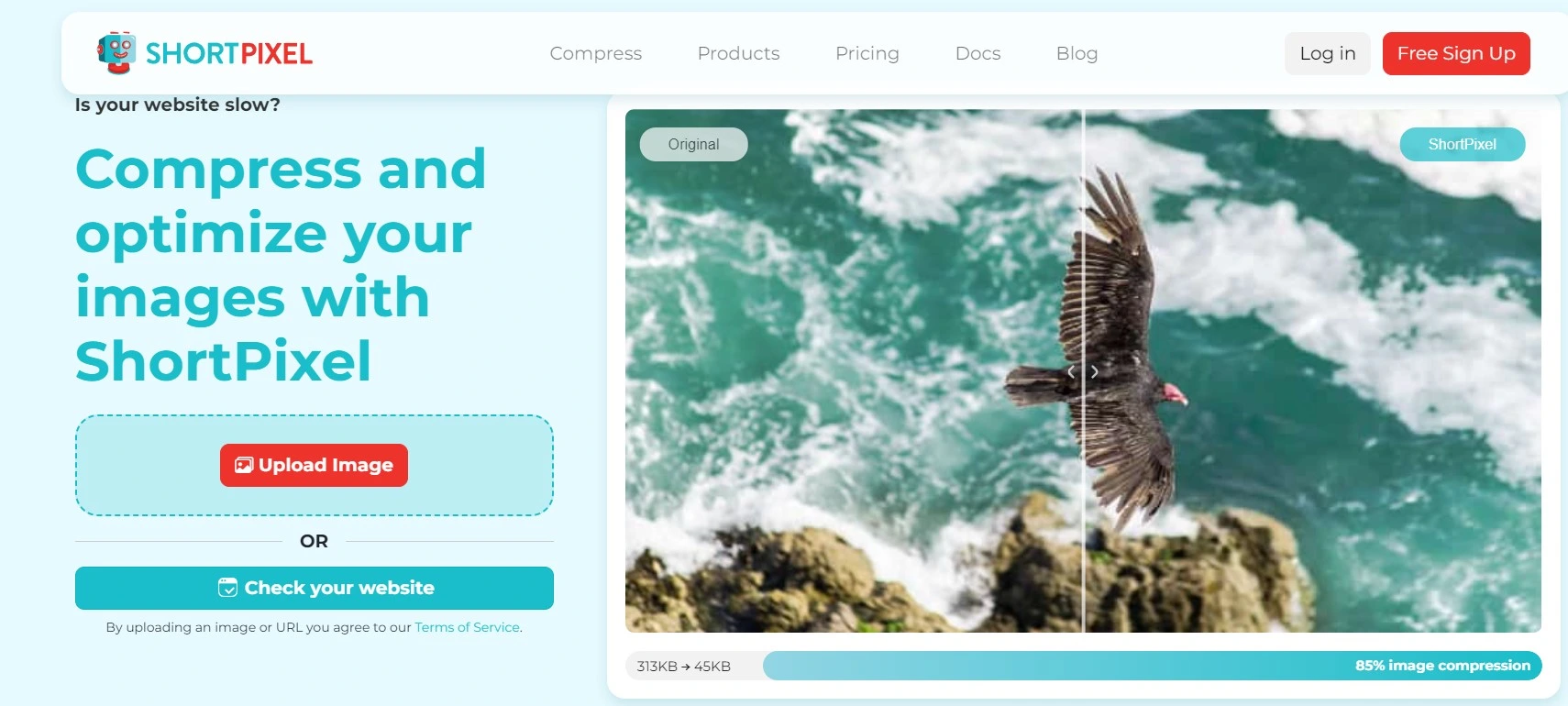
ShortPixel is the default recommendation here, mostly because it does the two halves of the job — converting to AVIF and serving it to browsers that support it — without needing a second plugin to handle delivery. Its WordPress.org listing puts it at 300,000+ active installs.
Key features: lossy, glossy and lossless algorithms; WebP and AVIF conversion plus front-end delivery; SmartCrop thumbnails; PDF and GIF support; regex exclusions so you can skip a folder that must stay untouched; bulk processing for an existing library.
Price: the free plan is 100 credits a month. The Unlimited plan is $9.99 a month, or $99.90 billed yearly — twelve monthly payments would be $119.88, so the annual term saves $19.98. It covers unlimited credits, unlimited sites, 100 AI credits a month and 500 GB of CDN traffic. There is also an Unlimited AI tier at $15.99 a month or $159.90 a year, and one-time credit packs from $19.99 that never expire. Full details are on ShortPixel’s pricing page.
Best for: a site with real traffic where you want next-gen formats handled end to end, and where $99.90 a year is a rounding error against hosting.
Skip it if: you only publish a handful of images a month. Subscription credits expire after 30 days, so an Unlimited plan on a dormant site is money burning. Buy a one-time pack instead — those credits never expire. And if you already run a full WordPress caching plugin with its own image module, check for overlap before switching both on.
Imagify
Imagify comes from WP Media, the team behind WP Rocket, and it shows: the settings screen is three choices deep and then it leaves you alone. It is at 1+ million active installs. The notable thing in 2026 is that AVIF conversion is included on the free plan, not held back for paying customers.
Key features: three compression levels; automatic WebP and AVIF versions generated alongside the original; bulk optimization; resizing on upload; unlimited websites on every tier including the free one.
Price: free covers 20 MB a month, roughly 200 images, with a 2 MB cap per file. Growth is $5.99 a month or $4.99 a month billed yearly — $59.88 for the year against $71.88 paid monthly — for 500 MB a month and about 5,000 images, with overage at $5 per additional GB. Infinite is $11.99 a month or $9.99 billed yearly, so $119.88 a year against $143.88, for an unlimited quota. Figures from Imagify’s pricing page.
Best for: anyone who bills by data rather than by image, and for agencies — the unlimited-sites rule on every tier is genuinely unusual and makes Growth cheap across a portfolio.
Skip it if: you upload large source files. The 2 MB per-file ceiling on the free plan rules out most photography straight off a camera, and quota measured in megabytes punishes exactly the sites that most need compressing.
Optimole
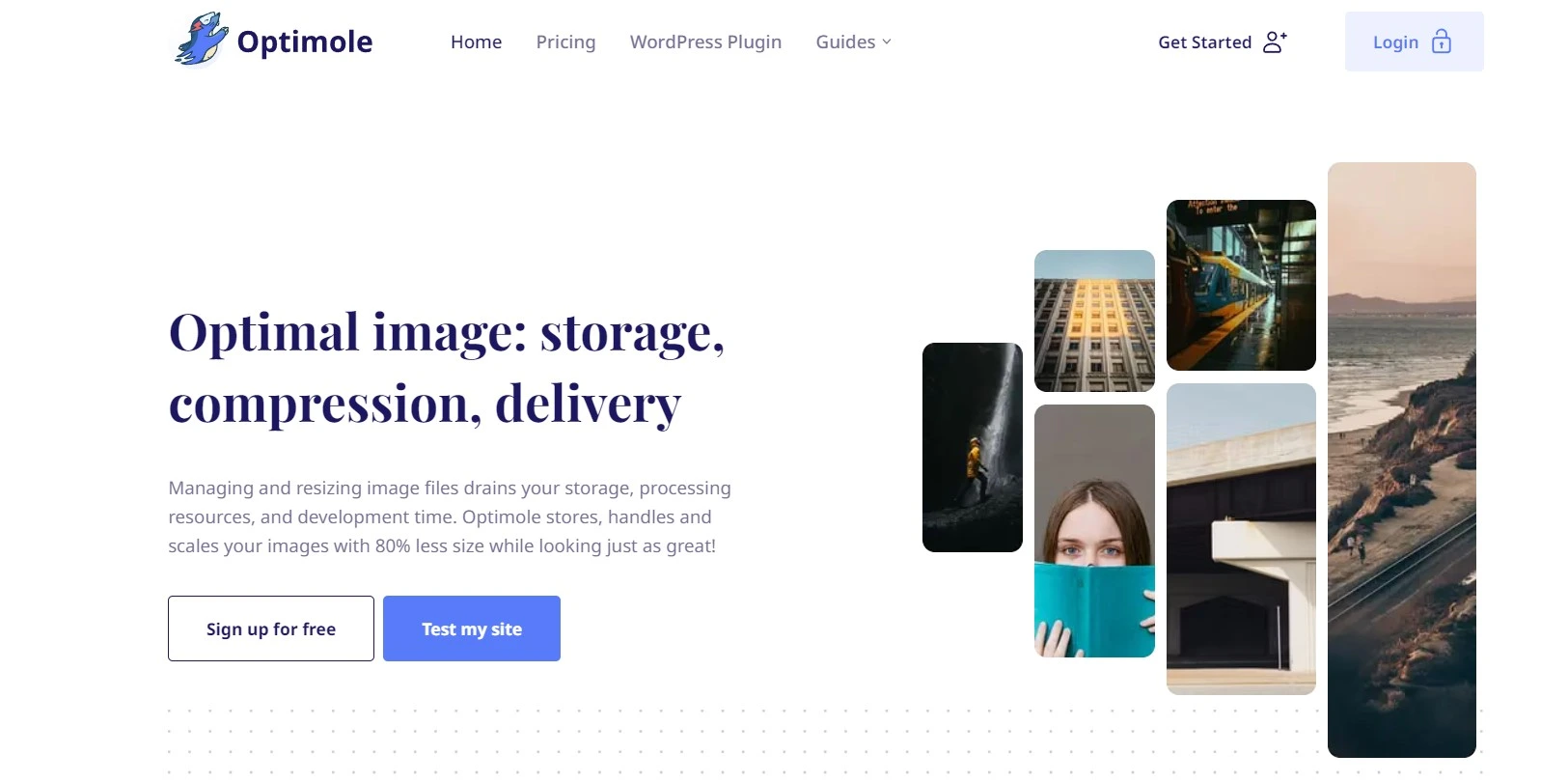
Optimole is the odd one out here, and that is the point. It bills by visits rather than by image, so the size of your media library is irrelevant — you can dump 40,000 product shots on it and the meter never moves. Images are served from AWS CloudFront across 450+ locations, resized per device, on the free plan as well as paid. It is at 200,000+ installs.
Key features: unlimited images and sites on every tier; AVIF and WebP conversion; automatic per-device resizing; smart lazy loading; CloudFront delivery included rather than sold separately. Because originals stay on the CDN, it also takes real weight off your origin, which helps if you are fighting a slow server response time.
Price: the free plan handles 2,000 monthly visits, with a 5 MB ceiling per image, and the free tier can be extended by displaying the Optimole badge. Paid tiers step up at 48,000, 120,000 and 300,000 visits a month, scaling to three million. We are not quoting the amounts: Optimole’s pricing page renders its plan prices only at the checkout step, and the one price it does print on the page is in euros. Check the figure at checkout, in your own currency.
Best for: image-heavy sites with modest traffic. A portfolio, a recipe blog, a photographer. Also the best free option in this list, because nothing meaningful is withheld from it.
Skip it if: you cannot live with your images being served from someone else’s domain, or you need to know your renewal number before you commit. Visit-based billing also gets uncomfortable fast on a high-traffic site with few images — that is the exact profile it charges the most for and helps the least.
EWWW Image Optimizer
EWWW is the one for people who do not want their files leaving the building. Its own listing describes it as the only plugin that optimizes using tools installed on your own web server — jpegtran, optipng, pngquant, gifsicle, cwebp — with no API call and no per-image cost. 1+ million active installs, version 8.7.6.
Key features: free unlimited lossless compression run locally; WebP conversion on compatible servers; bulk optimizer; and, on paid plans, the Easy IO CDN which handles scaling, lazy loading and next-gen conversion at the edge.
Price: Standard is $8 a month or $80 a year — monthly for twelve months would be $96, so the annual term saves $16 — and includes 50 GB of CDN bandwidth, Auto-WebP/AVIF and 300k premium compression credits on the yearly term (25k a month on monthly). Growth is $16 a month or $160 a year with 200 GB, Infinite $32 a month or $320 a year with 400 GB, and bandwidth over that is billed at $0.065 per GB. See EWWW’s plans page.
Best for: privacy-sensitive projects, and anyone who wants a genuinely capable free tier with no monthly ceiling to trip over.
Skip it if: AVIF is the reason you are here. EWWW’s AVIF conversion lives inside the Easy IO CDN, so the free local mode does not produce it — that is a $80-a-year feature, not a free one. Local compression is also the most server-hungry option on this list; on shared hosting a big bulk run can stall, and you may need to raise the WordPress memory limit before it will finish.
Smush
Smush has the most reviews of any plugin here — 6,051, at 4.8 stars, on 1+ million active installs, version 4.3.2 — and, in our view, the free version that least resembles the marketing around it. It is worth knowing exactly where the wall is before you install it.
Key features (free): lossless compression, bulk smushing with no image cap since version 4.0, lazy loading, and a directory scanner that reaches images outside the media library. Pro adds: WebP and AVIF conversion with automatic serving, full-size original compression, a 119-server CDN, files up to 256 MB, and image preloading.
Price: Smush Pro is not sold on its own; it comes with a WPMU DEV membership. Their pricing page lists Pro Basic at $50 a year for one site, Pro Standard at $75 a year for three, and Pro Plus at $100 a year for ten, each with 50 GB of CDN and 24/7 support. That is the cheapest way in, and you are buying a bundle, not a plugin.
Best for: people already inside the WPMU DEV ecosystem, or managing ten sites where $100 a year across all of them is hard to argue with. Worth weighing against what your WordPress host already includes.
Skip it if: you want AVIF without a subscription, or you upload large files. The free version skips anything over 5 MB entirely and only compresses the resized copies, leaving your full-size originals untouched. Both limits are documented on its WordPress.org listing, and both catch people out.
Compress JPEG & PNG Images (TinyPNG)
The official TinyPNG plugin is the honest one about credits, and the section below on where roundups go wrong leans on its documentation for exactly that reason. 100,000+ installs. It runs on the Tinify Developer API, so the plugin and the API share one meter.
Key features: compression on upload; WebP and AVIF output; resizing; per-thumbnail control over which sizes get processed, which is the setting that actually decides your bill.
Price: 500 compressions a month free, no card required. Above that it is pay-per-use: $0.009 per compression for the next 9,500 in a month, then $0.002 for the following 10,000. So 2,000 compressions in a month costs 1,500 × $0.009 = $13.50, which matches the calculator on Tinify’s API pricing page. There is no subscription and no minimum.
Best for: spiky workloads. If you migrate a library once and then publish twice a month, pay-per-use is far cheaper than any annual plan here — you simply stop paying when you stop uploading.
Skip it if: you cannot predict your volume and dislike variable bills. A WooCommerce store pushing a few hundred product images with AVIF enabled can move through a month’s free credits in an afternoon, and the meter keeps running.
WP-Optimize
WP-Optimize is not really an image plugin; it is a caching and database plugin that also compresses images, and judging it as the former is the fair way round. 1+ million installs, version 4.6.1, 4.8 stars across 2,606 reviews. Its advanced compression mode hands work off to reSmush.it.
Key features: page caching, database cleanup on a schedule, image compression with a quality slider, WebP conversion, lazy loading and preloading on the premium tier. One plugin instead of three is a real argument, particularly on a site you are not paid to maintain.
Price: the free version does compression, caching and cleanup. Premium is $49 a year for up to 2 sites, $99 for up to 5, and $194 for unlimited, per Team Updraft’s pricing page, which renews at the same rate and includes 12 months of updates. Of the five plans here with a published fixed annual price, that $49 is the cheapest — and it is also the only one of those five that does no AVIF at all.
Best for: small business sites where you want caching, cleanup and compression from one vendor and one renewal date. It is a decent alternative to running a separate lazy loading plugin on top of everything else.
Skip it if: AVIF matters to you, because it does not claim AVIF support. On an image-led site in 2026 that is a real gap, not a nice-to-have.
Robin Image Optimizer

Robin’s pitch is the one thing most free tiers refuse to offer: unlimited optimization with no monthly image count, plus unlimited automatic WebP conversion, at no cost. 100,000+ installs, version 2.0.6. It is still actively maintained, which is more than can be said for several plugins that used to appear in lists like this one.
Key features: unlimited free optimization; unlimited WebP; metadata stripping; scheduled and bulk optimization with visible progress; automatic backup of originals so a bad compression pass is reversible.
Price: free for the core plugin. Robin Pro adds AVIF and PageSpeed-oriented compression modes, but the price is only shown once you start the purchase, so we are not quoting one.
Best for: a large existing library on a tight budget, where you want everything compressed once and never want to think about a credit balance again.
Skip it if: you need AVIF without paying, or you want a renewal figure in writing before you commit. It also carries the fewest reviews of any plugin here, 129, which is worth a moment’s thought on a site you cannot afford to break.
reSmush.it
reSmush.it is free, full stop — no tiers, no credits, no upsell. 100,000+ installs, version 1.0.6. That buys a lot of goodwill, and it is the engine behind WP-Optimize’s advanced compression mode too.
Key features: automatic optimization on upload; bulk processing of an existing library; a quality slider; the option to skip specific thumbnail sizes; and no account to create.
Price: nothing. The only restriction on its WordPress.org listing is that images must be under 5 MB.
Best for: a hobby blog, a charity site, anything where the budget is genuinely zero and JPEG compression is all you need.
Skip it if: you want next-gen formats. Its own listing says WebP and AVIF are being worked on and asks for patience — that has been the position for a while now. In 2026 a compressed JPEG is a smaller JPEG, not a modern image pipeline.
What most roundups get wrong about credits
Almost every comparison you will read translates a quota straight into photos. “5,000 images a month” gets read as five thousand uploads. It is not.
WordPress generates several thumbnail sizes from every upload, and your theme usually adds more. Each of those files is a separate compression job. Then you switch on WebP, and it doubles. Then AVIF, and it goes up again. TinyPNG’s own plugin listing is refreshingly blunt about the arithmetic: 500 free credits covers roughly 100 images on a typical WordPress install, or about 50 once WebP or AVIF conversion is enabled. That is five credits per photo before next-gen formats, ten after.
Credit accounting differs by vendor, so check the rules for the one you pick — but on any of them, a quota headline is a file count, not a photo count. The practical fix is boring and effective: open your optimizer’s settings, look at the list of thumbnail sizes, and untick the ones your theme never actually renders. Most sites are paying to compress two or three sizes nothing on the front end ever requests.
Compression alone will not fix your LCP
The other quiet misconception is that shrinking files fixes Core Web Vitals. It helps, often a great deal, but Google’s Largest Contentful Paint guidance asks for 2.5 seconds or less at the 75th percentile of page loads — and a hero image that is small but lazy-loaded still fails, because the browser will not start fetching it until layout runs.
So: exclude the above-the-fold image from lazy loading, give every image explicit width and height attributes so the space is reserved before it arrives, and only then worry about the last 20 KB. Sizing is also the cheapest way to avoid layout shift in WordPress, which is a separate Core Web Vitals metric that compression does nothing for. If you want finer control over which scripts and images load where, Perfmatters handles the exclusion rules more precisely than most optimizers do.
One optimizer at a time
Two image plugins on one site is a common and entirely avoidable mess. They stack lossy passes on the same file until faces go blotchy, and they both try to own the rewrite rules that serve WebP or AVIF, so the browser gets whichever one loaded last. Pick one, run its bulk job, deactivate the other, and keep the originals until you have looked at the results on a real screen rather than a thumbnail.
Which one should you install?
- Under 2,000 visits a month? Optimole’s free plan. AVIF, CDN, unlimited images, nothing withheld.
- Busy site, want AVIF handled properly? ShortPixel Unlimited, $99.90 a year.
- Several sites on one bill? Imagify Growth at $59.88 a year covers unlimited websites; WPMU DEV Pro Plus covers ten sites at $100 a year and bundles Smush Pro with everything else they make.
- One big migration, then quiet? The TinyPNG plugin, pay-per-use. Compress the library, stop paying.
- Files must not leave your server? EWWW’s free local mode — but accept that AVIF is not on the table without the paid CDN.
- Budget is zero and AVIF is optional? Robin for unlimited volume, reSmush.it for simplicity.
Whichever you pick, the image plugin is one part of the job. The rest of it — caching, server response, script loading — is covered in our guide to speeding up a WordPress website, and the alt text you write at upload still matters for SEO-optimizing your posts. No compressor does that part for you.
Frequently Asked Questions
Which image optimization plugins actually support AVIF?
ShortPixel, Imagify, Optimole and the TinyPNG plugin all convert to AVIF. Smush and Robin keep it behind their Pro tiers, and EWWW only produces AVIF through its paid Easy IO CDN. WP-Optimize and reSmush.it do not convert to AVIF at all. Check before you buy.
Is a free image optimization plugin enough?
For a small blog, yes. Optimole’s free plan covers 2,000 visits a month with AVIF and a CDN, and Imagify gives you 20 MB, roughly 200 images. Once you publish weekly or run a shop, you will hit those ceilings inside a month.
How many credits does one image really use?
More than one. WordPress generates several thumbnail sizes per upload and each next-gen copy is billed too. TinyPNG’s own listing says 500 credits covers about 100 images on a typical install, or roughly 50 once WebP or AVIF conversion is switched on.
Will compressing images fix a bad LCP score?
Only partly. Google’s threshold is 2.5 seconds at the 75th percentile of page loads. Compression shrinks the download, but the hero image still needs excluding from lazy loading, explicit width and height attributes, and a server that responds quickly in the first place.
Can I run two image optimization plugins at once?
Don’t. Two plugins recompressing the same files stack lossy passes until quality visibly drops, and both will fight over the rewrite rules that serve WebP or AVIF. Pick one, run its bulk job, then deactivate anything else that touches the media library.
Should I keep the original images?
Yes. Lossy compression cannot be undone, so keep originals until you have checked the results on a full-size screen. EWWW’s paid plans include 30-day image backups and Robin backs up automatically. Smush’s free tier leaves full-size originals untouched, which is its own safety net.
How do I optimize a library that already has thousands of images?
Every plugin here has a bulk mode. Run it on a staging copy first, at a quiet hour, and watch your PHP memory limit. Local optimizers like EWWW are hardest on the server; API-based ones are gentler but burn through credits far faster than you expect.
Do these plugins write alt text for me?
No, and you should not want them to. Alt text is what screen readers announce and what search engines read, so it needs to describe the specific image. Compression is a speed job; alt text is an accessibility and SEO job. Budget a few seconds per upload.
Our verdict
Install ShortPixel. At $9.99 a month, or $99.90 a year, it converts to AVIF and serves it, handles PDFs and thumbnails properly, and does not make you bolt on a delivery plugin to finish the job. On a site that earns anything at all, that is the least interesting money you will spend this year.
If the site is small and quiet, install Optimole’s free plan instead and stop reading. 2,000 visits a month with AVIF and a CDN included is a better free tier than anything else here, and you can move later without losing anything.
And whatever you install: go into the settings, untick the thumbnail sizes your theme never renders, and check the result on a real photo before you let it loose on ten thousand of them. That one habit saves more credits than any plan comparison in this article.


[…] to be thin content or a slow site than the wrong meta box. Fixing WordPress speed and getting your images properly optimised will move more numbers than switching from Yoast to Rank Math ever […]
[…] the number in this article, because they all happen after the first byte arrives. They belong to image optimisation, layout stability and general page speed work. Keep the diagnoses separate or you will spend a […]
[…] rather than load timing, this fixes the actual problem, and it belongs next to the other image optimization plugins rather than in a lazy load […]
[…] Image Service extension for WebP conversion […]
[…] the cheaper fix is usually to stop feeding WordPress 6000px camera originals, which is what a good image optimization plugin is […]
[…] it if: you upload images at full resolution. 10 GB disappears fast, and you will be leaning hard on image optimization plugins to stay under […]
[…] thumbnails is twelve requests you did not choose the size of. Supplying your own covers lets you compress them properly […]
[…] media library on their own. If the grid is crawling because every upload is a 4 MB PNG, you want image optimization plugins […]
[…] CSS in your child theme or one of the WordPress code snippet plugins, and run the files through an image optimization plugin or ship them as […]
[…] slow on mobile. Serve WebP, size the file to the width it actually displays at, and let one of the image optimization plugins handle the conversion in bulk so you are not doing it by hand […]
[…] host, and look at the field data. If it fails, the fixes in rough order of payoff are usually your image optimisation, a caching plugin, reserved space for anything that causes layout shift, and only then the builder. […]
[…] weight. If you are working through a wider speed pass, font weights belong on the same list as your image optimization plugins and your caching […]
[…] WP Rocket included. And compress product imagery properly before it ships, using something from our image optimization plugins list, because catalogue photos are usually the LCP element. If the store is already slow, work […]