

Most roundups of video player widgets for Elementor rank them on skins and hover effects. That misses the thing that actually bites: a YouTube embed is one of the heaviest third parties you can drop on a page, and Chrome ships a Lighthouse audit whose entire job is telling you to replace it with a placeholder. So this list ranks widgets on what they load, when they load it, and what they cost at renewal.
Quick verdict
- Best overall: Presto Player — the only pick here built as a video plugin rather than a widget bolted onto an addon pack. $99/year list for one site.
- Best free: Elementor’s own Video widget. It is already installed, it has a Lazy Load toggle, and for Vimeo and Dailymotion that toggle waits for a play click.
- Best addon pack for load behaviour: Ultimate Addons for Elementor, whose Video widget only fetches the player after someone presses play. $69/year for three sites.
- Skip it if: you have one YouTube video on one landing page. Buying a 90-widget pack to embed it is a waste, and the core widget covers you.
- Our call: start with the core widget. Add Presto Player when video is the product, or Ultimate Addons when you wanted an addon pack anyway.
Best video player widgets for Elementor in 2026: compared
Among the priced rows below, three tools tie for the lowest annual list price at $49 a year: PowerPack, Premium Addons and ElementsKit. Presto Player is the most expensive annual entry in the same table at $99. Every figure is USD, taken from the vendor’s own pricing page, and two rows carry no price because none could be verified.
| Tool | Free version | Paid entry (list) | Sites | Renewal | Waits for a play click? |
|---|---|---|---|---|---|
| Elementor Video widget | Yes, in core Elementor | Free | Any | None | Vimeo and Dailymotion yes; YouTube loads on scroll into view |
| Presto Player | Yes | $99/yr Starter | 1 | Renews at full price | Poster first, with lazy load for HTML5 and YouTube |
| Ultimate Addons for Elementor | Yes | $69/yr Pro | 3 | Renews at $69/yr | Yes |
| PowerPack | Yes | $49/yr Starter | 1 | 30% renewal discount | Custom thumbnail; remaining scripts load on play |
| Premium Addons | Yes | $49/yr Single Site | 1 | 15% renewal discount | Not documented |
| ElementsKit | Yes | $49/yr Personal | 1 | Not stated on the pricing page | Not documented |
| Essential Addons | Yes, Sticky Video included | $4.99/mo billed annually ($59.88/yr) | 1 | Not stated on the pricing page | Sticky only, no player widget |
| Crocoblock JetElements | No | $75/yr for JetElements alone | 1 project | Yearly | Not documented |
| Dynamic Content for Elementor | No | Pricing page not reachable at the check date | — | — | Not documented |
| Livemesh Addons | Pulled from WordPress.org | — | — | — | — |
Elementor’s built-in Video widget
Before you buy anything, look at what you already have. The Video widget ships in the free Elementor plugin (10 million+ active installs) and handles YouTube, Vimeo, Dailymotion, VideoPress and self-hosted files. Elementor Pro adds a Video Playlist widget on top, but plain embedding is free.
The part worth reading twice is Lazy Load, and it does two different things depending on the source. Elementor’s own documentation says the YouTube toggle loads the video data “only after the visitor scrolls and the video appears in the viewport” — so anyone who scrolls past still pays for the embed. For Vimeo and Dailymotion the same toggle waits “once someone hits the play button”. Same label, very different cost.
- Key features: five sources, start and end times, Privacy Mode, poster image, Lazy Load, lightbox.
- Price: free.
- Best for: anyone embedding a handful of videos who does not need a branded player.
- Skip it if: you need chapters, analytics, gated video or a player that does not say YouTube on it.
Presto Player
Presto Player is the odd one out: a dedicated video plugin with an Elementor module, rather than a video widget inside a 90-widget pack. That focus shows. The free version (100,000+ active installs) covers HTML5, YouTube and Vimeo, custom poster images, a global video hub so one video can be reused across pages, and lazy loading for HTML5 and YouTube.
Pro is where the money goes: chapters, Bunny.net delivery, HLS adaptive streaming, video analytics, private video for logged-in users and muted autoplay previews. If you sell courses, that list is the reason to buy. If you embed three testimonials, it is not.
- Key features: branded player, poster images, chapters, Bunny.net and HLS, analytics, LearnDash video progression.
- Price: free tier; Pro from $99/year list for one site, $149/year for 25, $499 lifetime for 25, per the Presto Player pricing page. Introductory rates were running on the check date and the page states plainly that all renewals are at full price.
- Best for: course sites, membership sites and anyone whose revenue depends on people finishing a video.
- Skip it if: your video budget is one embed on a homepage. It is the priciest annual entry in the table.
Ultimate Addons for Elementor
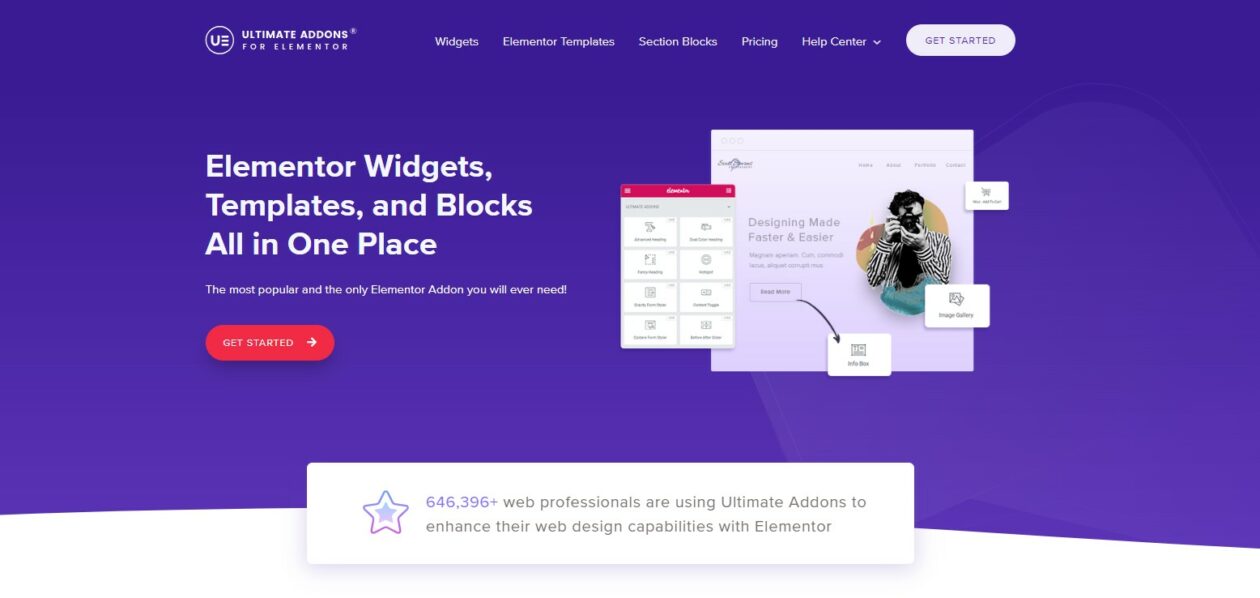
That screenshot is a few years old — the counter has moved. The plugin now ships as Ultimate Addons for Elementor on WordPress.org with 2 million+ active installs, after Brainstorm Force folded the addon library and the old Header & Footer Builder into one listing.
Its Video widget is the reason it is this high. UAE’s documentation is explicit that the widget “loads the video only after a user clicks on the play button”, which is the facade pattern done properly rather than a viewport trigger wearing the same name. It also does sticky video. The widget itself is Pro.
- Key features: click-to-load YouTube and Vimeo, sticky video, 70+ Pro widgets, header and footer builder, 18+ free widgets.
- Price: free tier; Pro $69/year for three sites, or $349 lifetime list, per the UAE pricing page, which states the annual plan renews at $69/yr. No renewal surprise, which is rarer than it should be.
- Best for: freelancers who want an Elementor addon pack and care about what the video widget loads.
- Skip it if: you need self-hosted MP4 playback from this widget — it is documented for YouTube and Vimeo.
PowerPack for Elementor
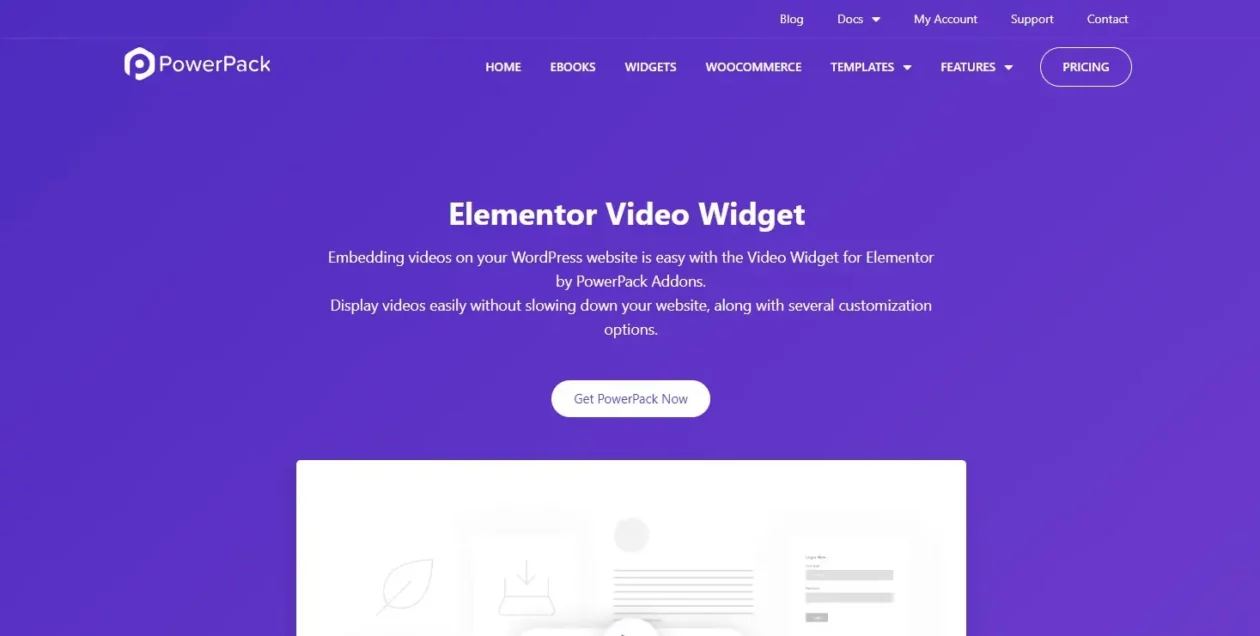
PowerPack gives you two video widgets rather than one: a Video widget for single embeds and a Video Gallery for collections. The Video widget covers YouTube, Vimeo and Dailymotion with start and end times, aspect ratio, Privacy Mode, modest branding and a custom thumbnail, and PowerPack says the remaining video scripts load only when the visitor presses play.
The gallery widget is the more interesting half: grid and carousel layouts, category filter buttons, and custom cover images per item instead of whatever frame the platform picked. The free version sits at 70,000+ installs, the smallest free install base of the addon packs on this page, though that says more about marketing than code.
- Key features: Video and Video Gallery widgets, filterable grid and carousel, custom thumbnails, display conditions, white label.
- Price: free tier; Starter $49/year for one site, Ultimate $199/year unlimited, Starter lifetime $199, per the PowerPack pricing page. Annual plans carry a 30% renewal discount; lifetime plans need no renewal.
- Best for: a filterable video library — a course index, a podcast archive, a portfolio reel.
- Skip it if: you host your own MP4s. Both widgets are documented around YouTube, Vimeo and Dailymotion.
Premium Addons for Elementor
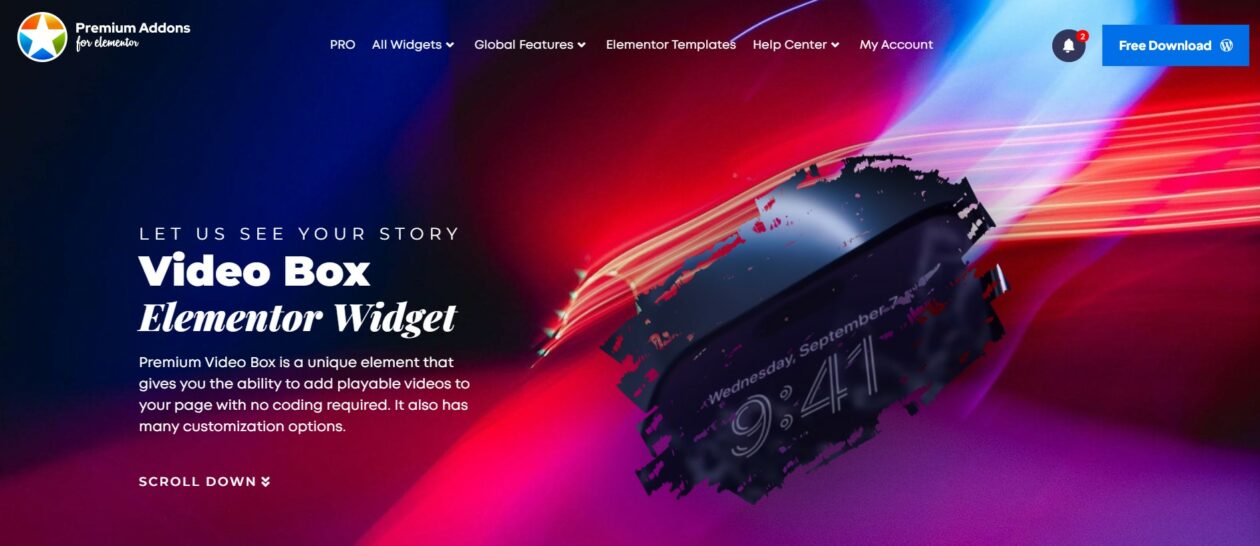
The Video Box widget covers YouTube, Vimeo, Dailymotion and self-hosted files, which is more than most of this list manages. You get a custom background image behind the player, a styleable play icon, a sticky option that keeps the video visible as the reader scrolls, and a mask shape in Pro. A basic version is in the free plugin, which has 600,000+ installs.
What the documentation does not promise is click-to-load. The background image is a design feature, not a facade, so treat this as a styling widget and handle loading elsewhere.
- Key features: four sources including self-hosted, background image, sticky video, mask shapes, 90+ widgets in Pro.
- Price: free tier; $49/year for one site or $99/year unlimited, with lifetime at $149 and $299, per the Premium Addons pricing page. Annual plans list a 15% renewal discount.
- Best for: mixed libraries where some videos are self-hosted and some are not.
- Skip it if: deferred loading is your reason for shopping. Buy UAE or Presto Player instead.
ElementsKit video gallery widget
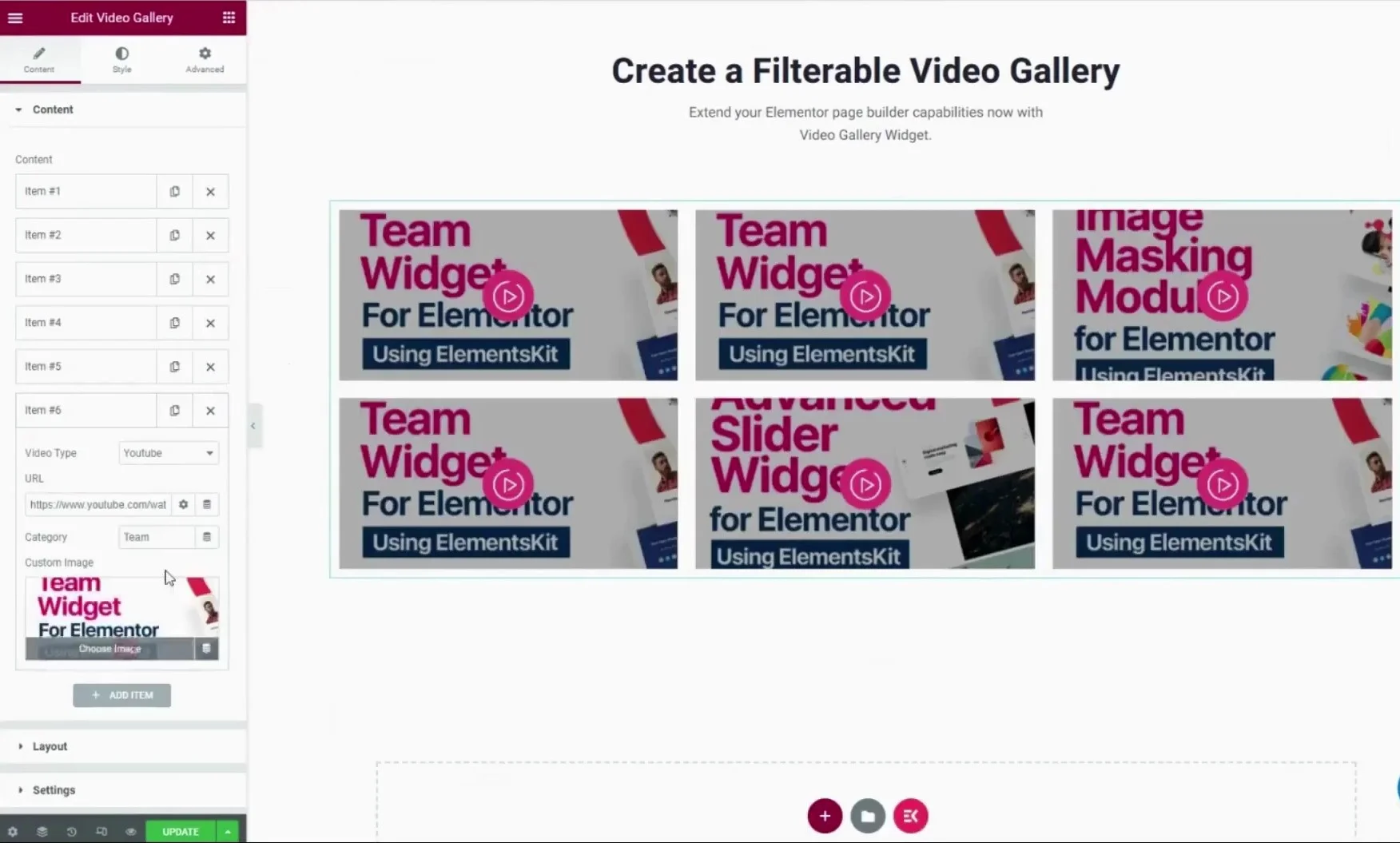
That editor panel is the honest picture of what a video gallery widget is: a repeater where each row takes a URL, a category and a custom cover image. ElementsKit does it well. Its plain Video widget is in the free plugin (1 million+ installs); the filterable Video Gallery sits in the Pro tier.
The custom cover image field matters more than it looks. A gallery of twelve videos pulling twelve platform thumbnails is twelve requests you did not choose the size of. Supplying your own covers lets you compress them properly first.
- Key features: free Video widget, Pro filterable Video Gallery from YouTube or Vimeo links, custom covers, header and footer builder.
- Price: free tier; Personal $49/year for one site, Agency $249/year unlimited, per the ElementsKit pricing page. The page does not state a renewal rate, so check it at the cart.
- Best for: a categorised video wall on a site already running ElementsKit.
- Skip it if: you only want the gallery. Adding a second full addon pack for one widget will cost you more in conflicts than the licence saves.
Essential Addons for Elementor

Correct a myth first: Essential Addons does not ship a general video player widget, whatever other roundups tell you. What it has is Sticky Video — a video that detaches and stays on screen while the reader scrolls — and that widget is in the free plugin, alongside 1 million+ other installs. It handles YouTube, Vimeo and self-hosted sources.
Watch the pricing display. Essential Addons quotes a monthly figure that is billed annually, so the single-site plan advertised at $4.99/mo is $59.88 for the year. That is not a trick, but it is a number you should multiply yourself before comparing it with a plainly stated $49.
- Key features: free Sticky Video widget, 100+ widgets in Pro, per-widget on/off switches so you only load what you use.
- Price: free tier; Pro from $4.99/mo billed annually ($59.88/year) for one site, up to $9.99/mo billed annually ($119.88/year) unlimited, with a $299.99 lifetime unlimited, per the Essential Addons pricing page. A birthday discount was live on the check date; the renewal rate is not stated on the page.
- Best for: long-form pages where you want a demo video pinned in the corner as the reader keeps going.
- Skip it if: you are shopping specifically for a player. This is a behaviour widget, not a player.
Crocoblock JetElements Video Player
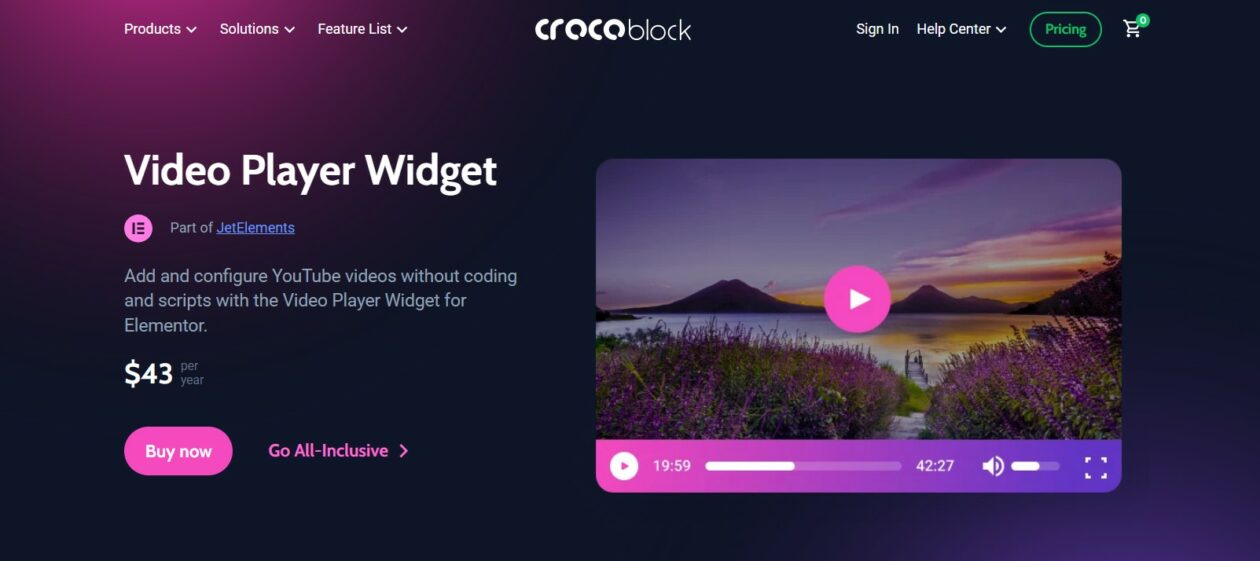
Note the price on that screenshot and then ignore it: it has gone up since. JetElements is now $75/year for one project or $169/year unlimited on the Crocoblock pricing page, and the All-Inclusive subscription that bundles all 22 JetPlugins is $199/year for one site.
The Video Player widget itself supports YouTube, Vimeo and self-hosted files, added YouTube Shorts, and offers a do-not-track parameter for Vimeo embeds. Nobody buys Crocoblock for a video widget, though — you buy it for JetEngine, and this arrives in the box.
- Key features: YouTube, Vimeo, self-hosted and Shorts; player presets; Vimeo do-not-track option.
- Price: no free tier. JetElements alone $75/year for one project; All-Inclusive $199/year for one site; $999 once for a lifetime unlimited licence.
- Best for: sites already on Crocoblock, especially dynamic templates where the video URL comes from a custom field.
- Skip it if: video is the only thing you need. JetElements on its own costs more than the entry licence of five other packs in the table.
Dynamic Content for Elementor
Dynamic.ooo’s angle is control rather than presentation: its Advanced Video Controls let other elements on the page drive the player, so a button can jump a video to a timestamp or a scroll position can trigger playback. Useful on a product tour, overkill on a testimonial.
There is no price in the table for it. The vendor’s pricing page was not reachable at the check date, and a figure quoted from a reseller is not a figure worth printing. Confirm at checkout, and note the vendor is EU-based, so the currency you are shown may not be dollars.
- Key features: Advanced Video Controls, external triggers for playback, deep dynamic-content integration across Elementor.
- Best for: interactive pages where video playback is wired to other page elements.
- Skip it if: you want a price before you commit. Check the cart yourself.
Livemesh Addons: skip it
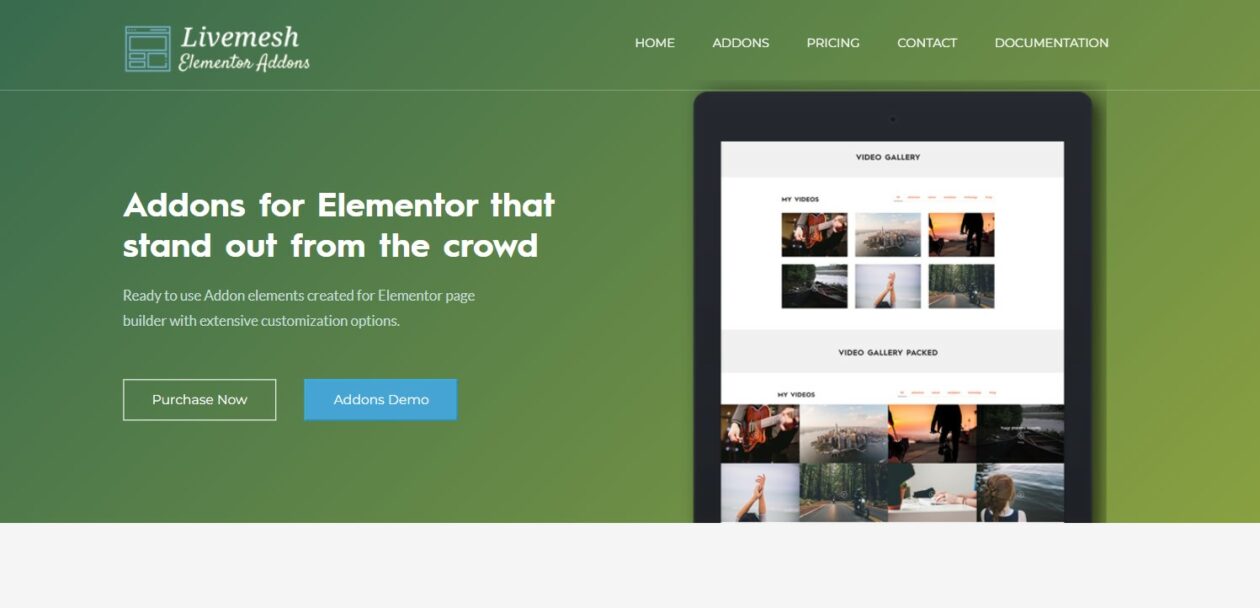
Livemesh appears in almost every list of Elementor video widgets, including the earlier version of this one. It should not. Its free plugin has been closed on WordPress.org since 14 April 2026, with the directory giving the reason as a security issue, and it was still closed on the check date.
The commercial version is still on sale from the vendor, and a closure is not proof that the paid build is unpatched. But a plugin the directory has pulled for security is not one to install on a client site while the notice stands, and it is certainly not one to recommend for a widget you can get five other ways. If you already run it, that is a conversation with your host and your backups, today.
What most roundups get wrong about video and Core Web Vitals
Here is the part nobody puts in a feature table. Google’s targets are an LCP under 2.5 seconds, an INP of 200ms or less and a CLS of 0.1 or less, measured at the 75th percentile of page loads. A video widget can wreck all three, and each one fails differently.
“Lazy load” means at least two different things
This is the biggest one. A viewport-triggered lazy load defers the embed until the reader scrolls to it — which, on a page most people scroll, defers nothing for most people. A click-triggered facade defers it until someone actually wants the video, which on a typical page is a small minority. Elementor’s YouTube toggle is the first kind; its Vimeo toggle and UAE’s Video widget are the second. Read the documentation, not the toggle label. Our guide to lazy load plugins covers the same distinction for images.
A facade costs you autoplay
Lighthouse’s own guidance says so: a facade is “a static element that looks similar to the embedded third-party, but is not functional”, and autoplay may not work reliably with one. If your hero video is meant to be moving when the page paints, you cannot also have the facade. Pick which one matters and stop pretending the trade-off is not there.
Your poster image is probably your LCP element
Swap an embed for a facade above the fold and the thumbnail becomes the biggest thing painted — so it becomes the LCP candidate. An uncompressed 1920px cover shipped as a JPEG will hand back everything the facade won. Serve it at the size it renders, in WebP, and let it be discovered early rather than pulled in by script.
Self-hosting moves the bill, it does not delete it
Self-hosted MP4s do drop the third-party JavaScript, and Premium Addons and JetElements both support them. They also put the bytes on your hosting, with no adaptive bitrate, so one 80MB file becomes 80MB down a phone connection and a very unhappy server response time under any real traffic. Self-host short silent loops. Do not self-host a 40-minute lesson without a CDN in front of it.
Reserve the space or pay in CLS
Every widget here has an aspect ratio setting. Set it. A player that arrives late into an unreserved box shoves the paragraph below it down the page, and that shove is exactly what CLS counts.
Privacy Mode is a privacy feature
Privacy Mode swaps the YouTube domain for the no-cookie one. It is worth switching on for GDPR reasons, and it changes almost nothing about weight. Do not count it as a performance setting.
The catch nobody mentions: two addon packs is one addon pack too many
The single most expensive mistake on this topic is installing Essential Addons for the sticky video, ElementsKit for the gallery, and PowerPack for the player. Now you have three widget libraries queueing three sets of CSS and JavaScript, three renewal dates, and three vendors to blame when a container breaks after an Elementor update.
Pick one pack and live with its video widget, or skip the packs and pair Elementor’s core widget with a dedicated video plugin. Most of these packs let you disable widgets you are not using — turn the unused ones off. Then let a cache plugin such as WP Rocket, or an asset-trimmer such as Perfmatters, clean up what is left. Neither one can undo an iframe you asked for on purpose, which is the point of choosing the widget carefully in the first place.
Which one should you actually install?
- One or two embeds, no branding needs: Elementor’s core Video widget. Turn Lazy Load on, set the aspect ratio, stop.
- Video is the product (courses, memberships, VSLs): Presto Player, $99/year list.
- You want an addon pack anyway and care about load behaviour: Ultimate Addons for Elementor, $69/year for three sites.
- You need a filterable gallery: PowerPack or ElementsKit, both $49/year list for a single site.
- Mixed self-hosted and platform video: Premium Addons’ Video Box, $49/year list.
- Already on Crocoblock: use JetElements and buy nothing.
- Running Livemesh: replace it.
If you are building a video-led template rather than a one-off page, the same loading rules apply to every post that uses it — worth reading alongside our walkthrough on how to build a single post layout in Elementor, and the wider WordPress speed guide.
Frequently Asked Questions
Do I need a video widget addon if I already have Elementor?
Usually not. The Video widget ships in free Elementor and handles YouTube, Vimeo, Dailymotion, VideoPress and self-hosted files, with a Lazy Load toggle and an aspect ratio setting. Buy an addon only when you need a branded player, chapters, analytics, a filterable gallery or sticky video.
Does Elementor Lazy Load stop YouTube loading until someone clicks?
No, not for YouTube. Elementor documents the YouTube Lazy Load toggle as loading the video data once the widget scrolls into the viewport, so any visitor who scrolls past still pays for it. For Vimeo and Dailymotion the same toggle waits for the play button.
Which Elementor video widget is best for Core Web Vitals?
The one that waits for a click. Ultimate Addons for Elementor documents its Video widget as loading the player only after the play button is pressed, and Presto Player lazy loads HTML5 and YouTube behind a poster image. Both defer more than a viewport-triggered toggle does.
Should I self-host video or embed from YouTube?
Self-host short silent loops and background clips; embed anything long. Self-hosted MP4 drops third-party JavaScript but pushes the full file down your own hosting with no adaptive bitrate, which punishes mobile visitors and your server far harder than an embed does.
Will a cache plugin fix a slow page full of videos?
Only partly. Caching and asset trimming help with everything around the player, but they cannot remove an embed you deliberately placed. The widget decides when the iframe loads, so choosing a click-to-load widget does more than any cache setting.
Is it safe to keep using Livemesh Addons for Elementor?
Treat it as a risk. The free plugin has been closed on WordPress.org since 14 April 2026, with the directory listing a security issue as the reason. The commercial version is still sold, but while that notice stands it is not a plugin to add to a client site.
Do these widgets support subtitles and chapters?
Chapters are a Presto Player Pro feature, and it also handles multilingual captions. The addon-pack widgets mostly pass through whatever the platform player provides, so YouTube and Vimeo captions still work, but you do not get chapter navigation you control.
Can I use two Elementor addon packs together?
You can, but do not. Each pack queues its own CSS and JavaScript, adds a renewal date, and gives you another vendor to chase when an Elementor update breaks a layout. Pick one pack, disable the widgets you never use, and add a dedicated video plugin only if you need one.
The verdict
Install nothing first. Elementor’s core Video widget, with Lazy Load on and the aspect ratio set, is the right answer for the large majority of pages, and it costs nothing.
When that stops being enough, the choice splits cleanly. If video is what you sell, buy Presto Player at $99/year list and use the chapters, the analytics and the Bunny.net delivery you are paying for. If you wanted an Elementor addon pack regardless, buy Ultimate Addons for Elementor at $69/year for three sites. Its Video widget is documented as loading the player only once the play button is pressed, and the annual plan renews at the same $69 rather than at some rate you discover next August. Need a filterable gallery instead, and PowerPack or ElementsKit will do it for $49 a year.
And whatever you install, keep the two habits that outrank the plugin choice: make the player wait for a click, and reserve its space before it arrives.


[…] JavaScript inside the element needs to initialise, and it hurts when the element is heavy. A hidden video player widget may still pull its iframe, and a hidden button widget is still a link in your source that a crawler […]