

The best WooCommerce plugins are the ones you can still afford in year two. Most store owners pick from a roundup, pay a discounted first-year price, and get a renewal invoice at double the number they budgeted. Meanwhile the cart gets slower with every install. This list gives the entry price and the renewal price side by side, says who each tool is actually for, and names the ones we would not install.
Quick verdict
- Best overall: FunnelKit. Checkout is where WooCommerce quietly loses money. Of the tools here that discount year one at all, FunnelKit also has the smallest renewal jump: $99.50 for year one, $129.00 after, where more than half of this list doubles.
- Best free: WP Mail SMTP. The free version fixes order emails landing in spam, which is the single most expensive unforced error a new store makes. If you want a free tool that changes how the storefront looks rather than how it behaves, ShopEngine’s free tier is the WooCommerce-specific pick.
- Skip it if: you were about to install TrustPulse. Its WordPress connector plugin is flagged on the plugin directory as untested against the last three major WordPress releases, and you are paying $108 a year on renewal for a script that fires social proof popups.
- Our call: buy in this order, not all at once. Deliverability first, then checkout, then storefront, then marketing. A store with four well-chosen plugins outsells a store with fourteen.
WooCommerce plugin prices compared
Two columns matter here and only one of them appears in most roundups. The entry column is the marketing price. The renewal column is what you actually pay every year after that, and it is the number to build a budget on.
| Plugin | Entry plan, year one | Renewal | Free version on WordPress.org | Refund window |
|---|---|---|---|---|
| WP Mail SMTP | $39.00/yr (Pro) | $99.00/yr | Yes, 4M+ installs | 14 days |
| WPForms | $39.60/yr (Basic) | $99.00/yr | Yes (Lite), 5M+ installs | 14 days |
| All in One SEO | $49.50/yr (Basic) | $99.00/yr | Yes, 2M+ installs | 14 days |
| ShopEngine | $59.00/yr (single site) | Not published | Yes, 100,000+ installs | 14 days |
| TrustPulse | $5/mo billed annually ($60.00/yr) | $9/mo ($108.00/yr) | Connector only, 10,000+ installs | 14 days |
| SeedProd | Intro figure not shown | $79.00/yr (Basic) | Yes, 700,000+ installs | 14 days |
| OptinMonster | $7/mo billed annually ($84.00/yr) | $210.00/yr | Connector only, 1M+ installs | 14 days |
| MonsterInsights | $99.50/yr (Plus) | $199.00/yr | Yes (Lite), 2M+ installs | 14 days |
| FunnelKit | $99.50/yr (Basic) | $129.00/yr | Yes, 30,000+ installs | 14 days |
| Advanced Coupons | $99.50/yr (Growth) | $199.00/yr | Yes, 20,000+ installs | 14 days |
| AffiliateWP | $149.50/yr (Personal) | $299.00/yr | No free version | 14 days |
| LiveChat | $19/mo per seat billed annually ($228.00/yr per seat) | Same, no intro pricing | Connector only, 10,000+ installs | 14-day trial |
| Wholesale Suite | $299.00/yr (All Access) | $598.00/yr | Yes (Wholesale Prices), 20,000+ installs | 14 days |
| Uncanny Automator | $25/mo billed annually at $300.00/yr (Basic) | Same, no intro pricing | Yes, 40,000+ installs | 14 days |
The best WooCommerce plugins in 2026
Fourteen tools, in the order they appear in the table. Each one gets a price you can budget against, the job it does, and the reason you might walk away.
WP Mail SMTP
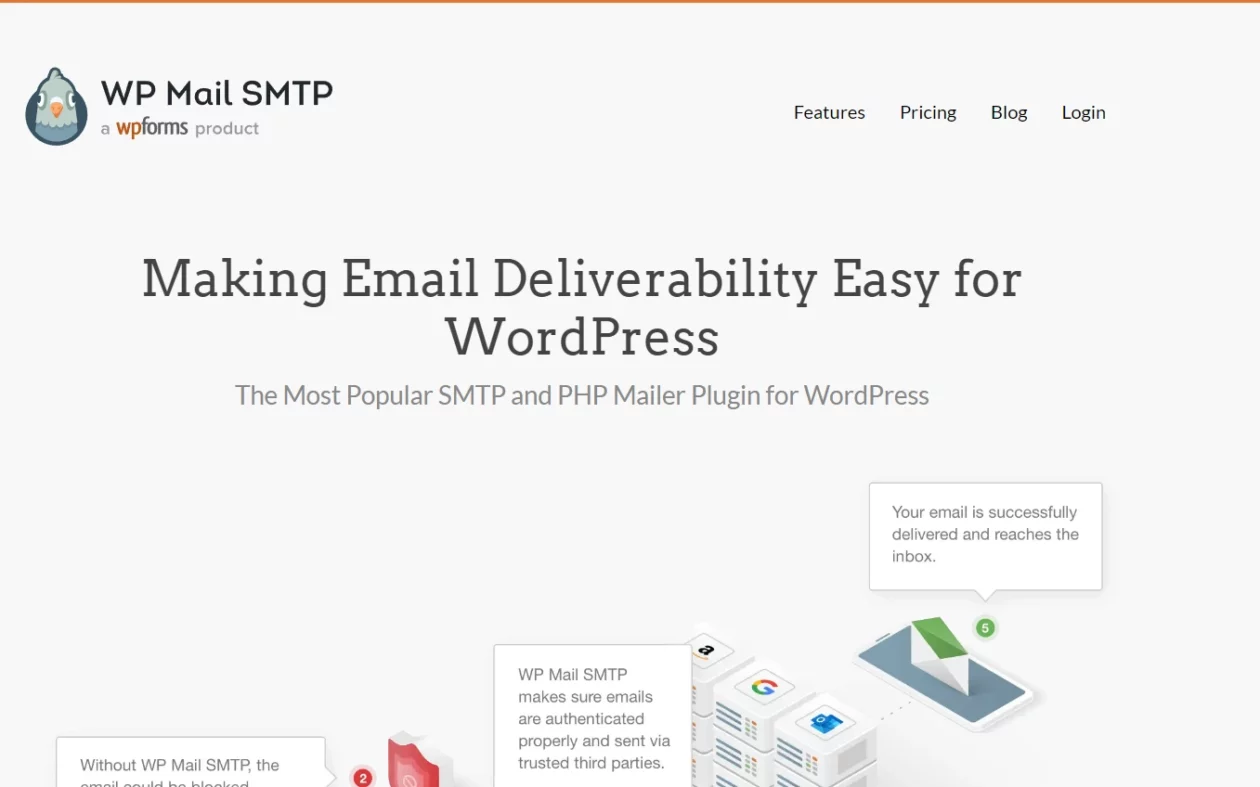
WordPress sends order confirmations, receipts and password resets through PHP mail, which most hosts and most inbox providers treat as suspicious. WP Mail SMTP reroutes all of it through an authenticated sender such as Gmail, Outlook, SendLayer or Brevo, and logs what went out so you can prove a receipt was sent when a customer says it never arrived.
Key features: authenticated SMTP for the major providers, email logging with resend, weekly deliverability summary, alerts when sending fails. The free version handles the actual routing; logging and alerts are Pro.
Price: free on WordPress.org, where it shows 4M+ active installs. Pro is $39.00 for year one on the WP Mail SMTP pricing page, renewing at $99.00 a year. Of the plans in the table that publish a first-year figure, that $39.00 is the cheapest entry point here.
Best for: every WooCommerce store, on day one, in the free version at minimum.
Skip it if: your host already runs a transactional mail service and you have proof your order emails land. Then you are paying for logging, which is nice but not urgent.
WPForms
WooCommerce gives you a checkout, not a contact form, and stores need both. WPForms covers pre-sales questions, returns requests, wholesale enquiries and product feedback with a drag-and-drop builder and a template library that gets a usable form live in a few minutes. It is the same team as WP Mail SMTP, which shows in how quickly the two are wired together.
Key features: drag-and-drop builder, conditional logic, entry storage, spam filtering, Stripe and PayPal payment fields on Pro, form abandonment tracking. Compare it against the field in our roundup of WordPress form plugins before you commit to a licence.
Price: WPForms Lite is free, with 5M+ active installs. Basic is $39.60 for year one on the WPForms pricing page and $99.00 on renewal. Payment fields need Pro, which is $159.60 for year one and $399.00 after.
Best for: stores that field a lot of pre-purchase questions, and anyone who needs a quote or wholesale application form next to the shop.
Skip it if: you only need one contact form. Lite does that for nothing, and the jump to Pro for Stripe fields is a real $399.00 a year once the intro term ends.
All in One SEO
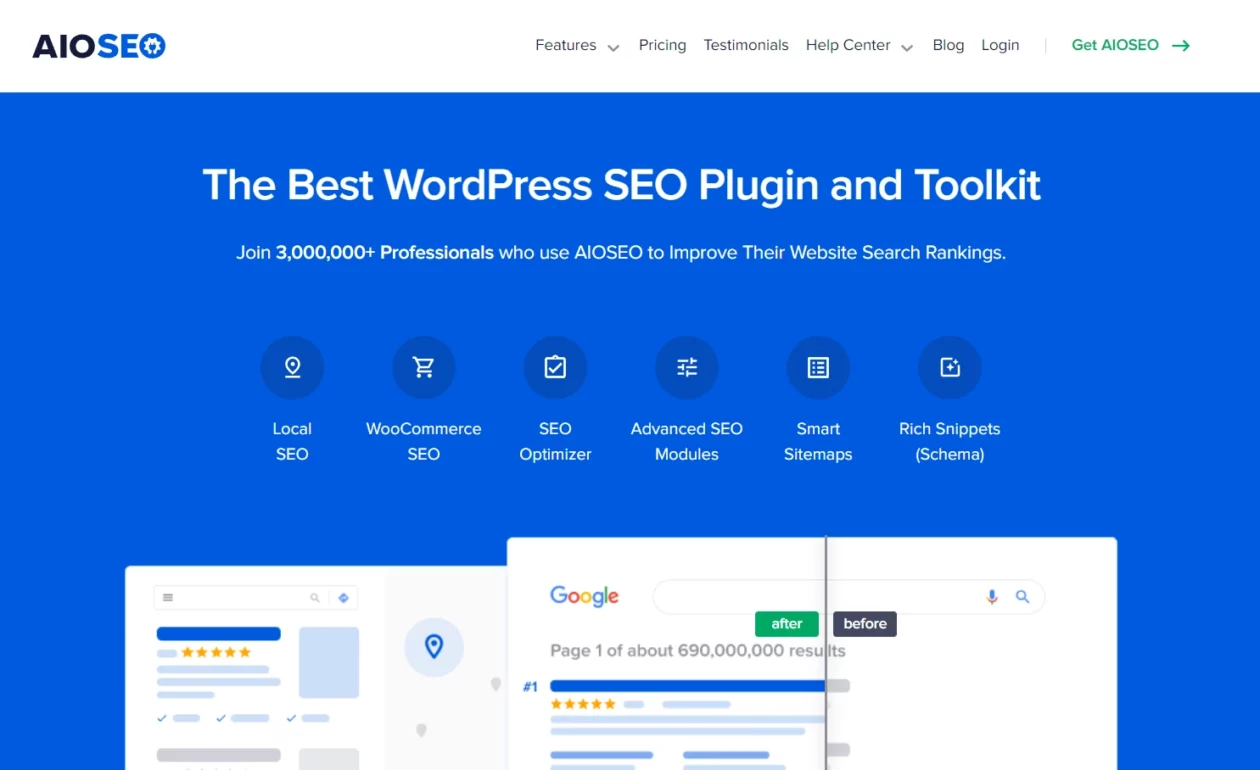
Product pages need structured data, clean titles and a sitemap that does not list every variation as a separate URL. AIOSEO handles all three with a WooCommerce module that knows what a product is, plus an internal link assistant that is genuinely useful once a catalogue passes a few hundred SKUs.
Key features: product schema, WooCommerce-aware sitemaps, redirect manager, internal link suggestions, local SEO module. If you want to weigh it against the alternative, Rank Math is the obvious rival and covers the same WooCommerce ground.
Price: free version on WordPress.org with 2M+ active installs. Basic is $49.50 for year one on the AIOSEO pricing page and $99.00 on renewal, but WooCommerce features sit in Plus at $99.50 for year one and $199.00 after.
Best for: stores that want product schema working correctly without hand-editing templates.
Skip it if: you already run another SEO plugin. Two SEO plugins on one store means two sets of meta tags and two sitemaps fighting each other. Pick one and remove the other properly.
ShopEngine
Most WooCommerce storefronts look like a WooCommerce storefront because the shop, single product, cart and checkout templates come from the theme and are awkward to change. ShopEngine turns all of them into Elementor templates you can edit visually, which is the fastest route to a store that does not look like the default.
Key features: template builder for shop, product, cart, checkout, thank-you and account pages; variation swatches; quick view; wishlist; product comparison; pre-order and partial payment modules. It needs Elementor, and pairs naturally with Elementor Pro, though the free Elementor is enough to start.
Price: a free tier on WordPress.org with 100,000+ active installs. Paid starts at $59.00 a year for a single site on the ShopEngine pricing page, with lifetime single-site at $149.00. Wpmet does not publish a renewal figure, so treat the $59.00 as a first-term price and confirm at checkout.
Best for: Elementor-built stores that need real control over the product and checkout layout without paying a developer per template.
Skip it if: you do not use Elementor, or your theme already ships good WooCommerce templates. A theme with strong WooCommerce templates of its own covers the same ground without a second builder loading on the front end.
TrustPulse

TrustPulse shows the small corner popup that says someone in another city just bought the thing you are looking at. It is hosted software with a thin WordPress connector, and the campaign targeting is genuinely good: specific pages, specific products, specific traffic sources.
Key features: real-time purchase and signup notifications, on-fire aggregate counts, page and referrer targeting, analytics on notification click-through.
Price: the TrustPulse pricing page lists Basic at $5 a month billed annually, which is $60.00 for year one, renewing at $9 a month or $108.00 a year.
Best for: stores with steady order volume, where the notifications have real events to show. On a store doing two orders a week it advertises how quiet you are.
Skip it if: you care about maintenance signals. Its WordPress.org listing carries the directory warning that the plugin has not been tested with the last three major WordPress releases, and lists 10,000+ installs against a tested-up-to version well behind current. That is a connector, not the whole product, but it is not a signal to ignore on a store handling payments.
SeedProd
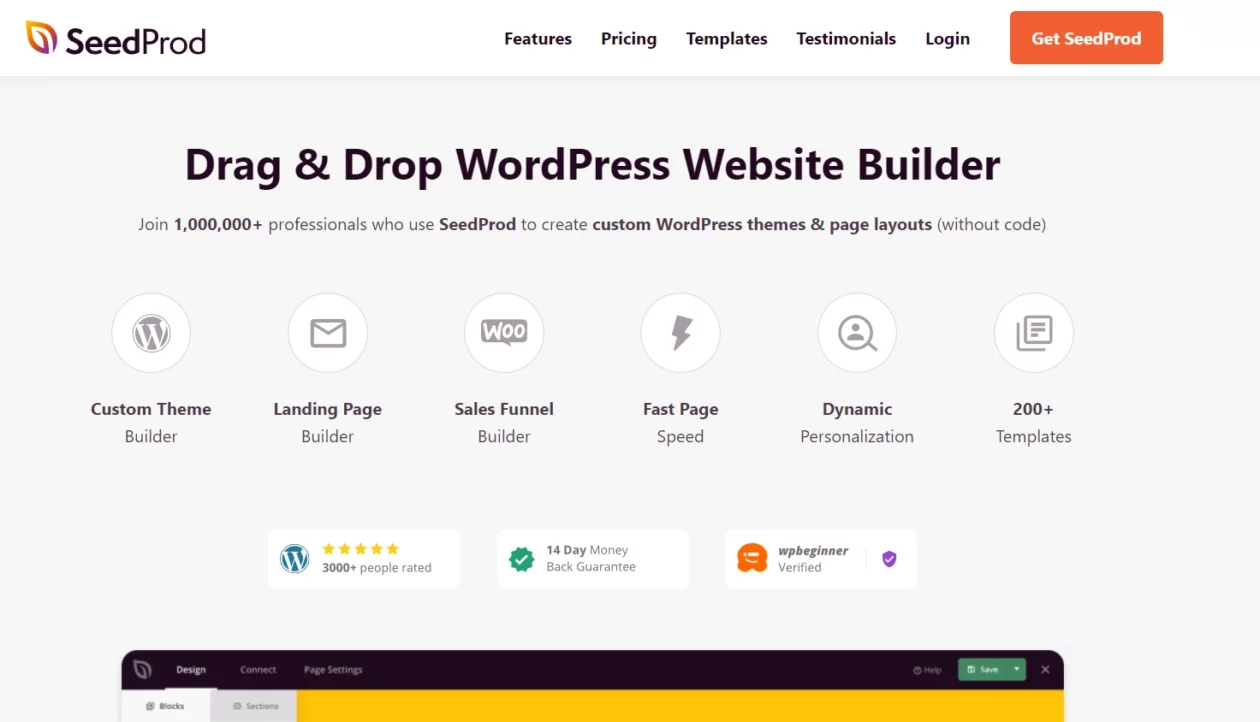
SeedProd builds landing pages and coming-soon pages that load without dragging your theme along. For a store, the useful part is the WooCommerce block set: add-to-cart, product grid, cart and checkout blocks you can drop onto a campaign page that is not the shop archive.
Key features: visual page builder, coming-soon and maintenance modes, WooCommerce blocks, template library, subscriber capture.
Price: free on WordPress.org with 700,000+ active installs. The SeedProd pricing page shows Basic at a regular $79.00 a year and notes that all renewals are at full price, but does not print the introductory figure. That $79.00 is the lowest renewal price in this table; ShopEngine’s $59.00 is lower but publishes no renewal at all.
Best for: product launches, seasonal campaigns and pre-launch pages where you want one fast page rather than a rebuilt theme.
Skip it if: you already run a page builder. Adding a second one to a store means two rendering engines loading on the front end for no benefit.
OptinMonster
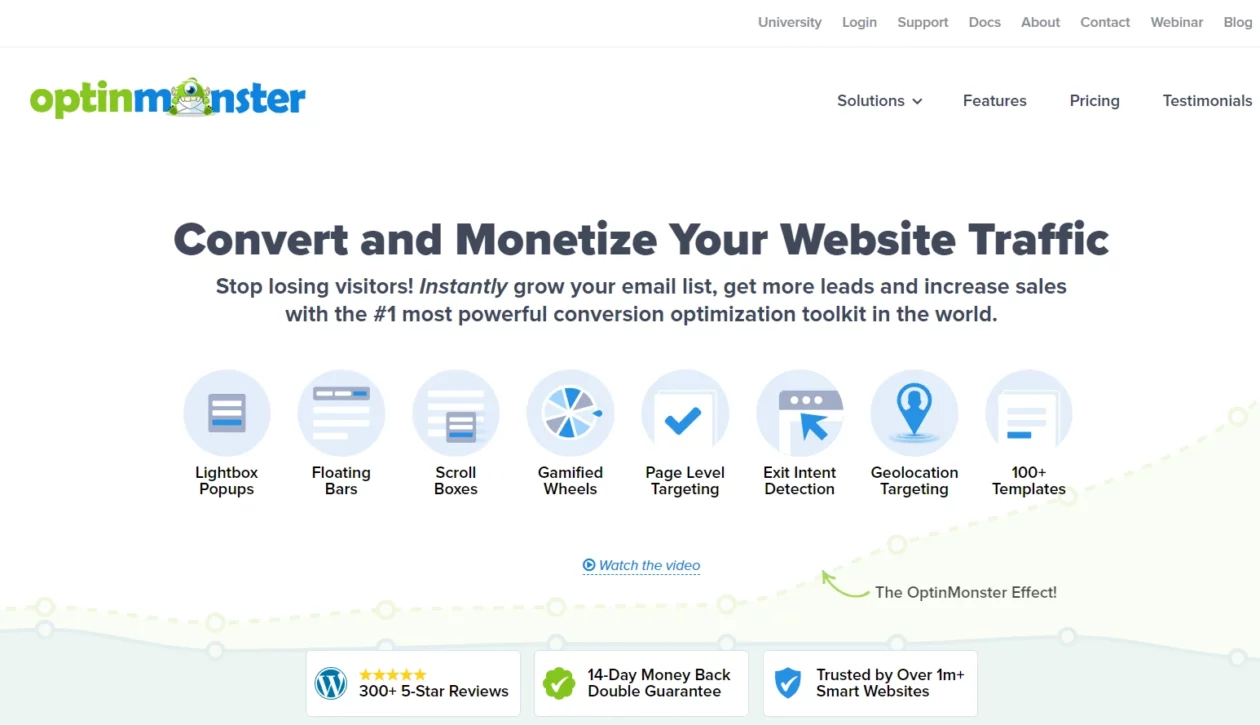
OptinMonster is the popup and opt-in layer: exit-intent offers, spin-to-win coupons, floating bars, cart abandonment prompts. The targeting engine is the reason people pay for it rather than using a free popup plugin, because it can fire on cart value, referrer, page, device and visit count.
Key features: exit-intent detection, drag-and-drop campaign builder, page-level and cart-level targeting, A/B testing, integrations with the main email platforms. Our guide to WordPress popup plugins covers cheaper alternatives if targeting depth is not the point.
Price: the OptinMonster pricing page lists Basic at $7 a month billed annually, which is $84.00 charged for year one, against a regular $210.00 a year. That is 2.5x more at renewal than in year one. The WordPress plugin is a free connector with 1M+ active installs; the software itself is not free.
Best for: stores with enough traffic that a two-point lift in opt-in rate pays the renewal.
Skip it if: you get under a few thousand sessions a month. At $210.00 a year on renewal the maths does not work, and a free popup plugin covers the same job badly enough that nobody notices.
MonsterInsights
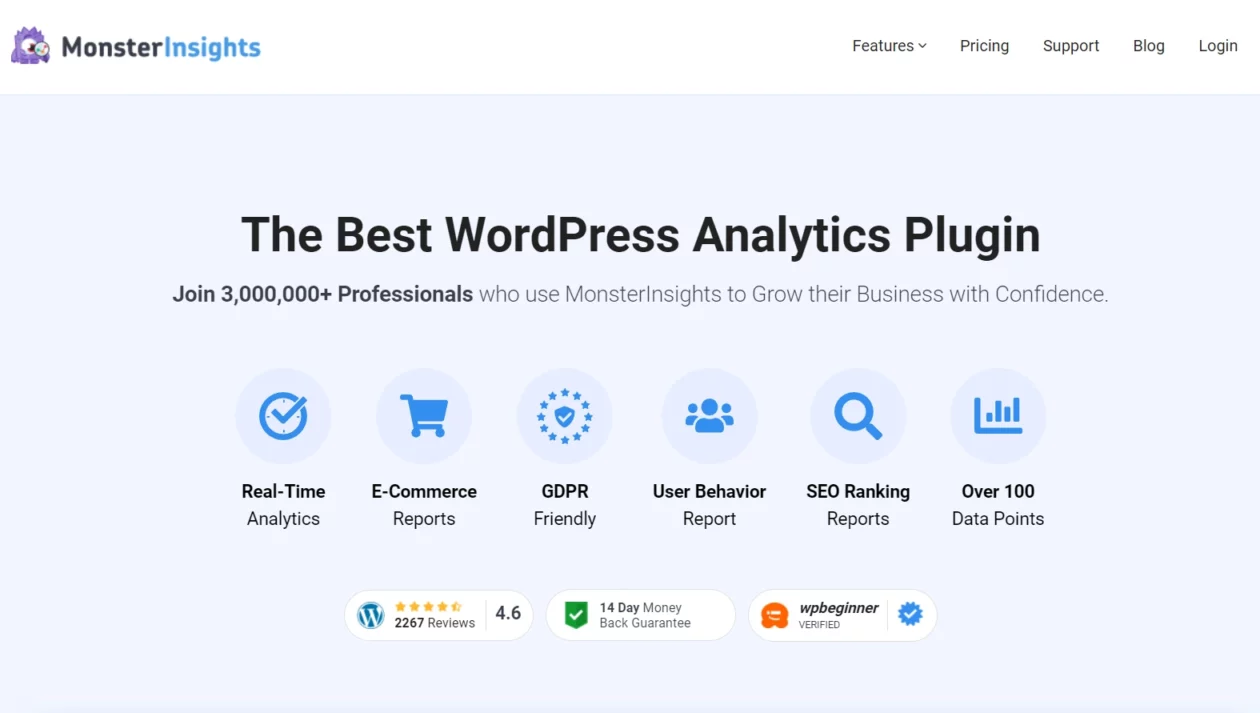
MonsterInsights connects a store to Google Analytics 4 and, more usefully, pulls the reports back into the WordPress dashboard so you stop avoiding them. The eCommerce module tracks product impressions, add-to-carts and revenue by source, which is the report most store owners actually want and rarely build by hand.
Key features: GA4 setup without editing code, enhanced eCommerce tracking, revenue attribution by traffic source, top products report, form conversion tracking.
Price: MonsterInsights Lite is free with 2M+ active installs. eCommerce tracking is a Pro feature. The MonsterInsights pricing page lists Plus at $99.50 for year one and $199.00 on renewal, Pro at $199.50 for year one and $399.00 after.
Best for: owners who will not open the GA4 interface but will look at a dashboard widget once a week.
Skip it if: you are comfortable in GA4 already. WooCommerce and Google’s own integration will report the same revenue for nothing, and you avoid loading another script on every page.
FunnelKit
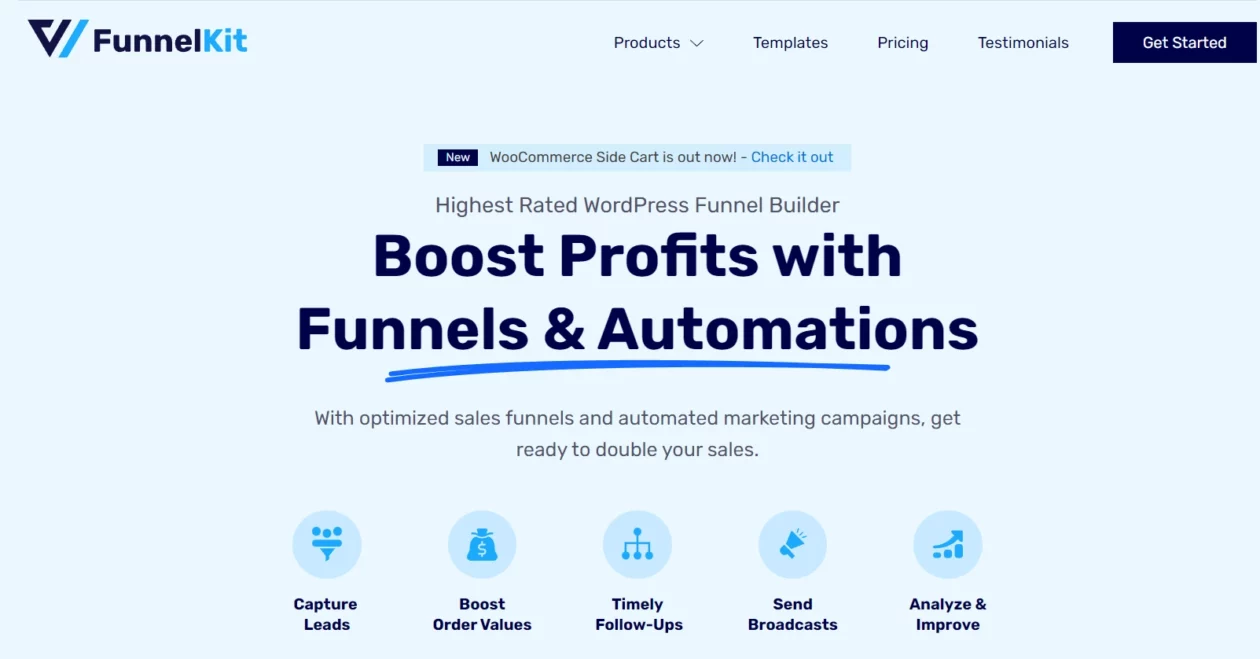
The default WooCommerce checkout is a form. FunnelKit replaces it with a checkout you can design, then adds the two things that raise average order value without raising traffic: order bumps on the checkout page and one-click upsells after payment, where the card is already charged and the customer does not re-enter details.
Key features: custom checkout builder, order bumps, post-purchase one-click upsells, A/B testing on funnel steps, cart abandonment recovery through FunnelKit Automations, and a free Stripe gateway plugin.
Price: free core plugin on WordPress.org with 30,000+ active installs. The FunnelKit pricing page lists Basic at $99.50 for year one against a regular $129.00. That 1.3x renewal step is the gentlest of any tool here that discounts year one at all, which is why it wins best overall.
Best for: stores with existing orders and a product range where a bump or an upsell makes sense. This is a revenue tool, not a traffic tool.
Skip it if: you sell one product at one price with no natural add-on. There is nothing to bump, and you have replaced a working checkout with a more complex one for nothing.
Advanced Coupons
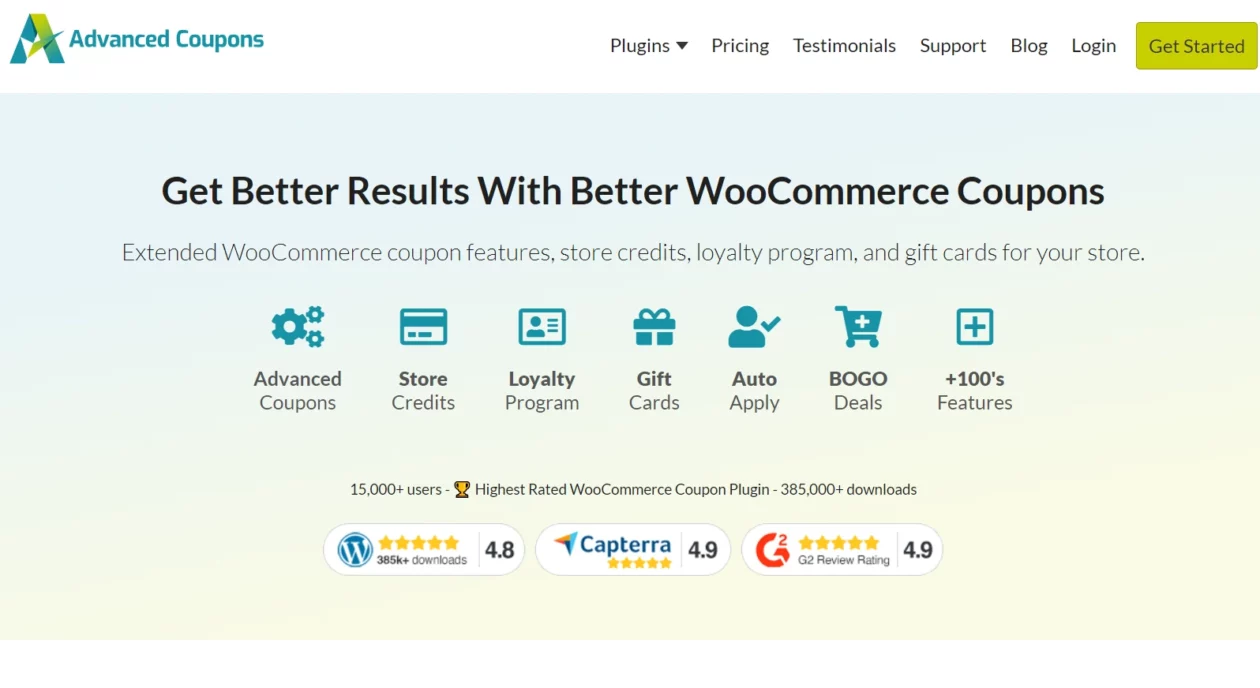
WooCommerce coupons are deliberately basic: a code, a percentage, an expiry. Advanced Coupons adds the conditions that make a promotion work, so a discount can require a minimum cart subtotal, apply only to a category, auto-apply without a code, or run a buy-one-get-one deal that actually adds the free item to the cart.
Key features: BOGO deals, cart conditions, auto-applied coupons, one-click apply URLs, scheduled coupons, shipping discounts, store credit, and a loyalty module on the higher bundle.
Price: a free version on WordPress.org with 20,000+ active installs. The Advanced Coupons pricing page lists Growth at $99.50 for year one and $199.00 on renewal for a single site, with the All Access bundle at $249.00 for year one and $498.00 after.
Best for: stores that run promotions constantly and are tired of building them with three overlapping coupon codes.
Skip it if: you discount twice a year. Core coupons handle that, and $199.00 a year on renewal buys a lot of margin you could just give away instead.
AffiliateWP
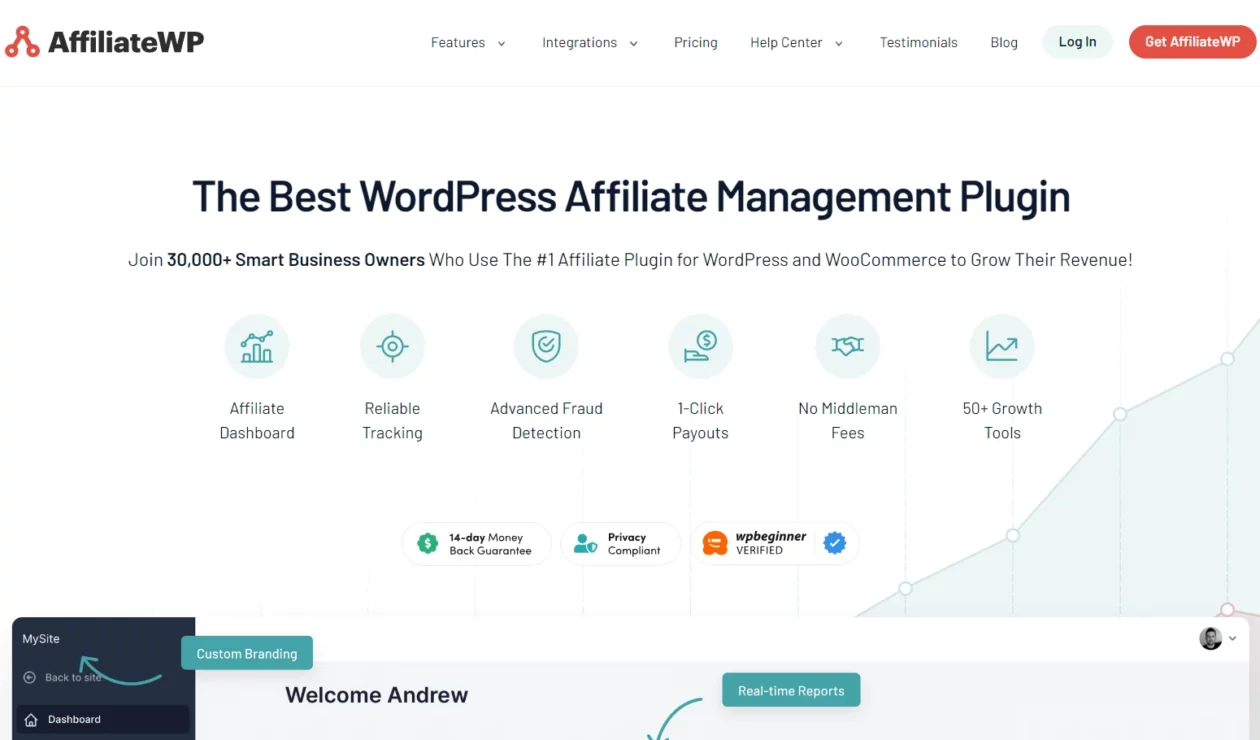
AffiliateWP runs an affiliate program inside your own store rather than through a network, so there is no per-transaction cut and no platform sitting between you and your partners. Referral tracking, commission rules, payouts and the affiliate dashboard all live in WordPress.
Key features: real-time referral tracking, per-affiliate and per-product commission rates, vanity coupon codes, affiliate portal with creatives, payout service, lifetime commission add-on.
Price: no free version. The AffiliateWP pricing page lists Personal at $149.50 for year one, normally $299.00, and states that discount codes do not carry over when the initial term ends.
Best for: stores with an audience worth recruiting from, such as course creators, supplement brands and anyone whose customers already recommend them.
Skip it if: you do not yet have people asking to promote you. An affiliate program is a distribution channel you have to run, not a plugin you install and forget, and $299.00 a year is a real line item.
LiveChat

LiveChat puts a chat widget on the storefront and a proper agent inbox behind it, with visitor tracking so an agent can see what is in someone’s cart before answering. For considered purchases, the ability to catch a hesitating customer on the product page is worth more than most conversion tooling.
Key features: customisable widget, proactive chat triggers, visitor and cart context, canned responses, ticketing, reporting on satisfaction and response time. Our comparison of live chat plugins covers the self-hosted alternatives.
Price: the LiveChat pricing page lists Starter at $19 per person per month billed annually, which is $228.00 a year per seat, or $25 per person per month on rolling monthly billing. There is no introductory discount, so the price you see is the price you keep paying. The WordPress connector plugin is free with 10,000+ installs. A 14-day trial is offered without a card.
Best for: stores with someone actually available to answer. Two agents is $456.00 a year before anyone types a word.
Skip it if: nobody is staffing it. An unanswered chat widget is worse than no widget, and it is one more third-party script on every page load.
Wholesale Suite
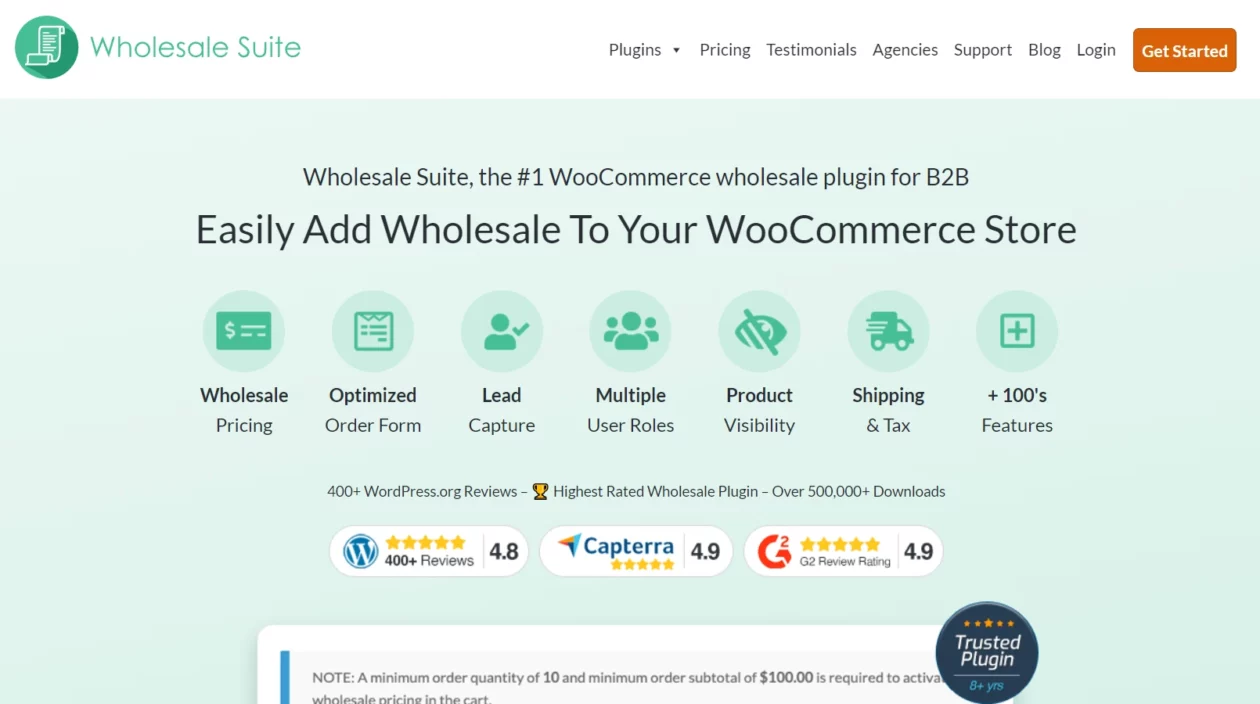
Selling B2B alongside retail on one WooCommerce install normally means duplicate products or a second store. Wholesale Suite solves it with role-based pricing: a logged-in wholesale customer sees their tier, everyone else sees retail, and the same catalogue serves both.
Key features: wholesale price tiers by user role, minimum order rules, a bulk order form, wholesale lead capture and approval, tax and shipping overrides for wholesale orders, request-a-quote.
Price: the free Wholesale Prices plugin has 20,000+ active installs. The Wholesale Suite pricing page now sells one All Access bundle at $299.00 for year one against a regular $598.00, with individual premium plugins from $49.50 a year for a single site. That $598.00 renewal is the most expensive line in this table.
Best for: genuine B2B operations, where one wholesale account covers the licence in a single order.
Skip it if: you have a handful of trade customers. A private coupon code and a price list PDF costs nothing and works.
Uncanny Automator
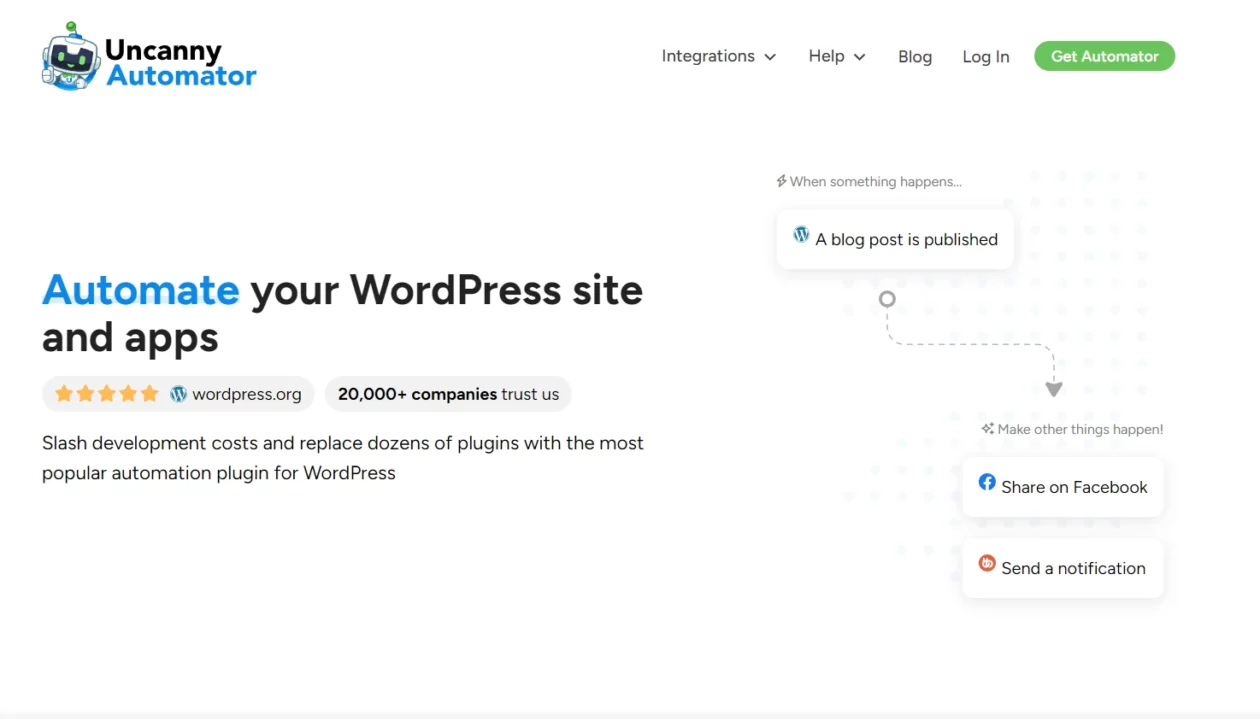
Uncanny Automator is the wiring between plugins. A WooCommerce purchase can enrol a customer in a course, add a CRM tag, post to Slack and grant a membership, all without code. It is the answer when your stack is fine individually and does nothing together.
Key features: recipe builder with triggers and actions across hundreds of plugins and apps, user and everyone recipes, scheduled and delayed actions, webhooks, and an AI agent tier on the current plans.
Price: this one moved a lot. Free on WordPress.org with 40,000+ active installs. The Uncanny Automator pricing page now leads with AI plus automation plans at $25 a month billed annually, which is $300.00 a year for Basic. Legacy automation-only plans are still listed at $199.00 a year for a single site. There is no introductory discount on either.
Best for: stores that also run a course, a membership or a CRM and need the handoffs to happen automatically.
Skip it if: you have two plugins and no integration problem. At $300.00 a year for the current Basic plan, this is the most expensive way to solve a problem you may not have. Check the legacy tier before buying.
What most WooCommerce roundups get wrong
They quote the discount and call it the price. Eight of the fourteen tools above renew at exactly double their first-year figure or more: OptinMonster, MonsterInsights, All in One SEO, WPForms, WP Mail SMTP, AffiliateWP, Advanced Coupons and Wholesale Suite. The small print on each vendor’s own page says the same thing in the same words, that renewals are at full price. A modest paid stack of WP Mail SMTP Pro, WPForms Basic, All in One SEO Basic and FunnelKit Basic costs $227.60 in year one and $426.00 in year two, and that is with nothing new added.
They confuse the free connector with the paid product. OptinMonster, TrustPulse and LiveChat all have WordPress plugins with impressive install counts. Those plugins are connectors. They do nothing until you pay for the hosted service behind them. An install count on the plugin directory is a measure of reach, not of what you get for free.
They quote prices in whatever currency the vendor served them. The official WooCommerce Marketplace geo-switches by billing country: a check of the WooCommerce Subscriptions listing on 1 September 2026 returned ₹26,884 for a one-year licence, not a dollar figure. If a roundup shows you a converted price, it is guessing at your checkout total. Worth knowing: the marketplace’s refund policy gives 30 days, more than double the 14 days most vendors in the table above offer.
They never mention maintenance status. TrustPulse is the example in this list, but the check applies to everything: open the WordPress.org listing, look at the last updated date and the tested-up-to version, and treat the directory’s untested warning as a real signal on a site that takes card payments.
The weight problem nobody budgets for
WooCommerce is already the heaviest thing on a typical WordPress site. It adds database tables, cart fragments that fire on every page, and a set of scripts that load whether or not the page shows a product. Then a roundup like this one persuades you to add a chat widget, a popup script, an analytics tag and a social proof service, and all four load on the checkout page where the money is.
The metric that catches this is Interaction to Next Paint. Google’s Core Web Vitals thresholds ask for INP of 200 milliseconds or less, Largest Contentful Paint within 2.5 seconds and Cumulative Layout Shift of 0.1 or less, all measured at the 75th percentile of real page loads. Third-party scripts on the checkout are the usual reason a store fails INP, because every one of them competes for the main thread at exactly the moment a customer clicks Place Order.
Three habits keep this manageable. Load marketing scripts conditionally so they never reach the cart or checkout, which is what a script manager like Perfmatters is for. Cache aggressively but exclude cart, checkout and account pages, which every tool in our WordPress cache plugins comparison can do, WP Rocket included. And compress product imagery properly before it ships, using something from our image optimization plugins list, because catalogue photos are usually the LCP element. If the store is already slow, work through our guide to speeding up a WordPress site before adding anything from this article.
A short decision path
- Brand new store, no orders yet: WP Mail SMTP free, WPForms Lite, All in One SEO free. Nothing paid. Total cost, nothing.
- Orders coming in, average order value too low: add FunnelKit at $99.50 for year one, $129.00 after. Order bumps are the fastest lever you have.
- Storefront looks generic and you build in Elementor: ShopEngine at $59.00 a year, or change the theme instead.
- Traffic is healthy, email list is not: OptinMonster, but only if you can name the number of sessions that makes $210.00 a year on renewal worth it.
- Selling to trade buyers: Wholesale Suite. Nothing else on this list does role-based pricing properly.
- Several plugins that do not talk to each other: Uncanny Automator, and check whether the $199.00 legacy automation-only plan covers you before paying $300.00 for the AI tier.
Frequently Asked Questions
Do you need all of these WooCommerce plugins?
No. Most stores need four: an SMTP plugin so order emails arrive, a form plugin, an SEO plugin, and one checkout or storefront tool. Everything else on this list solves a problem you either have or do not. Buy against a symptom, not a list.
Why is the renewal price higher than the advertised price?
Most of these vendors run permanent introductory pricing on the first term only. The small print on their own pricing pages says renewals are charged at full price. Eight of the fourteen tools here renew at double their first-year figure or more, so budget from the renewal column.
Are free WooCommerce plugins safe for a real store?
Usually, if they are actively maintained. Check the WordPress.org listing for the last update date and the tested-up-to version before installing. TrustPulse is the cautionary example here: its connector plugin is flagged as untested against the last three major WordPress releases.
How many plugins is too many for a WooCommerce store?
There is no magic number. What matters is how many of them load scripts on the cart and checkout pages. A store running thirty light plugins can beat one running twelve heavy ones. Audit by page weight and server response time, not by plugin count.
Is it better to buy from the WooCommerce Marketplace or the plugin vendor?
It depends on the refund window and the currency. The official marketplace offers a 30-day refund, longer than the 14 days most vendors on this list give. It also geo-switches currency, so your price depends on billing country. Vendor sites usually price in USD only.
Will these plugins slow down a WooCommerce checkout?
Some will. Live chat widgets, social proof popups and analytics scripts all add third-party requests that hurt Interaction to Next Paint, which Google wants at 200 milliseconds or less. Load them conditionally, keep them off the checkout page, and re-measure after every install.
Which plugin should a brand new WooCommerce store install first?
WP Mail SMTP, in its free version. WordPress sends order confirmations, password resets and receipts through PHP mail by default, and a lot of hosts get those filtered into spam. Fixing deliverability costs nothing and prevents the support tickets that eat your first month.
Is ShopEngine still worth it alongside Elementor Pro?
Only if you want to rebuild WooCommerce templates. Elementor Pro builds themes and archives, but ShopEngine adds the store-specific parts: variation swatches, quick view, comparison tables and a checkout builder. If your storefront looks fine on your theme defaults, you do not need either.
Our verdict
If you install one thing after reading this, make it WP Mail SMTP in its free version, because a store whose receipts land in spam has a support problem before it has a growth problem. If you spend one licence fee, spend it on FunnelKit at $99.50 for year one and $129.00 after, because raising average order value on the traffic you already have beats every other lever on this list and the renewal will not ambush you.
Skip TrustPulse until its connector plugin is maintained against current WordPress. Skip OptinMonster below a few thousand sessions a month; the $210.00 renewal needs traffic to justify it. Skip Uncanny Automator’s $300.00 AI tier if the $199.00 legacy plan does the job.
And before you add anything at all, spend an hour on the store’s foundations instead. The right theme from our guide to the best WordPress themes for WooCommerce removes the need for two or three of the plugins above. That is the cheapest optimisation available, and it never comes up for renewal.


[…] product itself is solid, particularly the local SEO and WooCommerce modules, which are further along than what Rank Math offers out of the box. Its own homepage claims […]
[…] for: shops. If you run WooCommerce and take orders through the night, real-time backup is not a luxury, and the off-server model means […]
[…] sits. If your store has accumulated years of orders, addresses and abandoned carts through the WooCommerce plugins running your shop, a request for erasure touches more tables than you would guess, and doing it by hand is how […]
[…] view source on your own install. If the rest of your stack needs filling out too, our roundup of WooCommerce plugins covers the surrounding […]
[…] for: product and retail brands. If you are building a store, it pairs naturally with the WooCommerce plugins we recommend for growing a store once you move the idea onto […]
[…] WooCommerce, chat is one of a short list of additions worth the weight – our roundup of WooCommerce plugins that improve a store covers the […]
[…] at ₹26,884 a year at the check date. If you are already assembling a store stack, our list of WooCommerce plugins worth installing covers what else usually ends up in the […]
[…] → Features. Its abilities cover products and orders. Pair it with a general server, and see our WooCommerce plugins roundup for the rest of the store […]