A logo slider or carousel plugin for WordPress is usually the wrong answer to the question a client actually asked. What they want is a row of client logos that looks tidy and does not wreck the page. Most of the time that is a CSS grid and eight images. Sometimes it genuinely is a plugin. This post covers when it is, which five are still maintained, what they cost to renew, and which ones to uninstall today.
Quick verdict
- Best overall: Logo Carousel by ShapedPlugin. Updated in August 2026, tested against WordPress 7.1, and the free build already exposes the two settings that matter on a real site: autoplay off, and dequeue its scripts on pages that do not use it.
- Best free: Logo Slider WP. Carousel, grid and flexbox layouts, category filtering and unlimited logos, all in the free build, driven by a native block instead of a shortcode you have to remember.
- Biggest install base: GS Logo Slider, at 30,000 active installs and a release on 25 August 2026. Its free build stops at 20 logos on screen.
- Skip it if: you need one static strip of a dozen logos with no filtering and no movement. That is a CSS grid, not a plugin. The snippet is below.
- Our call: build the grid in CSS first. Install a plugin only when a non-technical client has to add and reorder logos themselves, or when you need category filtering. Then pick Logo Slider WP if the free build covers it, Logo Carousel if you are paying.
Logo slider and carousel plugins compared
Five plugins made this list because they are still maintained. Everything else once recommended for this job has either stopped shipping updates or been pulled from the directory.
| Plugin | Active installs | Tested up to | Last update | Pro, 1 site, year one | After year one |
|---|---|---|---|---|---|
| GS Logo Slider | 30,000+ | WP 7.1 | 25 Aug 2026 | $29/yr | No renewal discount shown; lifetime $129 |
| Logo Carousel (ShapedPlugin) | 20,000+ | WP 7.1 | 18 Aug 2026 | $29/yr | No renewal discount shown; lifetime $129 on a half-price offer, list $258 |
| Logo Slider WP (LogicHunt) | 10,000+ | WP 7.0.4 | 11 Jul 2026 | $29/yr | No auto-renewal; lifetime $99 |
| Logo Slider and Showcase (RadiusTheme) | 7,000+ | WP 6.9.7 | 20 May 2026 | $16 one-off via CodeCanyon | One-time purchase |
| Logo Showcase Ultimate (wpWax) | 2,000+ | WP 6.9.7 | 11 Jun 2026 | $35, list $39 | Renews at $39/yr; lifetime $107 |
Two things fall out of that table. Only GS Logo Slider and Logo Carousel are tested against WordPress 7.1, and both shipped a release in August 2026. Three of the five open at $29 a year for one site, so the free builds, not the price, are what to compare.
First, check whether you need a plugin at all
A “trusted by” strip is a list of images. If it does not move, does not filter and does not need a client to manage it, adding a plugin buys you an admin screen, a shortcode, a stylesheet and a JavaScript slider library in exchange for markup you could write once and forget.
This is the whole thing:
.logo-strip {
  display: grid;
  grid-template-columns: repeat(auto-fit, minmax(140px, 1fr));
  gap: 2rem;
  align-items: center;
  list-style: none;
  padding: 0;
}
.logo-strip img {
  width: 100%;
  height: 48px;
  object-fit: contain;
  filter: grayscale(1);
  opacity: .7;
}
.logo-strip img:hover { filter: none; opacity: 1; }
Wrap the logos in a ul class="logo-strip" and give every image real dimensions, as in <img src="/acme.svg" alt="Acme" width="200" height="48">. Those two attributes stop the strip shoving the page down as it loads. Put the CSS in your child theme or one of the WordPress code snippet plugins, and run the files through an image optimization plugin or ship them as SVG.
The other free option is the one already installed. If the site runs Elementor Pro, Bricks or Divi, check its image carousel widget before adding a sixth plugin. The Elementor addon packs nearly all ship a dedicated logo carousel, and so do most visual page builders.
A plugin earns its place in three cases: a client who adds and reorders logos without calling you, filtering by category, or forty logos that have to collapse into something navigable. “It should slide” is not one of them. These are also not general-purpose image slider plugins, so do not reach for one of those instead.
GS Logo Slider
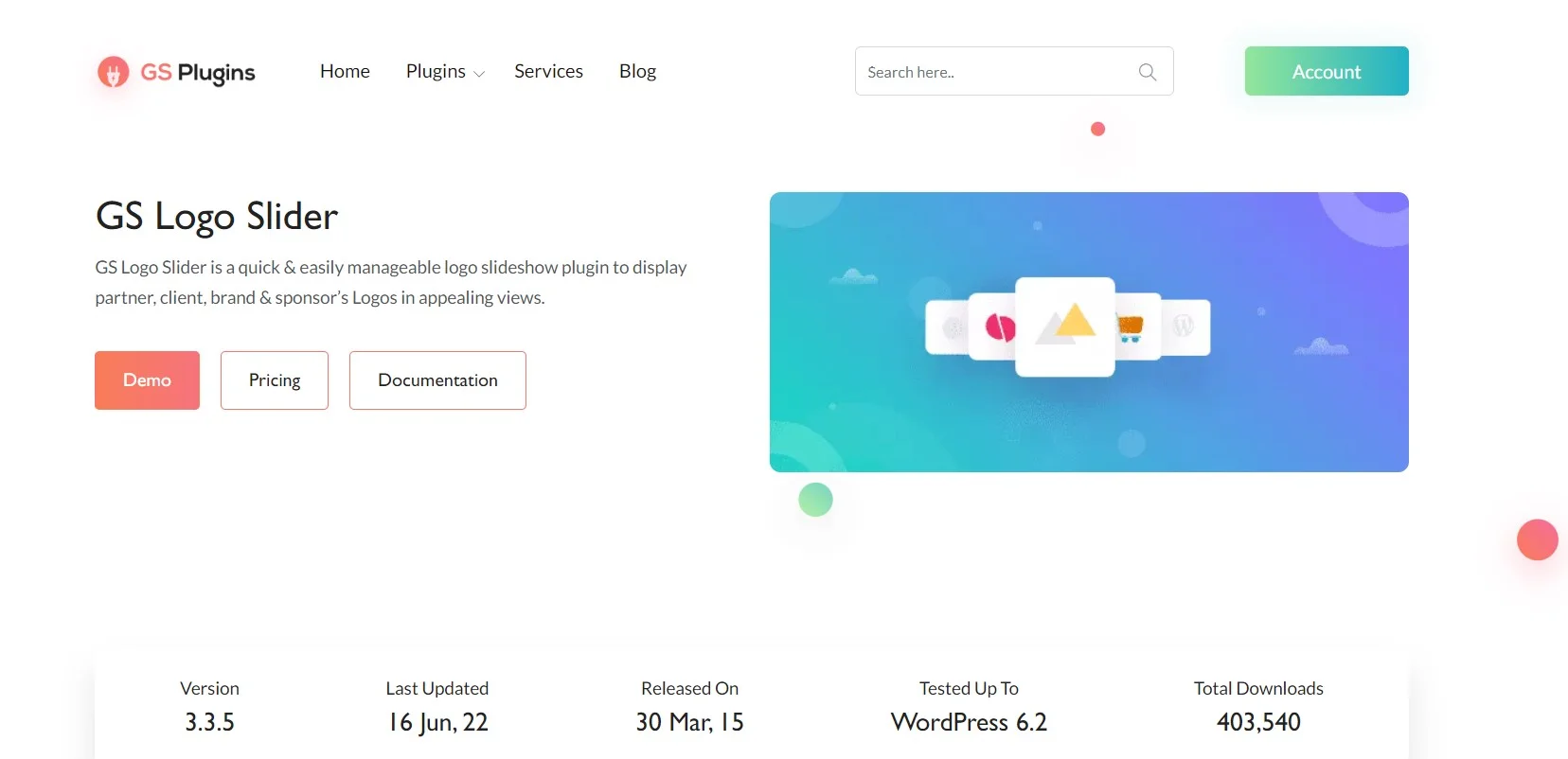
The most-installed option here, and the most recently updated. Version 3.8.7 landed on 25 August 2026, it is tested against WordPress 7.1, and it holds a 96% rating across 250 reviews on its WordPress.org listing. Logos get their own admin menu rather than living in the media library, which is the right shape for a client handover.
The catch is the free ceiling. GS Plugins states in its own FAQ that the free version presents up to 20 logos at once, with unlimited logos reserved for Pro. It also advertises 24 themes and a long layout menu covering grid, table, filter, center mode and vertical tickers, without saying which are free. Assume the interesting ones are not.
- Key features: dedicated logo post type, shortcode generator, grid and slider layouts, responsive column control, 24 themes across the free and Pro builds.
- Price: free, with Pro at $29/yr for one site, $99/yr for five and $199/yr unlimited. Lifetime licences are $129, $229 and $399. No renewal discount is advertised on the GS Logo Slider pricing page.
- Best for: sites that need to track the current WordPress release closely, and clients who will be adding logos themselves for years.
- Skip it if: you have more than 20 logos and no budget. That is exactly the wall the free build puts in front of you.
Logo Carousel by ShapedPlugin
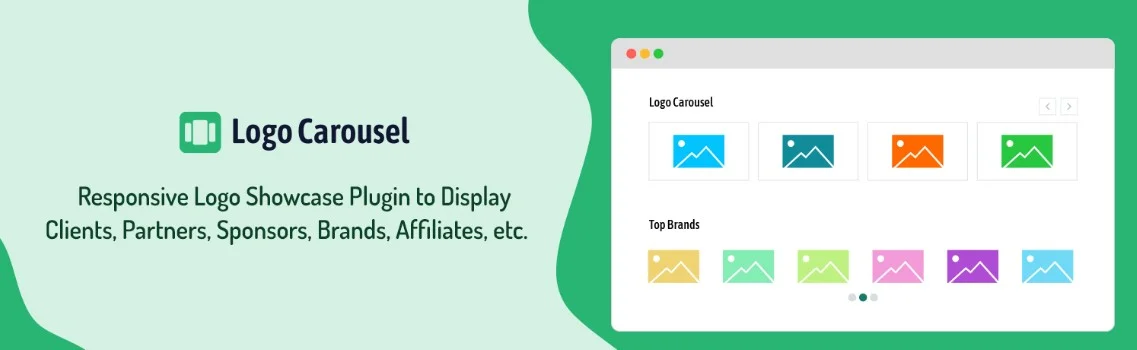
The pick if you are going to pay for one. Version 3.6.14 shipped on 18 August 2026, it is tested against WordPress 7.1, and it sits on a 94% rating from 162 reviews.
What separates it is not the carousel. The free build’s settings page includes enqueue and dequeue controls for its own scripts and styles, plus a custom CSS field and a clean-up-on-delete option. In plain terms, you can stop it loading assets on the 200 pages that have no logo strip. Very few plugins here let you do that, and it is worth more to a page’s load time than any theme picker.
- Key features: unlimited carousels with independent settings, per-device column control, autoplay on/off with speed control, infinite loop, preloader, RTL support, script and style dequeue options, custom CSS field. Full list on the WordPress.org listing.
- Price: free, with Pro at $29/yr for one site, $99/yr for five and $199/yr unlimited. Lifetime is $129, $229 and $399 on a half-price offer against list prices of $258, $458 and $798. The Logo Carousel pricing page advertises no renewal discount, and says a lapsed licence keeps working but stops receiving updates and support.
- Best for: multi-page sites where you care which assets load where, and agencies buying one licence they will reuse.
- Skip it if: you want a static grid. The plugin’s centre of gravity is the carousel, and a grid does not need any of this.
Logo Slider WP by LogicHunt

The most generous free build here, and it got that way recently. Version 5.5.5 removed the 20-logo front-end cap, made the preloader free, and added a native block so you insert and preview a showcase without hunting for a shortcode ID. All three layouts, carousel, grid and flexbox, plus ticker mode and category filtering, are free.
The flexbox layout solves a real irritation. Logos arrive at wildly different aspect ratios, and a rigid column grid leaves ugly gaps around the tall narrow ones. Flexbox lets them wrap on their natural width instead.
One thing to watch before you buy. The product page’s plan selector advertises $19, $49 and $99 a year; the cart charges $29, $69 and $179 for the same one-year tiers. Confirm the figure at checkout rather than trusting either block.
- Key features: native Gutenberg block, carousel plus static grid plus flexbox layouts, ticker mode, category filtering, unlimited logos and preloader all in the free build. Details on the WordPress.org listing.
- Price: free, with Pro on the LogicHunt product page at $29 for one site, $69 for five and $179 for the agency tier, each covering one year of updates and support. Lifetime equivalents are $99, $149 and $299, and that $99 single-site lifetime is the cheapest of the four subscription vendors on this page. The page states there is no auto-renewal, so a renewal is a fresh purchase.
- Best for: anyone who wants this handled for nothing, and specifically for mixed-aspect logo sets.
- Skip it if: you need the plugin certified against the newest WordPress release the day it lands. Its listing reads tested to 7.0.4, one release behind.
Logo Slider and Showcase by RadiusTheme
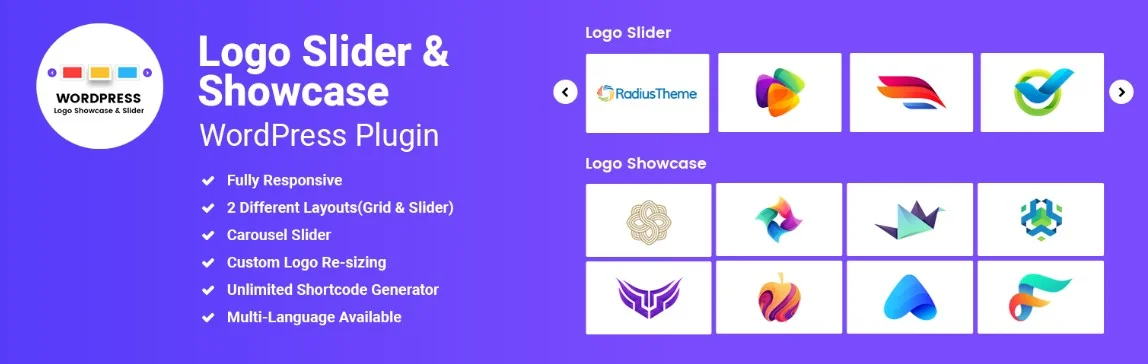
A decent free plugin with a Pro version we would not buy. The free build gives you both layouts that matter, grid and carousel, plus custom logo resizing, custom URLs, RTL and a shortcode generator, and it was updated on 20 May 2026. It carries the weakest rating in this group, 78% from 17 reviews on its WordPress.org listing, which is a small enough sample to take lightly.
The Pro is the problem. RadiusTheme sells it through CodeCanyon at $16, and its own product page for the Pro build lists it as version 1.2, last updated 9 November 2016. Whatever the state of the actual download, a vendor advertising a decade-old version number on its own sales page is not a vendor to hand a client site to. Use the free build, ignore the upgrade prompt.
- Key features: grid and carousel layouts, custom logo resizing, unlimited shortcode generator, custom URLs, RTL, widget ready. Isotope category filtering and drag-and-drop ordering sit behind Pro.
- Price: free. Pro is a $16 one-off on CodeCanyon, exclusive of tax and VAT.
- Best for: a straightforward grid or carousel on a site you maintain yourself, at no cost.
- Skip it if: you need category filtering, because that is the paid tier, and the paid tier is the part we cannot recommend.
Logo Showcase Ultimate by wpWax

The smallest install base here at 2,000, and the only vendor in this roundup that states the renewal price before you buy. wpWax lists 1 site at $35 renewing at $39 a year, 5 sites at $67 renewing at $79, and unlimited at $79 renewing at $99. Every other vendor here leaves you to find that out at rebill time.
The plugin itself is competent rather than exciting: three carousel themes and three grid themes free, a Gutenberg block, Elementor support, and control over how many logos show per breakpoint. Its listing reads tested to WordPress 6.9.7, two releases behind current, which is the reason it is fifth here and not second.
- Key features: carousel, slider and grid modes, three free themes each, Gutenberg block and Elementor widget, ordering by category, ID, date or random, per-device logo counts, autoplay and speed control. See the WordPress.org listing.
- Price: free, with Pro from $35 for one site on the Logo Showcase Ultimate Pro pricing page, list $39, renewing at $39/yr. Lifetime licences are $107, $143 and $159.
- Best for: buyers who want the renewal number in writing, and anyone who wants an unlimited-site lifetime cheaply. At $159 it is the cheapest unlimited-site lifetime of the vendors on this page.
- Skip it if: compatibility lag bothers you. Two WordPress releases behind is not dangerous, but it is a signal.
The ones to take off your site
This post used to recommend ten plugins. Four of them should not be running on anything.
- WP Logo Showcase Responsive Slider and Carousel. Closed on the WordPress plugin directory on 7 April 2026. The directory page gives the reason as a security issue and says the closure is permanent. It had tens of thousands of installs, which means a lot of sites are still running code that stopped receiving fixes months ago. Deactivate it, delete it, then run a scan with one of the WordPress security plugins before you replace the shortcode.
- WP Logo Slider. Closed in August 2018, reason given as unused. Eight years gone.
- The Logo Slider. Still listed, last updated in August 2016 and tested against WordPress 4.6. Around 100 sites still run it.
- Unlimited Logo Carousel. Last updated October 2019, tested against WordPress 5.2.
WEN Logo Slider (1,000 installs) and Logo Showcase by InfornWeb (5,000) are both still maintained and both still work. They are left out because neither does anything the five above do not, not because there is anything wrong with them.
What most logo carousel roundups leave out
An auto-rotating strip is an accessibility failure waiting for an audit
WCAG 2.2 success criterion 2.2.2, Pause, Stop, Hide, requires that for any moving, blinking or scrolling information that starts automatically, lasts more than five seconds and is presented in parallel with other content, there is a mechanism for the user to pause, stop or hide it. A logo carousel set to loop forever is all three of those conditions at once. Hover-to-pause, which several of these plugins offer, does not count for keyboard or touch users.
You have two honest options. Honour prefers-reduced-motion and add a visible pause button, or turn autoplay off. Every plugin in the table above ships a static grid layout alongside its carousel. Use the grid. Nobody has ever converted because the logos were moving.
The strip is a layout shift risk
Logo images are the last thing anyone optimises and they usually go in without dimensions. That is a textbook Cumulative Layout Shift contributor: the row collapses to nothing, then expands when the images arrive, and everything below it jumps after the reader has started reading. Reserve the height in CSS, set width and height on every image, and see our guide to layout shift in WordPress if the score is already bad.
Related trap: some of these plugins ship a preloader that hides the showcase until every image has loaded. It kills the flicker, and it also means the strip is invisible for as long as the slowest logo takes. If the strip is below the fold, one of the lazy load plugins is the better tool.
Dark logos on a dark background
Client logos arrive as black PNGs on transparent backgrounds. The day the site gets a dark theme, half the strip disappears. None of these plugins solve this for you, so either collect light variants up front or apply a CSS filter per theme. Worth thinking about before you add one of the dark mode plugins, not after.
Which one to pick
- Static strip, you maintain the site, under about a dozen logos: no plugin. Use the CSS above.
- Client adds their own logos, no budget: Logo Slider WP. Unlimited logos, three layouts and filtering, all free.
- You are paying, and the site is large: Logo Carousel. The dequeue controls stop it loading on pages that do not need it.
- You want the plugin that tracks WordPress releases most closely: GS Logo Slider, as long as 20 logos is enough or you buy Pro.
- You want the renewal price stated up front: Logo Showcase Ultimate.
Frequently Asked Questions
Does a logo strip really need a plugin?
Usually not. A row of client logos that does not move, filter or get edited by anyone else is a CSS grid and a handful of images. Reach for a plugin when a client has to add and reorder logos themselves, when you need category filtering, or when there are too many logos for one row.
Are auto-rotating logo carousels an accessibility problem?
Yes, if they autoplay. WCAG 2.2 success criterion 2.2.2 asks for a mechanism to pause, stop or hide anything that moves automatically for more than five seconds alongside other content. Hover-to-pause does not help keyboard or touch users. A static grid avoids the requirement entirely.
Which logo slider plugin is safest to install right now?
GS Logo Slider and Logo Carousel are the two here tested against WordPress 7.1, and both shipped releases in August 2026. Install count is not the same as safety, but a plugin that tracks the current WordPress release is a better bet than one two versions behind it.
What happened to WP Logo Showcase Responsive Slider and Carousel?
The WordPress plugin directory closed it on 7 April 2026 over a security issue, and the listing says the closure is permanent. If it is still active on a site, deactivate and delete it, scan the site, then rebuild the strip with one of the maintained plugins above.
How many logos do the free versions allow?
GS Logo Slider caps its free build at 20 logos on screen at once, with unlimited logos reserved for Pro. Logo Slider WP removed its own 20-logo front-end cap and now shows unlimited logos free. The other three do not publish a hard limit on their free builds.
Do logo carousels slow a site down?
The carousel layouts load a JavaScript slider library and a stylesheet on every page they appear on. On one home page that is negligible. Across a large site it is not, which is why Logo Carousel exposing dequeue controls for its own assets in the free build matters more than its themes.
Is a lifetime licence worth it for a logo plugin?
At $29 a year against a $129 lifetime, GS Logo Slider and Logo Carousel both work out cheaper as a lifetime once you pass four years of renewals. For a site you will still be maintaining that long, buy the lifetime. For a one-off build you hand over, do not.
The call
Write the CSS. A dozen logos in a grid, dimensions on every image, greyscale until hover, and you are done in ten minutes with nothing to update and nothing to renew.
If the site genuinely needs the admin screen, install Logo Slider WP and use its grid layout. Unlimited logos, category filtering and a native block is more than the other four give away, and it costs nothing to find out whether it fits. If you outgrow it, or you are billing the client anyway, Logo Carousel at $29 for the first year is the one to put on a site you still have to support in three years.
Whatever you install, turn autoplay off before you hand it over.