
Most image slider plugins land on a site the same way: a client asks for a rotating hero, and a month later the homepage is failing Core Web Vitals. Sliders are the classic Largest Contentful Paint and Cumulative Layout Shift offender, and no plugin fixes that for you out of the box. This roundup compares nine of them on renewal price, maintenance record and what each one costs you in page speed. One is closed for a security issue.
Quick verdict
- Best overall: Smart Slider 3. The Standard licence is $49 as a one-time payment for one site with lifetime updates and support, so there is no renewal to forget about.
- Best free: MetaSlider. The free build handles an ordinary image slideshow, it has 500,000+ active installs, and you only pay if you need dynamic or video slides.
- Cheapest way in: Soliloquy Personal at $19.50 for the first year, renewing at $39/year for one site. Lowest first-year figure of the dollar-priced plans below.
- Skip it if: you were about to install Slide Anything, which WordPress.org closed on 14 June 2024 over a security issue, or Crelly Slider, which has not shipped an update in about two years.
- Our call: most homepages do not need a slider at all. A single static hero image with its dimensions declared runs no script and initialises no container, so there is nothing left to delay the paint or shift the layout.
Image slider plugins compared for 2026
| Plugin | Free version | Paid, one site | Renewal | Maintenance |
|---|---|---|---|---|
| Smart Slider 3 | Yes | $49 one-time (Standard) | None | 800,000+ installs, updated within the last month |
| MetaSlider | Yes | $39.50 first year | $79/year | 500,000+ installs, updated within the last month |
| Depicter | Yes | $39/year (discounted) | Not published | 80,000+ installs, updated within the last week |
| Soliloquy | Yes (Lite) | $19.50 first year | $39/year | Lite has 30,000+ installs, updated within the last month |
| Slider Revolution | No | ₹4,380.13/year (Starter) | ₹4,380.13/year | Premium only, no WordPress.org listing |
| Master Slider | Yes | $39 one-time (Pro) | None | 60,000+ installs, updated about four months ago |
| RoyalSlider | No | $24 one-time | None | Last update 28 February 2024 |
| Crelly Slider | Yes | n/a | n/a | 10,000+ installs, no update in about two years |
| Slide Anything | Closed | n/a | n/a | Closed 14 June 2024, security issue |
Why sliders wreck Core Web Vitals
Google’s Core Web Vitals thresholds ask for Largest Contentful Paint within 2.5 seconds, Cumulative Layout Shift of 0.1 or less and Interaction to Next Paint of 200 milliseconds or less, all measured at the 75th percentile of page loads. A hero slider attacks two of those three at once.
LCP goes first. On a typical homepage the first slide is the LCP element, and most slider plugins ship it lazy-loaded along with every other slide. Google’s guidance on optimising LCP is unusually direct here: never lazy-load your LCP image, because it always adds resource load delay. The same page suggests the opposite treatment for the slides nobody can see yet, marking them fetchpriority="low" so they stop competing for bandwidth during the first paint.
CLS goes next. Until the slider script runs, the container often has no height, so the moment it initialises everything under it jumps down the page. Google’s CLS guidance is to always include width and height attributes on images, or reserve the space with CSS aspect-ratio, and to reserve room in the initial layout for anything injected late. A slider is exactly that kind of late-injected block. Our walkthrough on how to avoid layout shift in WordPress covers the same fix at theme level.
None of this is theoretical plugin-bashing. It is why the same site can pass on every interior page and fail on the homepage, and why swapping a slider for a static hero is often the single cheapest speed win available. If you want the wider checklist, start with our guide to speeding up a WordPress site.
Smart Slider 3

Smart Slider 3 is the most-installed of these on WordPress.org, with 800,000+ active installs and a 4.9 average across 1,123 reviews. The free version is genuinely usable rather than a demo: two slider types, six layers and fourteen templates, which is enough for a logo row or a testimonial rotator without paying anything.
The reason we reach for it on client work is the licence model. Smart Slider is sold as a one-time payment with lifetime updates and support, which means no annual invoice landing on a site you handed over eighteen months ago. That matters more than any feature comparison when you maintain twenty sites for other people.
- Key features: live visual slide editor, layer-based design, 120+ templates on the pro tier, four slider types, dynamic slides from posts and WooCommerce products.
- Price: free tier available; Standard is $49 one-time for one site and Premium starts at $99 for three sites, both with lifetime updates and support, per the Smart Slider 3 pricing page.
- Best for: freelancers and agencies who want one purchase per site and no renewal cycle to manage.
- Skip it if: you only need a plain three-image fade, in which case the free tier or MetaSlider will do and the layer editor is overhead you will never open.
MetaSlider

MetaSlider is the safe free pick. Its WordPress.org listing shows 500,000+ active installs and a 4.6 average from 738 reviews, and it was updated within the last month. Point it at a set of images, pick a slideshow type, drop the block on a page, done. There is very little to learn.
The pro tier is where you need to read carefully. MetaSlider Pro is a subscription, and the headline figure is a first-year discount: one site is $39.50 for year one and then $79 every year after. Over three years on a single site that is $197.50, against $49 once for Smart Slider 3. Pay it if you need video, post-feed or WooCommerce slides. Do not pay it for a plain image slideshow the free build already handles.
- Key features: several slideshow types, block editor support, image, video, post and product slides on Pro, scheduling, and a genuinely simple admin screen.
- Price: free on WordPress.org; Pro is $39.50 for the first year then $79/year for one site, $49.50 then $99/year for five, and $99.50 then $199/year unlimited, per the MetaSlider pricing page.
- Best for: anyone who wants a maintained free slider and nothing else, or an agency putting the unlimited licence across a client portfolio.
- Skip it if: you are buying for one site and plan to keep it for years. That $79 renewal is the steepest dollar renewal in the table and it doubles your year-one price.
Depicter

Depicter is the newest name here and the one most likely to feel familiar if you have used a modern design tool. Its editor is canvas-first rather than form-first, so you drag layers onto a slide instead of filling in fields. The free version at 80,000+ active installs covers sliders, carousels and popups, and it ships updates frequently.
The pricing page carries a running discount banner, which is worth noting before you budget: the $39/year Starter figure is the discounted rate, not a fixed one, and the page does not publish what year two costs. Check the renewal terms at checkout rather than assuming they match.
- Key features: visual layer editor, sliders, carousels and popups in one plugin, animation timeline, template library, block and shortcode output.
- Price: free tier available; Starter is listed at $39/year for one site and Freelancer at $49/year for three, both discounted rates on the Depicter pricing page, which does not state a renewal figure.
- Best for: designers who want the slider and the popup handled by the same plugin instead of two.
- Skip it if: you need a published renewal price before you commit, or you already run a dedicated popup tool and would be paying twice for the overlap.
Soliloquy
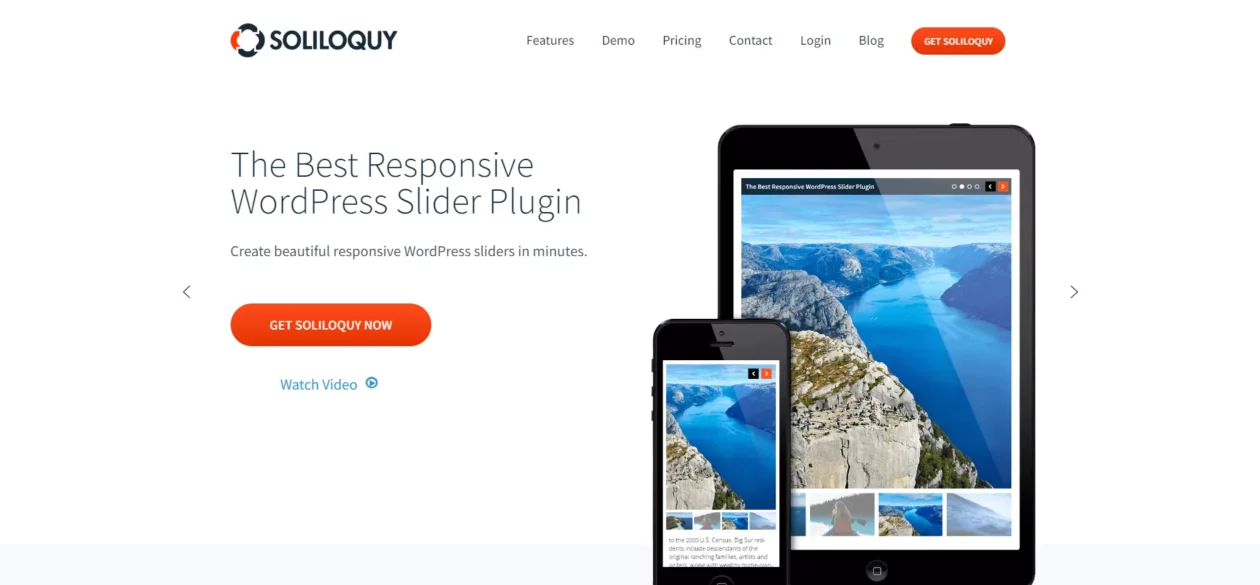
Soliloquy is the cheapest way into a paid slider on this list, and the licence is straightforward: drag images in, pick a theme, publish. The Lite build on WordPress.org sits at 30,000+ active installs with a 4.7 average, so you can try the workflow before spending anything.
Read the price the same way you read MetaSlider’s. The $19.50 Personal figure is a 50% first-year discount and it renews at $39/year. That is still the mildest renewal among the dollar-priced subscriptions here, but it is a renewal, and the add-on model means features like carousels, dynamic slides and WooCommerce sliders sit on the higher tiers rather than the entry one.
- Key features: drag-and-drop slide builder, lightbox mode, pre-built themes, dynamic and WooCommerce product sliders on higher tiers, cross-browser output.
- Price: Lite is free; Personal is $19.50 for the first year then $39/year for one site, and Multi is $49.50 then $99/year for three, per the Soliloquy pricing page.
- Best for: a single site on a tight budget where you want paid support without a three-figure first invoice.
- Skip it if: you need product or post-driven sliders. Those live on the Multi tier and up, which changes the maths against Smart Slider 3 entirely.
Slider Revolution

Slider Revolution is the heavyweight, and that cuts both ways. Nothing else here does parallax scenes, particle effects and video backgrounds with the same polish, and the template library is deep. It is also the plugin most likely to turn up preinstalled inside a purchased theme, which is how a lot of sites end up running it without anyone choosing it.
Two practical warnings. First, the ambitious templates are heavy by design; if you use one as a homepage hero you are opting into a large JavaScript payload above the fold, so budget for the LCP work described earlier. Second, the checkout geo-switches currency, so the figure you see may not be the figure quoted anywhere else. At the check date it served Indian rupees.
- Key features: visual editor with timeline animation, a large template library, video and parallax backgrounds, layer effects, WooCommerce and post-based sources.
- Price: no free tier. The Slider Revolution pricing portal served ₹4,380.13/year for the one-site Starter plan at the check date, renewing at the same rate; the page geo-switches currency, so confirm yours at checkout.
- Best for: marketing pages and campaign landers where the animation is the point and the performance budget is understood.
- Skip it if: all you want is a hero image that fades. You would be loading a design suite to do a job the free tier of two other plugins here already does.
Master Slider

Master Slider is the quiet middle option: 60,000+ active installs, a 4.6 average from 503 reviews, and a Pro edition sold once rather than annually. Touch and swipe navigation is its long-standing strength, and the free build ships enough demo templates to get a working slider up in a few minutes.
Worth knowing before you install: its most recent release, version 3.11.2 in May 2026, was a fix for a low-severity security vulnerability. That is a good sign rather than a bad one, since it means somebody is still watching the code, but it is also a reminder to keep sliders inside whatever update routine you already run. If you do not have one, our list of WordPress security plugins is the place to start.
- Key features: drag-and-drop builder, touch and swipe navigation, demo template library, responsive breakpoints, shortcode and widget output.
- Price: free version on WordPress.org; the WordPress Pro edition is $39 as a one-time regular licence per the Master Slider pricing page, with a separate $17 jQuery edition for non-WordPress projects.
- Best for: touch-heavy mobile galleries where you want a one-time purchase and do not need a layer-animation editor.
- Skip it if: you want frequent releases. Its last update landed about four months before the check date, against two weeks for Smart Slider 3 and days for Depicter.
RoyalSlider
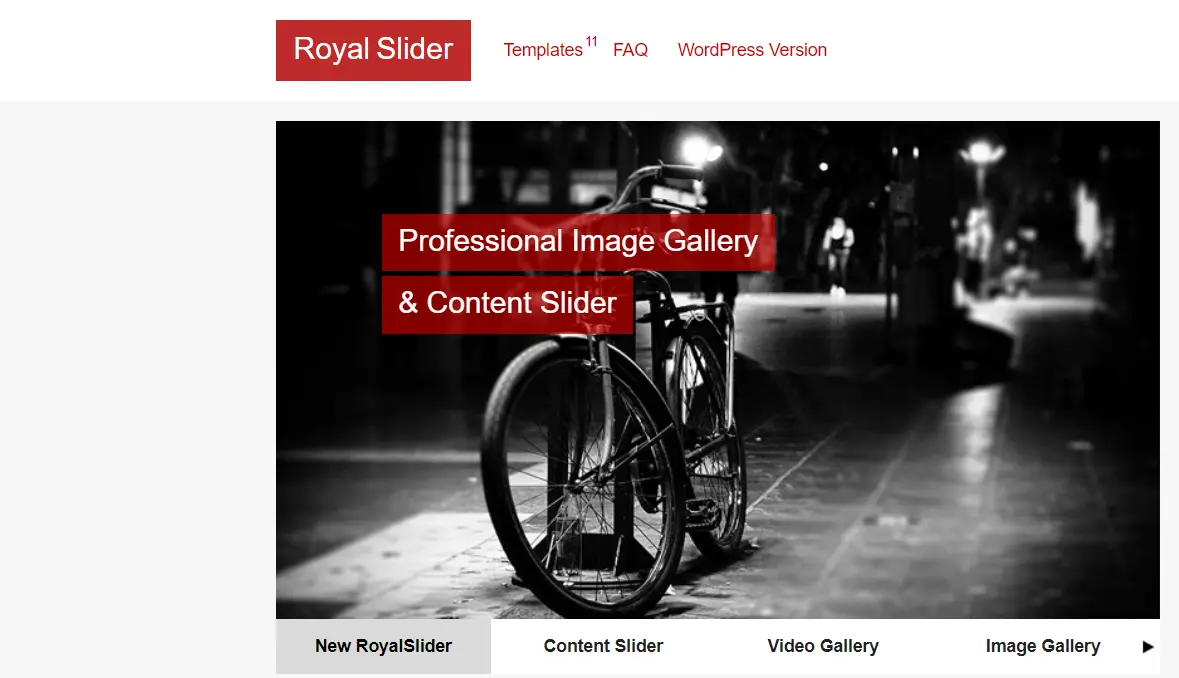
RoyalSlider is the veteran, and its pitch has always been restraint: a modular script where you can drop the parts you are not using, rather than a design suite. That is a sensible instinct for a slider, and it is the cheapest one-time licence in the table at $24.
The catch is maintenance. Its CodeCanyon listing records a last update of 28 February 2024, which is well over two years ago at the time of writing, and the regular licence includes six months of support rather than ongoing help. On a plugin that outputs front-end JavaScript on your most important page, that gap is a real risk, not a footnote.
- Key features: modular script you can trim, touch navigation, image and HTML content slides, deep-linking, lightweight default output.
- Price: $24 regular licence, one-time, with six months of support included, per its CodeCanyon listing.
- Best for: developers who want a minimal script on an existing build and are comfortable maintaining it themselves.
- Skip it if: you are starting a new site today. Buying into a plugin with a two-year update gap to save $25 over Smart Slider 3 is a false economy.
Two sliders to leave alone
Slide Anything still appears in plenty of slider roundups, and it should not. Its WordPress.org listing carries a plain notice: closed as of 14 June 2024, reason given as a security issue. Closed means no updates, no downloads and no fix coming. If an old site of yours still has it active, deactivate it, remove it, and rebuild the carousel with something maintained. Do that before you do anything else on this page.

Crelly Slider is a softer no. It is free, it is open source, and 10,000+ sites still run it. But its listing shows no update in about two years and WordPress.org flags that it has not been tested with the latest three major releases. It is not dangerous today, but it is unattended, and Depicter gives you a free layer slider that someone is still shipping fixes for.
You may already own a slider

Before you install anything, open your page builder and look. Elementor Pro, Divi and Beaver Builder all ship carousel and slider widgets, and SeedProd has an Image Carousel block with template presets. A second slider plugin on top of any of those is extra CSS, extra JavaScript and an extra update to babysit, in exchange for a feature you already paid for.
SeedProd itself is a landing page builder rather than a slider tool, so it only makes sense here if you were going to buy it anyway; its Basic tier is listed at $79/year at the regular rate on the SeedProd pricing page, which notes that introductory pricing applies to the first term and all renewals are at full price. The same logic applies to Elementor addon packs, most of which include a carousel widget you may not have noticed. If you are still choosing a builder, compare them first in our roundup of visual page builders for WordPress.
One genuine exception: logo rows. A brand or client logo strip has different requirements from a hero, and the dedicated tools in our guide to logo slider and carousel plugins handle grayscale states and infinite marquee scrolling better than a general-purpose slider widget does.
Making any slider behave
Whichever plugin you pick, the same four fixes decide whether it costs you a Core Web Vitals pass. None of them are plugin-specific.
- Do not lazy-load slide one. Most performance plugins lazy-load every image by default, which is exactly wrong for the slide that is your LCP element. Add the first slide to the exclusion list in whatever tool handles it. Both WP Rocket and Perfmatters expose that exclusion by CSS class or URL, and our comparison of lazy load plugins covers the free options.
- Reserve the height. Give the slider wrapper a fixed
aspect-ratio, or make sure the slide images carry realwidthandheightattributes, so nothing below the fold moves when the script initialises. - Cut the slide count and the file sizes. Three to five slides is plenty. Serve them as WebP at the size they actually render, which is what image optimization plugins are for. A 400 KB hero JPEG will beat any plugin choice for damage done.
- Verify, do not assume. Run the page through PageSpeed Insights before and after, on mobile, and check the LCP element it names. If it names a slide, you still have work to do. A caching plugin will not rescue a hero that loads late; it only hides the problem from your own repeat visits.
What most slider roundups get wrong
Three things, consistently.
They quote the discount as the price. MetaSlider Pro at $39.50 and Soliloquy Personal at $19.50 are both first-year rates. Year two is $79 and $39. A list that prints only the first number makes a subscription look like a one-off purchase, which is how you end up explaining an unexpected renewal to a client. The one-time licences here are Smart Slider 3 at $49, Master Slider Pro at $39 and RoyalSlider at $24; everything else in the table recurs.
They keep recommending dead plugins. Slide Anything has been closed for a security issue since June 2024 and still turns up on published lists. Crelly Slider has not been updated in about two years. Checking the WordPress.org listing takes ten seconds and it is the single most useful thing anyone writing one of these lists can do.
They treat “responsive” as a performance claim. Every plugin in this roundup is responsive; that has been table stakes for a decade and says nothing about how the thing loads. Responsive means it reflows on a phone. It does not mean it defers its script, sizes its images, or leaves your LCP alone. Those are separate questions, and they are the ones that decide your score.
Which one should you pick
- You have a page builder already: use its carousel widget. Install nothing.
- You want free and maintained: MetaSlider, or Smart Slider 3’s free tier if you want layers.
- You want to pay once and never think about it: Smart Slider 3 Standard, $49.
- You are on a hard budget for one site: Soliloquy Personal, $19.50 for year one, $39 after.
- You need cinematic animation and accept the weight: Slider Revolution.
- You want the slider and the popup in one plugin: Depicter.
- You are running Slide Anything: remove it today, then come back to this list.
Frequently Asked Questions
Do image sliders hurt SEO?
Not directly, but they hurt the Core Web Vitals that feed page experience signals. A slider that loads its first image late pushes out Largest Contentful Paint, and one that reserves no height shifts the layout as it initialises. Fix both and a slider is SEO-neutral.
What is the best free image slider plugin for WordPress?
Smart Slider 3 has the largest free user base of the plugins here, at 800,000+ active installs on WordPress.org, with MetaSlider next at 500,000+. Both cover an ordinary image slideshow without paying. The paid tiers mostly add layers, templates and dynamic slide sources.
Is Slide Anything still safe to use?
No. Its WordPress.org listing shows it closed on 14 June 2024 over a security issue, so it receives no updates and cannot be reinstalled from the repository. If it is still active on a site you manage, remove it and rebuild the carousel with a maintained plugin.
Which slider plugin is cheapest over three years?
Among the dollar-priced options, RoyalSlider at $24 one-time, then Master Slider Pro at $39 and Smart Slider 3 Standard at $49. Subscriptions cost more over time: MetaSlider Pro on one site totals $197.50 across three years once the $79 renewal starts.
Should I put a slider on my homepage at all?
Usually no. A single static hero image with its dimensions declared loads faster, never shifts and needs no plugin. Sliders earn their place lower down the page, on logo rows, product galleries and testimonial rotators, where they are not the Largest Contentful Paint element.
Why does my slider cause layout shift?
Because the container has no height until the script runs, so everything below it jumps down the page. Set width and height attributes on the slide images, or reserve the space with CSS aspect-ratio, which is what Google recommends for any late-loading block.
Can I lazy load slider images?
Only the slides after the first. Google is blunt about it: never lazy-load the LCP image. Let slide one load normally and mark the hidden slides low priority so they stop competing for bandwidth during the first paint.
Do page builders remove the need for a slider plugin?
Often, yes. Elementor, Divi, Beaver Builder and SeedProd all ship carousel widgets, so a second plugin adds weight for nothing. Check what your builder already includes first. A dedicated plugin earns its place when you need slides pulled dynamically from posts or products.
How many slides should a slider have?
Three to five. Every extra slide is another image request competing with the one that paints first, and every slide adds markup the browser has to lay out. If a message matters, put it in the page rather than behind a rotation the visitor has to wait for.
Our verdict
Buy Smart Slider 3 Standard. It is $49 once for one site with lifetime updates and support, the free tier lets you build the whole thing before you pay, and it is the most-installed of these on WordPress.org. That combination is hard to argue with, and it removes the renewal that makes MetaSlider Pro cost $197.50 over three years on the same single site.
If the budget is genuinely nothing, MetaSlider free is the pick. If it is nearly nothing, Soliloquy Personal at $19.50 for year one gets you paid support, as long as you have the $39 renewal in the calendar.
Then do the harder thing and ask whether the page needs a slider. The best-performing hero we build is still one image, sized properly, with no script attached to it. If a slider survives that question, keep it to five slides, keep slide one out of your lazy-load rules, and reserve its height before you publish.