Most portfolio website themes are sold on how the demo looks, not on how they behave once you drop 60 full-width project photos into them. That is the part that decides whether a client ever sees your work, because a portfolio is an image-heavy site by definition and image-heavy sites are where WordPress themes fall over. Below are eight themes worth building on, with what each one actually costs to renew.
Quick verdict
- Best overall: Blocksy Pro. The free version is genuinely shippable, Pro is $69/year for one site or $199 once, and the Post Types extension gives you a real projects archive instead of a page full of stacked images.
- Best free: Kadence. Its free version includes a drag-and-drop header and footer builder, which Astra and GeneratePress both keep behind a paid add-on.
- Best value if you build for clients: GeneratePress. GP Premium is $59/year and the licence covers up to 500 sites, the cheapest paid licence in the table below that covers more than one site.
- Skip the lot if: you expect a finished portfolio on activation. Only Divi and Inspiro ship actual portfolio machinery; the lightweight themes hand you a good base and leave the grid to you.
- Our call: Blocksy Pro Personal at $69/year (or $199 one-time) for your own portfolio. GP Premium at $59/year if the portfolio is one of many sites you maintain.
Portfolio website themes compared
Entry price is the cheapest paid tier each vendor sells. Where a vendor advertises an introductory rate, the renewal column shows the higher figure it publishes for year two.
| Theme | Entry price | Renews at | Lifetime | Sites covered | Free version |
|---|---|---|---|---|---|
| Blocksy Pro Personal | $69/year | $69/year | $199 | 1 | Yes, 300,000+ installs |
| Kadence Essentials | $99/year | $99/year | Not offered | Not stated | Yes, 500,000+ installs |
| Astra Pro (add-on only) | $69/year | $69/year | $249 | 3 | Yes, 1,000,000+ installs |
| GP Premium | $59/year | $59/year | Not offered | Up to 500 | Yes, 500,000+ installs |
| Ocean Pro Bundle Starter | $42/year | $52/year list price | $168 | 1 | Yes, 500,000+ installs |
| Inspiro, via WPZOOM All Themes | $99/year | $99/year | $499 All Access | Unlimited | Yes, Inspiro Lite, 60,000+ installs |
| Divi | $89/year | $89/year | $249 | Unlimited | No |
| Shapely | Free | n/a | n/a | Unlimited | Yes, 10,000+ installs |
Two numbers in that table are worth pausing on. Ocean’s $42 Starter tier is the cheapest paid entry here, but it licenses one site. GP Premium at $59/year is the cheapest paid licence here that covers more than one site, and it covers up to 500 of them.
Blocksy: the best all-round base for a portfolio
Blocksy is a block-first theme with a customiser that is unusually well organised, and its free version on wordpress.org carries 300,000+ active installs. For a portfolio the useful part is Pro’s Post Types extension, which lets you register a Projects post type and build a proper archive with filtering, rather than hand-maintaining a page of images that grows uglier every time you finish a job.
Key features
- Header and footer builder in the free version, with conditional headers in Pro
- Custom post type archives and single layouts, so projects get their own template
- Content Blocks for reusable hero sections and calls to action
- Pro starter sites, several of them portfolio-shaped
Price: Personal is $69/year or $199 lifetime for one site, Business is $99/year or $299 lifetime for ten, Agency is $149/year or $499 lifetime for unlimited sites, per the Blocksy pricing page.
Best for: designers and developers building one serious portfolio they intend to keep for years.
Skip it if: you want a page builder experience. Blocksy assumes you are comfortable in the block editor, and if you are not, you will end up buying a builder on top anyway.
Kadence: the strongest free tier
Kadence sits at 500,000+ active installs on wordpress.org, and the free theme alone gives you a header and footer builder plus a decent set of starter templates. Paired with the free Kadence Blocks plugin you can build a gallery-led home page without paying anything, which is why it is the free pick here.
The caveat is commercial. Kadence is now sold through Liquid Web, and the plan cards no longer state how many sites each licence covers. For a single portfolio that does not matter. If you are buying for an agency, ask before you pay.
Key features
- Header, footer and navigation builder, free version included
- Kadence Blocks for galleries, sliders and layout rows
- Theme builder, custom fonts and dynamic content sources in Essentials
- Starter templates that cover creative and studio layouts
Price: free on wordpress.org. Paid tiers are Essentials $99/year, Pro $299/year and Elite $499/year on the Kadence pricing page. There is no lifetime option, and no site count is listed against the tiers.
Best for: a first portfolio built on a zero budget that you can upgrade later without switching themes.
Skip it if: you need the paid tier and a firm licence count in writing. $99 is the highest entry price in this roundup alongside WPZOOM, and it buys the least clarity about what it covers.
Astra: the safe choice if you build on Elementor
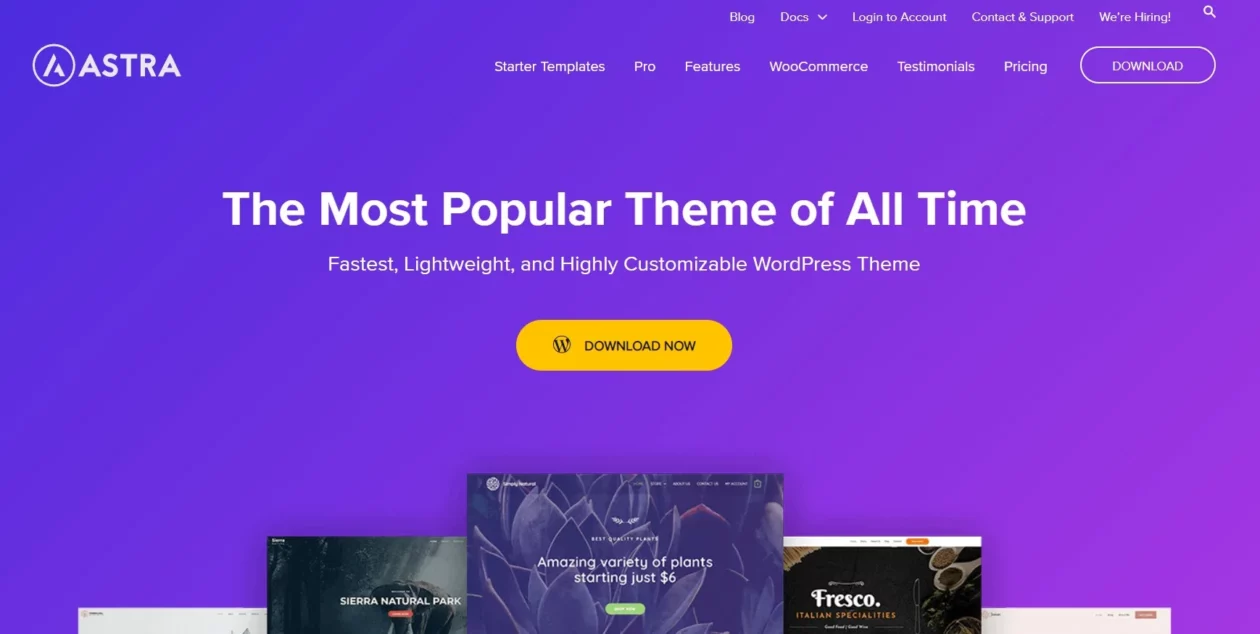
Astra has the largest wordpress.org install base of any theme in this list, at 1,000,000+ active installs on its directory listing, and its real advantage is compatibility. Every starter template, every builder add-on and every tutorial you will find assumes Astra works, and it does. If your portfolio is going to be built in Elementor Pro, Astra removes a whole class of layout arguments before they start.
Astra markets itself as the fastest and lightest theme available. Treat that the way you would treat any vendor speed claim: it is a starting point, not a result. What loads on your portfolio is your images, your fonts and your builder, and you can undo Astra’s head start with one uncompressed hero photo.
Key features
- Premium header and footer builder in the Pro add-on
- Starter Templates library with one-click import
- Deep typography and spacing controls without touching CSS
- Works cleanly with Elementor, Beaver Builder, Spectra and the block editor
Price: the add-on-only licence is $69/year for three sites, or $249 one-time (listed against $349). The bundles are introductory-priced and renew higher: Astra Pro plus AI is $99 in year one and renews at $149/year, and the Essential Toolkit is $199 renewing at $299/year, per the Astra pricing page. Our longer Astra Pro review goes through what the add-on actually unlocks.
Best for: portfolios built with a page builder, or anyone who wants the theme to be the least interesting decision they make.
Skip it if: you are buying the bundle. The renewal jump from $99 to $149 catches people out, and the add-on-only tier at a flat $69 is the honest comparison against Blocksy.
GeneratePress: the cheapest way to cover client work
GeneratePress is the theme freelancers keep coming back to, and it has 500,000+ active installs with a perfect rating across 1,400+ reviews on wordpress.org. It is deliberately small, it stays out of the way, and GP Premium’s Elements module lets you build a project archive template that behaves the same on every screen size.
The licence is the headline. $59/year covering up to 500 sites is not a typo, and if you are the person maintaining a portfolio for yourself plus a dozen clients, nothing else here comes close on cost per site.
Key features
- Theme Builder for custom archive and single templates
- 60+ starter sites, local font library, hook system
- Full site editing support if you want to work that way, covered in our guide to full site editing themes
- GenerateBlocks Pro adds a query loop and 300+ patterns
Price: GP Premium is $59/year, GenerateBlocks Pro is $99/year, and the GeneratePress One bundle is $149/year, all in USD, on the GeneratePress pricing page. No lifetime tier.
Best for: freelancers and small studios who want one licence to cover everything they touch.
Skip it if: you want something that looks designed on day one. GeneratePress gives you a blank, fast canvas. If you cannot design, that is a problem, not a feature.
OceanWP: the cheapest paid entry
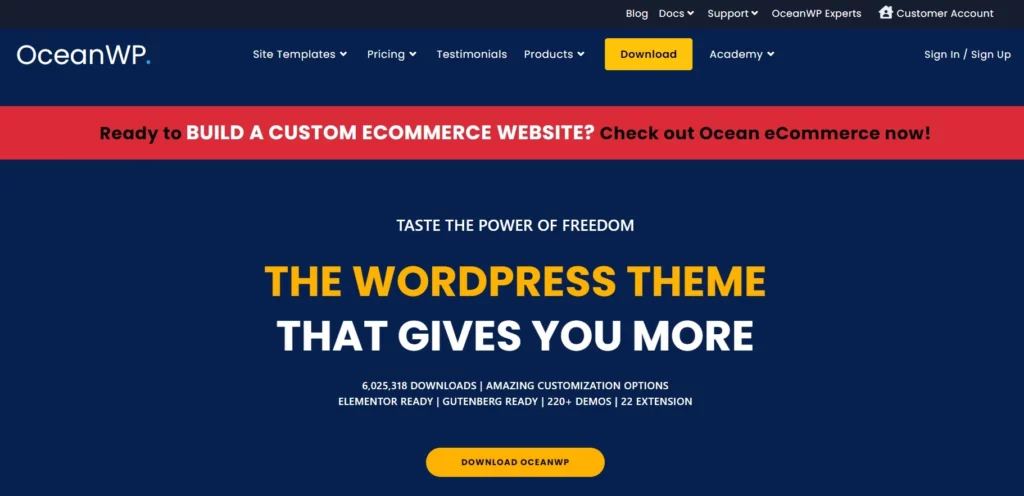
OceanWP has 500,000+ active installs on wordpress.org and sells its features as individual extensions rather than one monolithic Pro plugin. For a portfolio the relevant ones are Portfolio, Popup Builder and Custom Post Types, all included in the bundle.
It is the cheapest way into a paid theme here, and the extension model means you can turn off what you do not use. The flip side is that a theme with this many toggles rewards discipline. Enable everything and you have built a slow site with a fast theme.
Key features
- Dedicated Portfolio extension with its own post type and archive
- Popup Builder, useful for an enquiry form without another plugin
- Free localhost and staging licences, unlimited domain changes
- RTL and translation ready, WooCommerce support if the portfolio also sells prints
Price: the Ocean Pro Bundle Starter shows $42/year against a $52 list price for one site, Personal is $51/year for three sites and Business is $95/year for ten, on the Ocean Pro Bundle page. Lifetime for one site shows $168 against a $210 list price. The annual figures carry a footnote on the vendor’s page, so confirm the second-year rate at checkout.
Best for: a portfolio on a tight budget that still needs a real projects post type.
Skip it if: you dislike settings screens. OceanWP’s customiser is enormous, and that is the trade for the price.
Inspiro: for video and photo-led work
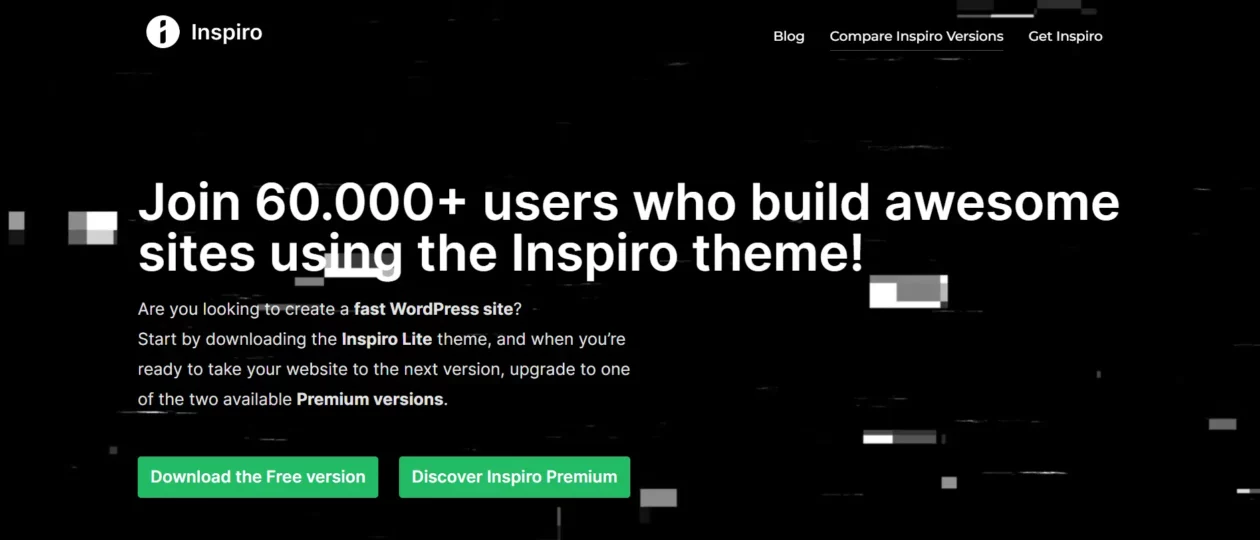
Inspiro is the one theme here designed around a fullscreen video or photo hero rather than a text column. If you are a filmmaker, photographer or motion designer, that is the whole job, and the free Inspiro Lite on wordpress.org has 60,000+ active installs to test the idea on before you spend anything.
WPZOOM also ships a separate Portfolio plugin, so the projects grid is not welded to the theme. That matters more than it sounds: it means switching themes later does not delete your case studies.
Key features
- Fullscreen video backgrounds, self-hosted or from YouTube and Vimeo
- Photo gallery and slideshow layouts built for large images
- 50+ starter sites across the WPZOOM range
- Separate Portfolio plugin so project data outlives the theme
Price: Inspiro Premium is sold through WPZOOM membership. The All Themes Package is $99/year for all 30 themes on unlimited sites, All Access is $139/year, and the Lifetime All Access Pass is $499, per the WPZOOM pricing page.
Best for: photographers, videographers and anyone whose work is the page rather than a thumbnail on it.
Skip it if: your portfolio is writing, code or strategy work. A fullscreen video hero on a copywriter’s site is a download tax with nothing to show for it.
Divi: one payment, unlimited client sites
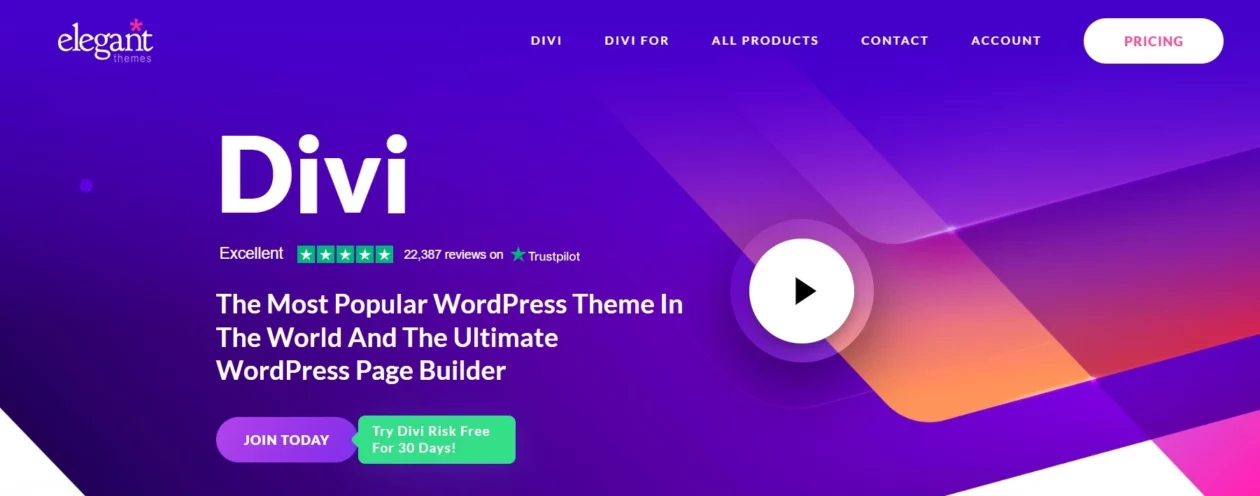
Divi is a theme and a builder in one, and it ships filterable portfolio modules out of the box, which none of the lightweight themes above do. If you want to activate something and have a project grid with category filters working the same afternoon, this is the shortest route in the list. Our full Divi review covers the builder in depth.
The honest downside has not changed in years: Divi does not use the block editor, it uses its own. That is fine while you stay, and it is a genuine migration cost the day you leave, because your layouts live in Divi shortcodes.
Key features
- Built-in Portfolio and Filterable Portfolio modules
- Visual drag-and-drop editing with inline text editing
- Global elements and styles, plus custom CSS per module
- Thousands of prebuilt layouts, including portfolio packs
Price: $89 billed yearly for unlimited websites, or $249 one-time for lifetime access, on the Elegant Themes pricing page. Divi Pro, which adds AI, Cloud and VIP support, is $277/year. That $249 is the cheapest paid unlimited-site lifetime licence in this roundup, against $499 for Blocksy Agency and $499 for WPZOOM All Access.
Best for: agencies and freelancers who want portfolio layouts prebuilt and never want to think about renewals again.
Skip it if: you value being able to leave. Divi is the hardest theme here to migrate away from, and it is the only one with no free version to try first.
Shapely: a free one-pager that still gets updates
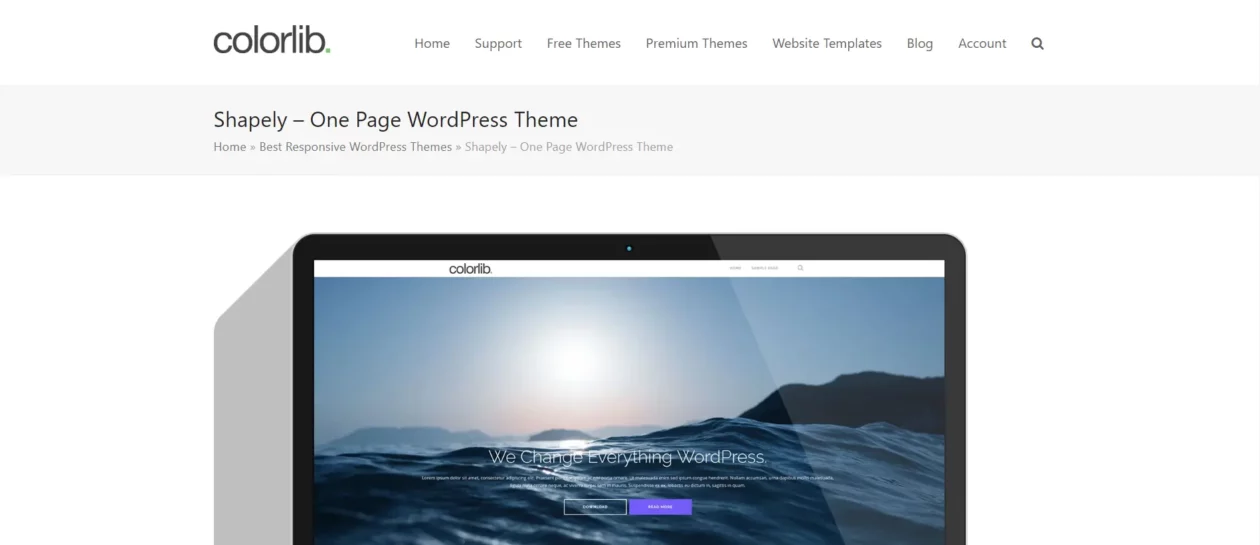
Shapely is Colorlib’s one-page theme, free, and still receiving updates as of August 2026 according to its wordpress.org listing. It is included here because a single scrolling page with a big hero, a few projects and a contact block is a perfectly good portfolio for a lot of people, and this does that without a purchase.
Be clear-eyed about it, though. At 10,000+ active installs it has the smallest wordpress.org install base of the free themes here by a wide margin, and it is a customiser-and-widgets theme from an older generation of WordPress design.
Key features
- One-page layout with homepage widget sections
- Full-width hero image support, colour picker for every element
- Testimonials and portfolio widgets included
- Translation ready, WooCommerce compatible
Price: free, GPL, from the WordPress theme directory.
Best for: a first portfolio, a side project, or testing whether you need a portfolio site at all before spending money.
Skip it if: you want to work in the block editor or build custom templates. Shapely predates that way of working and has not been rebuilt for it.
What most portfolio theme roundups get wrong
They review the demo. The demo is six perfectly cropped images at 1600px on a fast connection, and it tells you almost nothing about what happens when a photographer uploads 4MB JPEGs straight off the card.
Three things break portfolio sites, and the theme is only responsible for one of them.
- Layout shift. Google’s Core Web Vitals guidance puts a good Cumulative Layout Shift at 0.1 or less, measured at the 75th percentile of page loads. A masonry grid that reflows as each image arrives blows straight past that. Fix it by making sure width and height land on every image; our guide to stopping layout shift in WordPress walks through the usual culprits.
- The hero image. Largest Contentful Paint should happen within 2.5 seconds, and on a portfolio the LCP element is almost always your hero. Lazy-loading it makes that worse, not better, which is the single most common mistake we see when people install a lazy loading plugin and tick every box.
- Unprocessed uploads. No theme saves you from a 4MB original being served at 400px. Run everything through an image optimisation plugin and serve WebP. This is worth more to your load time than any theme choice on this page.
The second thing roundups skip is the exit. Portfolios get rebuilt every few years, and where your project data lives decides how painful that is. A theme that registers projects as a custom post type, or a separate portfolio plugin like WPZOOM’s, leaves your content intact when you switch. A theme where the grid is a builder layout does not. That is the real difference between Divi and everything else here, and it is worth more than any feature list.
Third: a portfolio with no way to contact you is a gallery. Budget for a form plugin and put the enquiry form on the project pages rather than a Contact tab nobody clicks.
Which one should you pick?
- Budget is zero. Kadence free, plus free Kadence Blocks. You can upgrade later without rebuilding.
- One portfolio, built properly, kept for years. Blocksy Pro Personal, $69/year or $199 once.
- You maintain client sites too. GP Premium, $59/year, up to 500 sites.
- You want the grid to already exist. Divi at $249 one-time, or Ocean Pro Bundle Starter at $42 for the first year if you would rather not commit.
- Your work is video or photography. Inspiro through WPZOOM, $99/year.
- You build in a page builder already. Astra Pro’s add-on-only tier at $69/year, and pick your builder from our roundup of visual page builders for WordPress.
Whichever you land on, spend an afternoon on speed work before you launch. On an image-heavy site that afternoon is worth more than the theme upgrade.
Frequently Asked Questions
Do I need a portfolio-specific theme?
No. Any well-built theme with custom post type support can run a portfolio. A portfolio-specific theme mainly saves you the work of designing the project archive. If you are comfortable building a template yourself, a general-purpose theme like Blocksy or GeneratePress gives you more control.
What is the best free WordPress portfolio theme?
Kadence. Its free version includes a drag-and-drop header and footer builder plus starter templates, and the free Kadence Blocks plugin covers galleries and layout rows. Blocksy free is a close second and rates higher on wordpress.org, so try both before committing.
Will a portfolio theme slow my site down?
The theme is rarely the problem. Unprocessed images are. A 4MB photo served at 400px wide will cost you more load time than any theme in this list. Compress and resize on upload, serve WebP, and set explicit width and height on every image.
Do these themes work with Elementor?
Astra, OceanWP, Kadence, Blocksy and GeneratePress all work with Elementor. Astra has the deepest integration and the most starter templates built for it. Divi is the exception: it uses its own builder and you would not run Elementor alongside it.
How many projects should a portfolio show?
Six to twelve strong pieces beat thirty average ones. Clients scan, they do not browse. Lead with the work closest to the jobs you want next, give each project its own page with the brief and the outcome, and archive the rest.
Do I need a page builder as well as the theme?
Not necessarily. Blocksy, Kadence and GeneratePress are built for the block editor and their companion block plugins cover most portfolio layouts. Buy a builder if you are more productive in one, not because a tutorial told you the theme needs it.
Can I switch themes later without losing my projects?
It depends where the projects live. If they are a custom post type, registered by the theme or a separate plugin, they survive a theme switch and you rebuild only the template. If the grid is a builder layout, as it is in Divi, you rebuild the content too.
Is a lifetime licence worth it?
Usually yes for a site you intend to keep. Divi at 249 dollars one-time pays for itself against 89 dollars a year in under three years, and Blocksy at 199 dollars beats 69 dollars a year in the same window. Only buy lifetime from a vendor you expect to still be trading.
Our call
Buy Blocksy Pro Personal. $69 a year, or $199 once if you are confident the site is staying, and you get a projects post type, conditional headers and a free tier you can hand to a client who refuses to pay for anything. It is the best balance of price, portability and control in this list.
Two exceptions. If you maintain other people’s sites as well as your own, GP Premium at $59/year for up to 500 sites is the better economics and you will not miss what Blocksy adds. And if you genuinely cannot design a project grid from scratch, take Divi’s $249 lifetime and accept that leaving will hurt later.
Then go and compress your images. Every theme on this page is fast enough; almost no portfolio is.