Most WordPress themes for WooCommerce are sold on how the demo looks, not on how the shop page behaves once you load 400 products and a payment gateway into it. That is backwards. A store theme has one job: render a product grid, a single product page and a checkout that people can actually finish. Here are the ones worth installing in 2026, what they cost after the first year, and where each one falls over.
Quick verdict
- Best overall: Astra. The free theme is the most-installed one in this roundup at over a million active installs, and the Pro add-on at $69 a year for three sites unlocks the shop-page controls you would otherwise buy a plugin for.
- Best free: Blocksy. WooCommerce support is in the free version rather than held back for Pro, it is rated 100 out of 100 across 872 reviews on WordPress.org, and it was updated within the past week at our check date.
- Best one-time purchase: Flatsome at $59, tied with Porto for the lowest one-off price in the table below. No renewal invoice, but support runs out after six months.
- Skip it if: you already run Elementor Pro, Divi or Bricks. Your builder already owns the shop templates, so a new theme changes the wrapper and very little else.
- Our call: start a first store on free Astra or free Blocksy, and only pay when you hit a wall you can name. If you never want another renewal email, buy Flatsome once for $59 and accept that support expires.
Some links below are affiliate links. If you buy through them we may earn a commission, at no extra cost to you. It does not change what goes in the table.
WooCommerce theme comparison
| Theme | Free version | Paid entry, first year | What happens at renewal | Best for |
|---|---|---|---|---|
| Astra | Yes, 1,000,000+ active installs | Pro add-on $69/yr for 3 sites, or $249 one-time | Pro plus AI bundle is $99 the first year, then $149/yr | Speed-first stores that want shop controls without a builder |
| Kadence | Yes, 500,000+ active installs | Essentials $99/yr; Pro $299/yr adds Shop Kit | Renewal price not published on the pricing page | Woo-specific extras bought from one vendor |
| Blocksy | Yes, 300,000+ active installs | Pro exists; pricing page was not reachable at the check date | Not verified | A free build that already handles WooCommerce |
| GeneratePress | Yes, 500,000+ active installs | GP Premium $59/yr; full bundle $149/yr | Licence auto-renews once a year | Lean builds and minimal markup |
| Neve | Yes, 200,000+ active installs | Personal $69/yr; Business $149/yr | Introductory rate, renews at full price | Elementor-led stores |
| OceanWP | Yes, 500,000+ active installs | Extensions bundle; pricing page was not reachable at the check date | Not verified | Store owners who want a lot of options without paying |
| Flatsome | No | $59 one-time, 6 months support | Nothing renews; extended support costs extra | Catalogue stores with no subscription budget |
| Porto | No | $59 one-time, 6 months support | Nothing renews; extended support costs extra | Very large catalogues and many demo choices |
| Divi | No | $89/yr, or $249 one-time for lifetime | Annual plan bills yearly; lifetime never does | Sites already built in Divi |
| Storefront | Yes, 90,000+ active installs, free only | Nothing to buy | Nothing renews | A clean baseline to measure everything else against |
Astra
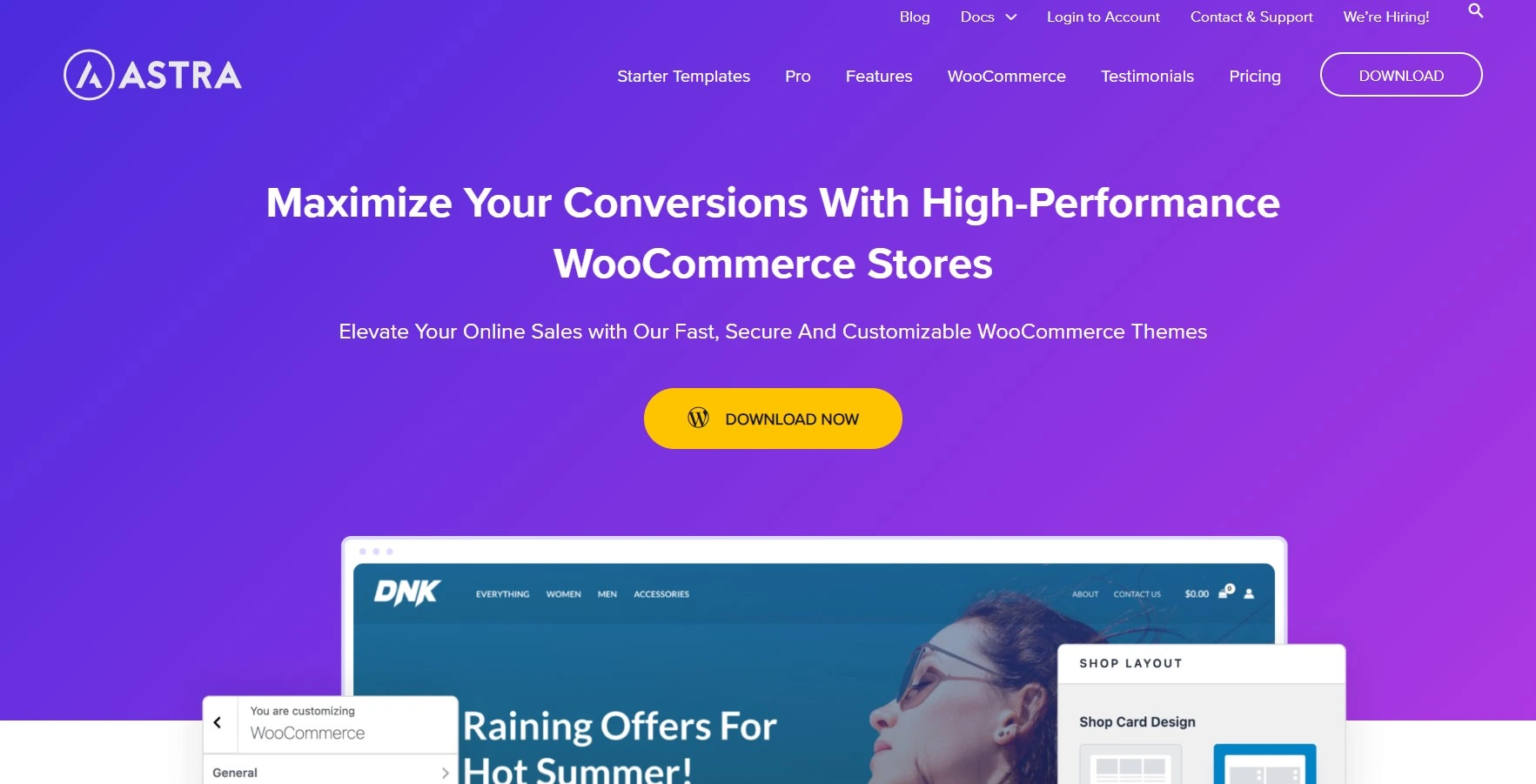
Astra is the default answer for a reason. The free theme sits on more than a million active installs, more than any other theme in this list, and it stays out of the way: no bundled builder, no demo content you did not ask for. Astra’s own feature comparison marks WooCommerce integration as limited in the free theme and full in Pro, which is a fair description of where the line sits.
Key features: shop page column control, product structure and sale badge styling, a drop-down mini cart in the header, an off-canvas filter layout, and a header and footer builder that works without Elementor Pro. Starter templates cover most retail niches. Our longer Astra Pro review goes through the customiser panel by panel.
Price: the Astra Pro add-on on its own is $69 a year for three sites, or $249 once for the lifetime licence. The Astra Pro plus AI bundle is $99 for the first year and renews at $149 a year, per the Astra pricing page. That $249 lifetime add-on overtakes the annual plan in year four, since three years at $69 comes to $207 and four years comes to $276.
Best for: anyone building a store they intend to keep for years and maintain themselves.
Skip it if: you want the shop page to look distinctive out of the box. Astra is a neutral chassis, and neutral means you supply the design.
Kadence
Kadence is the theme to reach for when you would rather buy one licence than assemble a store out of six plugins. The free theme carries 500,000 active installs and a 98 out of 100 rating on WordPress.org. Its selling point is Shop Kit, which bundles the extras store owners normally shop for separately: product galleries, variation swatches, wishlists and a side cart.
Key features: a genuinely good header builder, per-page layout overrides, a block library that plays nicely with the site editor, and Shop Kit for the WooCommerce-specific work.
Price: Essentials is $99 a year and Pro is $299 a year on the Kadence pricing page, with Elite at $499 a year. Here is the catch worth knowing before you buy: Shop Kit sits in the Pro tier, so the WooCommerce features are on the $299 plan, not the $99 one. Renewal prices are not published, so check what your card gets billed in year two.
Best for: a store that needs swatches and a side cart, where consolidating vendors is worth paying for.
Skip it if: $299 a year is more than the store earns. At that budget, free Blocksy plus two focused plugins from our WooCommerce plugins roundup covers the same ground.
Blocksy
Blocksy is the free theme to reach for when the budget is not there yet. Its WordPress.org listing leads on advanced WooCommerce support in the free build rather than dangling it behind an upgrade, and the numbers back that up: 300,000 active installs and a rating of 100 out of 100 from 872 reviews.
Key features: a fast customiser with live preview, conditional headers, product archive and single-product layout controls in the free version, and clean markup that does not fight the block editor.
Price: free on WordPress.org. Blocksy Pro adds extras on top; the Blocksy pricing page was not reachable at our check date, so confirm the current figure at checkout rather than trusting a number copied from a blog.
Best for: a first store, a side project, or any build where the theme budget is zero.
Skip it if: your client insists on a vendor with a decade of trading history and a phone number. Blocksy is newer and smaller than Astra or OceanWP.
GeneratePress
GeneratePress is the least flashy theme on this list and the one experienced developers keep coming back to. It ships very little on purpose. For a store where you would rather write the CSS than hunt for the setting that controls it, that restraint is the whole appeal.
Key features: a hooks and elements system for injecting content anywhere in the WooCommerce templates, a WooCommerce module in GP Premium, and a rating of 100 out of 100 across 1,426 WordPress.org reviews.
Price: GP Premium is $59 a year on its own and the full bundle with GenerateBlocks Pro is $149 a year, both listed in USD on the GeneratePress pricing page. Licences auto-renew once a year and there is no lifetime option.
Best for: developers, and anyone who has been burned by a theme that shipped 40 features they never used.
Skip it if: you want to point and click your way to a finished shop page. GeneratePress rewards people who are comfortable in code.
Neve
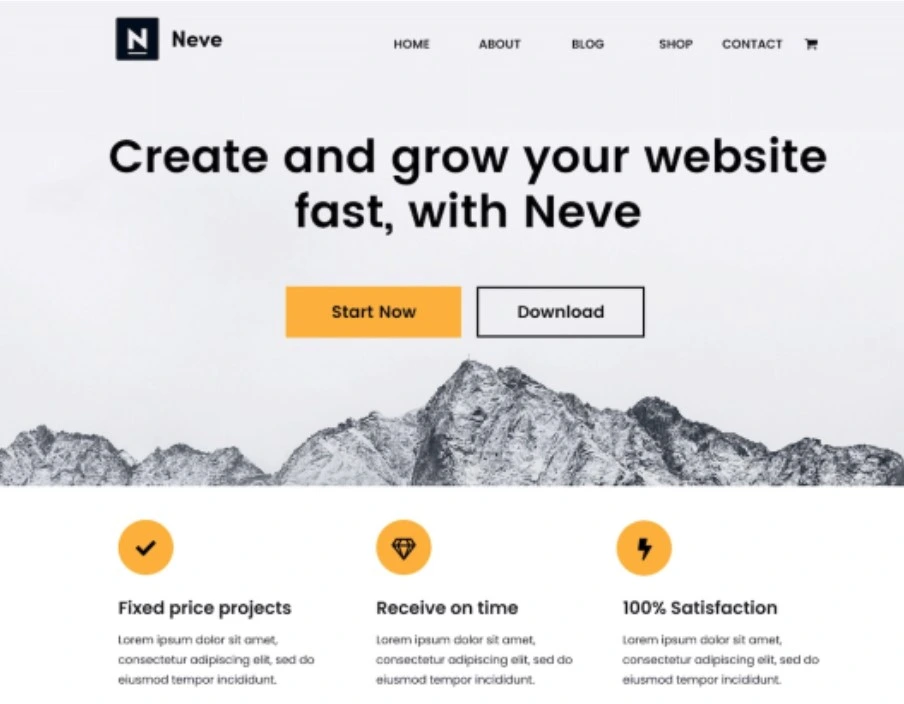
Neve is built by Themeisle and aimed squarely at people who will lay out the store in a page builder anyway. The free theme has 200,000 active installs and works well as an Elementor base, which is most of what it is asked to do in practice.
Key features: a header and footer builder, one-click starter sites aimed at retail, and a Woo booster module in Neve Pro that adds quick view, a wishlist and a comparison table.
Price: Personal is $69 a year, Business is $149 a year and Agency is $259 a year on the Neve upgrade page, which states that the advertised figures are introductory and that all renewals bill at full price. The page geo-switches currency; the figures above are the USD ones.
Best for: stores that will be designed in a visual page builder rather than the customiser.
Skip it if: you want the theme itself to do the heavy lifting. Free Neve is thinner on Woo features than free Blocksy or free OceanWP.
OceanWP
OceanWP is the workhorse of this list: 500,000 active installs and a 98 out of 100 rating, with a free build whose WordPress.org listing sells it on WooCommerce features and page-builder compatibility rather than on an upgrade path. The theme itself stays free; the money is in the extensions.
Key features: deep WooCommerce customiser panels with separate tablet and mobile values, a large free demo library, compatibility with every major page builder, and premium extensions sold as a bundle rather than one by one.
Price: the theme is free. The extensions bundle is the paid product, and the OceanWP pricing page was not reachable at our check date, so treat any figure you find in a listicle as unverified and read the price at checkout.
Best for: store owners who want a lot of control without paying for it, and who are happy in the customiser.
Skip it if: you want a minimal base. The OceanWP customiser is enormous, which is a gift when you want options and a maze when you want one setting.
Flatsome
Flatsome has sold 269,658 copies on ThemeForest, more than twice Porto’s 102,795, which tells you something about how many small shops run on it. It comes with its own visual editor, UX Builder, which is fast and genuinely pleasant to use, and which is also the reason leaving Flatsome later hurts.
Key features: UX Builder with live front-end editing, a large set of retail demos, product page layouts including sticky add-to-cart, and a lightbox-driven quick view that does not need a plugin.
Price: $59 for a regular licence on its ThemeForest listing, which includes future updates and six months of support from the author. Extending support to twelve months is a paid add-on at checkout.
Best for: a store owner who wants a finished-looking shop this week and no recurring bill.
Skip it if: you may want to change theme later. Every page you build in UX Builder is stored in Flatsome shortcodes, and those turn into visible junk the day you switch.
Porto
Porto is the option for catalogues that run to thousands of SKUs and need mega menus, layered filters and multiple archive layouts on day one. It has 102,795 sales on ThemeForest and ships more prebuilt sites than most people will ever open.
Key features: Elementor and WPBakery compatibility, an unusually large demo library, AJAX product filtering, and layouts designed for wide catalogues rather than boutique shops.
Price: $59 for a regular licence on the Porto ThemeForest listing, including six months of author support and future updates.
Best for: large product catalogues where filtering and navigation matter more than art direction.
Skip it if: you want a light page. Porto earns its features by loading a lot, and trimming it back is a job in itself.
Divi
Divi is a theme and a builder sold together, with WooCommerce modules for every part of a product page: images, title, price, tabs, related products, add to cart. If your agency already builds in Divi, using it for the store is the sane choice. If you do not, this is a large commitment to make for one shop.
Key features: a full theme builder for shop and product templates, WooCommerce modules you can drop anywhere including on a landing page, and unlimited site usage on every plan. Our Divi review covers the builder in detail.
Price: $89 a year or $249 once for lifetime access on the Elegant Themes membership page. The lifetime option is the better buy for anyone staying past two years: three years of the annual plan is $267, which already exceeds $249.
Best for: teams already fluent in Divi, and stores that need heavily art-directed product pages.
Skip it if: speed is your first priority. Divi does a lot of work in the browser, and tuning it takes real effort.
What most WooCommerce theme roundups get wrong
Every theme on this page calls itself lightweight. Most of them are, and it usually does not matter, because the theme is rarely the reason a store is slow. On a typical WooCommerce site the expensive parts are the cart fragments request that fires on every page, a hero image nobody compressed, a reviews widget loading from a third party, and four marketing scripts the client added through Tag Manager. Changing theme fixes none of that.
It helps to know which numbers Google actually grades. Per web.dev, Google’s own Core Web Vitals documentation, the thresholds are LCP within 2.5 seconds, INP of 200 milliseconds or less and CLS of 0.1 or less, all measured at the 75th percentile of real page loads. Map that onto theme choice honestly:
- CLS is the one your theme really controls. Whether product images carry width and height attributes, whether fonts swap late, whether the sticky header reserves its own space. This is where a badly built store theme costs you, and it is the fix worth doing first: our guide to stopping layout shift in WordPress walks through it.
- LCP is mostly your images and your host. A theme can hurt it by lazy-loading the hero, but the bigger wins are compression and server response. Start with image optimisation plugins and a serious WordPress host.
- INP is a script problem, not a theme problem. It measures how long the page takes to respond when someone taps Add to cart. That is JavaScript, and on a store most of the JavaScript comes from plugins. Perfmatters is the tool we use for switching scripts off page by page.
The order that actually moves the numbers is caching first, images second, scripts third, theme fourth. A cache plugin such as WP Rocket will do more for a slow store in an afternoon than a theme swap does in a week. If you want the full sequence, we wrote it up in our guide to speeding up a WordPress site.
The catch: block checkout and the demo you will never get
Three things bite store owners after the theme is installed, and none of them appear in the sales page.
The checkout may not look like the demo. Since version 8.3 in November 2023, WooCommerce has made the Cart and Checkout blocks the default for new stores, as its own cart and checkout blocks documentation confirms; the classic shortcode versions are still reachable through the transform option in the block toolbar. Plenty of premium themes still style the classic pages. Install the theme on a staging site, open the checkout, and look, before you commit a live store to it.
The demo is not the theme. That polished screenshot needs the demo content, its images, and often two or three bundled plugins. Import it onto a store that already has products and you can inherit menus, pages and a homepage you did not want. Import on a copy, always.
Builder themes are a one-way door. Flatsome, Porto and Divi store your layouts in their own format. Switch away later and product pages come back as shortcode debris or empty divs. That is not a reason to avoid them, but it is a reason to be honest with yourself about how long this store will run.
A short decision path
- Budget is zero: Blocksy, or OceanWP if you want more shop features without touching code.
- You want one licence for years: Astra, either $69 a year for the add-on or $249 once.
- You want swatches, wishlists and a side cart without shopping for plugins: Kadence Pro at $299 a year, eyes open about the tier.
- You refuse to pay yearly: Flatsome at $59, and accept the lock-in.
- Thousands of SKUs: Porto at $59.
- You already build in Divi: stay in Divi, and take the $249 lifetime rather than the $89 annual if the store will outlive two renewals.
- You are testing whether a problem is the theme: switch to Storefront for ten minutes. It is free, it is by Automattic, and if the bug survives the switch it was never the theme.
One more note on Storefront: at roughly 90,000 active installs it has the smallest user base of the free themes listed here, and it is deliberately plain. That is exactly what makes it a good control. Keep it in your back pocket rather than on your shortlist.
Frequently Asked Questions
Do you need a paid theme for a WooCommerce store?
No. Blocksy, OceanWP, Kadence and Astra all ship free versions that run a real shop. Pay when you hit a specific limit you can name, such as variation swatches or a filtered shop archive, not because a listicle told you premium is safer.
Will changing my WooCommerce theme make the store faster?
Usually only slightly. Themes mainly affect layout shift and, to a lesser degree, largest contentful paint. Cart fragments, uncompressed images, third-party scripts and slow hosting cause most of the delay on a WooCommerce store. Fix caching and images first, then judge whether the theme is still a problem.
Does every theme work with the WooCommerce block checkout?
Check before you buy. WooCommerce has used the Cart and Checkout blocks as the default for new stores since version 8.3 in November 2023, and older premium themes often style only the classic shortcode pages. Install on staging, open the checkout, and see what it looks like.
Which WooCommerce theme is best with Elementor?
Astra, Neve and OceanWP are all built as Elementor bases and get out of its way. Porto also supports Elementor. If the builder will own your shop and product templates anyway, pick the lightest theme you can and let Elementor do the design work.
Is a one-time ThemeForest theme cheaper than a subscription?
Over a long enough run, yes. Flatsome and Porto cost $59 once, while the Astra Pro add-on is $69 a year. The trade is support and lock-in: a ThemeForest licence includes six months of author help, and layouts built in a bundled builder do not travel.
Can you switch WooCommerce themes without losing products?
Yes. Products, orders and customers live in the database and belong to WooCommerce, not the theme. What you lose is design: widgets, menus assigned to theme locations, customiser settings and anything built with a theme-specific page builder. Take a backup and switch on staging first.
Is Storefront good enough for a real store?
It works, but it is plain by design. Storefront is free, maintained by Automattic and sits around 90,000 active installs, the smallest base of the free themes we list. Most people use it as a diagnostic control rather than a finished shop front.
How many active installs should a theme have before you trust it?
Treat install count as one signal among several. Every free theme here has at least 90,000 active installs, and Astra has more than a million. Recent update dates matter more: a store theme that has not shipped a release since the last WooCommerce major version is a liability.
Our call
Install Astra. For most stores it is the right answer: the free theme is proven across more than a million sites, it does not fight WooCommerce, and when you outgrow the free build the Pro add-on is $69 a year or $249 once rather than a bundle you did not ask for. If the budget is genuinely nothing, Blocksy free gets you further than any other free theme here.
Buy Flatsome only if a recurring invoice is a dealbreaker and you accept that the layouts are stuck there. Buy Kadence Pro only if you have priced Shop Kit against the plugins it replaces and it wins. And whichever one you pick, spend the next afternoon on caching and images rather than on the customiser, because that is where the store actually gets faster.