Most WordPress translation plugins look interchangeable on a pricing page and behave nothing alike six months later. Three of the five here meter machine translation by the word, and one of those counters never resets: pay again next year and your allowance does not come back. Meanwhile the most-installed free option publishes translations in a form Google cannot index. Those two facts decide your bill and your rankings more than any feature list.
Quick verdict
- Best overall: WPML Multilingual CMS at EUR 99 for the first year. It covers three live sites, gives every language a real indexable URL, and includes 90,000 automatic-translation credits, which is about 45,000 words into one language.
- Best free: Polylang. Unlimited languages, proper language URLs and no word meter at all. You supply the translations yourself, which is the whole cost.
- Best visual editing: TranslatePress Personal at EUR 99 a year. You translate on a live preview of the page, and the 50,000-word AI allowance refreshes each renewal with unused words carried over.
- Skip it if: your content grows every month and you were considering Weglot. Its word allowance is a running total of everything it has ever translated, so publishing more content walks you up the price tiers even if your traffic never moves.
- Our call: pick on storage and URLs first, price second. If the translations live in your own database and each language has its own URL, you can leave later. If they live on a vendor server behind a script, you cannot.
The best WordPress translation plugins in 2026, side by side
| Plan | First year | Renewal | Machine translation included | Sites | Translated URLs |
|---|---|---|---|---|---|
| WPML Multilingual Blog | EUR 39 | Not published on the pricing page | None on this tier | 1 live, 3 dev | Subdirectory, subdomain or domain |
| WPML Multilingual CMS | EUR 99 | Not published on the pricing page | 90,000 credits, topped back up on renewal | 3 live, 9 dev | Subdirectory, subdomain or domain |
| Polylang (free) | Free | Free | None, you write the translations | Unlimited | Subdirectory, subdomain or domain |
| Polylang Pro | EUR 99 a year, ex VAT | 50% off, about EUR 49.50 | DeepL, via your own API key | Multi-site licences priced separately | Subdirectory, subdomain or domain |
| TranslatePress Personal | EUR 99 a year | EUR 99, auto-renews yearly | 50,000 AI words a year, unused words carry over | 1 | Subdirectory |
| TranslatePress Business | EUR 199 a year | EUR 199, auto-renews yearly | 200,000 AI words a year, unused words carry over | 3 | Subdirectory |
| Weglot Starter | EUR 150 a year, or EUR 15 a month | EUR 150, but the word total does not reset | 10,000 words, 1 language | 1 | Subdirectory |
| Weglot Business | EUR 290 a year, or EUR 29 a month | EUR 290, but the word total does not reset | 50,000 words, 3 languages | 1 | Subdirectory |
| GTranslate (free) | Free | Free | Yes, rendered in JavaScript | Unlimited | None, the text swaps on the same URL |
| GTranslate (paid) | Pricing page not reachable at the check date | Not verified | Yes | Not verified | Subdirectory or subdomain |
Install counts below come from the wordpress.org plugin directory and were checked in August 2026. WPML is not distributed there at all, which is why it has no number.
WPML: the one that behaves like software you bought
WPML is sold only from its own site, so there is no public install count to quote. It stores every translation as real content in your database, generates hreflang automatically, and lets you pick subdirectories, subdomains or separate domains for each language. That last part matters more than the feature list, and we get to why further down.
The pricing changed shape when WPML added credits for automatic translation. Per the WPML pricing page, one word costs 2 credits through Google or DeepL, 1 credit through Azure, and 4 credits through its professional translation route. So the 90,000 credits bundled with Multilingual CMS buy roughly 45,000 words into a single language on DeepL, or about 15,000 source words spread across three languages. Credits are topped back up when you renew.
- Key features: translations stored in your database, automatic hreflang, subdirectory or subdomain or domain per language, translation management for teams, and support for the fields created by custom field plugins such as ACF.
- Price: Multilingual Blog EUR 39, Multilingual CMS EUR 99, Multilingual Agency EUR 199 for the first year. Renewal pricing is not published on the pricing page, so confirm it at checkout.
- Best for: agencies and anyone running more than one multilingual site. Multilingual CMS covers three live sites for the same EUR 99 that buys one site elsewhere.
- Skip it if: you only need a bilingual blog and will translate by hand. Multilingual Blog at EUR 39 includes no automatic-translation credits at all, and the free Polylang below does the same job for nothing.
Polylang: the free one that gets URLs right
Polylang sits on about 800,000 active installs and is the reason a lot of multilingual sites cost nothing to run. The free version on wordpress.org puts no cap on languages, stores each translation as an ordinary WordPress post, and gives every language its own URL through a language code, a subdomain or a separate domain. That is the arrangement Google asks for, available at zero cost.
What the free version does not do is translate anything. There is no machine translation in it, so somebody has to write the words. Polylang Pro adds DeepL, XLIFF export for outside translators, slug translation and content duplication. It also pairs cleanly with Rank Math for per-language titles and meta descriptions.
- Key features: unlimited languages, translations stored as native WordPress content, language code or subdomain or domain URLs, translated menus and taxonomies. Pro adds DeepL machine translation and XLIFF.
- Price: free. Polylang Pro is EUR 99 a year excluding VAT with a 50% renewal discount, so year two is about EUR 49.50. Polylang for WooCommerce is a separate EUR 99 a year, and the Business Pack is EUR 139. Figures from the Polylang pricing page.
- Best for: sites with a modest, stable page count and someone on hand who speaks the target language. Also the cheapest way to keep a second language indexed long term, because nothing meters your words.
- Skip it if: you have 400 pages and nobody to translate them. Without machine translation the free version is a filing system, not a translator.
TranslatePress: visual editing and the friendliest word allowance
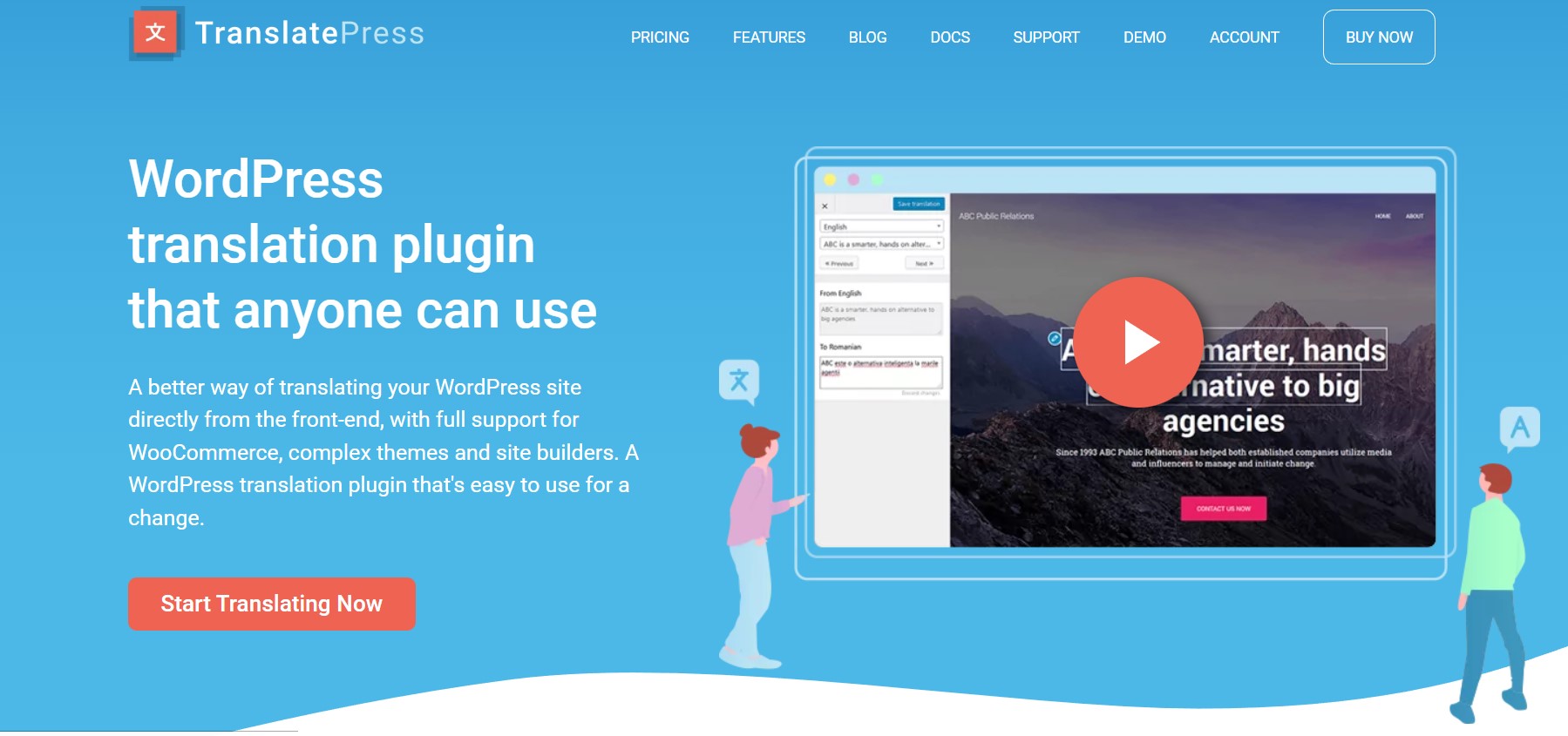
TranslatePress has grown to roughly 400,000 active installs, and its pitch is the editing model: you translate on a live preview of the page rather than in a list of disconnected strings. That sounds cosmetic until you translate a button whose German label runs far longer than the English one and breaks the header. Translations are stored in your own database, so they stay with the site.
Its word allowance is the only one of the three metered options that carries unused words forward. Per the TranslatePress AI documentation, unused words carry over to the next year and renewal brings a fresh allocation on top. Words are counted per word per language, and extra packs start at EUR 24 for 100,000 words. The free version handles one extra language and 2,000 AI words, which is enough to see whether the editor suits you.
- Key features: front-end visual translation editor, translations kept in your database, image and slug translation, translator accounts, and WooCommerce handled without a separate paid add-on.
- Price: Personal EUR 99 a year for 1 site and 50,000 AI words, Business EUR 199 for 3 sites and 200,000 words, Developer EUR 349 for unlimited sites and 500,000 words. Plans auto-renew yearly at the same price per the TranslatePress pricing page.
- Best for: one-person operations and anyone translating a design-heavy page where text length will break the layout. Also a sensible pick for a shop, alongside the usual WooCommerce plugins.
- Skip it if: you need to cover several client sites cheaply. Personal is a single site, and three sites means EUR 199, where WPML covers three at EUR 99.
Weglot: the fastest setup and the counter that never resets
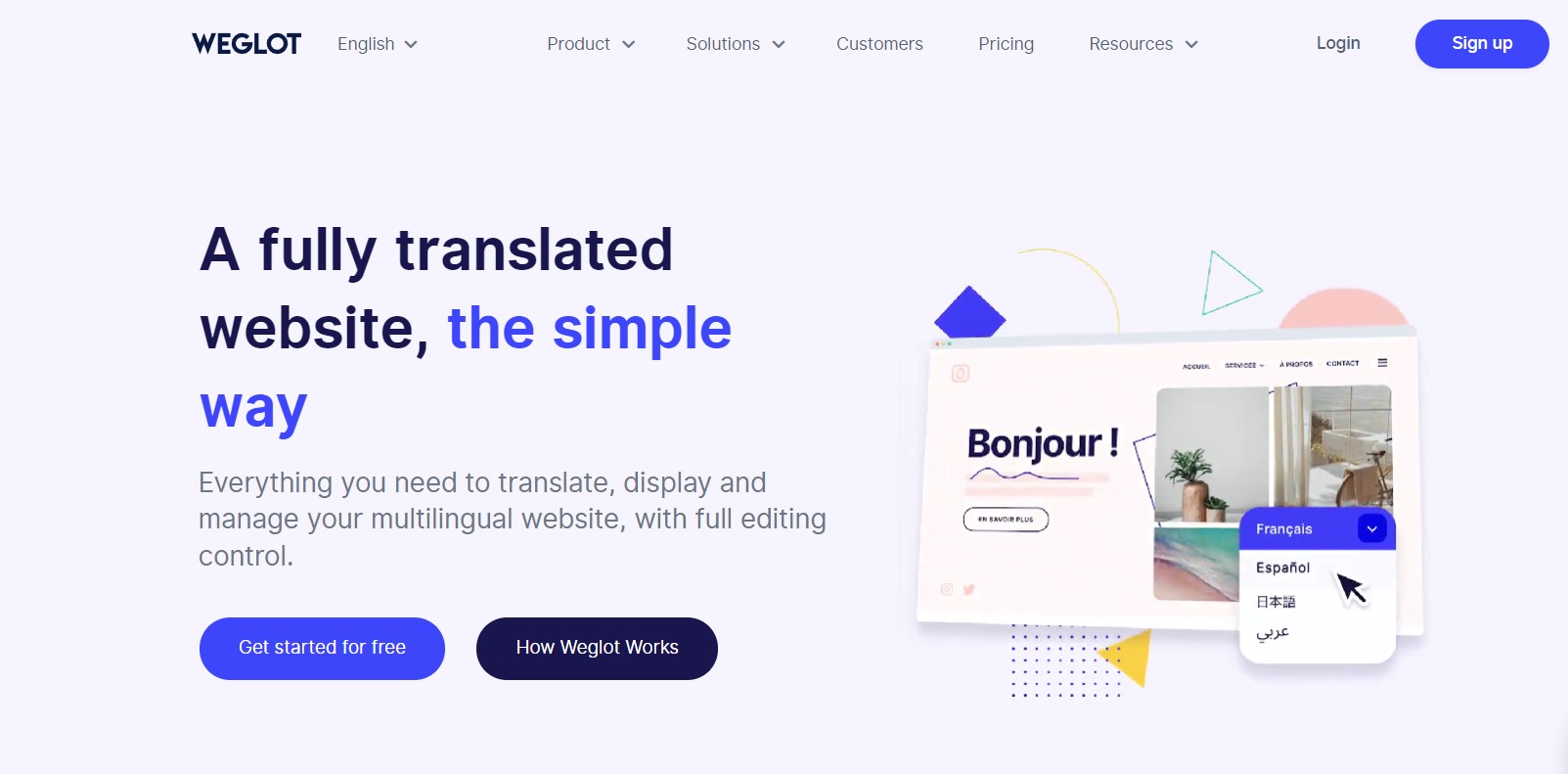
Weglot is the quickest of these to get running. Paste an API key, choose your languages, and a translated version of the site exists within minutes on real subdirectory URLs with hreflang in place. It carries about 50,000 active installs, the smallest of the four here listed on wordpress.org, largely because it is a paid service rather than a free plugin with an upsell.
The pricing is where people get caught, so here is the mechanism plainly. Weglot bills by translated words, and per its own help centre the count is your source words multiplied by your target languages: 8,000 words into three languages is roughly 24,000 translated words. That number is unrelated to traffic, and it is a running total of everything Weglot has ever translated on the site. It does not reset when you renew.
So the second year is not the same deal as the first. You pay the subscription again and your headroom is only whatever is left over. Add a blog and you climb a tier. Note also that annual billing is ten months of the monthly rate: EUR 29 a month is EUR 348 over twelve months against EUR 290 paid yearly, a saving of EUR 58. Because Weglot serves pages through its own layer, it is worth checking response times alongside whatever else you do to speed up your WordPress site.
- Key features: setup in minutes, translated subdirectory URLs with hreflang, a single dashboard for editing translations, access to professional translators, and a language switcher that needs no theme work.
- Price: free for 2,000 words and 1 language. Starter EUR 150 a year for 10,000 words and 1 language, Business EUR 290 for 50,000 words and 3 languages, Pro EUR 790 for 200,000 words and 5 languages, per the Weglot pricing page. Its cheapest paid plan costs more than the entry tier of WPML, Polylang Pro or TranslatePress.
- Best for: marketing sites with a fixed page count and a deadline. If the site is 30 pages and will stay 30 pages, the cumulative counter never becomes a problem.
- Skip it if: you publish regularly, or you might ever want to leave. The translations live on Weglot infrastructure, so cancelling takes the translated pages down with it.
GTranslate: the biggest install base and a free tier that earns nothing in search
At roughly 900,000 active installs, GTranslate is the most installed of the four here that are listed on wordpress.org. Most of those installs are the free version, and the free version is worth being blunt about. Its own listing on wordpress.org says it plainly: the free version gives no SEO advantage. It swaps text in JavaScript on the same URL and stores nothing, so there is no second page for Google to index and nothing to attach hreflang to.
The paid versions are a different product. They add search-engine indexing, subdirectory or subdomain URLs, translated slugs and hreflang tags, which is the arrangement that actually earns traffic in another language. The GTranslate pricing page returned an error at the check date, so confirm the figure at checkout rather than trusting a number copied from a comparison post. One correction while we are here, because it circulates widely: GTranslate plans are not metered by words or pageviews. Its help centre describes tiers built from features, chiefly bilingual against all languages, URL translation and language hosting.
- Key features: over 100 languages, a drop-in language switcher, and on paid tiers indexable translated URLs, hreflang tags, slug translation and compatibility with the usual WordPress SEO plugins.
- Price: free tier available. Paid pricing could not be verified at the check date because the vendor pricing page was not reachable.
- Best for: sites that want a large number of languages available as a convenience for visitors, where search traffic in those languages is not the goal.
- Skip it if: you are installing the free version expecting rankings. On that tier there is nothing for a search engine to find, and no amount of work on optimising your blog posts changes it.
What most roundups get wrong about the price
Comparison posts line these up by sticker price and call it a day. The sticker price is the least useful number, because three of the five meter machine translation and they meter it in three different ways.
Take a real shape: 10,000 source words going into three languages, which is 30,000 word-and-language units however you count them. TranslatePress Personal covers it at EUR 99 a year, with 50,000 AI words. WPML Multilingual CMS covers it at EUR 99, since 30,000 words at 2 credits each is 60,000 of its 90,000 credits, and that EUR 99 stretches across three sites. Weglot needs Business at EUR 290, because Starter caps out at 10,000 words and one language. Same job, and the Weglot bill is nearly three times the other two.
Year two is where they separate properly. TranslatePress hands you a fresh 50,000 words and rolls over what you did not use. WPML tops the credits back up to 90,000. Weglot charges the same EUR 290 and your 30,000 already-translated words still count against the 50,000, leaving 20,000 for anything new you publish. That is the invoice that surprises people, and it has nothing to do with how popular the site got.
None of this makes Weglot a bad tool. It makes it a tool for sites with a fixed page count. The mistake is buying a metered product for a site that publishes weekly, then treating the upgrade notice as a billing error. Worth remembering too that translation multiplies pages, which means more to cache and more to back up, so check what your WordPress hosting plan allows before you triple your page count.
The real decision: indexable URLs against swapped text
Machine against human translation is the argument everyone has. The argument that actually decides your traffic is quieter: does each language get its own address, or does one address change its clothes.
Google requires each language version to have its own distinct URL, and each version must reference itself and every other version through hreflang, with fully qualified URLs. That is stated in Google documentation on localized versions. A plugin that rewrites text in the browser on a single URL cannot satisfy that, because there is no second URL to point at. You get a translated experience for the human who is already on the page and nothing at all for the search engine that might have sent a new one.
This is the line through the five. WPML, Polylang and TranslatePress build genuine URLs and store the translation in your database. Weglot builds genuine URLs but keeps the translation on its servers. Free GTranslate builds no URLs at all. If organic traffic in a second language is the point, the free-JavaScript route is not a cheaper version of the job, it is a different job.
On machine against human: translate the bulk automatically and then have a speaker fix the strings that carry money, meaning titles, meta descriptions, product names, prices and buttons. Machine output is usually fine for body copy and reliably awkward on calls to action. One more practical note: language switchers are a common source of layout shift because they render late and shove the header around, so reserve space for yours in CSS. We have a longer guide on how to avoid layout shift in WordPress if that bites.
A short decision path
- Budget is zero and someone can translate: Polylang free. Real URLs, unlimited languages, no meter.
- One site, design-heavy pages, you want to see the layout as you translate: TranslatePress Personal, EUR 99.
- Several sites, or client work: WPML Multilingual CMS, EUR 99 for three live sites plus 90,000 credits.
- Fixed-size marketing site and a deadline next week: Weglot, accepting that the word total is cumulative and the pages are hosted by the vendor.
- You want many languages as a courtesy and do not care about ranking in them: free GTranslate, with clear eyes about what it does not do.
Whichever you choose, take a full backup before you activate it. These plugins rewrite permalinks and touch every post, and a rollback is far easier with one of the standard WordPress backup plugins already in place. Then check your caching, because most cache plugins need to be told to vary by language or they will happily serve a German visitor the English page.
Frequently Asked Questions
Do I need a paid plugin to rank in another language?
No. Polylang free gives every language its own indexable URL, which is what Google asks for. What you pay for is the translating itself, whether that is a machine allowance or a human. The free route trades money for time, not for search visibility.
Does the Weglot word allowance reset when I renew?
No. Weglot counts every word it has translated on your site across all languages, and that running total carries forward through renewals. Publishing more content pushes you toward the next tier even if your traffic never changes, because the count is unrelated to visits.
How many words do 90,000 WPML credits actually buy?
Roughly 45,000 words into one language. Google and DeepL each cost 2 credits per word per language, so three languages brings it down to about 15,000 source words. Azure costs 1 credit per word and stretches the same allowance twice as far.
Is machine translation bad for SEO?
Not inherently, but unreviewed output is a risk on any page that sells something. Translate the body copy automatically, then have a native speaker rewrite titles, meta descriptions, product names and buttons. Those are the strings that earn the click and close the sale.
What happens to my translations if I stop paying?
It depends where they live. Polylang, WPML and TranslatePress store translations in your own database, so the text survives a lapsed licence. Weglot and GTranslate serve translated pages from their own infrastructure, so cancelling generally takes those pages offline.
Which of these handles WooCommerce?
All five reach a shop to some degree, but the billing differs. Polylang charges separately, with Polylang for WooCommerce at EUR 99 a year on top of Pro. WPML and TranslatePress include shop support in their paid tiers. Weglot translates the storefront without touching product data.
Can I switch translation plugins later?
Sometimes, and it depends entirely on storage. Polylang, WPML and TranslatePress keep translations as content in your database, so the words are yours to migrate. Leaving Weglot or free GTranslate usually means translating from scratch, because nothing was ever saved locally.
Will a language switcher hurt Core Web Vitals?
It can, if it renders late and pushes the header down the page. Reserve space for the switcher in CSS so nothing moves when it appears. Proxy-based translation also adds a network hop, which shows up in server response time.
How many languages should I launch with?
One. Every extra language multiplies your word count, your review workload and your maintenance forever. Launch a single language, give it a quarter to prove it brings traffic and revenue, then add the next. Vendors price per language because the cost is genuinely per language.
Our call
For most people reading this, WPML Multilingual CMS at EUR 99 is the one to buy. It stores translations where you can reach them, builds URLs Google can index, covers three live sites, and includes enough credits for a real site rather than a demo. No other plan in the table pairs three live sites with an included credit allowance at that price.
If the budget is genuinely zero and you have someone who speaks the language, install Polylang and stop reading. It does the structural part, the part that is hard to change later, for nothing. If you work alone on design-heavy pages, TranslatePress Personal at the same EUR 99 buys you a visual editor and a word allowance that carries over, and that is a fair trade for the two sites you give up.
Weglot earns its keep on a fixed-size site with a deadline, provided you go in knowing the word counter is cumulative. And if you install free GTranslate, install it as a convenience for visitors who are already on your site, because on that tier there is nothing for a search engine to index and no version of the setup that changes it. Pick for where the translations live and what shape the URLs take, and the invoice stops holding surprises.