


Most WordPress calculator plugins are sold on the promise that you can build any calculator you like. You can’t. Every one of them draws a line somewhere between arithmetic and real maths, and every one draws it in a different place. Get that line wrong and you find out three days into a build that your mortgage formula needs a tier you didn’t buy. Here is where each one actually stops.
Quick verdict
- Best overall: Formidable Forms. Calculations and conditional logic both sit in the entry-level Basic tier, and the formula editor handles nested conditions without you dropping to code.
- Best free: Calculated Fields Form. It is the only free version here that ships a general equation editor with logical operators rather than a fixed widget or plain arithmetic.
- Skip it if: you need one mortgage widget and nothing else. Responsive Mortgage Calculator is free, does that job, and saves you a form builder you will never open again.
- Our call: price the renewal, not the first year. Everest Forms has the cheapest annual USD renewal in the table below at $69, and it includes calculations. Formidable costs $10 more a year and buys you a deeper formula engine. That is the whole trade.
WordPress calculator plugins compared
| Plugin | What the free version calculates | Paid from (first year) | Renews at | Best for |
|---|---|---|---|---|
| Formidable Forms | No calculations at all | $39.50/yr, Basic, 1 site | $79/yr | Deep formulas plus front-end data views |
| Fluent Forms | Conditional logic yes, numeric calculation no | $63/yr, Single Site | $79/yr | A calculator inside a wider forms stack |
| Calculated Fields Form | Basic mathematical and logical operations | EUR 29.99 once, Professional | No renewal; 60 days support | Formula work on a small budget |
| Cost Calculator Builder | Add, subtract, multiply, divide only | $59/yr, 1 site | $89/yr | Service quotes with a designed front end |
| WP Cost Estimation | No free version | $99/yr, Pro, 1 site | $99/yr | Multi-step quote and booking funnels |
| Everest Forms | Calculations are a paid add-on | $49/yr, Personal, 1 site | $69/yr | Cheapest annual USD renewal here |
| WooCommerce Measurement Price Calculator | No free version | Rs 14,358, 1-year plan | Annual | Pricing products by length, area or volume |
| Responsive Mortgage Calculator | A complete mortgage calculator | Free | Free | One fixed mortgage widget |
Formidable Forms
Formidable is a general form builder, and its calculation engine is the one we reach for when pricing gets awkward. Fields are referenced by key, you can nest conditionals inside a formula, and the result of one calculation can feed another. That matters the moment your pricing has tiers, minimums or a bracket that only applies above a threshold.
The free plugin on the WordPress.org listing is a plain form builder. Calculations, conditional logic and repeaters are all Pro. If you plan to compare it against other WordPress form plugins on the free tier, you will be comparing the wrong thing.
- Formula editor with nested conditional logic and chained calculations
- Repeater fields, so visitors add rows and the total follows
- Views for displaying saved results as tables, calendars or charts
- Cascading dropdowns and multi-step form layouts
Price: Basic is $39.50 for the first year and renews at $79/yr for one site, per the Formidable pricing page. Plus is $99.50 then $199, Business $199.50 then $399, Elite $299.50 then $599.
Best for: quote calculators where the maths has exceptions, and anyone who wants to show submitted numbers back on the front end.
Skip it if: you are taking payments on Basic or Plus. Those tiers carry a 3% transaction fee that only the Business tier removes, which turns a $79 licence into a running cost on every sale.
Fluent Forms
Fluent Forms splits the free and paid line in an unusual place, and it works in your favour more often than not. Its WordPress.org listing, which reports over 700,000 active installs, puts smart conditional logic in the free plugin and keeps numeric calculation for Pro. So you can prototype the show-and-hide behaviour of a quote form for nothing, then pay once you need the total.
The numeric field takes a formula referencing other fields and updates live as the visitor types, which covers loan estimates, BMI and tax sums without add-ons. It is a reasonable pick if forms are already load-bearing on your site and the calculator is one more thing they need to do.
- Live numeric calculation with min and max validation on inputs
- Conditional logic, conversational forms and 25+ input fields in the free plugin
- Migration importers from Contact Form 7, Gravity Forms and Ninja Forms
- Payment fields, quizzes and surveys on the same builder
Price: the Fluent Forms pricing page lists Single Site at $79/yr with a first-year discount to $63; Agency $159 discounted to $127 for 5 domains; Unlimited $299 discounted to $239. Lifetime licences are $279, $479 and $719.
Best for: sites that need one form builder for everything, where the calculator sits alongside contact forms, quizzes and payments.
Skip it if: the calculator is the only reason you are buying. You would be paying a full forms licence for one field type.
Calculated Fields Form
This is the plugin to reach for when the formula is the point. The free version on the WordPress.org directory, at roughly 40,000 active installs, gives you a real equation editor with basic mathematical and logical operations, sliders, number fields and multi-page forms. No other free version here does that.
The catch is where the formula library stops. The vendor’s own tier comparison marks the Developer version as the one built for complex formulas, naming date-time, financial and distance operations specifically. An amortisation schedule or an IRR sits on the far side of that line, so a mortgage or ROI calculator is a Developer purchase, not a Professional one.
- Equation editor with logical operators available free
- Date-time, financial and distance functions from the Developer tier
- Datasource controls and external database lookups at Developer level
- Sliders, number fields, checkboxes and radio inputs feeding one result
Price: the Calculated Fields Form tier comparison lists Professional at EUR 29.99, Developer at EUR 59.99 and Platinum at EUR 89.99, all one-time payments with unlimited use on your sites and 60 days of technical support. Currency served is EUR; these figures are not comparable with the dollar licences above.
Best for: one-off budgets and formula-heavy work, especially if you dislike annual renewals.
Skip it if: you want ongoing support. Sixty days is short, and after that you are on documentation and forums.
Cost Calculator Builder

Cost Calculator Builder is aimed at service businesses quoting for work, and it looks the part out of the box. Templates cover trades, moving, cleaning and photography, and the front end needs less styling than a generic form builder before you can put it in front of a client.
Read the plugin’s directory listing carefully before you commit, though. The free version limits custom formulas to addition, subtraction, multiplication and division, and the conditional system that shows, hides or enables fields based on input is a PRO feature. For quoting, that conditional layer is usually the part you actually needed.
- 100+ ready-made estimate templates aimed at service trades
- Conditional show, hide and enable rules in PRO
- Repeater and group fields for quoting several items at once
- Stripe, PayPal and WooCommerce payment handoff
Price: the Cost Calculator pricing page shows Individuals at $59/yr against a regular $89 for one site, Freelancers $119 against $179 for ten sites, and Agencies $299 against $449 unlimited. Lifetime equivalents are $149, $299 and $749.
Best for: tradespeople and agencies who want a quote form that looks designed without hiring one.
Skip it if: your pricing needs anything beyond the four arithmetic operators and you were hoping to test it free first. You cannot, in any meaningful way.
WP Cost Estimation and Payment Forms Builder
This one has no free version at all, which is worth knowing before you spend an evening looking for it. What you get instead is a multi-step quote funnel with its own component library, built around the assumption that the calculator ends in a payment or a booking rather than a number on a screen.
It is the most expensive annual USD licence in our table, and the gap only makes sense if you are running the whole enquiry-to-deposit flow through it. As a plain calculator it is poor value against Everest Forms or Formidable.
- 20+ form components with multi-step navigation
- Conditional logic and advanced calculations in the entry tier
- White-label output on the Agency plan
- Stripe and PayPal checkout at the end of the quote
Price: the vendor’s site lists Pro at $99/yr billed annually for one site and Agency at $249/yr for five sites, with a 14-day money-back guarantee. No first-year discount is advertised, so the renewal matches the joining price.
Best for: contractors and studios taking deposits at the end of a long quote form.
Skip it if: you want to try before you buy, or the calculator’s job ends at showing a number.
Everest Forms

Everest Forms is the value play. Its cheapest paid plan carries the lowest annual USD renewal in our table at $69, and every plan bundles all features and add-ons rather than gating calculations behind a higher tier. For a straightforward cost or booking calculator, that is a sensible place to start.
Calculations are a paid feature, so the free plugin will not do the maths. What you do get for the money is conditional logic, repeaters, multi-step forms and a long integration list, which makes it competitive for lifting conversion rates on enquiry pages as well as pricing them.
- Calculations, conditional logic and repeaters included on every paid plan
- Multi-step and conversational form layouts
- Survey, poll and quiz modules on the same builder
- Fifteen email marketing integrations for handing leads to your newsletter tool
Price: the Everest Forms pricing page shows Personal at $49 for the first year then $69/yr for one site, Plus $99 then $149 for five, Agency $199 then $299 unlimited. The page states plainly that all renewals are at full price. Lifetime options are $199, $399 and $799.
Best for: a first paid calculator where the sum is real but not exotic, on the smallest sensible budget.
Skip it if: your formula needs conditionals nested inside the calculation itself. Formidable handles that shape better.
WooCommerce Measurement Price Calculator
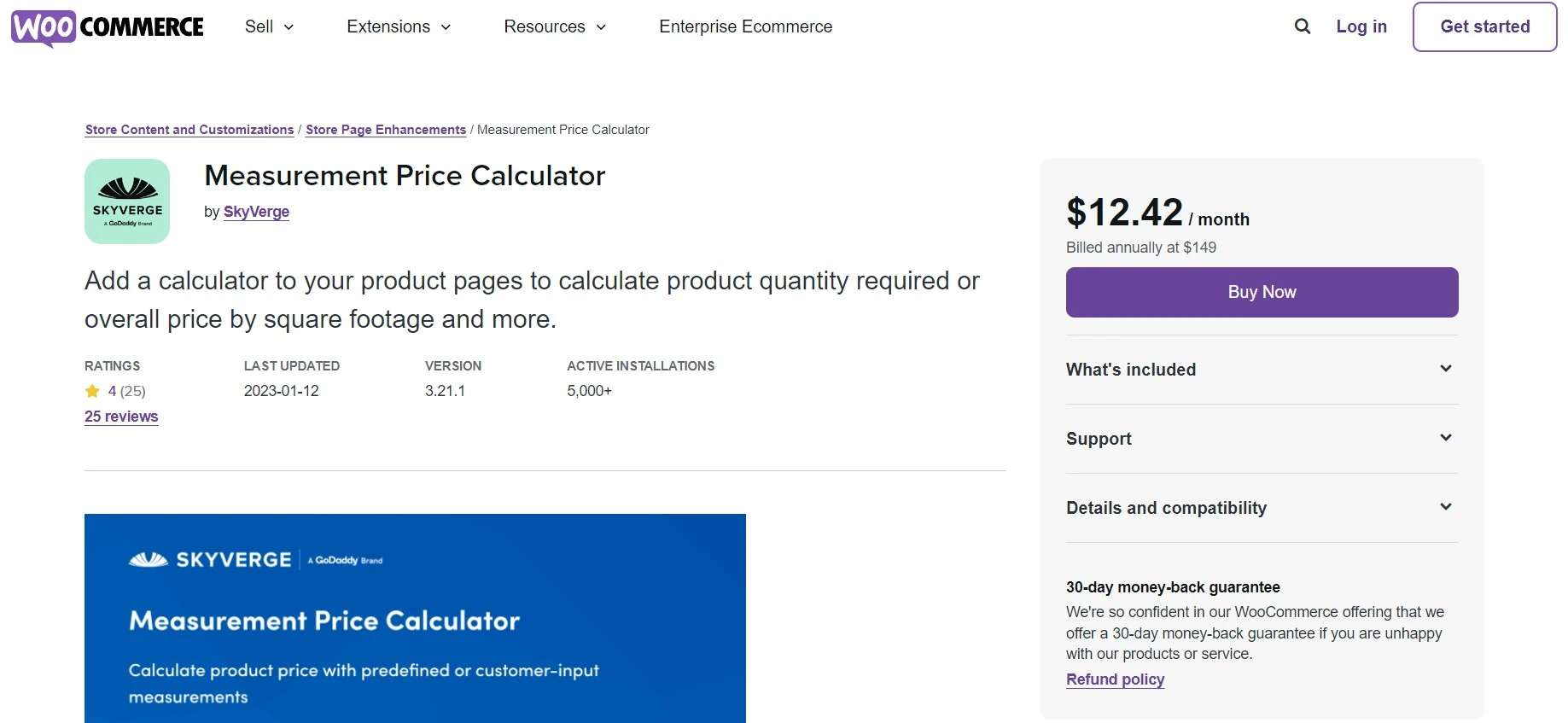
Everything else here builds a form beside your product. This one prices the product itself. Flooring, fabric, worktops, turf, printing: the shopper enters dimensions, the extension works out area or volume, multiplies by your unit price and sends a correct line item to the cart. No other plugin in this list touches the WooCommerce price at that level.
It is a single-purpose extension and it is priced like an official one. If you sell by the metre it earns its keep on the first order that would otherwise have needed a phone call. If you don’t, it does nothing for you. Worth pairing with the rest of your WooCommerce plugin stack rather than treating it as a calculator plugin.
- Pricing by area, volume, length or weight, calculated in the cart
- Custom unit labels and per-unit price display on the product page
- Minimum and maximum limits on customer-entered dimensions
- Inventory tracked by measurement rather than by item count
Price: the WooCommerce marketplace listing geo-switches currency. At the check date it served INR: Rs 14,358 for the 1-year plan and Rs 22,972.80 for two years. Your own checkout may show a different currency, so confirm the figure you will be charged before buying.
Best for: stores selling anything cut, poured or measured to order.
Skip it if: you sell fixed units. A quote form does that job for a fraction of the money.
Responsive Mortgage Calculator

Sometimes the right answer is a plugin that does one sum and asks for nothing. This one takes home price, down payment, a fixed interest rate, an amortisation period and a payment schedule of monthly, biweekly or weekly, then prints the payment. It drops in as a shortcode or a sidebar widget, and it is free.
Two things to know. Install numbers are modest at around 7,000, so it is a small project rather than a big one. And the plugin’s directory listing states that the amortisation schedule and chart optionally rely on an external mlcalc.com service, which is a third-party call worth reviewing against your GDPR obligations before you ship it.
- Shortcode and sidebar widget, no builder to learn
- Light and dark colour schemes, or turn styling off and use your theme’s
- Monthly, biweekly and weekly payment periods
- Popup summary with chart and amortisation schedule
Price: free on WordPress.org.
Best for: estate agency and broker sites that want a mortgage widget under every listing.
Skip it if: you need variable rates, offset accounts or anything the fixed field set does not cover. There is no formula editor to extend.
What most roundups get wrong
Almost every list of WordPress calculator plugins treats “has calculations” as a yes or no column. It isn’t one. Four things separate these plugins in practice, and none of them show up in a feature grid.
The free line moves. Formidable and Everest Forms give you no calculations free. Fluent Forms gives away conditional logic and charges for the maths. Cost Calculator Builder gives away the maths, in the sense of four operators, and charges for the logic. Calculated Fields Form gives away both, at basic level. Five vendors, and no two of them draw the free line in the same place.
Financial functions are the real cliff. A cost estimator is multiplication. A mortgage or an ROI model needs compounding, and that is a different class of formula. Calculated Fields Form is explicit about this and puts date-time, financial and distance operations in its Developer tier. Most vendors are not explicit, which means you discover the limit mid-build.
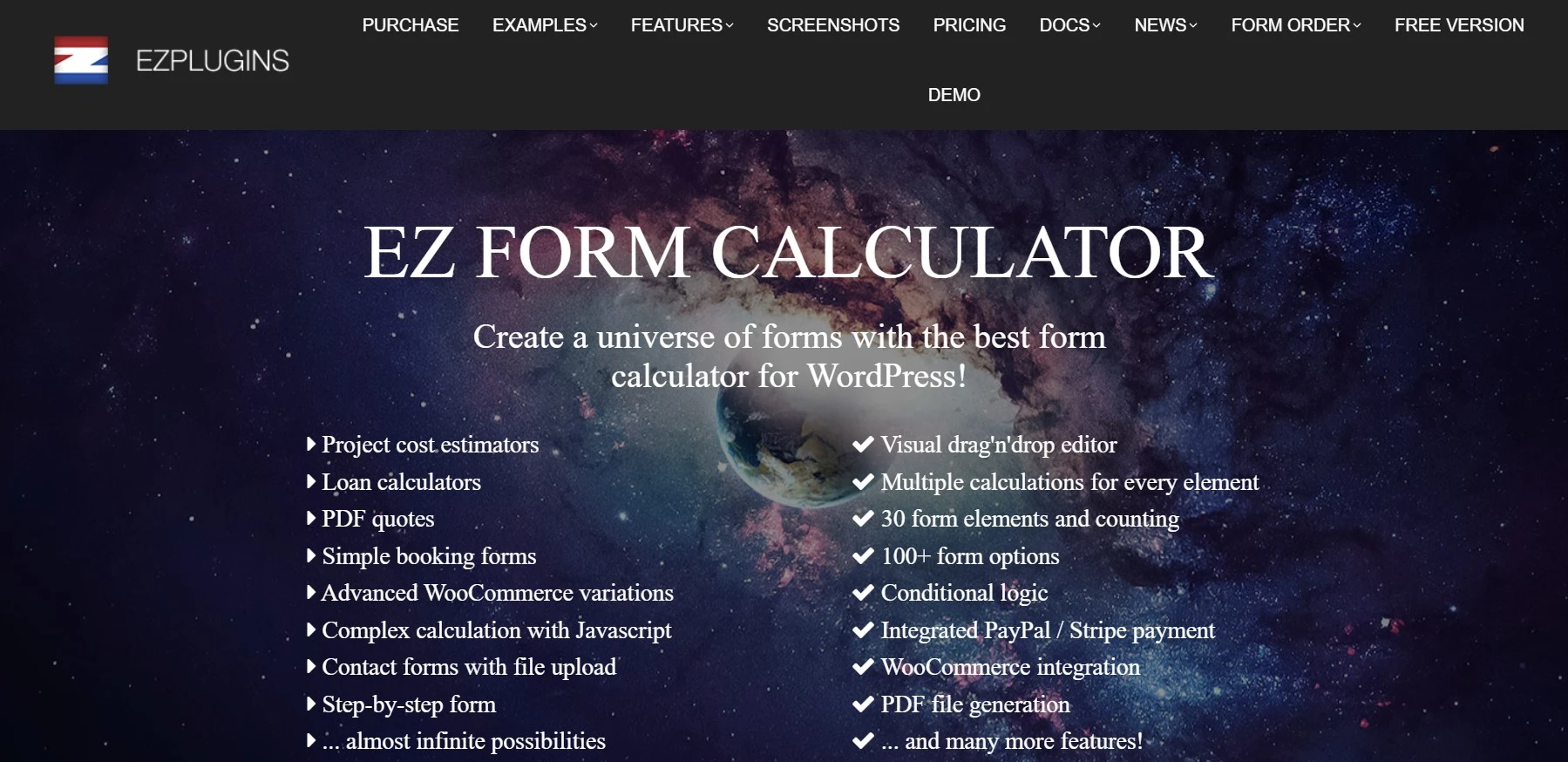
Some of the recommended plugins are gone. EZ Form Calculator still appears on plenty of current lists. Its directory page has been closed since 7 March 2024, with the reason given as a security issue, so it cannot be downloaded or updated from WordPress.org. If it is still running on a site you maintain, treat it the way you would any other abandoned plugin and review it against your security setup.
The sticker price is a first-year price. Formidable, Everest Forms, Fluent Forms and Cost Calculator Builder all advertise a discounted first year against a higher standing rate. Over a three-year client engagement the renewal is the number that matters, and it is roughly double the headline in Formidable’s case. The table above lists both wherever the vendor publishes a renewal figure.
Which one should you install
- You need one mortgage sum on a property site. Responsive Mortgage Calculator, free. Stop there.
- You need a working calculator today and have no budget. Calculated Fields Form’s free version, and upgrade to Developer at EUR 59.99 the moment you hit a financial function.
- You want the lowest ongoing cost for a proper form builder. Everest Forms Personal, $49 then $69/yr.
- Your pricing has exceptions, tiers or thresholds. Formidable Basic, $39.50 then $79/yr. Budget for Business if you also take card payments.
- You already run Fluent Forms. Buy the Pro upgrade rather than adding a second builder. Two form plugins on one site is a support problem you are creating for yourself.
- You sell by the metre or the square foot. WooCommerce Measurement Price Calculator, and none of the others.
Whichever you pick, check the page weight afterwards. These plugins load their own scripts and several enqueue them site-wide by default, so run through your usual WordPress speed checks once the calculator is live, and restrict the assets to the pages that need them.
Frequently Asked Questions
Do WordPress calculator plugins work without any coding?
Yes. Every plugin here builds formulas through a visual editor rather than code. You pick fields, drop them into an equation box and the plugin handles the maths. Coding only becomes relevant if you want custom validation or want to pipe results into another system through a webhook.
Which free WordPress calculator plugin can handle a mortgage formula?
None of them cleanly. Responsive Mortgage Calculator is free and does exactly one mortgage sum, so it works if a fixed widget is all you need. If you want a mortgage formula you control, Calculated Fields Form needs its Developer tier at EUR 59.99 for financial operations.
Why does my calculator plugin cost more to renew than to buy?
Because the headline figure is usually a first-year discount. Formidable, Everest Forms, Fluent Forms and Cost Calculator Builder all advertise a reduced first year and then bill the full price every year after. Budget on the renewal number, not the one on the buy button.
Do I need conditional logic as well as calculations?
Almost always yes. A price that changes with a dropdown is arithmetic; a price that only applies to commercial customers in one region is logic. Cost Calculator Builder puts its conditional system behind the paid tier, while Fluent Forms gives conditional logic away free and charges for the maths instead.
Can I add a calculator to WooCommerce product pages?
Yes, two ways. WooCommerce Measurement Price Calculator prices the product itself by length, area, volume or weight and feeds the result straight to the cart. A general form builder such as Formidable or Fluent Forms gives you a quote form beside the product, which suits made-to-order work better.
Will a calculator plugin slow my site down?
It depends on where the calculator loads. These plugins ship their own JavaScript, and a builder that enqueues assets on every page costs you more than one that loads only where the shortcode appears. Check your site after install and restrict the scripts to the pages that hold a calculator.
Is a lifetime licence worth it for a calculator plugin?
Only if the plugin is central to your site. Fluent Forms sells a single-site lifetime licence at $279, which beats $63 for year one plus three renewals at $79, or $300 across four years. Below that horizon the annual licence is the better bet.
Is EZ Form Calculator still safe to use?
No. The WordPress.org listing was closed on 7 March 2024 for a security issue, so the plugin no longer receives updates or downloads through the directory. If you still have it installed, export what you need and move to a maintained plugin rather than leaving it in place.
Our pick of the best WordPress calculator plugins in 2026
Buy Formidable Forms. The Basic tier at $79/yr on renewal gives you calculations and conditional logic together, and the formula editor copes with pricing that has exceptions in it, which is where the others tend to run out of road. If you sell anything, budget for Business instead so the 3% transaction fee goes away.
Two exceptions. On a tight budget, Everest Forms Personal renews at $69/yr, the lowest annual USD renewal in our table, and it includes calculations on every plan. And if you would rather pay once, Calculated Fields Form’s Developer tier at EUR 59.99 covers financial formulas outright with no annual bill at all.
Whatever you choose, build the hardest formula you will ever need during the refund window, not after it. Every one of these plugins looks capable until the sum gets awkward, and refund windows are short.




[…] is already signed in. If pricing logic is the point of the form, compare it against the dedicated WordPress calculator plugins before you […]
[…] Calculations from the entry tier, which is why it doubles as a calculator plugin […]