


An SEO-optimized WordPress theme matters less than most roundups pretend and more than the “themes don’t affect SEO” crowd will admit. Your theme decides your heading structure, your Core Web Vitals starting point, and how much CSS a crawler wades through before it reaches a sentence of your writing. It will not write your title tags. This is the 2026 rewrite of our shortlist. Every price below was checked in August 2026 against the vendor’s own page, or the ThemeForest item page for the marketplace themes, and where a page would not load the cell says so rather than guessing.
Quick verdict
Best overall: GeneratePress Premium. $59/year covers up to 500 sites, the front-end markup is the tidiest here, and nothing in the theme fights your SEO plugin.
Best free: Astra. One million active installs and a 98/100 rating from 6,514 reviews on its WordPress.org listing, last updated 19 August 2026. Boring in the way infrastructure should be boring.
Best for block-editor builds: Kadence, if you can stomach $99/year and the fact that Liquid Web now prices it per site.
Skip it if: you landed here ready to buy Schema because a 2023 blog post called it the fastest SEO theme. MyThemeShop still sells it, but its own product page lists compatibility up to WordPress 6.7.7 while the current release is 7.1.
Our call: GeneratePress Premium for a content site you intend to keep. Astra free when the budget is genuinely zero. Newspaper only if you actually publish a magazine.
What an SEO-friendly theme actually controls
Search engines do not rank themes. They rank pages. The theme’s influence is entirely upstream of that, and it lands in four places.
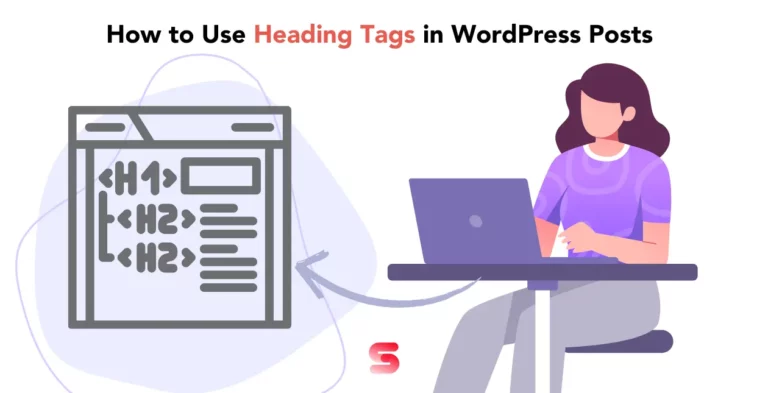
The rendered HTML. A theme decides whether your post title is an H1, whether your sidebar widget titles are H2s competing with your subheadings, and whether your archive pages emit a sensible outline. Get this wrong and every article you publish inherits the mistake. Our guide to using heading tags in WordPress covers what a clean outline looks like before you commit to a theme.
The Core Web Vitals baseline. Every kilobyte of theme CSS and JavaScript is a kilobyte you have to claw back later. Themes also cause layout shift when they load webfonts badly or leave image dimensions off, which is a fixable problem but a tedious one. If you are already fighting it, start with how to avoid layout shift in WordPress rather than blaming your host.
Schema output. Some themes inject their own JSON-LD. That sounds helpful until it collides with the structured data your SEO plugin already publishes and Google gets two different descriptions of the same article. One source of truth, always.
What it does not control: your titles, your meta descriptions, your XML sitemap, your redirects, your internal links, or whether the content is worth reading. That is the plugin’s job and yours. Our roundup of the best WordPress SEO plugins covers that half.
Price comparison
| Theme | Free version | Paid entry price | Renewal | Sites |
|---|---|---|---|---|
| Astra | Yes, 1M+ installs | Not verified (see note below) | Not verified | Varies by plan |
| GeneratePress | Yes, 500k+ installs | $59/yr (GP Premium) | $59/yr, no intro discount to fall off | 500 |
| Kadence | Yes, 500k+ installs | $99/yr (Essentials) | Not published | “Plans are priced per site” |
| OceanWP | Yes, 500k+ installs | Not verified (see note below) | Not verified | Varies by plan |
| Blocksy | Yes, 300k+ installs | Not verified (see note below) | Not verified | Varies by plan |
| Genesis | Framework is free | $360/yr (Genesis Pro) | $360/yr, or $30/mo via WP Engine | Unlimited |
| Schema | Lite version | $39 on sale from $49 | Buys 1 year of updates and support | Unlimited |
| Newspaper | No | $59 one-time | None; support renews separately | 1 per licence |
| Betheme | No | $69 one-time | None; support renews separately | 1 per licence |
| REHub | No | $59 one-time | None; support renews separately | 1 per licence |
Astra
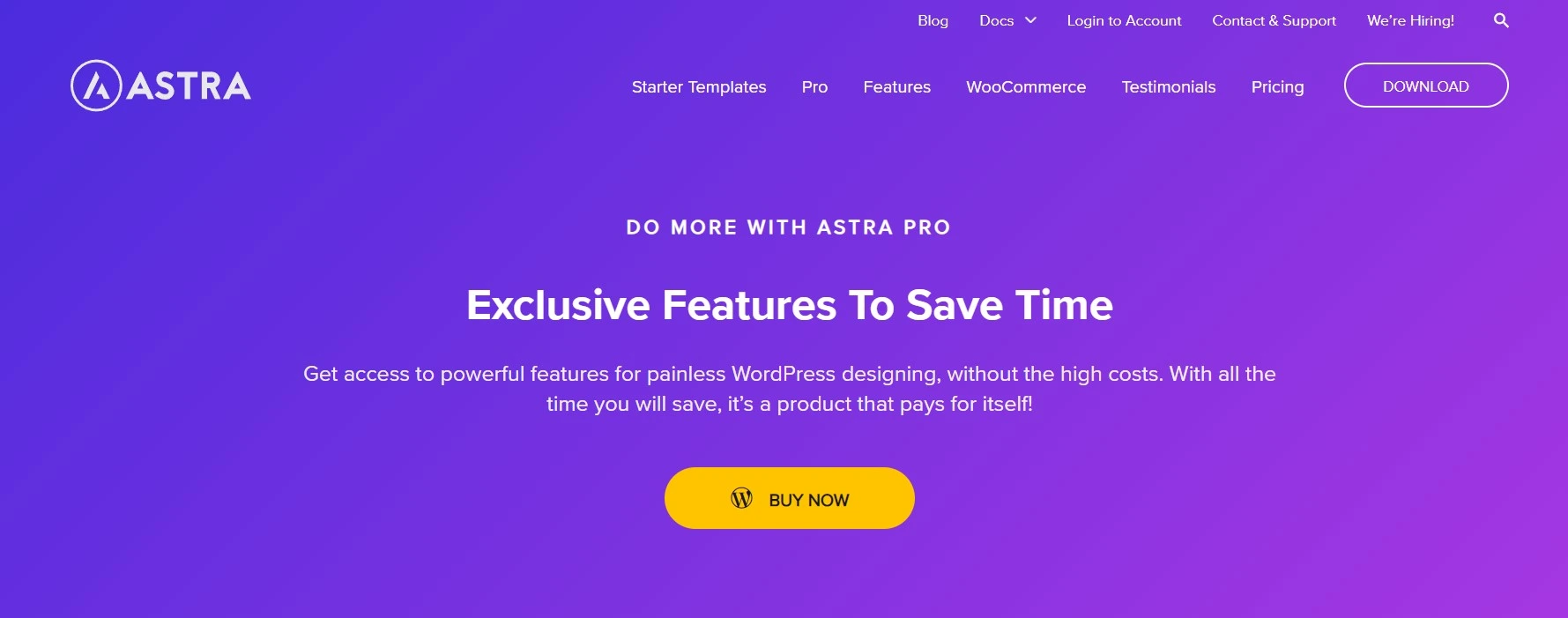
What it is: the default safe choice. Astra sits in WordPress.org’s top install bracket at 1,000,000+ active installs, keeping company with Hello Elementor and the current default theme, and its WordPress.org listing shows a 98/100 rating across 6,514 reviews with version 4.13.10 released on 19 August 2026. It works with every page builder, it has a starter template for whatever the client just asked for, and the free version is genuinely usable rather than a demo.
Key features: header and footer builder, full typography and colour control, custom layouts and hooks, a WooCommerce performance module, and a starter template library that imports a whole site in one click. It plays well with Elementor Pro if that is your builder of choice, which is how most people end up on Astra in the first place.
Price: not verified. The Astra pricing page did not return readable pricing content when this page was checked in August 2026, so the addon tier, the bundles and the toolkit tiers are left blank rather than repeated from memory or from a third-party blog. Read the tiers there yourself, and check the renewal rate at checkout as well as the first-year price, because on an annual licence the renewal is the number that decides what the theme costs you. The free theme is still free, and it is what the million-install count is running. Our full Astra Pro review digs into whether the addon-only tier is enough.
Best for: freelancers who build a lot of small client sites and want template imports plus a licence that covers more than one of them. Check how many at checkout.
Skip it if: you only need one blog and a header. The free version already does that, and there is no reason to pay for tiers you will never open.
Disclosure: the link below is an affiliate link. If you buy through it we earn a commission at no extra cost to you. It has no bearing on where Astra sits in this list.
GeneratePress
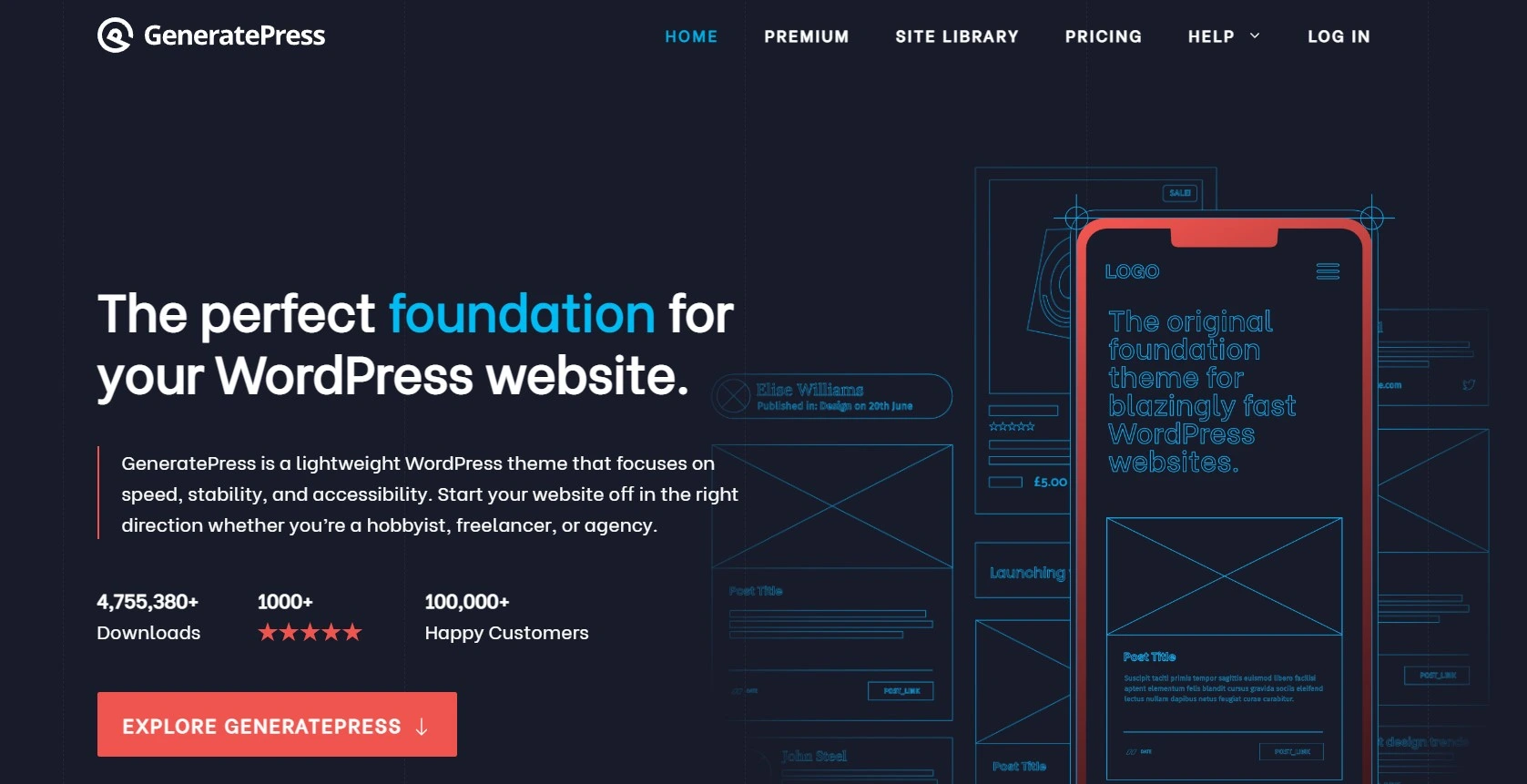
What it is: the theme developers recommend to each other. GeneratePress ships very little CSS, very little JavaScript, and markup you can read without a debugger. Its WordPress.org listing shows 500,000+ active installs and a perfect 100/100 rating from 1,426 reviews, which ties Blocksy for the highest score in this list.
Key features: modular premium addons you enable individually, so an install only loads what you switched on. Site library imports, element hooks, a WooCommerce module, and typography controls that do not need a page builder to be useful. Pair it with GenerateBlocks and you can build layouts in the block editor without an extra builder at all, which is the cheapest way to keep your page weight down.
Price: GP Premium is $59/year for up to 500 sites. GenerateBlocks Pro and GenerateCloud are $99/year each, and the GeneratePress One bundle covers the lot at $149/year. There is no first-year discount to fall off, which is the point. The pricing page lists no lifetime tier as of this check, so if someone quotes you one, ask where they got it.
One honest caveat: the free theme’s last release on its WordPress.org listing was 3.6.1, dated 1 December 2025. A gap of that length on a theme this mature reads as stability rather than abandonment, and premium ships on its own cycle, but it is worth knowing before you assume weekly updates.
Best for: anyone running a content site who cares about page weight and wants one licence to cover a whole portfolio.
Skip it if: you want to pick a beautiful demo and be finished in an hour. GeneratePress gives you a foundation, not a finished design.
Kadence
What it is: the best block-editor-native theme of the group, and the one whose commercial situation changed most since this article was first published. Kadence is now sold by Liquid Web, and the pricing page has moved to liquidweb.com. The free theme is holding up fine: its WordPress.org listing shows 500,000+ active installs, 98/100 from 452 reviews, and version 1.5.2 dated 24 July 2026.
Key features: the theme plus Kadence Blocks gives you a header builder, a footer builder, and 30-odd blocks that output reasonable HTML instead of nested div soup. Starter templates land in the block editor rather than a proprietary builder, which means your content survives a theme change later. That portability is the strongest technical argument for it.
Price: on the Kadence page at Liquid Web, Essentials is $99/year, Pro is $299/year and adds WooCommerce Shop Kit, memberships, a security firewall and daily backups, and Elite is $499/year with A/B testing, popups, white-labelling and multi-site management through Kadence Central. The page states “Plans are priced per site,” and no renewal rate or lifetime option is published. That is a meaningful change from the old unlimited-sites licence, so read the checkout carefully before you assume one purchase covers your client roster.
Best for: people building in Gutenberg who want a header builder without installing a page builder.
Skip it if: you manage twenty client sites. Per-site pricing at $99 makes GeneratePress’s 500-site licence look like a rounding error.
OceanWP
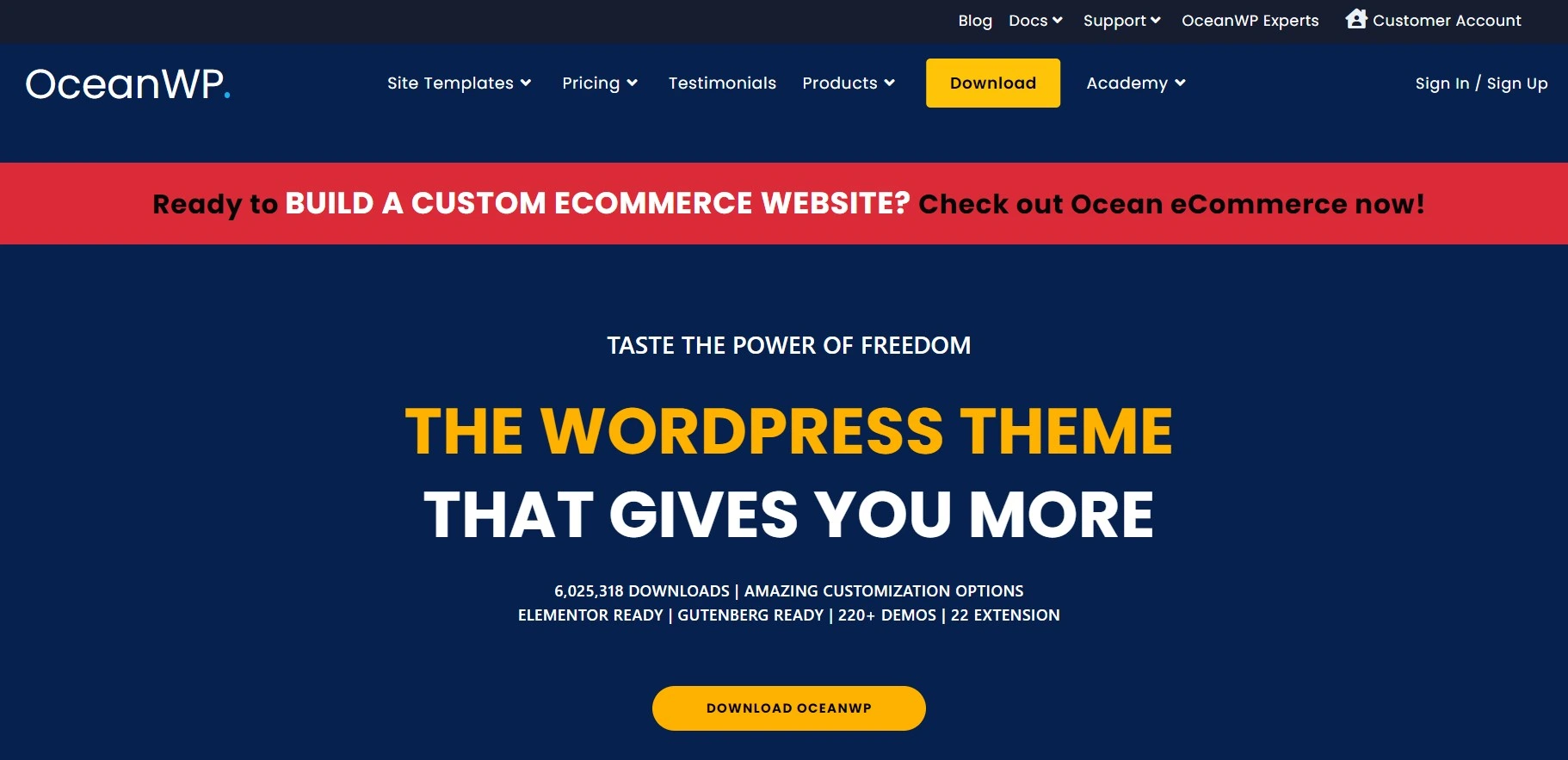
What it is: the demo-first option. OceanWP leans on a large library of importable site templates and a long list of extensions, and it has grown since the last version of this article: 500,000+ active installs now, up from the 300,000 we quoted in 2023, and its WordPress.org listing shows a 98/100 rating from 5,713 reviews with version 4.2.3 dated 18 August 2026.
Key features: most styling lives in the WordPress Customizer with live preview, per-page settings sit under the editor, and the extension bundle adds sticky headers, popup logins, WooCommerce panels and the rest. It is heavier out of the box than GeneratePress, which you will feel on cheap shared hosting.
Price: not verified. The OceanWP pricing page was not reachable when this page was checked in August 2026, so there is no figure here, and no renewal terms either. We are not going to describe a policy we could not read. Confirm the plan price, the site limit and the renewal rate at checkout before you buy. None of that touches the free theme, which is what those 500,000+ installs are running.
Best for: a one-off site where you want to import a demo that already looks close to the brief.
Skip it if: you are chasing a perfect Lighthouse score on a $4/month host.
Blocksy
What it is: the newest name here and the one that quietly has the best numbers. Its WordPress.org listing shows a 100/100 rating from 882 reviews at 300,000+ active installs, with version 2.1.55 dated 27 August 2026, the most recent release of any theme in this roundup. It is fast, the customizer is genuinely pleasant, and its WooCommerce handling is better than its install count suggests.
Key features: header and footer builders in the free tier, conditional content rules, dynamic data support, and a set of theme blocks for building archive and single templates. Free Blocksy does more than free Astra or free GeneratePress, which is why it keeps showing up in developer recommendations.
Price: not verified, for the same reason as OceanWP. The Blocksy pricing page was not reachable when this page was checked in August 2026, so any figure printed here would be a guess dressed up as research. The free version is a real product; price the Pro tiers on Creative Themes’ own page and confirm at checkout if you need the extras.
Best for: anyone who wants the most capable free theme and does not need a brand name to justify the choice to a client.
Genesis Framework
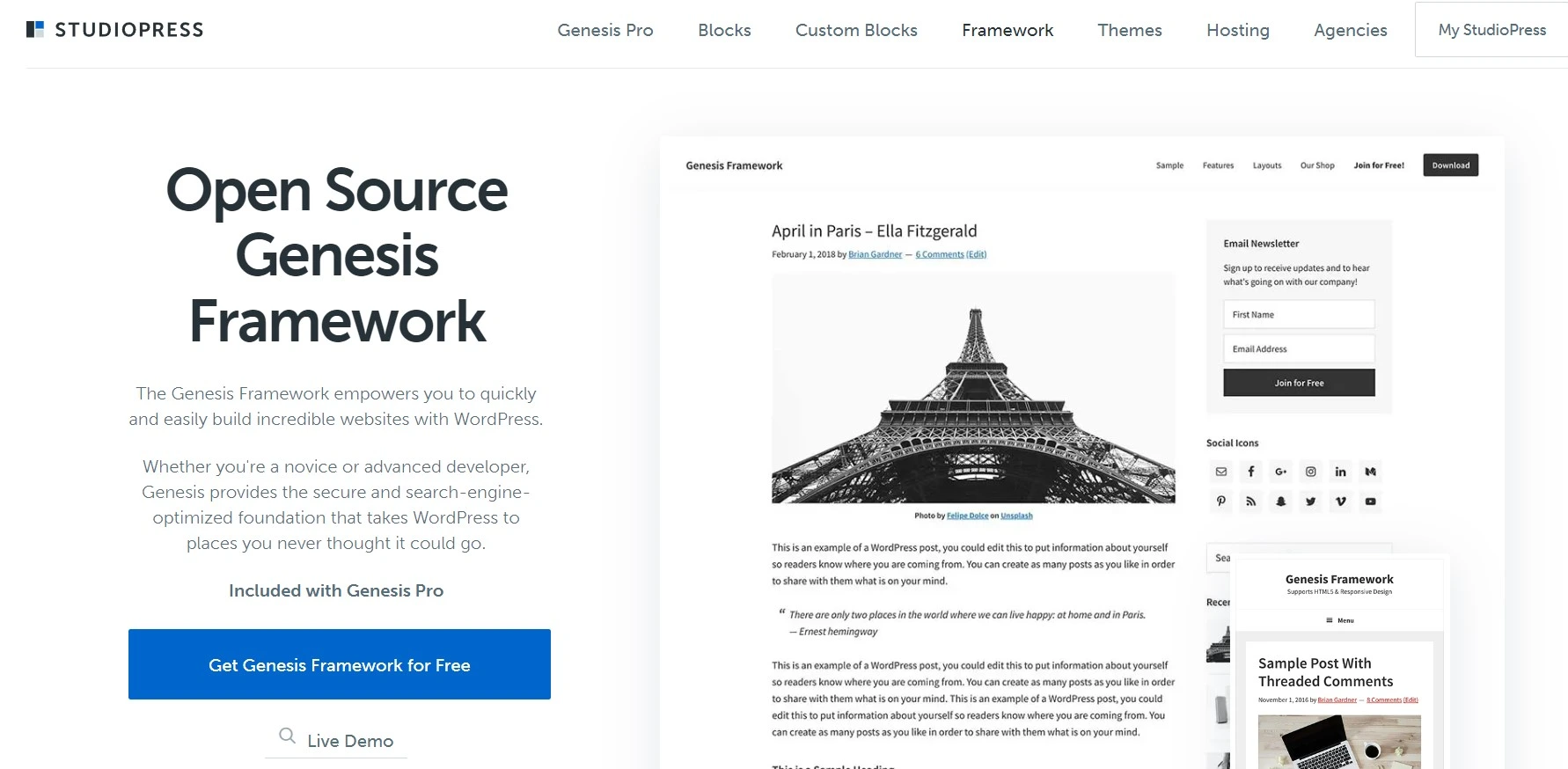
What it is: the old guard, and the entry whose status most people get wrong. The Genesis Framework itself is now open source and free to download from StudioPress. What costs money is Genesis Pro, which bundles the framework, the ten StudioPress child themes, and the Genesis Pro block library.
Key features: a hooks-and-filters architecture that experienced developers can move around blindfolded, clean semantic templates, and child themes that have survived a decade of WordPress releases without falling over.
Price: Genesis Pro is $360/year on StudioPress, or $30/month per account on WP Engine plans. Unlimited sites, and you do not have to host with WP Engine to use it. That is by far the most expensive line in this table.
The catch: WP Engine’s development energy has gone to block themes, and Genesis has been in maintenance mode for a long stretch. The framework is not dying, but it is not where new features land either. Paying $360/year for a classic-PHP framework in 2026 needs a better reason than “it has good SEO,” because on that measure GeneratePress matches it for a sixth of the price.
Best for: agencies with a Genesis codebase and muscle memory already invested.
Skip it if: you are starting fresh. There is no upside here for a new project.
Schema by MyThemeShop
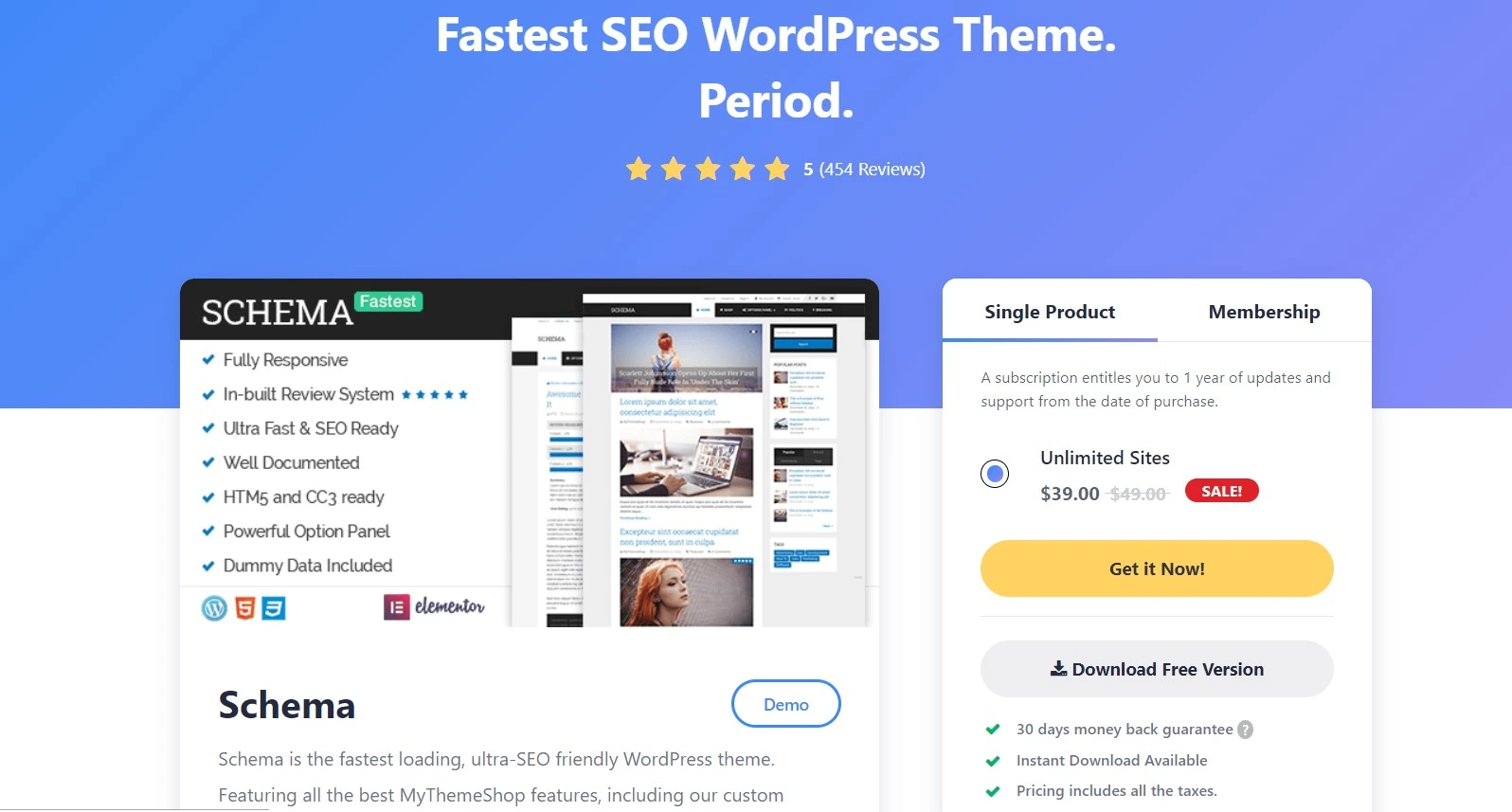
What it is: the theme the previous version of this article named as its top pick. I am reversing that, and the reason is on MyThemeShop’s own product page.
The problem: the Schema listing states WordPress compatibility “Upto 6.7.7” with the pro version at 3.9.23. WordPress core is on 7.1. A theme two major versions behind is not automatically broken, but it is not a foundation we would put a client’s traffic on, and “SEO-optimized” stops meaning much when the theme has not been tested against the editor your writers use every day.
Price: $39, reduced from a listed $49, for unlimited sites with one year of updates and support. The all-products membership is $199. Cheap, and MyThemeShop is still trading, so this is not a scam warning. It is an obsolescence warning.
Worth knowing: the MyThemeShop team’s attention went to Rank Math, which turned into one of the best SEO plugins available. That was a good trade for the WordPress ecosystem. It was not a good trade for the theme catalogue.
Best for: nobody starting a site today.
Newspaper by tagDiv
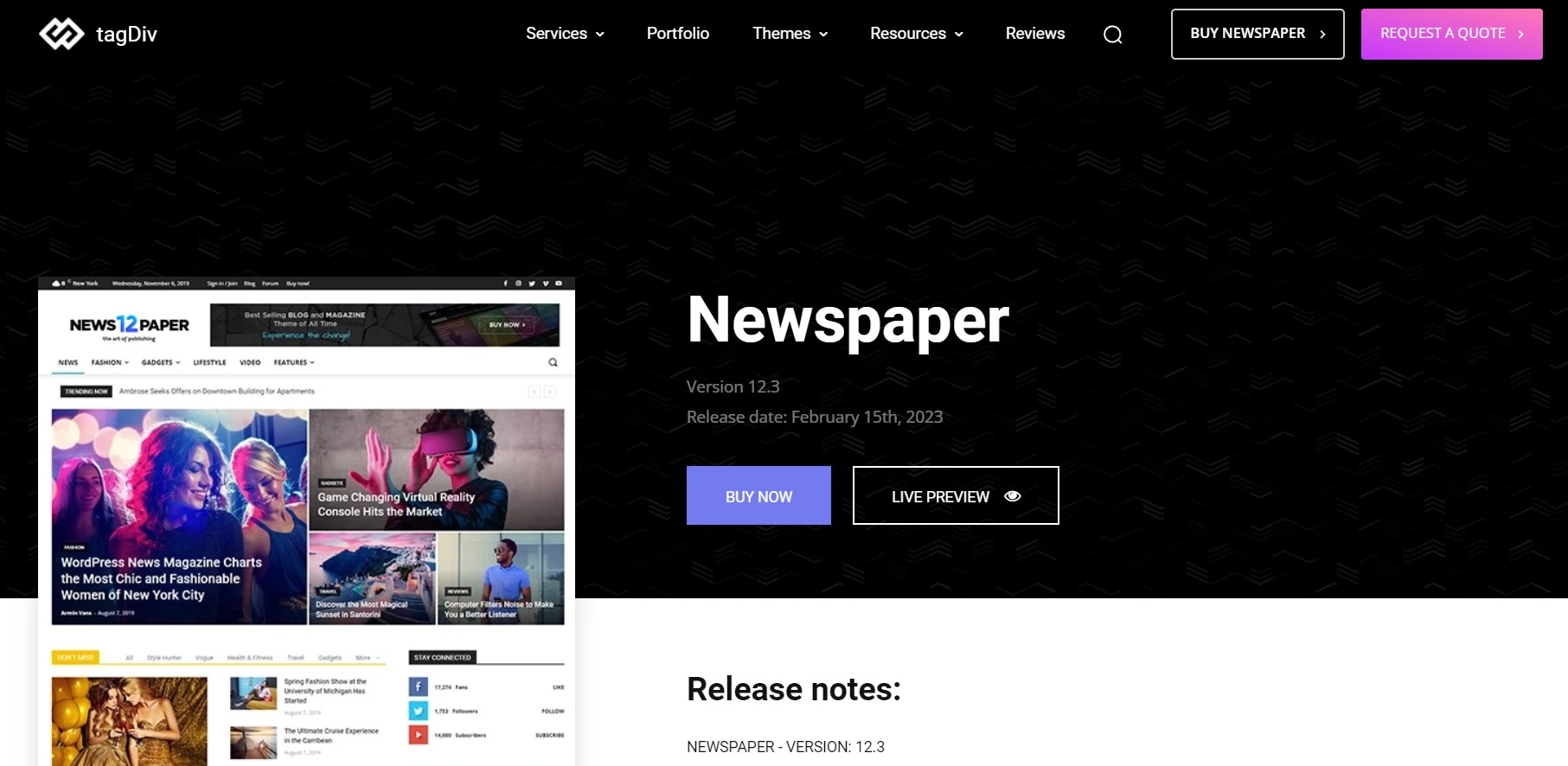
What it is: the best-selling news and magazine theme on ThemeForest. Its ThemeForest item page lists 157,287 sales, a 4.80 rating from roughly 8,000 reviews, and version 12.7.7 released on 22 July 2026. Unlike most Envato bestsellers, it is still actively maintained.
Key features: a large set of magazine demos across tech, fashion, food and travel niches, its own Cloud Library of prebuilt blocks, ad-placement controls that matter if display revenue pays your bills, and category-template control that most general-purpose themes handle badly.
Price: $59 for the regular licence on that same ThemeForest page, one site, one-time. Support renews separately after the included window, which is the usual Envato arrangement and the part buyers forget.
Best for: a genuine multi-author magazine with heavy category structure and ad inventory. If display ads are the plan, map your ad slots before you pick a layout, because ad inventory dictates design far more often than design dictates ad inventory.
Skip it if: you run a single-author blog. You will pay in page weight for features you never load.
Betheme
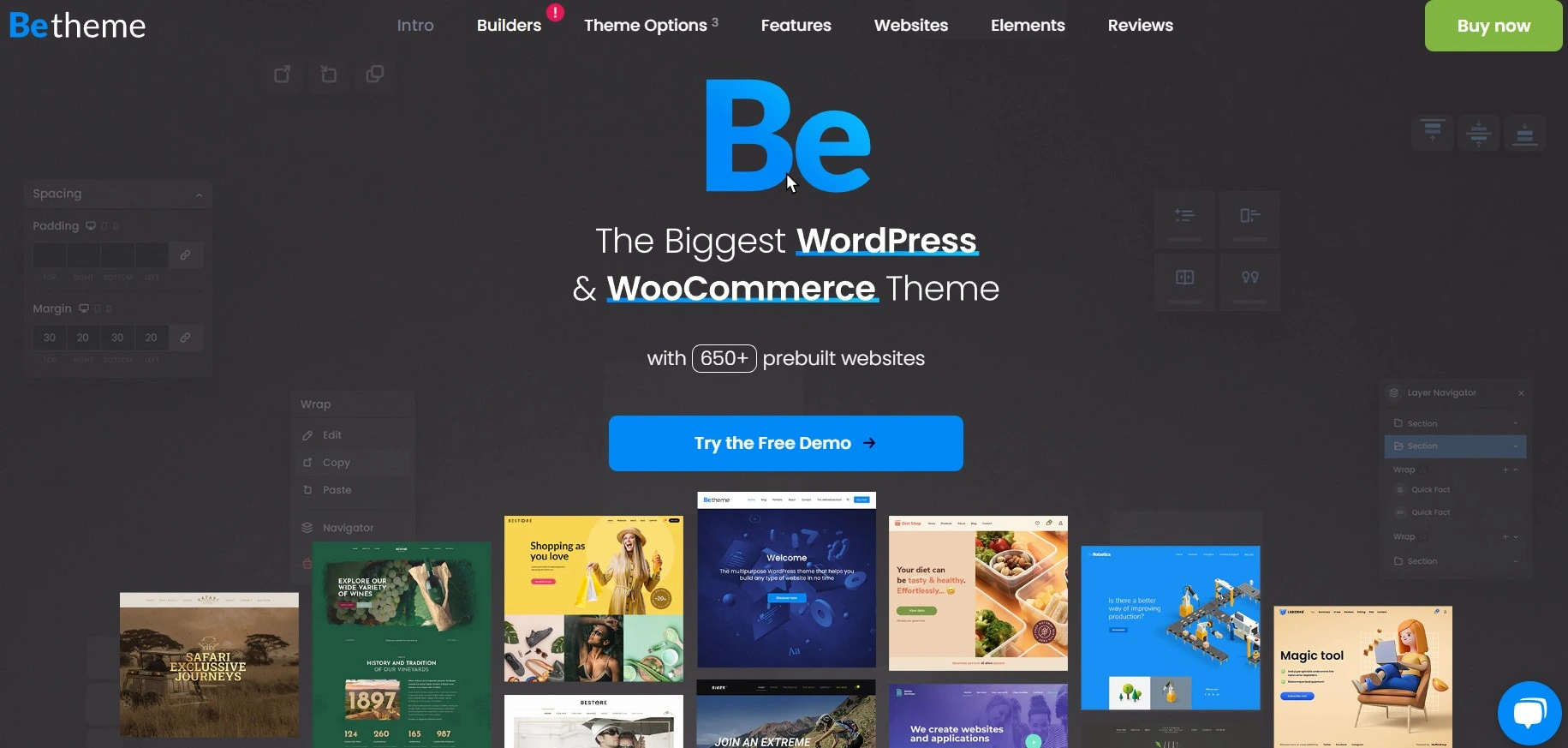
What it is: the volume play. Its ThemeForest item page lists 336,778 sales, a 4.82 rating, and version 28.5.8 shipped on 24 August 2026, so the update cadence is real. Its pitch is its prebuilt site library and its own BeBuilder, so you import something close to the brief and edit down.
Price: $69 one-time for the regular licence, one site, as listed on ThemeForest.
The SEO honesty note: multipurpose themes are the opposite of lean by design. Betheme is fast for what it is, but “fast for a theme carrying 700 demos” is a different sentence from “fast.” If you buy it, plan on a serious pass through our guide to speed optimizing a WordPress website, because the defaults will not get you there.
Best for: agency work where a client wants a specific look next Tuesday and a $69 one-time cost beats three days of custom build.
Skip it if: Core Web Vitals are a contractual deliverable.
REHub
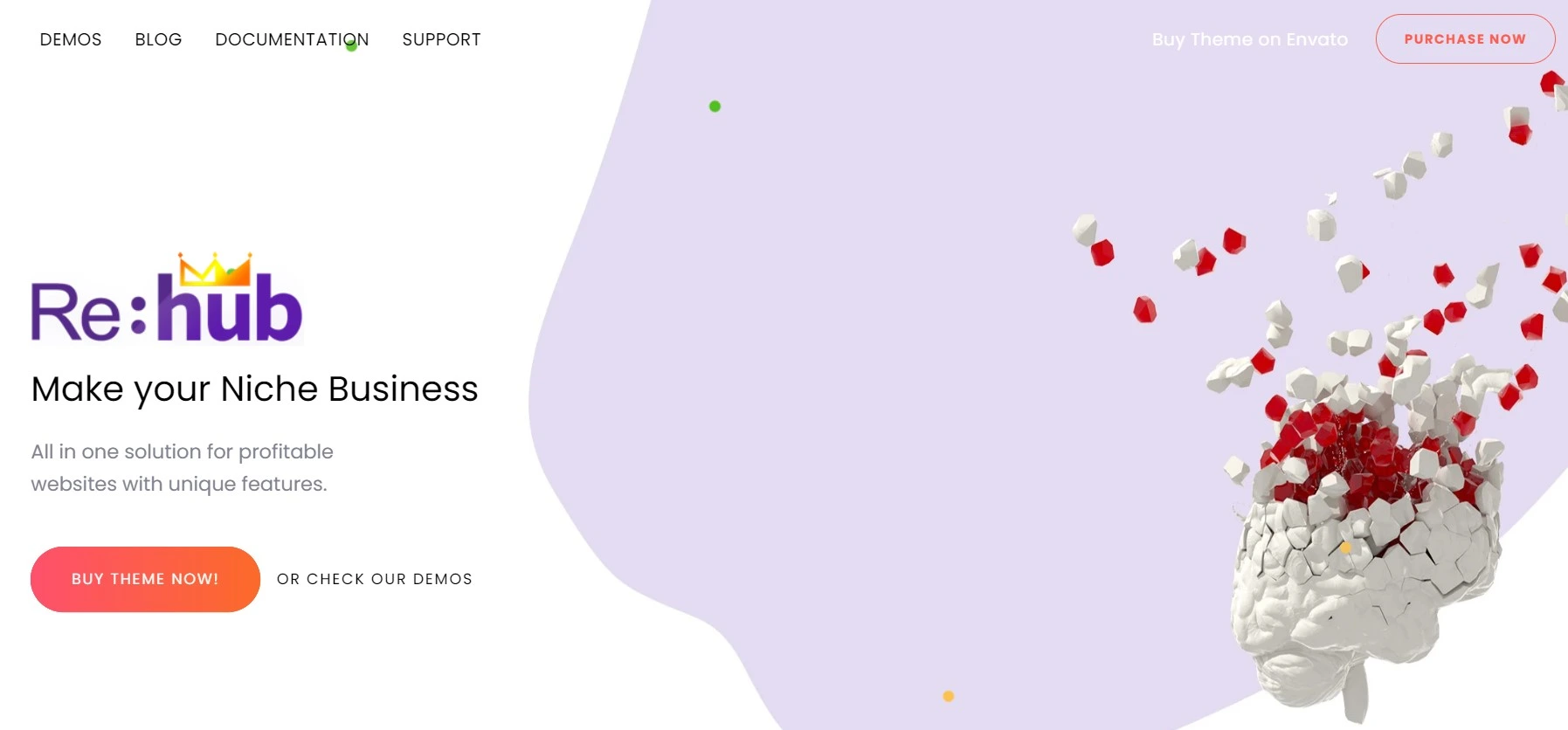
What it is: a specialist, not a general-purpose theme. REHub is built for affiliate, comparison, coupon and multi-vendor sites, and its ThemeForest item page lists 38,684 sales, a 4.89 rating from 1.7k reviews, and version 19.9.9.8 shipped on 28 June 2026.
Key features: comparison tables, price-tracking modules, review templates with rating schema, and community features. On an affiliate site those modules replace three or four plugins, which is a real speed argument even though the theme itself is not featherweight.
Price: $59 one-time for the regular licence, one site, as listed on ThemeForest.
Best for: a review or comparison site where the product data is the content.
Skip it if: you write essays. Everything that makes REHub good is dead weight on a plain blog.
The catch most theme roundups leave out
Three things go unsaid in almost every article on this topic, and all three cost readers money.
The renewal is the real price. Half this market advertises a first-year price and renews higher, and the renewal rate is routinely the hardest number to find on the page. When you compare themes, compare year two, because year one is marketing. Where a vendor does not publish a renewal rate at all, treat that silence as information too.
Your theme is rarely the bottleneck. Swapping GeneratePress for Astra might move your Largest Contentful Paint by a few tenths of a second. Moving off oversold shared hosting, or turning on real page caching, moves it by whole seconds. If your site is slow, work through reducing server response time and pick from the best WordPress cache plugins before you blame the theme. WP Rocket on a mediocre theme beats no caching on a perfect one, every time.
“SEO-optimized” is mostly a marketing label. There is no certification. Any theme that outputs one H1, uses real heading levels, sets image dimensions, and does not duplicate your plugin’s schema qualifies. That describes every theme in the free WordPress directory’s popular list and quite a few outside it. What separates them is page weight and how much of your day the customizer eats, not some hidden ranking property.
One more, since we are being blunt: builders matter more than themes now. If you are on Bricks or a similar builder, the theme underneath is nearly cosmetic, and your Core Web Vitals story is decided by the builder’s output and your image pipeline. Compressing what you upload will do more for your scores than this entire comparison table.
Which one should you pick
Pick by what you are building, not by which theme has “SEO” in the marketing copy. Whichever you land on, the workflow in our guide to SEO optimizing blog posts in WordPress will do more for your traffic than the choice itself.
- Starting a blog with no budget: Astra free, or Blocksy free if you want more built in. Move on and write something.
- Serious about a content site long-term: GeneratePress Premium at $59/year. Lowest page weight, 500 sites, no renewal surprise.
- Building client sites in Gutenberg: Kadence, once you have checked what per-site pricing costs across your actual roster.
- Running a magazine with ad inventory: Newspaper at $59. Nothing else on this list handles category templates as well.
- Affiliate or comparison site: REHub at $59. The built-in modules replace a stack of plugins.
- Client wants a specific look, fast: Betheme at $69, then budget half a day for performance cleanup.
- Already deep in Genesis: stay. Genesis Pro at $360/year is only worth it if the muscle memory is already paid for.
Frequently Asked Questions
Do WordPress themes actually affect SEO?
Yes, but indirectly. Your theme controls heading structure, internal link markup, image handling and how much CSS and JavaScript loads before your content renders, and all of that feeds Core Web Vitals and crawl efficiency. It will not choose your keywords or write your title tags.
Is a free SEO-friendly theme good enough?
For most blogs, yes. The free versions of Astra, GeneratePress, Kadence, OceanWP and Blocksy all ship clean markup and pass Core Web Vitals on decent hosting. What you buy with the premium tier is design control, header and footer builders and support, not better SEO.
Which SEO-optimized WordPress theme is fastest?
GeneratePress and Blocksy are the two built explicitly around minimal CSS and JavaScript, and that is what both vendors lead with. Your hosting, your page builder and your plugin stack will move your Core Web Vitals far more than the gap between any two themes here.
Do I still need an SEO plugin if my theme is SEO-optimized?
Yes. No theme writes meta descriptions, generates an XML sitemap, manages redirects or outputs site-wide Article schema. Rank Math or Yoast does that job. The theme and the plugin cover different halves of the work, and neither one substitutes for the other.
Is Genesis Framework still worth buying in 2026?
Only if you already know Genesis. The framework itself is free and open source now, while Genesis Pro costs $360 per year (checked August 2026) and development has been in maintenance mode for years. A new project gets more for far less from GeneratePress or Kadence.
What is the catch with ThemeForest themes like Newspaper or Betheme?
The regular licence covers one site and a limited support window, after which support renews separately. Prices are one-time ($59 to $69 for the themes here), which looks cheap next to annual plans, but multipurpose themes load a lot of CSS you will never use.
Will switching WordPress themes hurt my rankings?
It can, briefly, if the new theme changes your heading structure, URL patterns or internal linking. Rankings usually settle within a few weeks when content and URLs stay put. Stage the switch, compare the rendered HTML before and after, and keep your redirects tidy.
Does a theme with built-in schema replace my SEO plugin’s schema?
Rarely, and it often duplicates it. Themes that inject their own JSON-LD can conflict with Rank Math or Yoast output, handing Google two different descriptions of the same page. Pick one source of structured data and switch the other off entirely.
How much should I spend on a WordPress theme?
Between nothing and $99 a year for most sites. Astra free or GeneratePress Premium at $59 a year covers a blog or small business site completely. Spend more only when a specific feature such as memberships, WooCommerce extras or multi-site management saves you billable hours.
Our pick
Buy GeneratePress Premium if you are building a content site you plan to keep. $59/year, 500 sites, the lightest output here, and no renewal cliff waiting in year two.
Stay free with Astra or Blocksy if you are still working out whether the site is going to be a real thing. Both are good enough to rank with, and you can upgrade later without rebuilding.
Choose Newspaper or REHub instead if your site is a magazine or an affiliate comparison site. Those are jobs a general-purpose theme does badly, and $59 one-time is a fair price for the right tool.
Do not buy Schema in 2026, whatever the older version of this page told you. And do not start a new project on Genesis Pro at $360/year.
Then go and do the work that actually moves rankings. No theme on this page will rescue thin content, and none of them will hold back good content either.
Sources checked, August 2026
- Newspaper by tagDiv on ThemeForest — sales, rating, version, release date and regular licence price
- Betheme on ThemeForest — sales, rating, version, release date and regular licence price
- REHub on ThemeForest — sales, rating, version, release date and regular licence price
- Astra on WordPress.org — installs, rating, review count, version and release date
- GeneratePress on WordPress.org — installs, rating, review count, version and release date
- Kadence on WordPress.org — installs, rating, review count, version and release date
- OceanWP on WordPress.org — installs, rating, review count, version and release date
- Blocksy on WordPress.org — installs, rating, review count, version and release date
- Kadence plans at Liquid Web — Essentials, Pro and Elite pricing
- GeneratePress pricing
- Genesis Pro at StudioPress
- MyThemeShop Schema product page
- Astra pricing and plans — did not return readable pricing content when checked
- OceanWP pricing — not reachable when checked
- Blocksy pricing — not reachable when checked

[…] here lives in paid extensions instead. Because it stays out of your way, it also pairs well with an SEO optimised theme that already handles clean markup and […]
[…] of kilobytes of CSS and a dozen scripts on every page. If you are still choosing, start from a lightweight, SEO-friendly theme rather than optimizing your way out of a heavy one […]
[…] trade for the control it gives you over everything else. If you are still choosing, our roundup of SEO-friendly WordPress themes covers the […]